Claims and source evidence
Review whether product claims match current facts and whether the cited source supports the sentence. Approved evidence gives you a starting point, not permission to overstate it.
Native content QA & editorial review
A polished paragraph can still use the wrong product claim or evidence. Oleno supports native article QA and editing with current company knowledge, sources and the brief available during review.
Inspect the argument, product facts and supporting sources together. Correct a misleading angle or missing qualification before the article leaves your team, and use the editor to make the change.
Review whether product claims match current facts and whether the cited source supports the sentence. Approved evidence gives you a starting point, not permission to overstate it.
Check that the article answers the intended buyer question and reflects your point of view. Review voice and author guidance alongside substance, rather than treating tone as the whole strategy.
Read, edit and approve the native article before configured publishing or export. QA supports your judgment; it does not make every claim correct or replace subject-matter review.
Maintained in Oleno
Your native Oleno article
Review findings and an editable draft
You decide which changes to make and whether the piece is ready.
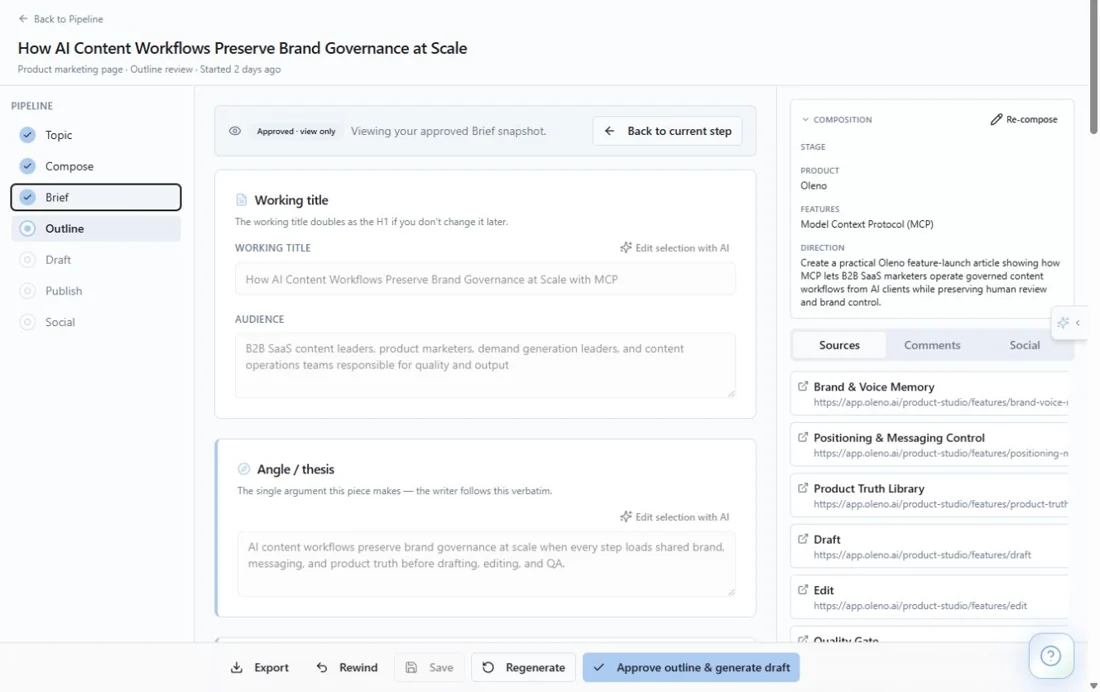
Review your brief, audience and source references before moving the article forward.
This review applies to supported content produced in Oleno. An article, deck or video created in another client is not automatically checked by Oleno just because that client retrieved governance.
Bring your strategy and the tools your team uses. We'll show you how Oleno fits the work you need to do.