Automated QA Gate: 12-Step Content QA Checklist for Publish-Ready Articles

Most teams treat quality like a broom. You write, you publish, you sweep up whatever broke. It feels fast until the mess compounds — missing schema, weak H2 openers, off-brand visuals, and that 11th-hour “wait, where did this link even come from?” fix. Here’s the shift: quality isn’t cleanup. It’s a gate that blocks bad content from ever going live.
When you make QA a gate, you stop debating taste and start enforcing rules. Policy as code. Clear thresholds. Pass/fail with logs. You save the human energy for judgment calls, not policing commas. And your CMS stops being a slot machine where every publish is a roll of the dice.
Key Takeaways:
- Turn editorial standards into executable checks that block bad publishes
- Enforce snippet-ready H2 openers and programmatic schema upfront
- Validate internal links against a verified sitemap to avoid fabrications
- Ground claims in a Knowledge Base to reduce factual drift and retractions
- Use visual rules for hero, inline images, and alt text to protect trust
- Define pass/fail thresholds, retries, and escalation before anything ships
Stop Treating QA As Cleanup. Make It A Gate That Blocks Low-Quality Content
A QA gate blocks low-quality content before it reaches your CMS. It scores structure, voice, factual grounding, links, visuals, and schema against objective rules and thresholds. If something fails, it triggers refinement or escalation instead of silently slipping to production.

This is policy as code, not preference in a doc. The gate runs the same way every time, logs what failed, and either fixes it automatically or stops the publish. Think: deterministic rules for internal links, programmatic JSON-LD, and a minimum passing score like 85. Drafts become predictable. Shipping becomes boring in a good way.
Most teams skip the “boring” parts when it’s crunch time — snippet-ready H2 openers, valid Article + FAQ + Breadcrumb schema, consistent paragraph sizing. Those details are exactly what search engines and LLMs reward. When the gate enforces them, your content ships eligible instead of “we’ll fix it later.” You publish less chaos and more authority.
The trap is pretending manual editing is cheaper. It isn’t. You spend hours triaging one-off issues that a system would catch in seconds. And you build a culture where “almost ready” is acceptable. A gate flips that story and gives you a visible green light before anything goes live. Want to skip the hand-wringing and see how this works in practice? Try an autonomous system that handles the gate for you. When you’re ready, Try Using An Autonomous Content Engine For Always-On Publishing.
QA Problems Are Not About Writing Quality. They Are About Missing System Rules
Content quality fails when standards aren’t encoded as rules. Advisory checklists live in docs; real gates live in code. You need explicit inputs, validation logic, weights, and pass/fail thresholds so you don’t rely on heroic editors every Friday at 5 p.m.
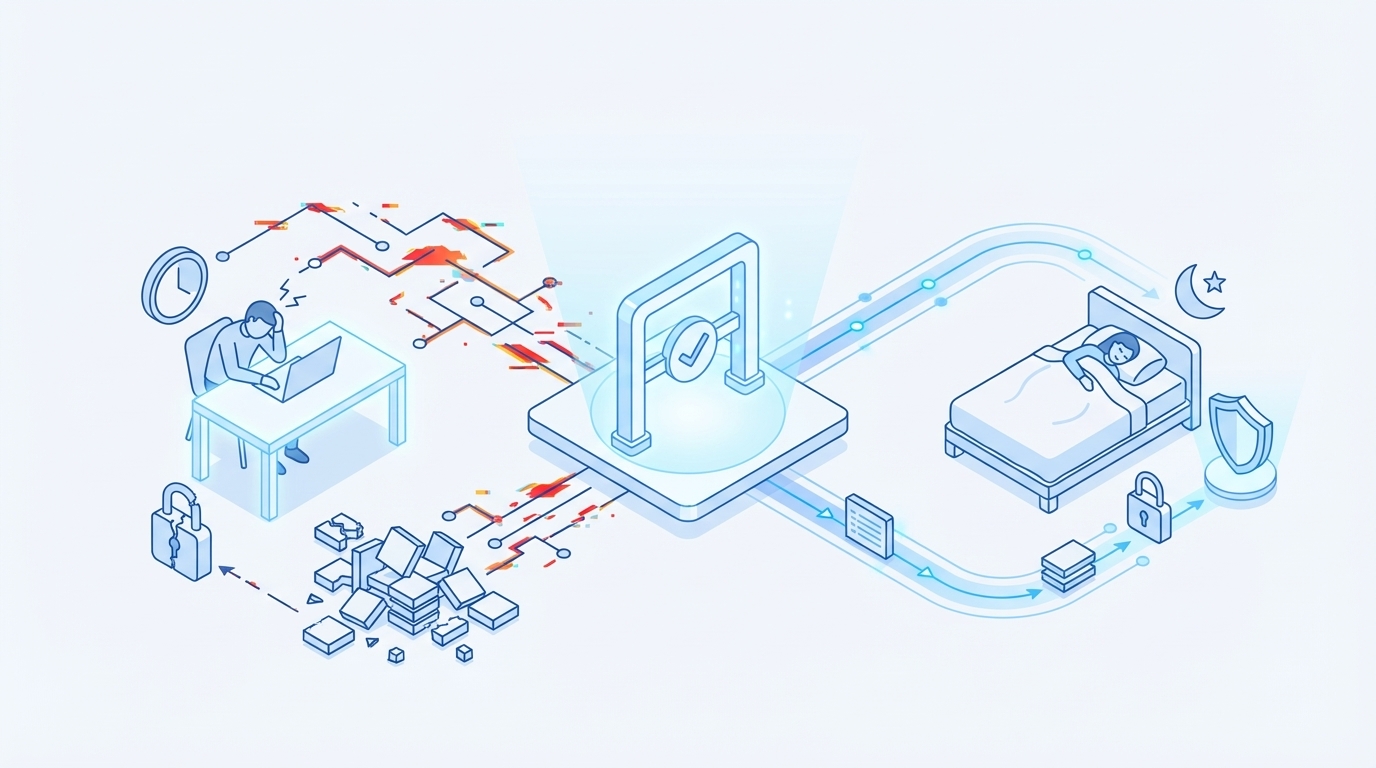
Traditional checklists are helpful, but they rarely enforce anything. They suggest, they don’t govern. Good gates convert standards into executable, weighted checks: structure, information gain, voice, visuals, links, schema. If schema is invalid, you block. If voice drifts, you auto-edit and rescore. That’s the difference between “we should” and “we will.” For context, see how formal definitions create rigor in process with a strong Definition of Done overview.
Grounding matters too. Ungrounded drafts drift — dates wander, product names morph, claims lack anchors. A Knowledge Base reduces that drift. Retrieval during drafting and QA lets you validate claims against known facts and flag anything unverified. You’re not turning writers into researchers; you’re giving the system a source of truth.
Links and schema fail for the same reason: determinism is missing. Hand-crafted internal URLs get fabricated. Schema gets pasted incorrectly under deadline pressure. Deterministic internal linking pulls only from a verified sitemap. Programmatic JSON-LD is generated and validated before publish. If you’ve led test automation, this will feel familiar; clear strategy beats ad-hoc fixes, as outlined in this test automation strategy guide.
The Hidden Costs Of Publish Regrets Add Up Fast
Hidden costs compound when you fix preventable issues post-draft. Minutes inflate into hours. Opportunity costs pile up. Consistency erodes quietly until it shows up as slower growth and nervous leadership.
Let’s pretend your team spends 90 minutes per article on rework: schema fixes, anchors, brand voice edits, link validations, alt text. At 30 articles per month, that’s roughly 45 hours of high-cost time. Even at a modest blended rate, you’re burning thousands monthly on work that a gate can prevent. For teams that ship more, the hours multiply. If you’re building your own process, a structured checklist like this complete QA process checklist can be a baseline — then turn the list into code.
There’s also the invisible SEO and distribution tax. Invalid schema reduces eligibility for rich results. Fabricated internal links waste crawl budget. Weak H2 openers lower snippet odds. You don’t see the hit on day one. You feel it months later when the compounding curve is flatter than it should be.
Visuals carry their own risks. Broken images, off-brand diagrams, missing alt text — each one chips away at trust. A visual QA rule set that checks hero + 2–3 inline visuals, alt text, filenames, and screenshot relevance keeps you out of trouble. Tools exist to help you define the right checks; if you need ideas, skim a few reputable QA checklist patterns and adapt them to content.
The Human Side: Late Nights, Rollbacks, And Lost Trust
A QA gate saves more than time. It saves confidence. When the system says “this passes,” your team sleeps better. When it says “block,” you fix what matters — before customers see it.
Picture the 3 p.m. approval that turns into a 9 p.m. rollback. You ship a post. Slack pings. Schema fails validation, links 404, screenshots are from last year’s UI. You unpublish, patch, republish, then explain. A gate that blocks on critical failures avoids the scramble. It’s not overkill; it’s guardrails.
There’s also that knot-in-your-stomach moment when a customer quotes your article and the claim is off. You feel it immediately. KB-grounded claims with citation checks reduce those painful moments. You’ll still need judgment, of course. But obvious factual drift shouldn’t make it to production.
Process credibility is fragile. If quality is inconsistent, leaders start asking for more editors and more reviews. That slows everything. The fix isn’t more proofreaders. It’s encoded standards, clear thresholds, and a visible pass/fail line everyone can trust. In other words, your content needs a “done” definition that actually blocks publish, much like a rigorous Definition of Done does in engineering. Curious what a pass/fail looks like with content? If you want a quick proof, Try Generating 3 Free Test Articles Now.
Build Your Automated QA Gate In 12 Steps
A practical QA gate converts editorial standards into code. Define the rules, weights, and blocks; wire in retries; and make failing states obvious. Here’s a 12-step path any team can adapt.
Step 1: Define quality objectives and the minimum pass score
Set your baseline and scope. An 85% minimum pass across weighted checks keeps decisions clear while allowing nuance. Mark critical failures — invalid schema, unverified internal links, missing KB citations — as hard blocks. Everything else can retry or auto-correct. Document publish modes for pass, soft fail, and hard fail so no one guesses.
Treat this as your operating contract with the team. Spell out what “good” looks like, how backoff and retries work, and who gets notified on persistent fail. The point isn’t punishment. It’s predictability. When the score is green, everyone moves on without a meeting.
Step 2: Map 80 plus criteria to 12 actionable checks
Don’t make the gate inscrutable. Group your 80+ micro-criteria into 12 executable checks: structure, information gain, voice, factual grounding, internal links, external citations, visuals, alt text, filenames, schema, snippet readiness, publishing integrity. For each, define inputs, logic, weight, and fail class.
Critical blocks should be short and non-negotiable. You can keep a separate tier for auto-fixable issues. Keep the logic specific enough that engineers can implement it and editors can understand it. Clarity keeps the system fast.
Step 3: Validate snippet-ready H2 openers and section structure
Require every H2 to open with a 40–60 word paragraph that answers the implied question, adds brief context, and includes a concrete example. Fail if missing or too long. Enforce clean hierarchy and scannable paragraphs.
Why this matters: search engines and LLMs lift clear answers. If each section stands alone, your content earns more citations and fewer misreads. If you need a model to start from, define the 3-sentence pattern and make the gate check for it explicitly.
Step 4: Enforce paragraph length and section independence
Set guardrails for paragraph size — for instance, 3–5 sentences, roughly 60–120 words. Enforce section independence so readers don’t need upstream context to understand a section’s point. If a section leans too hard on earlier content, trigger a rewrite loop.
This isn’t about stifling voice. It’s about preventing walls of text and brittle narratives. The gate can suggest trims or expansions automatically, then rescore. Human editors still decide when exceptions make sense.
Step 5: Check citations and KB retrieval anchors
Non-obvious claims should have citations. Validate that each citation maps to an approved KB chunk or a preapproved external source. If a claim lacks an anchorable identifier, fail it. Track retrieval events so you can audit what facts were pulled and why.
You’re building a habit here: claims carry receipts. It reduces back-and-forth in reviews and protects you when questions come up later. As a bonus, it accelerates onboarding for new writers — the gate teaches them what “sourced” looks like.
Step 6: Enforce an information-gain minimum
Score sections for information gain against your corpus and the top public coverage. Set a minimum threshold, then reward higher scores. If a section adds nothing new, trigger refinement to inject unique angles, examples, or data from your KB.
This prevents “me too” copy from passing on structure alone. It also aligns teams around originality as a measurable standard, not a vibe. You’ll ship fewer pieces that sound right but say little.
Step 7: Detect fabricated or unverified facts
Run a targeted fact pass on dates, version numbers, product names, and metrics. Cross-check against the KB or an approved dataset. When mismatches appear, choose removal, correction, or a targeted rewrite. After changes, rescore to ensure the draft didn’t slip over 85% on a technicality.
You won’t catch everything manually at scale. The gate can. It’s not policing creativity; it’s protecting credibility where it’s most fragile.
Step 8: Validate internal links against your verified sitemap
Prohibit handcrafted internal URLs. Pull candidates from a verified sitemap only. Match anchor text exactly to page titles, and inject links at natural sentence boundaries. Count links per article and per section; block below-target counts or any URL not in the sitemap.
This removes one of the most common failure modes. Fabricated links frustrate users and waste crawl budget. Determinism here pays off instantly and repeatedly.
Step 9: Generate and validate JSON-LD schema
Programmatically generate Article + FAQ + BreadcrumbList schema. Validate JSON-LD against your template and a linter. If a property is missing, auto-fill from metadata; if still missing, block and escalate. Only ship when schema passes.
Schema breaks under pressure because it’s often pasted by hand. Put the code in charge. It’s faster, safer, and consistent — which is what machines need to understand your content.
Step 10: Apply visual QA rules for assets and placement
Enforce one hero image and 2–3 inline visuals per article, all brand-consistent. Validate alt text coverage, SEO-friendly filenames, and section relevance for screenshots. Confirm formats and resolutions meet your standards. If generation is available, retry with corrected inputs.
If assets fail, don’t publish broken visuals. Block visuals rather than ship something that undermines trust. The system can try again; your readers won’t.
Step 11: Run tone, voice, and AI-signal detection
Lint for banned phrases, passive-heavy constructions, and AI-sounding filler. Normalize rhythm and brand lexicon. If sections drift, auto-edit and rescore. Keep a small allowlist for deliberate deviations so you don’t flatten thought leadership.
This balance matters. You want consistency without removing personality. The gate nudges drafts toward “how we speak” while leaving room for strong points of view.
Step 12: Implement publish gating, retries, and escalation rules
Define what happens on fail. First attempt auto-fixes, then N retries with backoff. Persistent critical failures open a manual review path with clear error logs. Enforce idempotent publishing to avoid duplicates across retries.
Make “what happens next” boring. That’s the goal. No mystery states. No “did it go live?” pings. A clear pass/fail signal and a predictable path either way. For inspiration on staging and release discipline, it’s worth scanning an 8-step release checklist and adapting it to content workflows.
How Oleno Enforces The QA Gate End To End
An autonomous system should do more than generate drafts. It should enforce the gate and ship only what passes. That’s where Oleno focuses — turning rules into reliable outcomes across text, visuals, and publishing.
Oleno handles determinism where it matters. Internal links are injected only from your verified sitemap, with anchor text matching page titles. JSON-LD for Article, FAQ, and BreadcrumbList is generated and validated automatically before delivery. This removes two of the biggest sources of fragile publishes — fabricated links and invalid schema — so editors stop firefighting.
Drafts are grounded in your Knowledge Base from the start, then scored for information gain. Low differentiation triggers refinement loops. The QA gate evaluates against 80+ criteria — structure, brand voice, snippet readiness, visuals, links, and schema — and it will keep refining until the content meets your threshold. You ship articles that add something new, not rewrites of what already exists.
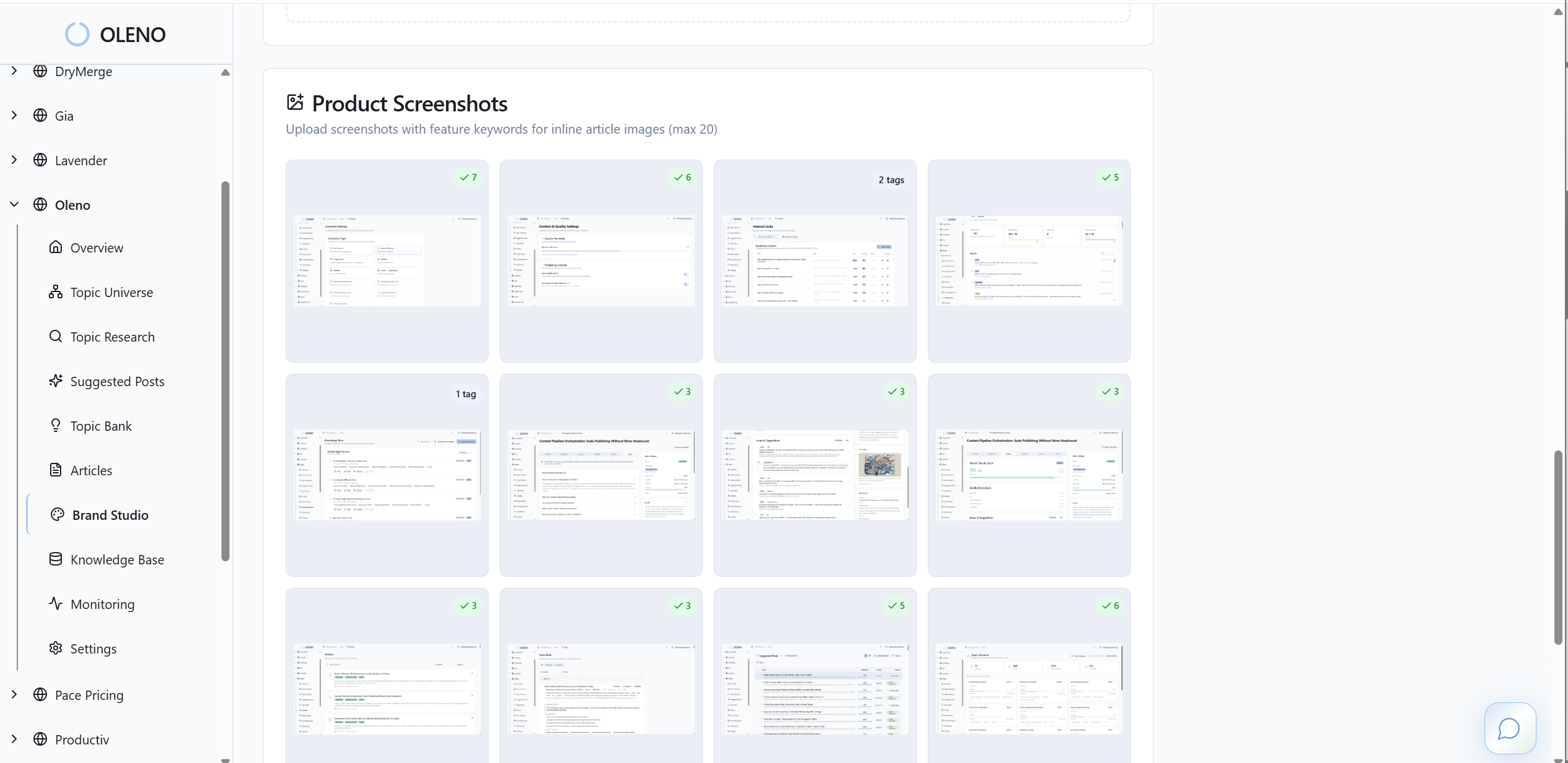
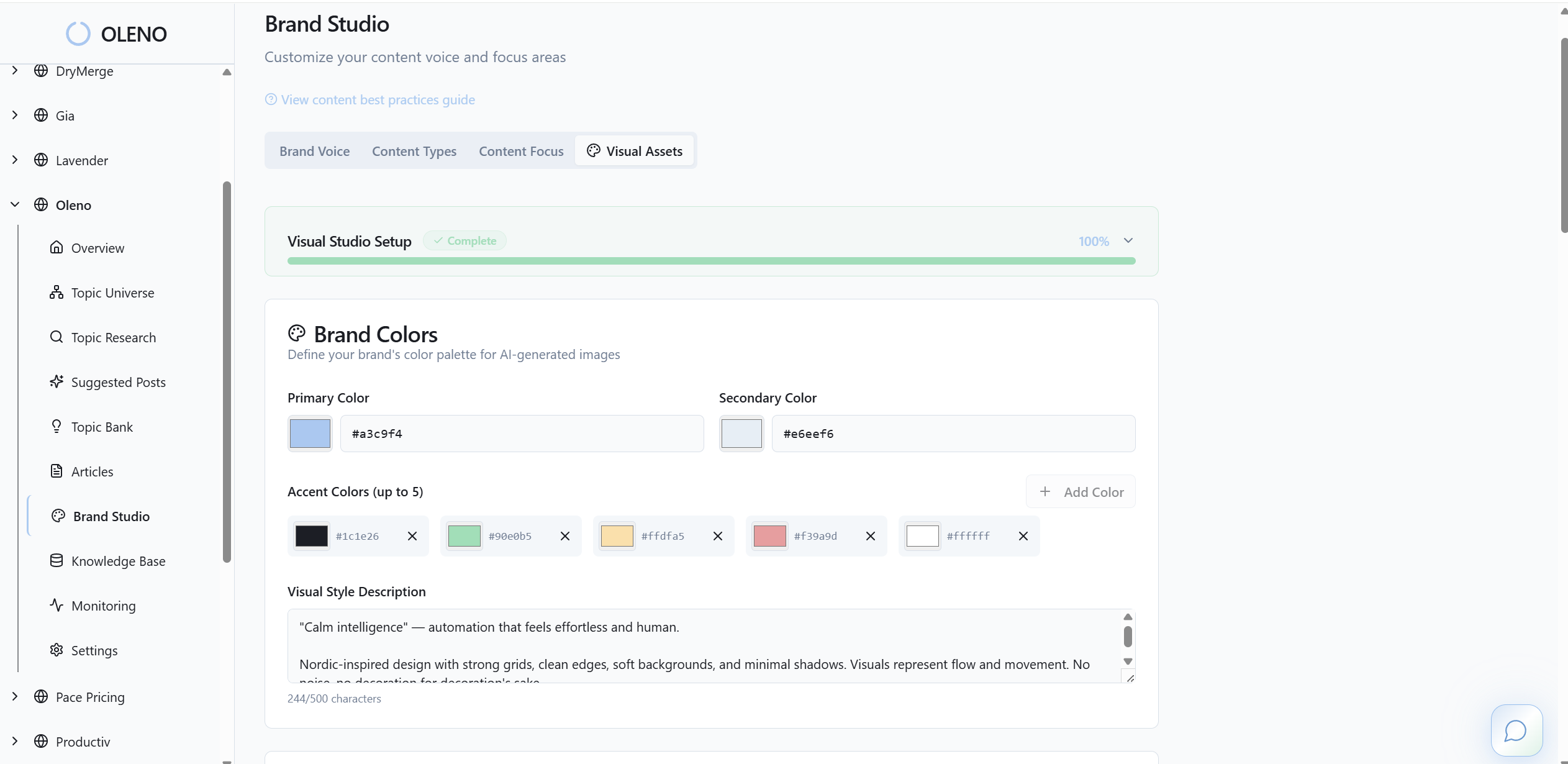
Visuals aren’t an afterthought. Oleno’s Visual Studio generates a hero image and 2–3 inline visuals that match your brand inputs, then pairs screenshots to relevant sections using semantic similarity. Alt text and SEO-friendly filenames are created automatically, and placement follows simple rules so visuals reinforce the narrative instead of distracting from it.
Publishing is mapped to your stack — WordPress, Webflow, HubSpot, or Sheets-based flows — with idempotent behavior that prevents duplicates. Oleno logs QA scoring, retries, and publish attempts so the system can fix and re-test without guesswork. When it passes, it ships. If you want to see that pass/fail discipline without rewriting your process from scratch, Try Oleno For Free. It’s a practical way to compare “manual cleanup” versus “go/no-go gate” on your next few articles.
Conclusion
You don’t need more editors. You need rules that run. A QA gate turns standards into code, moves quality left, and blocks the work you’ll regret. The result isn’t louder content. It’s cleaner, more referenceable content that ships on time and compounds.
Do this well and your team spends time on decisions that matter — not chasing links, schema, or screenshots. Less rework. Fewer rollbacks. More confidence in what goes live. That’s the job.
About Daniel Hebert
I'm the founder of Oleno, SalesMVP Lab, and yourLumira. Been working in B2B SaaS in both sales and marketing leadership for 13+ years. I specialize in building revenue engines from the ground up. Over the years, I've codified writing frameworks, which are now powering Oleno.
Frequently Asked Questions