Automated QA Gate for Content: Build a 10-Rule Pipeline Before Publish

Back when I ran Steamfeed, we hit 120k uniques a month with a ragtag crew of 80 regulars and 300 guests. Not because we were geniuses. Because our system worked. Volume with quality, frameworks over vibes, and predictable workflows. That’s the part most teams miss when they scale content: rules that don’t get tired.
Fast forward to my SaaS years. Small teams, big goals. I could write three or four strong posts a week when I had the context in my head. As the team grew, quality became subjective and review got messy. Edits after publish. Link fixes later. Schema “tomorrow.” You know the drill. The work didn’t fail for lack of talent. It failed because there wasn’t a gate.
Here’s the uncomfortable truth: if quality depends on people catching everything, you won’t ship on time or at the standard you want. Not consistently.
Key Takeaways:
- Manual QA breaks at scale because “fix it later” normalizes rework and hides structural issues
- A 10-rule QA gate makes quality deterministic: pass/fail checks, thresholds, and remediation loops
- Codify structure, links, visuals, and schema as rules that run locally and in CI before publish
- Quantify the hidden costs: cleanup hours, broken links, lost rich results, delayed authority growth
- Treat governance as code, not intuition, exceptions are config, not Slack threads
- Let humans tune the story; let machines enforce the structure and brand constraints
Why Manual QA Breaks At Scale
Manual QA fails at scale because it treats quality as taste, not as rules that can be verified on every draft. The cracks show up in structure, links, visuals, and schema, pieces humans don’t consistently check. The fix is a single gate that blocks publish until the objective stuff passes.

The illusion of post‑publish edits
“Fix it after we hit publish” feels flexible. It isn’t. Post‑publish edits create inconsistent versions, buried errors, and a review culture that assumes someone else will catch it. That’s rework hiding as process. It slows teams because context switches pile up and the checklist never ends.
I’ve seen this up close. You push a piece at 3 pm to make the calendar, plan to “clean it up tomorrow,” and by the time you circle back, two more drafts are in flight. The link that should’ve been exact-match anchor text is already out there. The schema you meant to add didn’t happen. Multiply by 20 articles and it’s a headache.
Quality should be enforced up front with checks you can run every time. Not vibes. A shared set of pass/fail rules makes the work predictable, which is what actually speeds you up.
Why scattered tools hide quality risks
Draft in one app. Images in another. Links tracked in a doc. Schema in someone’s head. That fragmentation creates blind spots across handoffs. Broken links. Wrong aspect ratios. Missing alt text. No BreadcrumbList schema. When each piece lives in a different tool, no one owns the outcome end to end.
A single, deterministic gate catches cross‑domain issues together. It tests the whole asset, text, visuals, links, metadata, then either remediates or blocks. That’s how software teams use quality gates in CI/CD, and it works in content too. If you want a primer on the concept, InfoQ’s overview of pipeline quality gates is a good starting point.
Ready to skip the “fix it later” loop? See how an autonomous gate feels on real drafts. Try Generating 3 Free Test Articles Now.
The Root Cause Is Subjectivity In Review
Quality problems persist because editorial review is subjective, and subjective systems miss silent failures. Humans are good at tone and narrative; they’re not great at catching 404s, invalid JSON-LD, or whether H2 openers are snippet‑ready. The fix is to move checks from taste to rules.

What traditional editorial review misses
Editors catch awkward phrasing, unclear logic, or off‑brand sentences. Useful. But they rarely load every link to confirm a 200 response and canonical alignment. They don’t validate JSON‑LD types or required fields. They don’t measure whether each H2 opens with a crisp 40–60 word answer. They shouldn’t have to.
That’s where code wins. Deterministic checks can verify anchor text matches exact page titles from your sitemap. They can enforce paragraph length bands and list density. They can confirm that images include alt text and use approved aspect ratios. Not glamorous, but it’s the difference between credibility and cleanup.
Governance as code, not intuition
If a rule can’t be expressed as pass/fail, it shouldn’t be a gate. Convert preferences into measurable constraints: opener length bands, banned terms, required schema, anchor text rules. Then run them locally and in CI and block publishes below threshold. Keep exceptions in config, not in Slack debates.
And this matters beyond content. Software teams rely on quality gates precisely because they reduce subjectivity and catch regressions early. The same principle applies here: define rules, run them the same way every time, and don’t rely on memory or heroics. InfoQ’s guidance on quality gates maps neatly to content pipelines.
The Hidden Costs You Pay For Manual QA
Manual QA looks harmless, just a few edits after publish. It isn’t. The costs show up in hours lost to cleanup, broken links and invalid schema, and a slower publish cadence that delays authority gains. Add it up and it’s a hidden tax on every article.
Engineering hours lost to cleanup
Let’s pretend each article triggers 30 minutes of link fixes, image swaps, and schema tweaks. Harmless, right? At 60 articles per month, that’s 30 hours of cleanup. A week of someone’s time. Gone.
Those hours slip deadlines, block experiments, and pull attention from higher‑leverage work like topic strategy. A gate that auto‑fixes or blocks saves calendar time, not just pride. CI/CD teams have documented the compounding effect of automation on throughput for years, see CloudQA’s CI/CD automation guide for a concise overview.
What is the cost of broken links and schema errors?
Broken internal links frustrate readers and waste crawl equity. Invalid JSON‑LD means fewer rich results. If 10 percent of pages ship with schema mistakes, dozens of opportunities are lost each quarter. That’s not theoretical. It happens when schema is “someone’s job” and not a system rule.
Deterministic checks make these near‑zero incidents. Generate Article, FAQ, and BreadcrumbList schema automatically, validate it, and attach it via connectors. Follow Google’s structured data guidelines and block publish when validation fails. Boring? Yes. Effective? Also yes.
The opportunity cost of slow publish
Delays cascade. When drafts bounce between writer, editor, designer, and “schema person,” you publish fewer topics and cover less of your cluster map. Authority grows slower. If your gate removes two days of back‑and‑forth per article, monthly volume increases without adding headcount. That time compounds across strategy, coverage, and brand consistency.
Still spending evenings on link fixes and screenshot swaps? There’s an easier way. Try Using an Autonomous Content Engine for Always‑On Publishing.
When Quality Depends On People, Friction Follows
When quality relies on humans catching every detail, friction is guaranteed. You feel it as weekend edits, “one‑off” exceptions, and last‑minute Slack pings. The anxiety isn’t about writing; it’s that the system can’t guarantee a clean ship.
The 3 pm draft that turns into midnight fixes
You ship a draft at 3 pm. By 5 pm, someone notices the screenshots don’t match the section. At 7 pm, a broken internal link surfaces. At 10 pm, the schema never made it in. Now you’re patching production, everyone’s annoyed, and your next piece slips.
A gate could have caught it at 3 pm, not 11 pm. Semantic matching can place product screenshots in the right sections. Deterministic internal links prevent fabricated URLs. Schema validators flag missing fields. Predictable evenings return when checks run before publish, not after.
When a VP spots a brand‑off image in production
This one hurts. A generic AI image slips through. Brand colors are wrong. Credibility takes a hit. You add a new “remember to check visuals” step that people forget in a week. The fix isn’t another checklist item. It’s enforcing palettes, logos, and aspect ratios automatically, and placing visuals intentionally.
Make the system carry the weight. Validate image rules at the gate, generate alt text and SEO‑friendly filenames, and prioritize solution sections for product visuals. Catch it before the VP sees it.
A 10‑Rule QA Gate You Can Ship This Quarter
A reliable gate uses binary checks, clear thresholds, and remediation loops. The rules should be simple enough to run for every article and strict enough to block real problems. Start with ten. Expand later if you need to.
Rules 1–5: scoring, facts, structure, internal links, and anchors
Begin with a weighted rubric and a minimum passing score, say 85 out of 100. Mark hard fails that block publish (invalid schema, fabricated URLs) and soft fails that trigger auto‑fix and re‑score (missing alt text). Store results in versioned logs so you can audit decisions later. No debates in Slack.
Ground factual claims in your approved Knowledge Base. When retrieval confidence is low, flag it and require a citation candidate before publish. On structure, enforce snippet‑ready H2 openers, 40–60 words, three sentences: direct answer, context, example. Validate paragraph length bands and list density so sections stand alone cleanly for LLMs and humans.
For links, only allow URLs from your verified sitemap. Crawl targets for 200 status and canonical consistency. Anchor text must match the page title exactly, no keyword‑stuffed variants. One link per concept and avoid stacking multiple links in a sentence. Restraint reads better and reduces noise.
- Scoring: weighted rubric, min pass ≥ 85, hard vs soft fails
- Facts: KB‑retrieved claims, flagged low‑confidence, block mismatches
- Structure: opener length band, paragraph bands, list density
- Links: sitemap‑only URLs, 200/rel‑canonical checks, contextual placement
- Anchors: exact title match, cap links per section
Rules 6–10: visuals, schema, brand voice, metadata, remediation
Visual verification should check brand palettes, logos, and style references; validate hero at 16:9 and inline at 4:3 (or your standard); enforce alt text and SEO‑friendly filenames. Use semantic similarity to place product screenshots in the right sections. This is how you avoid last‑minute swaps.
Generate Article, FAQ, and BreadcrumbList schema programmatically. Validate types and required fields with a JSON‑LD parser and block on failure. Attach schema as metadata through your CMS connector so it ships every time. Lint brand voice and banned terms, normalize rhythm, and strip AI‑sounding phrasing where it creeps in.
Metadata matters too: title length, meta description present, canonical set, robots flags correct, idempotent identifiers to prevent duplicate publishing. Finally, design remediation loops: auto‑fix, re‑score, retry with backoff, and escalate to a human only when a hard fail persists. Include a precise diff and failing rule IDs to cut review time dramatically.
- Visuals: palettes, aspect ratios, alt text, semantic screenshot placement
- Schema: Article/FAQ/BreadcrumbList generated and validated
- Voice: tone linter, banned terms, sentence complexity caps
- Metadata: titles, descriptions, canonicals, robots, duplicate prevention
- Remediation: automated fixes, retries, audited escalations
How Oleno Automates Your QA Gate From Draft To Publish
Oleno runs the gate for you by turning rules into a deterministic pipeline. It handles internal links from your sitemap, generates and validates schema, produces brand‑consistent visuals with alt text, and enforces an 80+ point QA check that blocks publish below threshold. Your team focuses on the story.
Deterministic linking and publish gates that don’t miss
Oleno scans your verified sitemap, selects 5–8 relevant internal pages, and injects links at natural sentence boundaries. Anchor text matches page titles exactly. Because Oleno only uses verified URLs, fabrication isn’t possible, broken or off‑site links don’t slip through. This is where determinism beats “remember to check.”
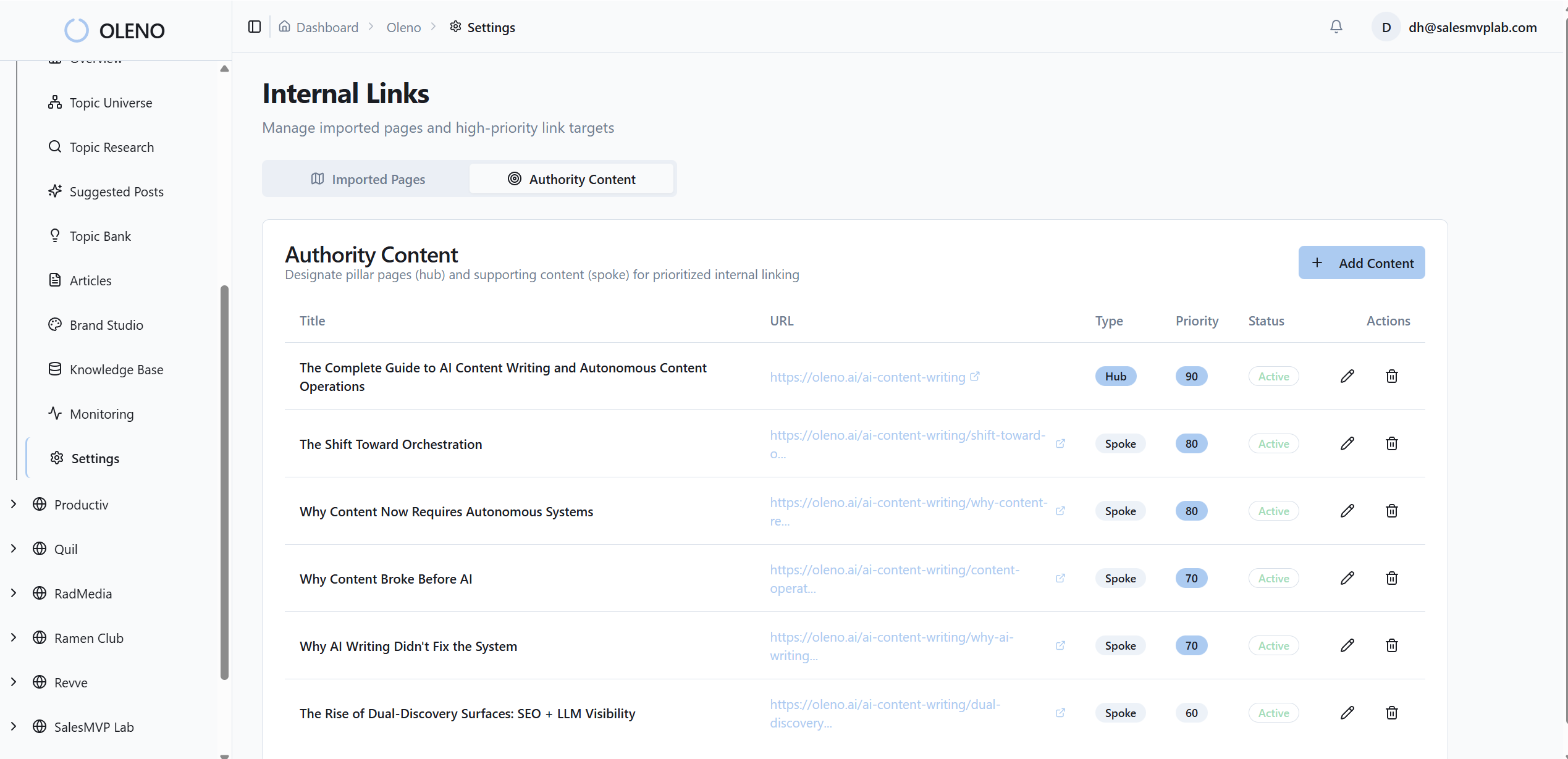
From there, Oleno applies your QA rubric. Drafts are evaluated against 80+ criteria, structure and hierarchy, information gain, tone alignment, snippet readiness, visual placement, alt text, filenames, and more. Low scores trigger refinement loops automatically. Hard fails block publish. When it passes, Oleno delivers CMS‑ready HTML and metadata and prevents duplicates by design.
Structured data and visuals that always ship together
Schema isn’t an afterthought. Oleno generates Article, FAQ, and BreadcrumbList JSON‑LD, validates it, then attaches schema as metadata through WordPress, Webflow, or HubSpot connectors. No manual copy‑paste. No forgotten fragments. Rich result readiness moves from “we should add it” to “it’s always there.”
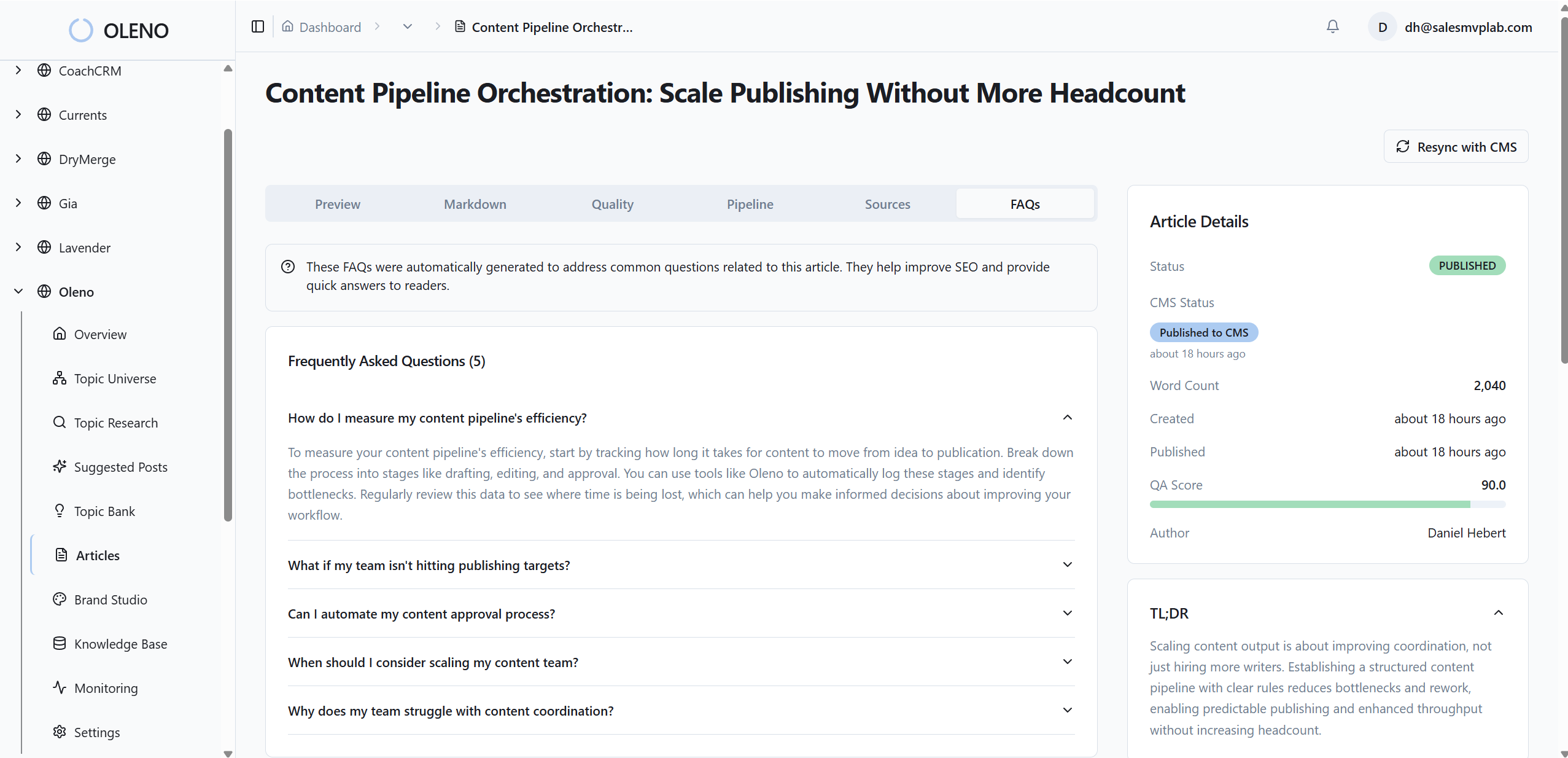
Visuals get the same treatment. Oleno’s Visual Studio uses your brand colors, logos, and style references to generate a hero and 2–3 inline images per article. Product screenshots are matched to the right sections using semantic similarity, with alt text and SEO‑friendly filenames created automatically. Images are placed intentionally, not randomly, and solution sections are prioritized for product visuals.
Quality scoring, refinement loops, and idempotent publishing
Oleno enforces quality before publishing. It removes AI‑sounding language, normalizes phrasing, and re‑tests automatically until the minimum score is met. You decide which failures are hard vs soft. Human escalation becomes the exception, not the default.

When an article passes, Oleno locks text, visuals, links, and schema, generates CMS‑ready HTML, and publishes as draft or live. Duplicate publishing is prevented, and delivery failures trigger notifications without adding noisy dashboards. The result is a system that produces publish‑ready, brand‑complete content without asking your editors to catch everything manually.
Want to see the whole pipeline end to end without lifting a finger? Try Oleno for Free.
Conclusion
Here’s the thing. You don’t need more editors or another checklist. You need a gate. Build ten rules, make them binary, and let the system block what shouldn’t ship. Then let people do what they’re best at, story, nuance, perspective.
If you want that gate to run itself, Oleno can carry the load. Deterministic links, schema that always ships, visuals that match your brand, and an 80+ point QA pass before anything goes live. Fewer late nights. More credible articles. A pipeline you can trust.
About Daniel Hebert
I'm the founder of Oleno, SalesMVP Lab, and yourLumira. Been working in B2B SaaS in both sales and marketing leadership for 13+ years. I specialize in building revenue engines from the ground up. Over the years, I've codified writing frameworks, which are now powering Oleno.
Frequently Asked Questions