Brand-Consistent Web Images: 7-Step Production Checklist
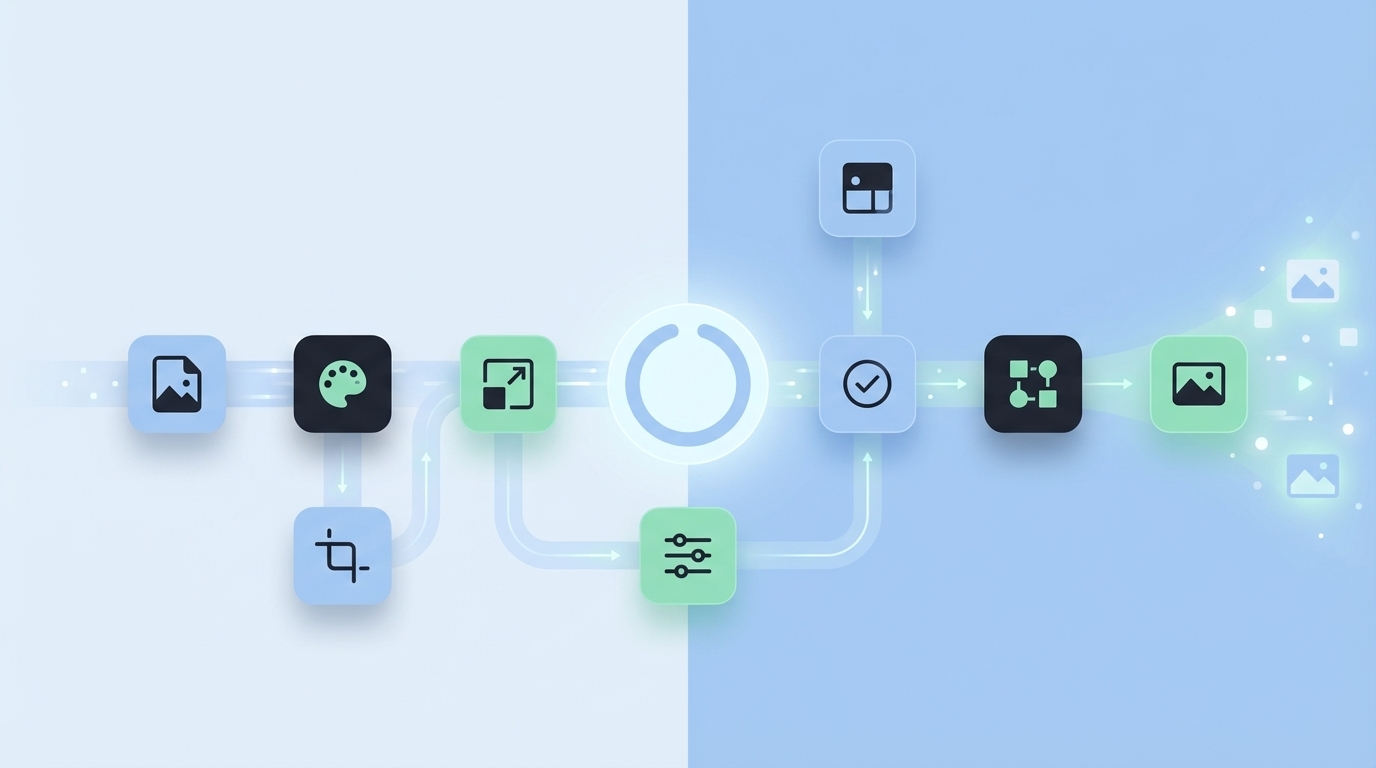
Most teams don’t lose brand consistency because they don’t care. They lose it because visuals are treated like decorations you bolt on at the end. You don’t need another mood board. You need a simple, repeatable checklist that makes on-brand images the default outcome, not a heroic effort.
I learned this the hard way. At one company, we had the copy buttoned up by lunch and missed ship dates because images limped in the next day. Another time, our mobile hero looked fine on desktop but cut our logo in half on phones. It wasn’t talent. It was process. Or, more accurately, the lack of one.
Key Takeaways:
- Treat visuals as system outputs with rules, not one-off art requests
- Build a brand asset library and lock hero templates before writing starts
- Standardize inline visual patterns tied to section intent
- Use semantic matching so product screenshots land where they convert
- Encode export formats, filenames, and alt text to reduce rework and improve accessibility
- Add a visual QA gate so scale exposes strength, not cracks
Why Visuals Go Off-Brand At Scale
Visuals go off-brand at scale because teams treat images as late-stage decoration rather than system outputs with rules. Without templates, placement logic, and export standards, each article becomes a one-off. For example, a stock photo sneaks into a solution section and suddenly your hero color palette doesn’t match the rest of the site.

The mentality that images are decoration breaks consistency
When images are treated as an afterthought, you get random color choices, the wrong aspect ratios, and screenshots that don’t belong to the story being told. You also inherit visual debt: cropped logos, compressed text, and a dozen Slack threads to fix what never should’ve shipped. Taste can’t save you from process gaps.
Brand consistency isn’t just logos and hex codes, either. It’s repeated compositions that survive responsive breakpoints. It’s screenshot logic that makes sense to a reader in the solution section. It’s predictable aspect ratios your CMS expects. In other words, the team should know what to make and where it goes before a draft exists.
So you design the system first. Asset library, hero templates, inline patterns, and rules for placement. This makes images a predictable output, not an art project. And yes, it also keeps you from shipping a hero that looks nothing like your homepage.
Why batch publishing exposes weak visual systems
If you ship one article a month, you can brute-force your way to “fine.” Ship twenty in a week and your rules either hold or collapse. When specs and placements live in someone’s head, teams improvise. That’s where off-brand patterns creep in—wrong crops, mismatched palettes, and hero layouts that buckle on mobile.
Here’s the quiet truth: batch publishing isn’t the culprit—hidden variability is. If your hero template isn’t locked, every designer invents their own “safe area.” If filenames aren’t standardized, your CMS ends up with confusing duplicates. A simple pipeline turns scale from a risk into a control.
If you want a diagnostic, try a sprint. Publish five articles in three days with visuals included. Keep an eye on last-minute edits, mobile issues, and naming inconsistencies. The friction you feel isn’t personal. It’s structural. And it’s fixable with a checklist.
The Real Bottleneck Is Manual Handoffs
The bottleneck isn’t design quality—it’s manual handoffs that can’t keep up with content cadence. Tickets, approvals, and bespoke compositions add latency at every step. Reusable hero and inline templates let writers trigger visuals within a governed system. For example, a draft that references “proof” pulls a chart, not a generic stock image.

What traditional design handoffs miss
Design tickets don’t scale with daily publishing. They’re perfect for a campaign launch, terrible for a steady drumbeat of articles. What you need instead are system assets: hero templates with pre-defined ratios, a central library of brand marks, and inline patterns writers can apply without begging for help.
Consistency comes from decision points baked into the pipeline. Asset library. Template specs. Semantic tags on product screenshots. Placement rules tied to section intent. Export presets that don’t change by person or on Tuesdays. When every article triggers the same sequence, you get the same look—in a good way.
This frees designers to improve the system, not make one-offs no one can reproduce. And it removes the “Can you just quickly…” requests that derail afternoons. If the rule exists, the output is predictable. If it doesn’t, your calendar absorbs the chaos.
Want to see how an autonomous pipeline handles the heavy lifting without extra tickets? Try Using An Autonomous Content Engine For Always-On Publishing.
Where teams underestimate placement logic
Even great images feel off when they land in the wrong section. Solution areas deserve product visuals because that’s where conversion tension lives. Concept overviews want abstract illustrations that teach an idea. Proof points need charts, not mascots.
Encode that logic once. Write it down: heroes lead, product screens in solution sections, diagrams near conceptual explanations, charts adjacent to data claims. Then add priority rules: if a section triggers multiple visuals, which wins? This is how you eliminate debates and reduce editorial thrash.
A lot of teams think brand consistency is a color problem. It’s not. It’s a placement problem. When the narrative and visuals are in lockstep, you earn trust without shouting. For a broader perspective, this aligns with the principles in Brand Consistency Checklist, applied to content velocity.
The Cost Of Inconsistent Images Across Hundreds Of Pages
Inconsistent images create time waste, performance hits, and credibility dents. Manual rework compounds when multiplied across dozens of posts. Sloppy exports hurt site speed and accessibility. For example, a single uncompressed PNG in your hero can slow LCP, while missing alt text creates avoidable accessibility gaps.
Hours lost to ad hoc editing and approvals
Ad hoc requests create thrash: one-off crops, logo fixes, last-minute re-renders, renaming files to something the CMS can ingest. Let’s pretend you publish 60 posts per quarter and include two visuals per post. Ten minutes of rework per image becomes 20 hours of preventable edits. That’s almost three working days gone.
Templated compositions and export presets cut that churn dramatically. When a hero knows its safe areas and your inline visuals share spacing and captions, reviews speed up. Editors stop debating crops and focus on clarity. Less friction. Fewer meetings. More shipping.
The cost isn’t just hours. It’s trust. If each post looks a bit different, your brand feels unstable. Consistency compounds credibility. Inconsistent visuals chip away at it one post at a time.
The SEO and accessibility hit from sloppy exports
Uncompressed images inflate page weight. That punishes load times and nudges bounce rates upward. Missing alt text makes your content harder to understand for assistive tech and reduces the clarity machines use to interpret your page. Random filenames undermine governance and complicate asset reuse.
Encode export formats, size targets, and alt text patterns. This is where “boring” standards do real work. Your system should nudge you into correctness by default. If it’s optional, it’s fragile. If it’s encoded, it’s consistent.
There’s a wider brand management angle here too. Governance fundamentals—naming conventions, file formats, usage rules—show up in many checklists, including The Ultimate Brand Management Checklist. The difference is we’re applying them to daily content velocity, not just campaign assets.
Let’s pretend your team publishes daily, what breaks first?
Without a pipeline, day seven exposes cracks. Your hero is off-size, the screenshot overlaps copy on mobile, and alt text is an afterthought punted to “later.” You don’t need more reminders. You need rules that prevent repeat mistakes.
Start with aspect ratios for hero and inline. Layer in semantic screenshot matching so the right product view lands in the right paragraph. Add a visual QA gate that checks dimensions, file size, filenames, and alt text before publish. Fail once, fix forever.
If that sounds strict, good. Guardrails aren’t restrictions; they’re accelerants. By reducing choice in the small things, you speed up the work that actually matters.
The Frustration When Visuals Ship Last
When visuals ship last, deadlines slip and teams scramble. The copy is approved, the CMS is ready, and then everything pauses for images. It’s rarely a skills problem. It’s a process that invites delay. For example, waiting on a hero re-crop at 2:45 pm can punt your 3 pm publish to tomorrow.
The 3pm ship date that slips because art is missing
You’ve seen this. Calendar says publish today. Copy’s locked. Reviewer’s greenlit. And then the image thread starts. “Can we tighten the crop?” “Logo’s bleeding on mobile.” “Filename won’t import.” Everyone’s right. Everyone’s late. The fix isn’t more time; it’s earlier integration.
Bring visuals into the pipeline, not the tail end. Writers should trigger templates, not ticket designers for one-offs. When the asset library and rules are part of the draft workflow, images arrive on time because they were started on time.
The calendar protects you when the system exists. Without it, every small change becomes a scramble. Your brand—and your sanity—deserves better.
When the hero looks wrong on mobile and leadership notices
Desktop previews lie. What looks balanced at 1440px turns into a logo haircut on a phone. Safe areas, aspect ratios, and copy-free zones aren’t optional details. They’re the difference between “clean” and “how did that ship?”
Responsive specs in your hero templates prevent those headaches. A QA gate that checks dimensions and color usage catches misfits before a Slack escalation. This is a classic measure-once, cut-many scenario.
I’ve lived the “oops” moment. Early in my career, we shipped a beautiful hero that crushed it on desktop and mangled itself on mobile. One executive screenshot later, we had emergency work on a Friday. I learned my lesson: design for the breakpoints you have, not the screen you love.
Who owns the fix when nobody owns the system?
When visuals are ad hoc, ownership is blurry. Writers paste screenshots. Designers patch. Editors try to catch inconsistencies. Nobody owns outcomes, only tasks. That’s how work falls between chairs and deadlines slide.
Assign the system the job. Put rules in code and checklists in the workflow so teams know the difference between a rule and a preference. Leaders should be able to ask, “Did this pass the visual gate?” and get a yes/no answer, not a story.
This mirrors best practices you’ll find in brand identity guides. The twist is operationalizing them for content velocity. If you need a quick reference, the overview in Creating A Consistent Brand Identity Checklist reinforces the value of clear standards—then your pipeline enforces them every day.
The New Way To Produce On-Brand Web Images Every Time (7 Steps)
The new way turns visuals into a governed pipeline: a library you trust, templates you don’t tweak, placement rules tied to section intent, and exports that don’t vary by person. You can implement this in days, not months. For example, lock hero ratios and alt text patterns first—those two changes pay back immediately.
Build your asset library and hero templates (Steps 1–2)
Start with the source of truth. Centralize color palettes, logos, marks, style references, and product screenshots. Tag screens by feature and intent—onboarding, analytics, settings—so they’re discoverable later. Store originals and web-ready variants side by side. If an asset isn’t in the library, it doesn’t ship. Sounds strict. It’s kind.
Then lock your hero templates. Define aspect ratios, safe areas for logos, focal rules, and copy-free zones. Pre-build export presets for common CMS slots like 16:9 hero and 4:3 inline. Document compression targets and naming conventions. When heroes share a skeleton, layouts survive responsive breaks without a scramble.
This is where many teams want to skip ahead. Don’t. Heroes set the tone for everything that follows. Get this right, and the rest of your system clicks faster than you expect.
Standardize inline patterns and semantic screenshot matching (Steps 3–4)
Choose when to use screenshots, diagrams, or illustrations—and tie those choices to section intent. Concept overviews get abstract illustrations. Proof points get charts. Solution sections get product screenshots. Bundle two to three inline placements per article with predictable spacing, captions, and sizes. Consistency shortens debates.
Now connect your product to the story. Implement semantic screenshot matching. Tag product screens with intents and map them to sections—Solution, How it works, Setup. Use a semantic similarity pass (or a simple manual matrix) so the right screen lands in the right paragraph. Prioritize solution areas for product visuals that convert.
This alignment can’t be overstated. It’s not about showing your product everywhere. It’s about showing it where the reader is primed to care.
Interjection.
Placement rules, exports, and a visual QA gate (Steps 5–7)
Write your placement rules down. Heroes first. Product in solution. Diagrams near concepts. Charts with proof. Establish responsive aspect ratios and crop priorities. Define what wins when a section triggers multiple visuals. Rules beat taste when you need consistency across a hundred posts.
Next, enforce exports. Predefine formats, compression levels, and DPR variants. Encode filename structure like slug-hero-16x9.jpg. Use alt text templates that pull page context and action. This removes ambiguity for CMS ingestion, improves accessibility, and keeps automation reliable. Finally, add a visual QA gate. Check dimensions, file size, filename patterns, alt text presence, and brand color usage where feasible.
Make the gate short, measurable, and mandatory before publish. It should be boring—on purpose. If you want more structure ideas, frameworks like the Brand Guide Checklist For 2024 are useful references; your job is to codify and enforce them in your pipeline. Ready to pilot a governed pipeline on real posts? Try Generating 3 Free Test Articles Now.
How Oleno Automates Brand-Consistent Visuals End To End
Oleno automates brand-consistent visuals by turning your rules into a repeatable pipeline. Visual Studio generates heroes and inline images, semantic matching aligns screenshots to the right sections, and a QA gate enforces structure and naming. For example, alt text and filenames are generated to spec, not improvised minutes before publish.
Visual Studio generates on-brand heroes and inline images
Oleno’s Visual Studio uses your Brand Asset Library—colors, logos, style references, and tagged product screenshots—to generate one hero and two to three inline visuals per article. Images are created with the right aspect ratios and resolutions, and solution sections are prioritized for product visuals where they matter most.
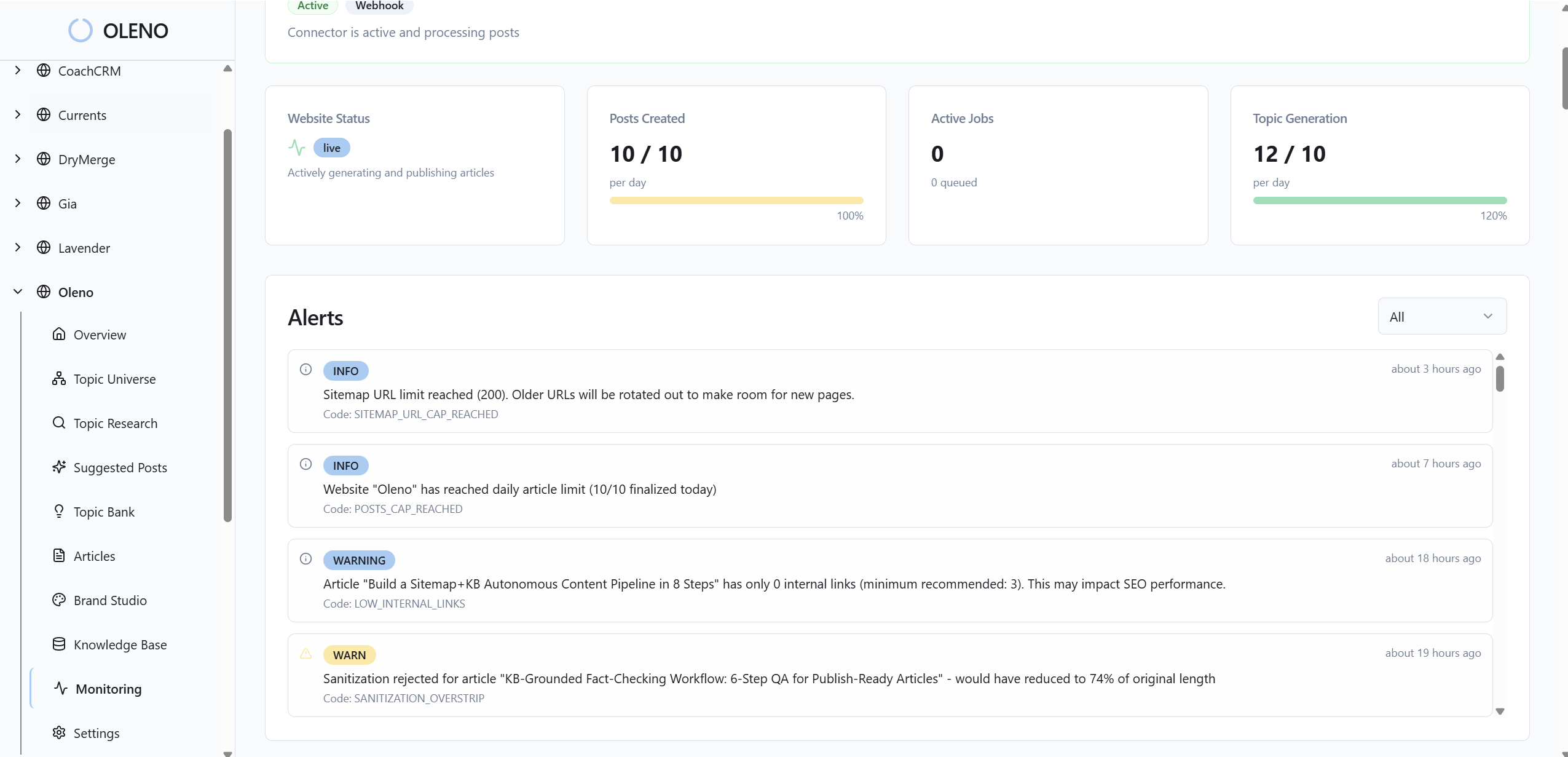
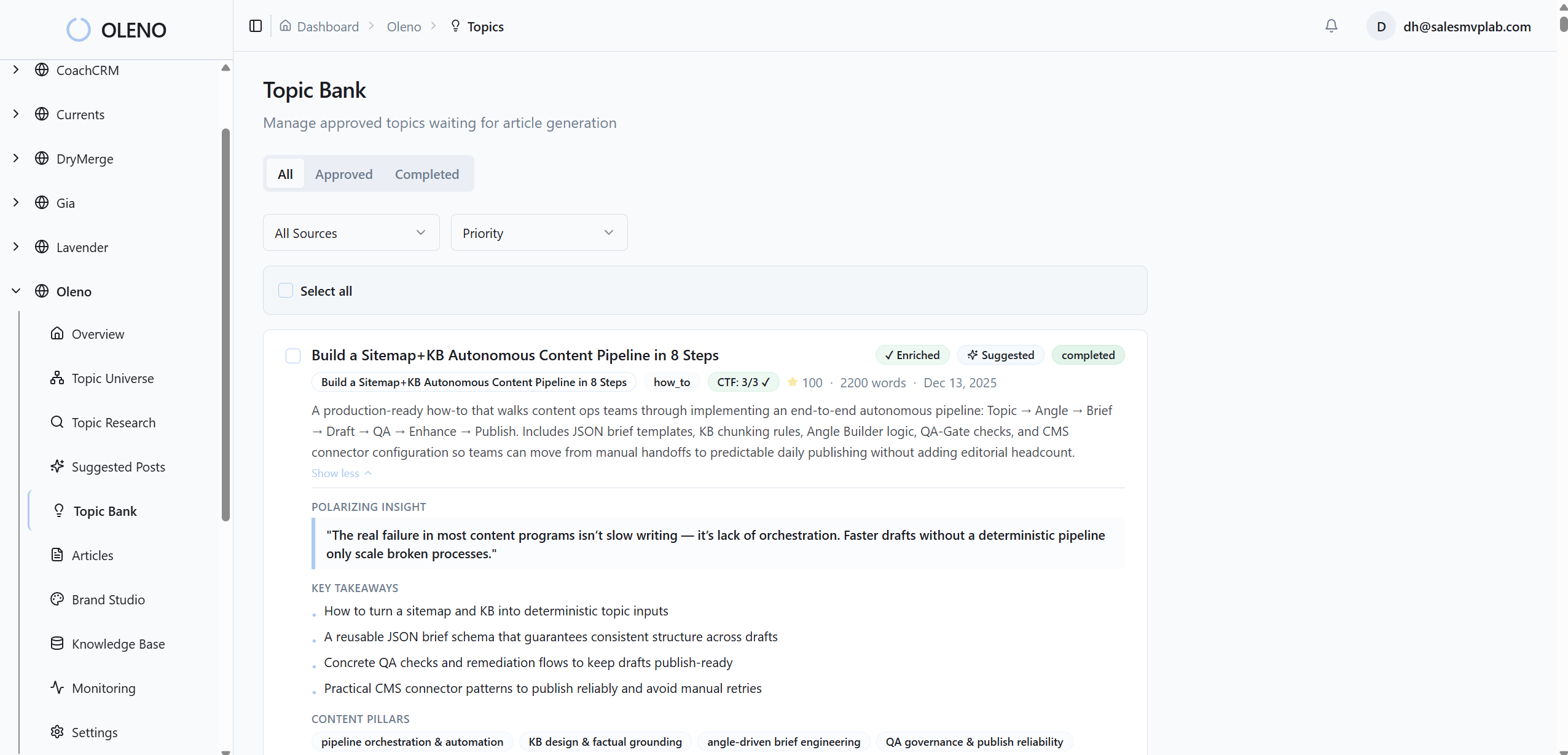
Because the templates and rules are encoded, drift is limited. You’re not asking designers to recreate the same structure every week. You’re giving the system the job of producing images that already look like you—whether you publish once a week or daily. Less rework. Fewer last-minute fixes. More predictability.
Semantic placement, filenames, and alt text handled automatically
With semantic similarity, Oleno matches the right product screenshot to the right section so visuals support the narrative, not distract from it. Exports follow your presets. Filenames map cleanly to page context. Alt text is generated using clear templates designed to improve accessibility and machine interpretability.
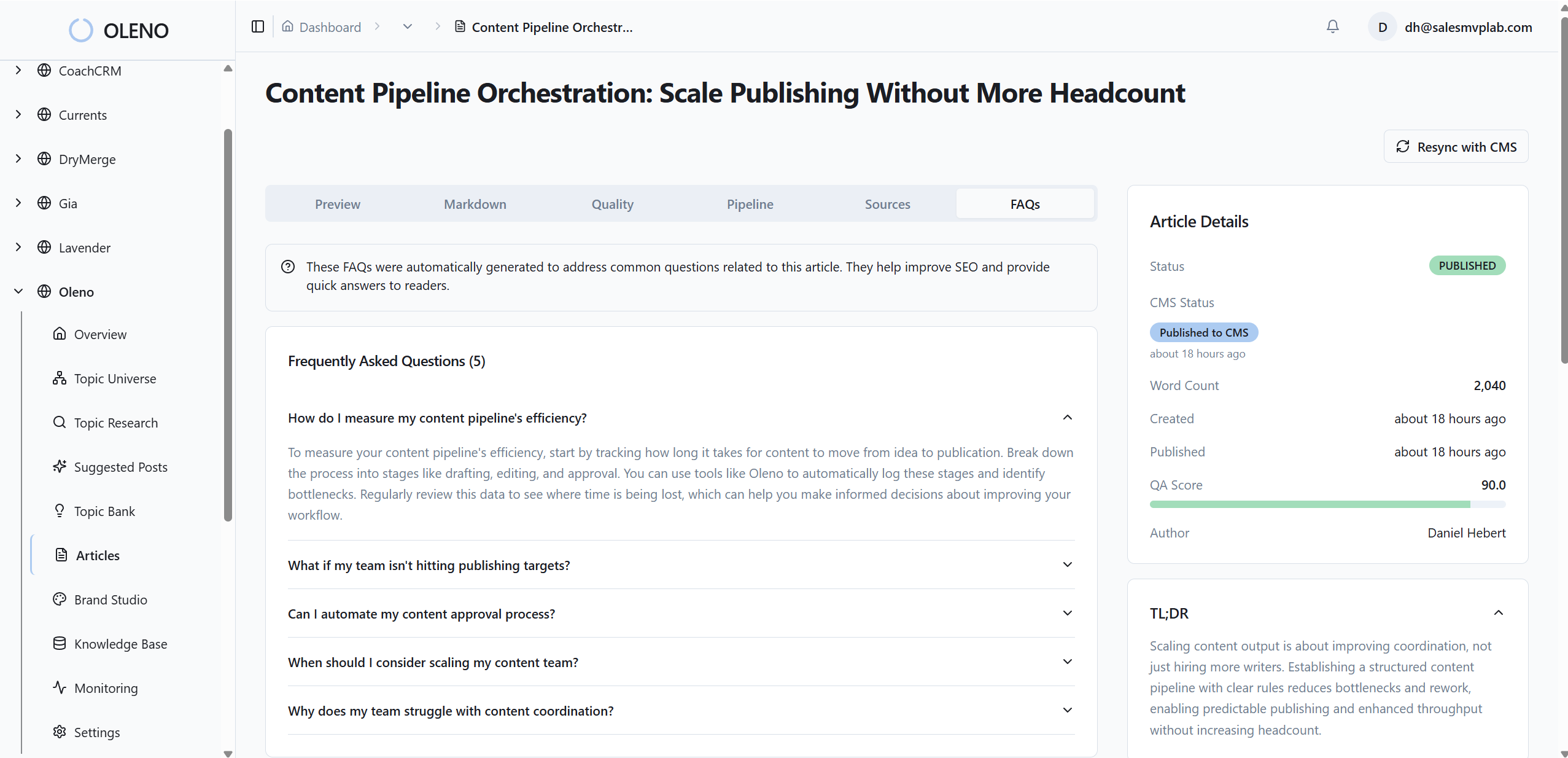
This addresses the performance and governance issues you felt earlier. No more uncompressed PNGs sneaking into heroes. No more “final-final-2.png” in your media library. No more empty alt fields waiting on someone to circle back later. The system makes the correct choice the easy choice.
Every article also passes automated QA checks across structure, brand alignment, snippet readiness, and visual consistency. Low-scoring areas trigger refinement loops before publishing. If you want to experience the full, governed pipeline end to end, from draft to visuals to delivery, you can Try Oleno For Free.
Conclusion
Here’s the bottom line. You don’t need more design cycles. You need a visual system that runs on rules. Define your library, lock your heroes, standardize inline patterns, use semantic matching, and enforce exports and QA. Whether you do it manually or let Oleno run it automatically, the result is the same: visuals that show up on-brand, every time.
For a broader perspective on why consistent branding matters across channels—not just web articles—there’s a good overview in Why All Your Content Needs To Be Branded. The difference here is you won’t be hoping for consistency. You’ll be shipping it.
About Daniel Hebert
I'm the founder of Oleno, SalesMVP Lab, and yourLumira. Been working in B2B SaaS in both sales and marketing leadership for 13+ years. I specialize in building revenue engines from the ground up. Over the years, I've codified writing frameworks, which are now powering Oleno.
Frequently Asked Questions