Technical Checklist for Scaling Content Marketing

Most teams think content breaks because writing can’t keep up. Not quite. It breaks when your CMS becomes the bottleneck—misaligned fields, including the rise of dual-discovery surfaces:, missing schema, duplicate posts, and a pile of manual fixes that erode trust and slow everything down.
I’ve lived versions of this. At Steamfeed we scaled to ~120k monthly uniques with breadth and depth, then watched small operational gaps turn into recurring headaches. At PostBeyond and LevelJump, speed was easy until structure and ownership slipped. Proposify proved another angle: great content that didn’t tie back to product—and ops drift that cost weekends. The pattern repeats when publishing is manual and rules live in someone’s head.
Key Takeaways:
- Treat your CMS as an integration surface; put fragile rules in code, not playbooks
- Build a governed pipeline: verify inputs, enforce structure, and publish idempotently
- Automate internal linking, JSON-LD schema, and quality gates to reduce rework
- Quantify drift: hours lost to cleanup, missed snippets, and broken crawl equity
- Assign a single system owner; make guardrails explicit and non-negotiable
- Use low-friction connectors and deterministic steps to scale safely without rewrites
Why Your CMS Is the First Thing That Breaks at Scale
Your CMS breaks first because templates, fields, and human habits drift under volume. Small inconsistencies compound into missing schema, mismatched images, and accidental duplicates. The fix isn’t hero editing—it’s codifying rules and validating them before anything can publish.

You think your templates are stable. They aren’t when five people can change a field or skip a step. Images get uploaded without alt text, authors forget canonical rules, and the “simple” SEO fields diverge from article to article. Treat the CMS like an integration surface—not a black box—and lock fragile behavior into code. If a rule can drift, automate it or block publish until it passes checks.
Verification isn’t a nice-to-have; it’s the seatbelt. Without it, you ship surprises: orphan links, missing markup across a batch, or quietly published duplicates. Add pre-publish verification for sitemap import, field mapping, and draft integrity. Block the run when something critical fails. If you want a compact reference for the human part of the process, keep a simple, shared resource like the Content Marketing Institute’s checklist library nearby—then let code enforce the rest.
Low-friction integrations beat rewrites. You don’t need to rip out your CMS. You need deterministic layers that slide into place: internal linking that only uses verified URLs, including the shift toward orchestration, automatic JSON-LD, a QA gate, and connectors that map fields correctly. That’s how you scale without pausing the roadmap or retraining the company.
Integration, Not Writing, Determines Whether You Scale
You scale when publishing is deterministic and idempotent. Writing will always vary; handoff should not. Move correctness into code—linking, schema, mapping, and duplicate prevention—and let creativity live in prose.
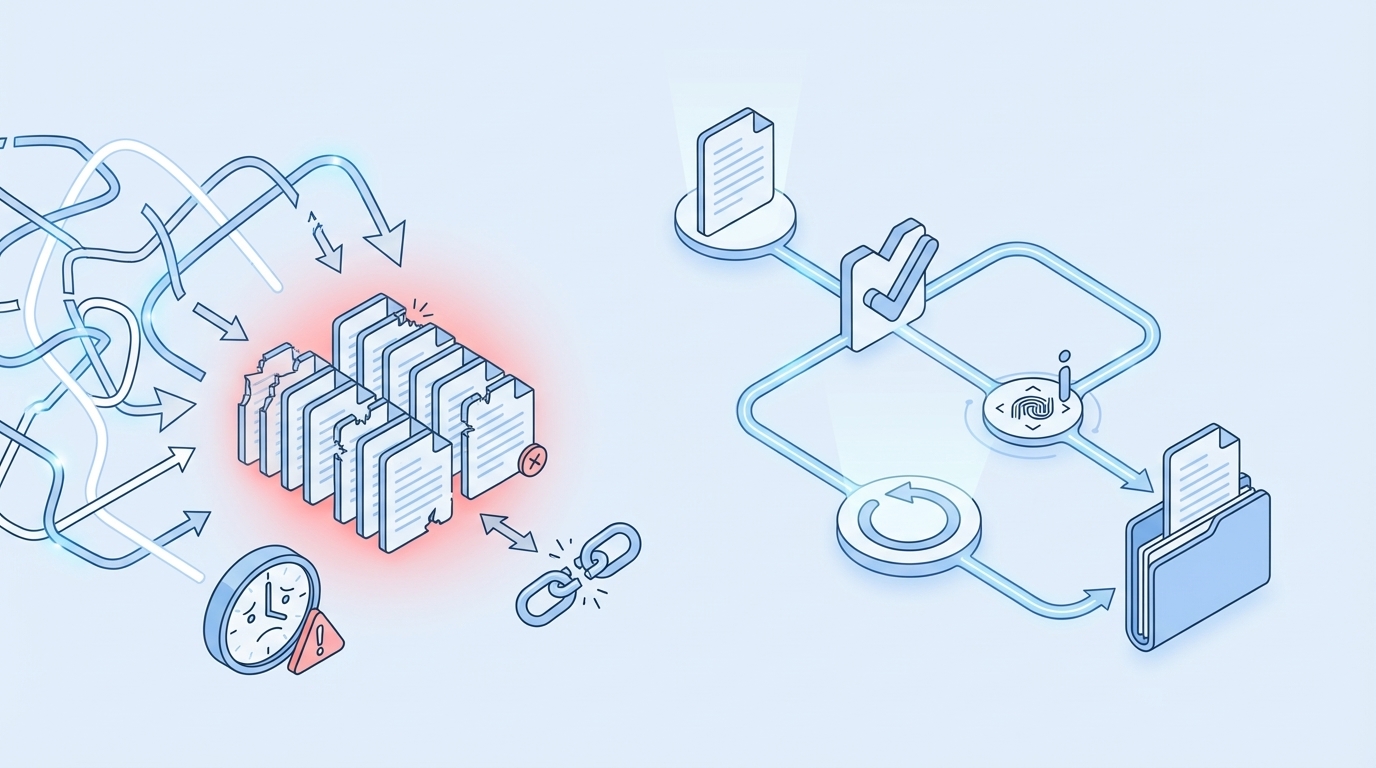
Traditional approaches optimize for drafting speed and ignore the handoff. That’s why teams drown in rework and quiet inconsistencies. The pipeline must own outcomes: inject internal links from a verified sitemap, generate schema programmatically, validate field mapping, and publish with duplicate checks. The creative layer tells the story; the pipeline keeps it safe. If you need a human checklist for alignment, fold in a simple reference like this six-step content marketing checklist. But rely on rules, not reminders.
Speed without safety is expensive. The better approach: guardrails at the edges, not in the middle. Validate inputs at the start, enforce structure throughout, and publish with idempotent operations at the end. Want to see how a governed pipeline feels in practice? You can Try Using An Autonomous Content Engine For Always-On Publishing.
The Hidden Costs of Manual Publishing and Drift
Manual publishing taxes engineering, damages search visibility, and chips away at trust. The costs rarely show up on a single report—until they stack into lost quarters and burned weekends.
Let’s pretend you ship 60 posts per month. If 20 percent require post-publish fixes and each fix consumes 45 minutes across writer, editor, and dev, that’s roughly 9 hours a month. Over a year, you’ve lost more than a full workweek to cleanup. Put a QA gate before publish, use mapped connectors, and treat template variance as a system failure, not a human oversight. It’s cheaper to prevent than to repair.
Search and LLM visibility suffers when structure drifts. Missing JSON-LD, inconsistent section patterns, or internal links that don’t reflect your sitemap reduce snippet eligibility and topical authority. You don’t need complex dashboards to see the effect—clean markup and consistent linking simply get crawled and cited more. If you want a quick diagnostic lens for content basics, this content quality checklist is a useful complement to code-based enforcement.
Broken or fabricated internal links waste crawl budget and frustrate readers. They also kneecap conversion paths. Deterministic linking solves this: only link to URLs verified from your sitemap, including why ai writing didn't fix, match anchor text to the page title, and inject links after the draft is finalized. If you can’t guarantee the URL exists, don’t link it. Simple rule, reliable outcomes.
The Publishing Incident You Do Not Want Twice
Incidents are predictable when retries aren’t idempotent and connectors don’t check for existing slugs. Make publishing repeatable on purpose—then duplicates don’t happen.
I’ve lived the 3 a.m. fix. Different company, same dynamic. At Proposify the content was strong, but as operational checks drifted from the product and pipeline, errors turned into fire drills. Trust fades when your team plays whack-a-mole with issues that code could have blocked. The antidote is boring: idempotent publish, clear existence checks, and connectors that reject partial or duplicate posts.
Ownership matters. If “everyone owns quality,” no one does. Assign a system owner and define which rules block publish, which merely warn, and which auto-fix. Document the pipeline once and let it run. When you want a fast human-level sanity sweep for the next campaign or release, reference a compact resource like a 2025 content marketing checklist. Then let the system enforce the rest—consistently, quietly.
The Technical Checklist That Keeps Scale Safe
Scaling safely means implementing a dozen non-negotiables across knowledge, linking, schema, mapping, and publishing. Codify these once, then reuse everywhere.
1. Embed Your Knowledge Base And Test Retrieval
Ground drafts in an embedded knowledge base that includes brand voice, product facts, and policies. Before you write, probe retrieval with representative facts to confirm the system is pulling the right context. If retrieval misses, refresh embeddings or halt the run. Don’t let “we’ll fix it later” slip into production.
As cadence increases and new contributors join, this is what prevents factual drift and off-brand phrasing. It also reduces the back-and-forth that quietly slows teams. Create a short retrieval test suite—5 to 10 canonical facts your content must surface—and make it a preflight requirement.
2. Import And Verify Your Sitemap
Treat your sitemap as the single source of truth for internal links. Pull it into the pipeline, including checklists for bloggers, validate that pages exist and are canonical, and refresh on a schedule or after publish events. If the sitemap import fails, link injection should halt and alert—not “best-effort” guess.
This is how you avoid orphan anchors and stale URLs that leak crawl equity. It also gives non-technical teammates a clear answer to “why that link?”—because it’s in the sitemap. No debate, no improvisation.
3. Enforce Deterministic Internal Linking
Inject links after drafting, not during. Select five to eight targets from the verified sitemap, match anchor text to page titles exactly, and place links at natural sentence boundaries. Never fabricate URLs. Linking is code, not editorial preference.
When you do this, your crawl equity improves, readers find the right pages, and you eliminate the “we’ll add links at the end” scramble that leads to errors. It’s mechanical work—perfect for automation.
4. Automate JSON-LD Schema Generation
Generate validated JSON-LD for Article, FAQ, and BreadcrumbList automatically. Attach schema as metadata on publish, not as a manual copy-paste step. The rules are stable and well-documented, which makes them ideal for automation.
Automation removes a common class of production misses. It also standardizes structure so every article is eligible for richer search treatments without relying on someone remembering the right snippet at 5 p.m. on a Friday.
5. Use CMS Connectors With Field Mapping
Convert markdown to CMS-ready HTML, map fields to your templates, including why content broke before ai, embed images and metadata correctly, and support draft or publish modes. Good connectors eliminate manual formatting and reduce template drift across authors and teams.
Fail fast when a field is unmapped—don’t partially publish. Clear, early errors are cheaper than cleanup and preserve trust with stakeholders who expect drafts to match the live layout.
6. Add Idempotent Publishing And Duplicate Prevention
Make publishing idempotent. Use consistent slug logic, pre-flight existence checks, and retry policies that don’t create copies when a network hiccup occurs. Log attempts and outcomes for traceability.
This is the dull part of the pipeline—and that’s the point. Reliable systems are predictable and quiet when they work. If a duplicate slips once, that’s a signal to tighten the guardrail, not to write a longer playbook. If you want a deeper dive on patterns, make sure your internal standards cover slug strategy, conflict resolution, and rollback protocol. Want a quick test to validate your own checklist? Try Generating 3 Free Test Articles Now and measure where the friction shows up.
How Oleno Implements the 12 Must Haves Automatically
The easiest way to adopt this checklist is to let the system implement it for you. Oleno encodes these rules into the pipeline—so drafts are grounded, structure is enforced, visuals align to brand, and publishing is safe by default.
7. Gate Quality With 80 Plus Automated Checks
Oleno runs a QA gate before anything publishes. It evaluates structure, clarity, brand alignment, information gain, snippet readiness, and visual placement. If the score is low, the system refines and retests automatically. No hero editor needed, no “we’ll fix it after it’s live” risk.

This reduces rework and production misses. It also provides consistency across authors and topics—your articles follow the same standards every time without manual enforcement. The result is fewer surprises, less triage.
8. Write Snippet-Ready H2 Intros By Default
Each H2 opens with a 40–60 word direct answer, supported by context and a quick example. Oleno enforces that structure in draft generation and validates it during QA, improving eligibility for featured snippets and AI citations.
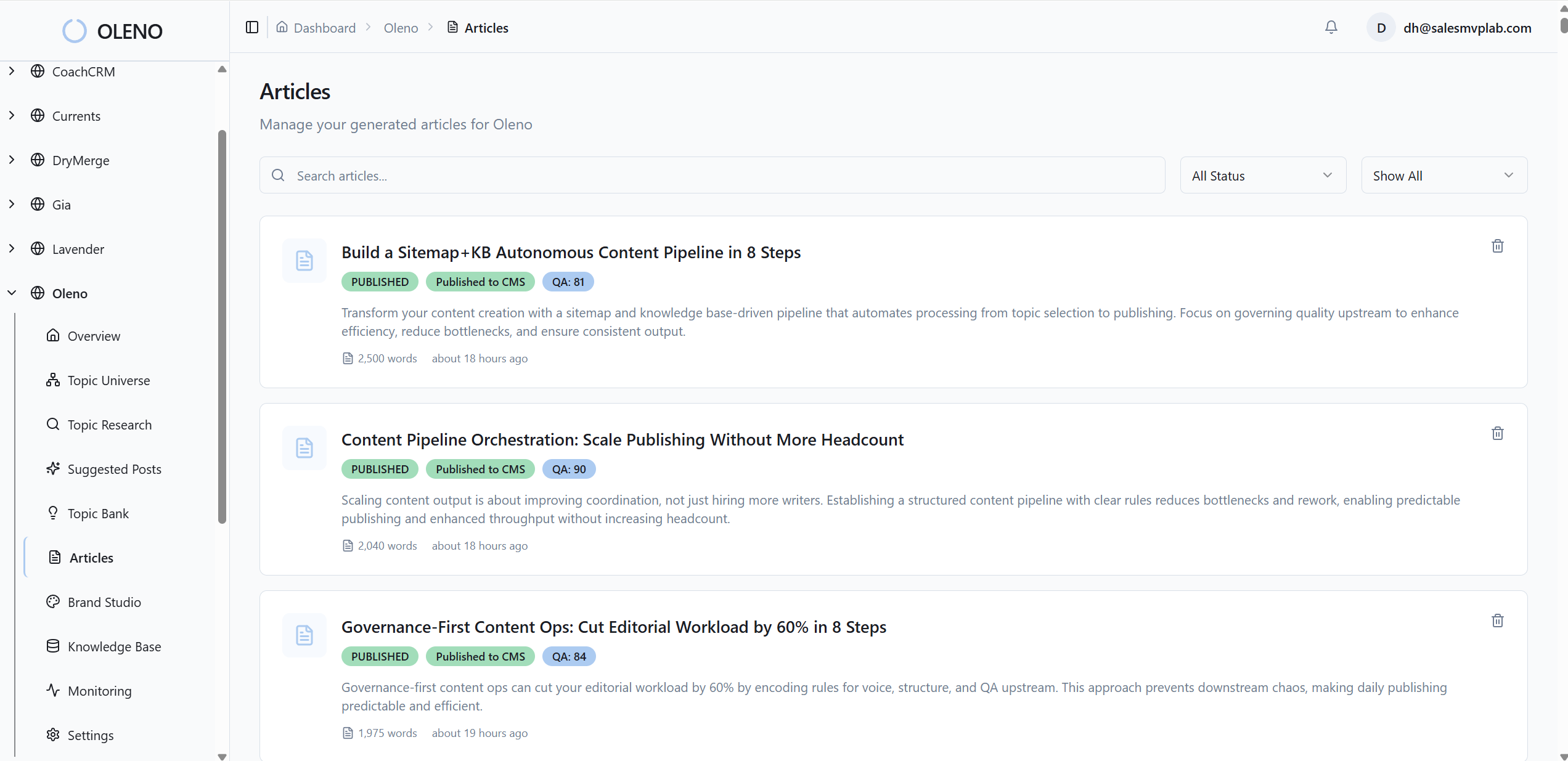
Your team doesn’t need to memorize formatting rules. The system embeds them so every section stands alone cleanly, which also makes chunks more reusable across channels.
9. Generate Brand-Consistent Visuals And Alt Text
Visual Studio assembles on-brand images using your colors, logos, and style references, and places product screenshots where they fit. Alt text and SEO-friendly filenames are generated automatically, and solution sections are prioritized for product visuals.
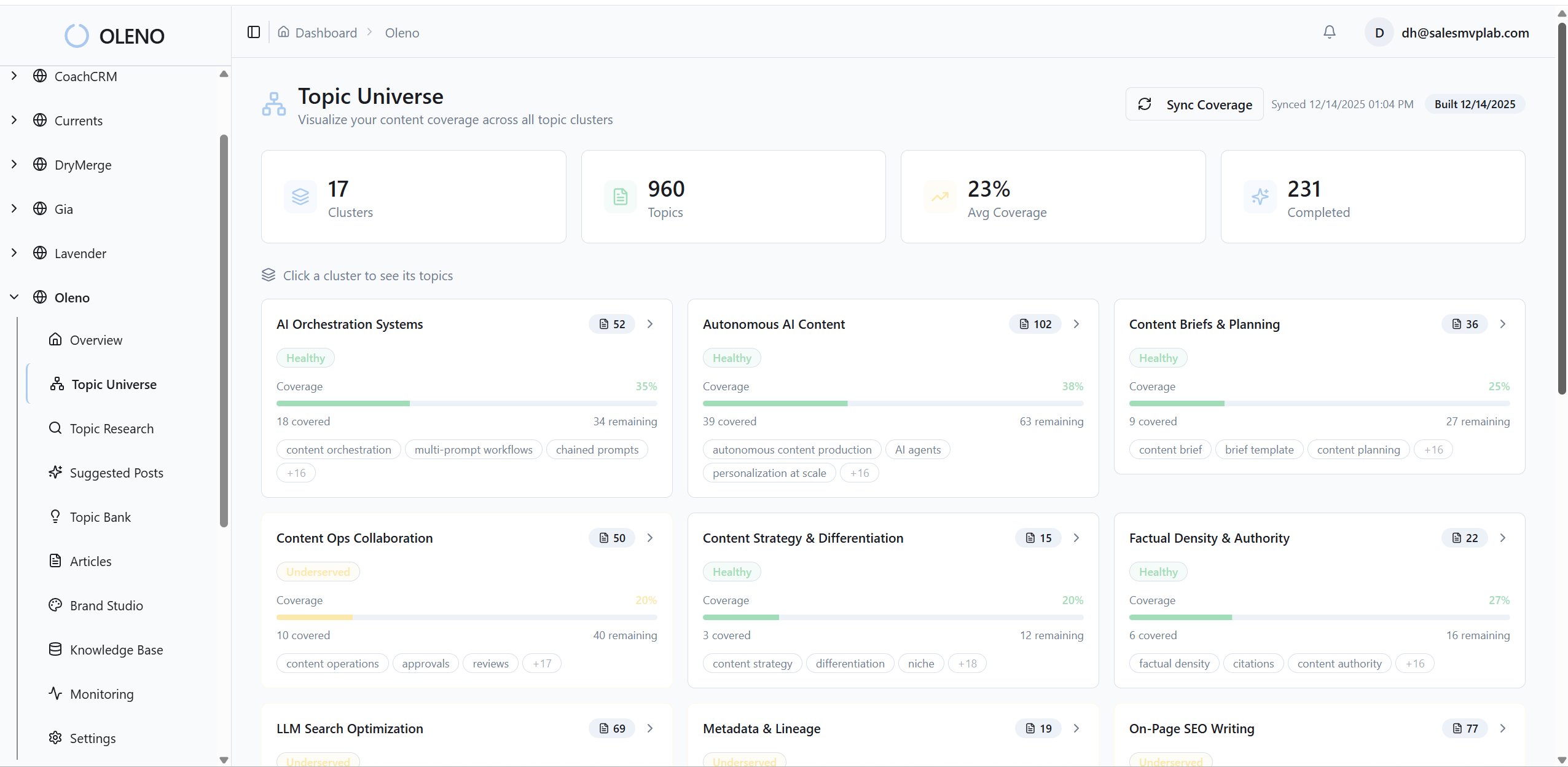
This removes the scramble for stock photos and the credibility hit from generic AI images. Articles look like they came from your brand, not a template library.
10. Isolate Multi-Site Voice, KB, And Assets
If you operate multiple sites, Oleno keeps voices, knowledge bases, and visual libraries isolated under one account, with independent quotas. That prevents brand leakage and one-off exceptions that complicate CMS templates.
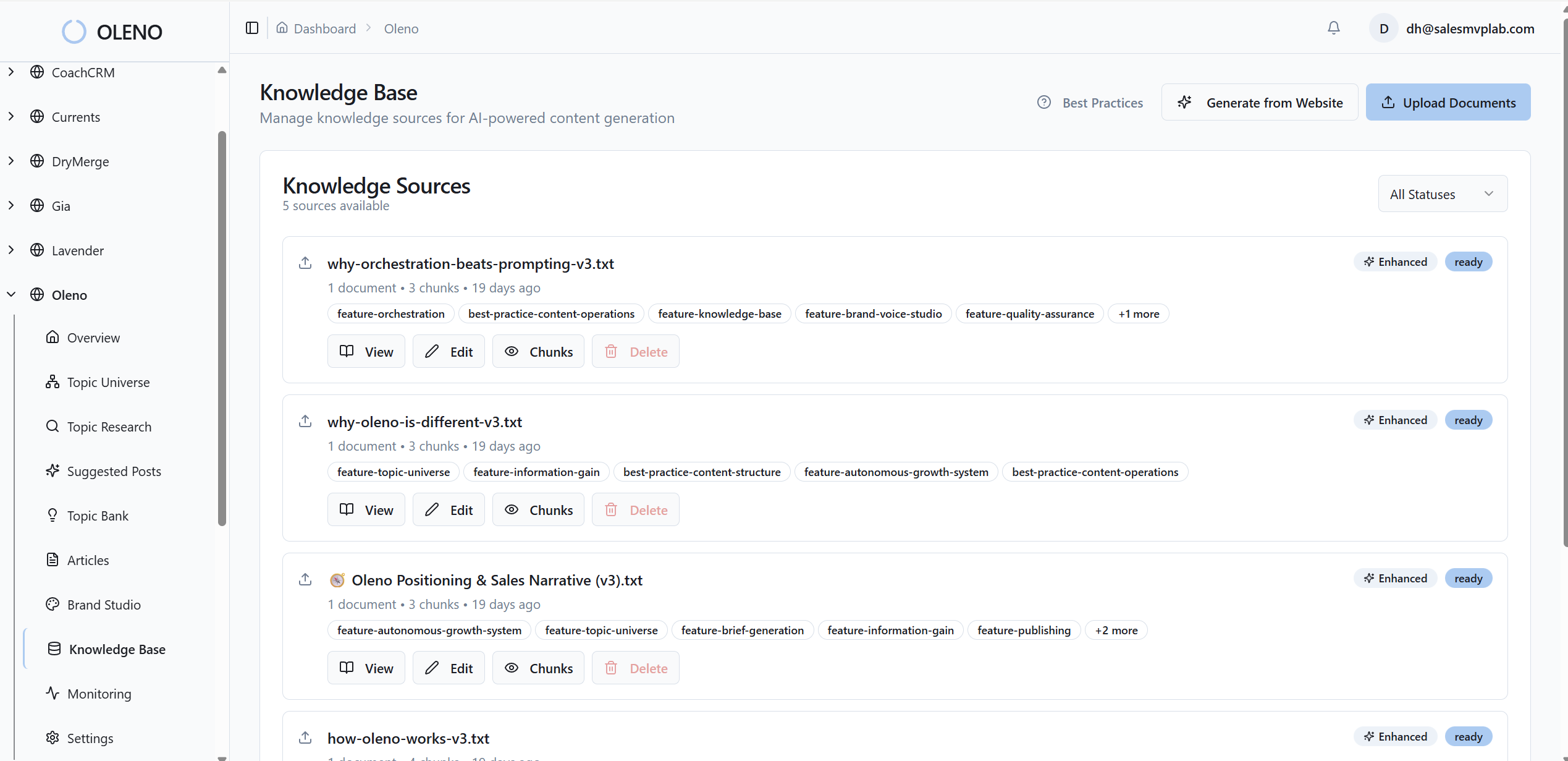
You get centralized control without cross-site contamination. Scale across brands and regions while keeping each site’s standards intact.
11. Send Debounced Notifications For Pipeline Events
You get emails for draft-ready, publish success, including ai content writing, generation failures, and low topic inventory. Notifications are debounced to avoid noise—enough signal to keep the pipeline moving, not a flood of alerts you’ll mute.
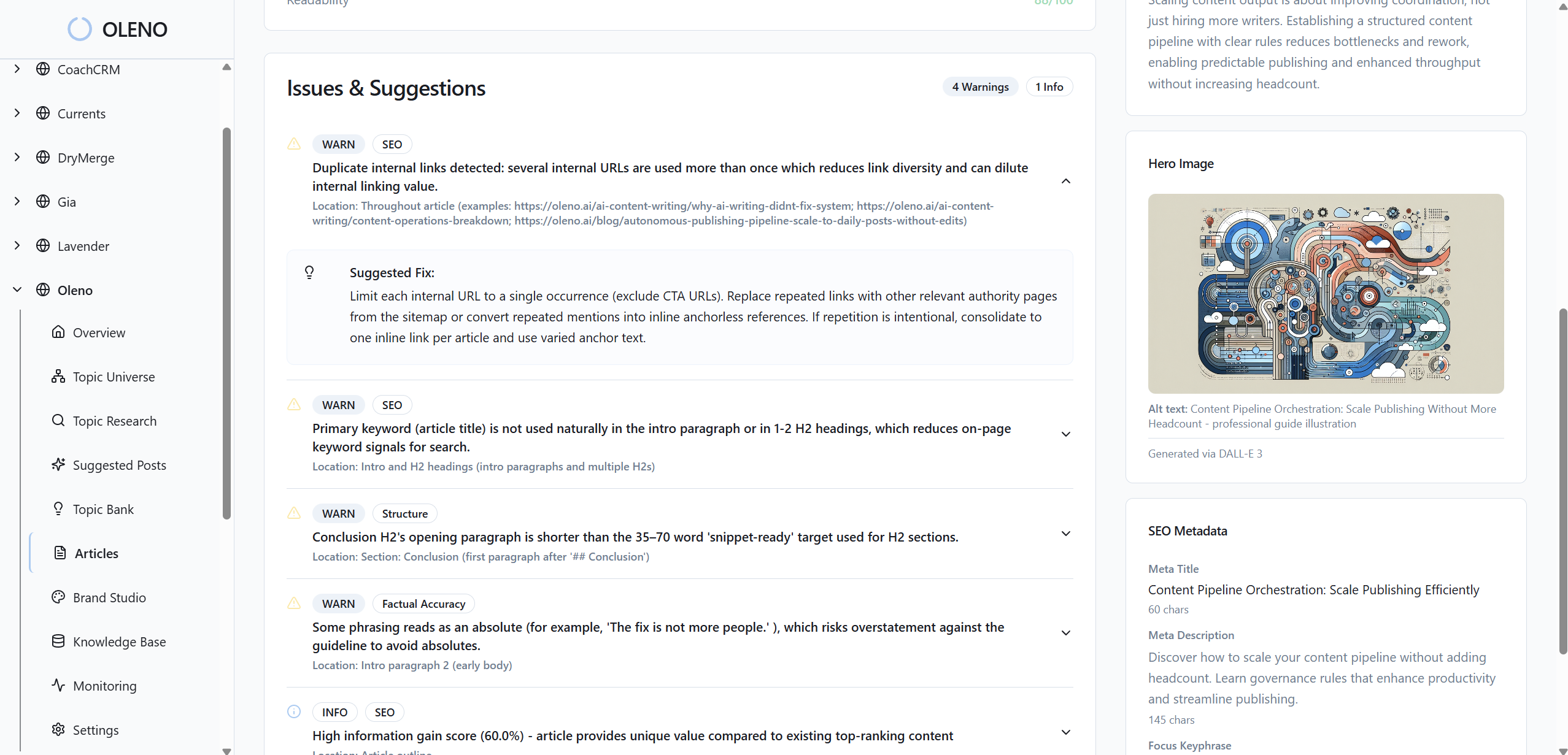
There are no dashboards or vanity monitoring bolted on. Just the information you need to respond quickly when something upstream needs attention.
12. Operate A Topic Universe For Coverage Control
Oleno’s Topic Universe maps your content landscape, groups topics into clusters, tracks saturation, and enforces cooldowns. You always know what to write next and where authority is thin—so you stop over-publishing the same ideas and starving other pillars.
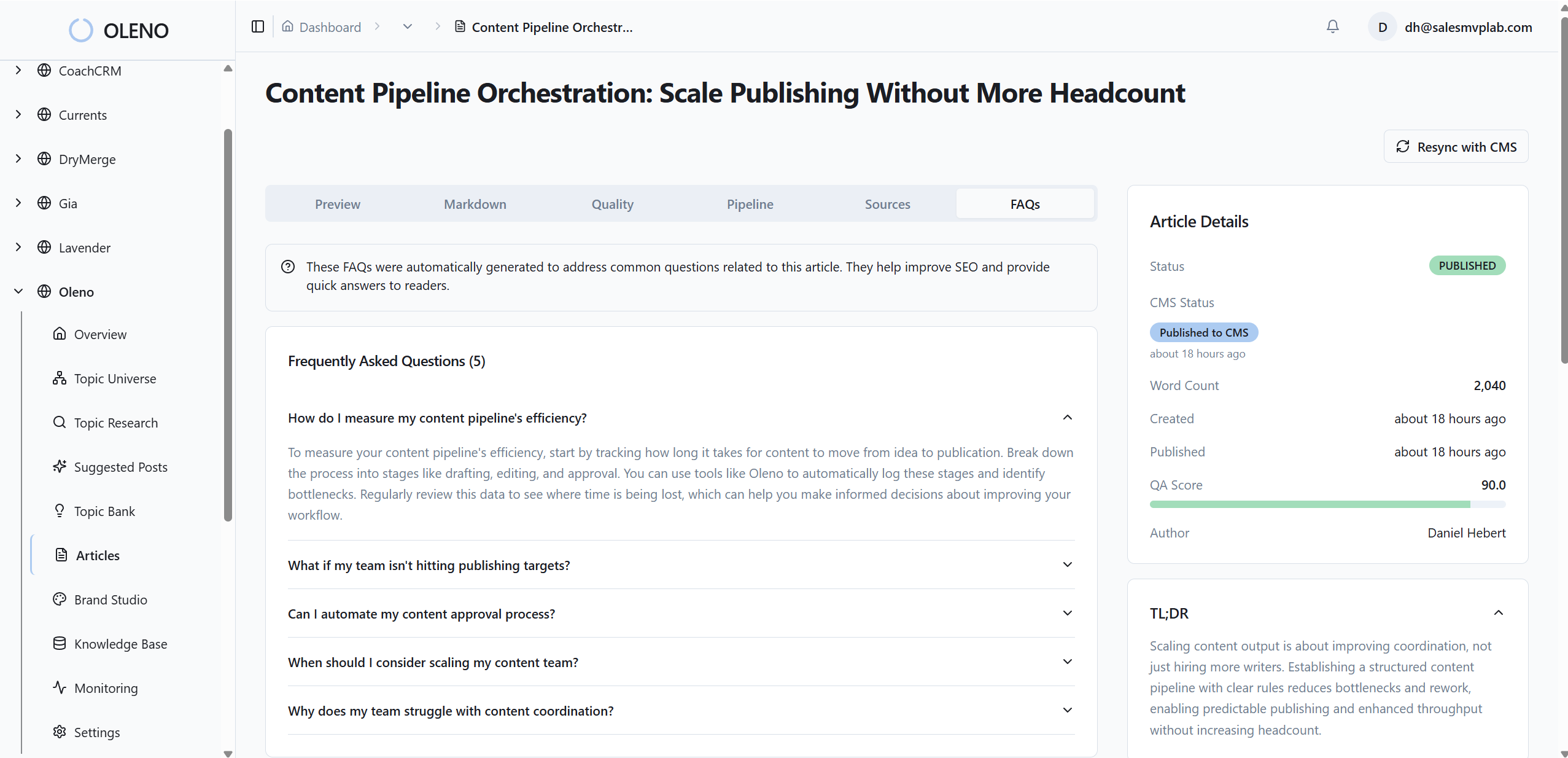
This turns content planning into a continuous system rather than a monthly debate. It protects your CMS from churned, low-impact posts that create more maintenance than momentum. Ready to see the full pipeline on your own content? Try Oleno For Free.
Conclusion
Here’s the throughline: creativity creates demand; systems protect it. When your CMS is treated like an integration surface—not a dumping ground—scale gets easier, not harder. Automate what drifts. Validate what matters. And put a quiet, governed pipeline between great writing and publish. That’s how content compounds without burning your team.
About Daniel Hebert
I'm the founder of Oleno, SalesMVP Lab, and yourLumira. Been working in B2B SaaS in both sales and marketing leadership for 13+ years. I specialize in building revenue engines from the ground up. Over the years, I've codified writing frameworks, which are now powering Oleno.
Frequently Asked Questions