Content Automation Workflow Template: From Creation to Distribution and Measurement
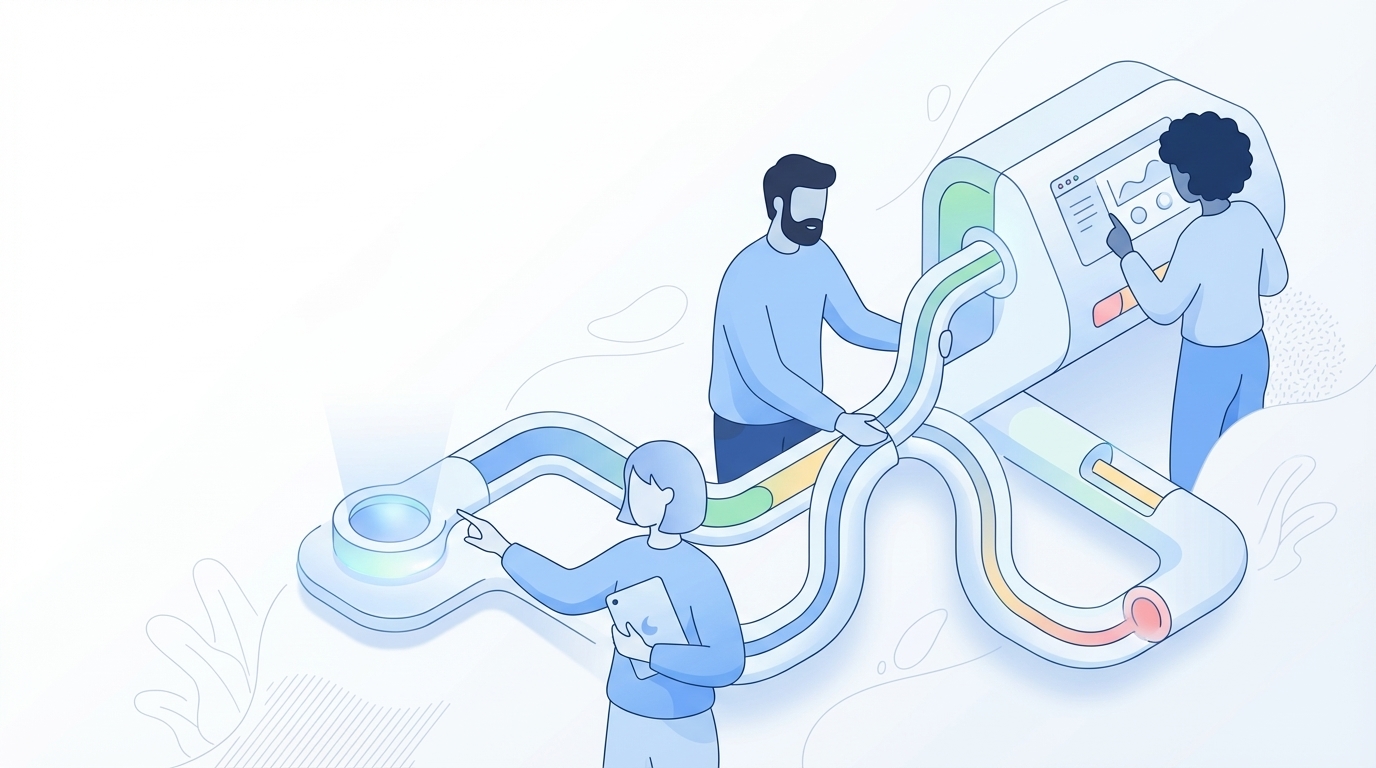
72 hours into a launch cycle, most PMMs aren’t blocked by writing. They’re blocked by rework, context gaps, and the fact that every content automation workflow template falls apart the second real strategy enters the room.
That sounds backwards, because the market keeps telling you the problem is speed. I don’t buy that. For scaling SaaS teams, the real problem is that your workflow template usually knows your channel steps, but not your market POV, your product truth, your audience nuance, or the lines you refuse to cross.
Key Takeaways:
- A content automation workflow template only works if it starts with strategy inputs, not drafting steps.
- The biggest content bottleneck for PMMs is usually review and correction, not first-draft creation.
- If your workflow can’t encode voice, positioning, audience, and product boundaries, it will create rework at scale.
- Good automation cuts coordination cost. Bad automation just moves the editing burden downstream.
- The strongest workflow template for B2B SaaS has five layers: governance, planning, creation, QA, and publishing.
- GEO raises the bar because consistency across dozens or hundreds of assets matters more than isolated wins.
- Small and mid-market teams can scale output without scaling headcount, but only if the system enforces the rules.
Why Most Content Automation Workflow Templates Break in B2B SaaS
A content automation workflow template breaks when it automates tasks without governing decisions. Most templates are built like production checklists, but PMMs don’t live in a checklist-only world. They live in a world where one weak claim, one off-brand phrase, or one wrong use case can create a week of cleanup.
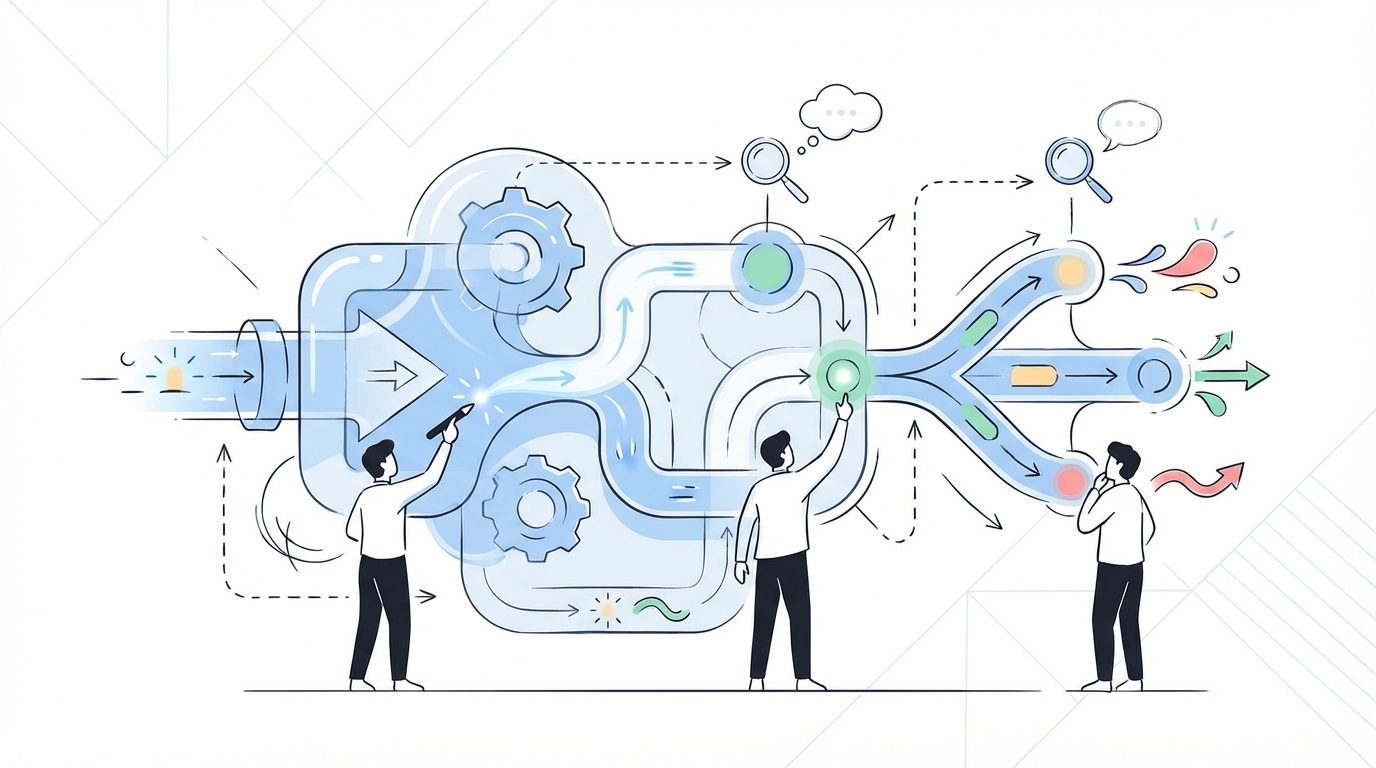
The template usually captures steps, not truth
A lot of teams start with a pretty normal workflow. Topic comes in. Brief gets written. Draft gets generated. Editor reviews. Stakeholder approves. Publish. On paper, that looks fine. In practice, it’s missing the stuff that actually determines whether the content is any good.
What’s missing? Market point of view. Product boundaries. Audience differences. Brand style. Use case context. The stuff that makes a PMM useful in the first place.
That’s the first rule of a real content automation workflow template: if the system doesn’t know what must stay true, it will force humans to re-teach it every single time. I call this the Truth Gap. And once your Truth Gap gets above 20% of the brief, review time starts to balloon because reviewers stop polishing and start rebuilding.
Rework tax is the hidden cost nobody models
At one SaaS company, I could write 3 to 4 strong blog posts a week because I had the full context in my head. Then the team grew. The writer was solid, but they didn’t have the same product nuance, customer calls, or positioning context. So output got slower and worse at the same time. That’s a brutal combo.
You’ve probably lived some version of this. A PMM opens a draft at 4:30 PM expecting light edits. Instead they find messaging drift, vague feature language, and examples aimed at the wrong buyer. Now the “automated” workflow has turned into a hand-built rescue mission.
Fair point, manual work has merits. If you’ve got one killer writer and a narrow scope, you can absolutely brute-force your way through content. I’ve seen that work. It usually breaks around the moment you add more contributors, more products, or more pressure from SEO and demand gen at the same time.
GEO punishes inconsistency harder than SEO did
SEO let a lot of teams get away with tactical wins. One good article here. One ranking page there. GEO is less forgiving because large language models look for consistent signals across a body of work, not just one page that happened to nail a keyword.
That changes the standard for any content automation workflow template. You’re no longer asking, “Can this help me publish faster?” You’re asking, “Can this help me stay coherent across 50, 100, or 500 pieces?” Different question.
If you’re trying to build a serious content engine for B2B SaaS and you’re tired of babysitting every draft, request a demo. The issue usually isn’t effort. It’s that the workflow was built for output, not for alignment.
The Real Problem Is Fragmented Execution, Not Slow Writing
The real problem isn’t that teams write too slowly. It’s that content, SEO, product marketing, and narrative are usually run like separate departments with separate logic. That fragmentation is what turns a simple workflow into a mess.
Content automation fails when marketing is treated like channel operations
I remember hearing a panel years ago where one marketer kept listing tools. Use this tool for the list, this tool for the next step, this tool for the next thing. Just tactic after tactic after tactic. Then April Dunford jumped in and cut through it. Tactics without strategy are shit. That stuck with me.
Because that’s the exact problem with most AI writing tools and most workflow templates. They understand channel steps. They don’t understand marketing.
They don’t understand your enemy framing. They don’t understand old way versus new way. They don’t understand which audience gets which message, or why one use case matters more than another. So they give you surface-level content that sounds polished enough to be dangerous.
The Five-Layer Workflow model fixes the root cause
What works better, in my experience, is a five-layer model. Not because five is magical. Because it forces teams to separate decisions from execution.
Here’s the structure:
- Governance: voice, positioning, product truth, audience, persona, use cases
- Planning: topic prioritization, coverage gaps, publishing cadence
- Creation: brief, draft, review, revision
- Quality control: voice, clarity, factual checks, structural checks
- Publishing and distribution: CMS scheduling, repurposing, social follow-through
If your content automation workflow template skips layer one, layer three becomes chaos. If it skips layer two, you create disconnected assets. If it skips layer four, quality slips. If it skips layer five, great content dies in a Google Doc.
That’s the System Before Steps rule. And I’d argue it’s the difference between teams that publish a lot and teams that actually compound.
Diagnostic check: is your workflow actually broken?
You can diagnose this pretty fast. Ask yourself five questions:
- Are PMMs still rewriting product sections by hand in most drafts?
- Do two writers produce noticeably different messages on the same topic?
- Does SEO content rank but fail to connect cleanly to your product story?
- Are briefs recreated from scratch instead of pulled from a defined framework?
- Does publishing cadence drop when one key person gets busy?
If you answered yes to 3 or more, your content automation workflow template is not a workflow. It’s a dependency map.
And that’s exhausting. Not just for output, but for trust. Once your team expects drafts to be wrong, nobody believes the system anymore. Then all automation gets treated like a toy.
What a Strong Content Automation Workflow Template Actually Looks Like
A strong content automation workflow template starts with inputs that don’t change often, then moves into repeatable production steps. That sounds obvious. Weirdly, most teams do the opposite.
Start by encoding decisions that should only be made once
The first part of the workflow should capture durable decisions. Not topic-specific instructions. Durable rules.
For a PMM-led team, that usually means:
- your category framing
- key messages and differentiators
- product definitions and feature boundaries
- audience segments and persona context
- approved tone, style, and vocabulary
- supported use cases and unsupported ones
This is the Governance-Once rule. If a decision should only need to be made once per quarter, don’t force humans to remake it in every brief. That’s waste.
Some teams push back on this because they think it sounds rigid. That’s fair. You do lose a bit of improvisation. But you gain consistency, and for scaling teams that trade is usually worth it once you cross 10 to 15 pieces a month.
Build the workflow around handoff reduction
Handoffs are where content quality goes to die. One person researches, another writes, another edits, another checks product accuracy, another publishes. By the end, nobody owns the whole thing, and everybody is fixing someone else’s miss.
So a better content automation workflow template should reduce handoffs by grouping work into logical stages:
- Topic selection with context attached
- Brief generation with audience, use case, and product truth already included
- Draft creation against a locked structure
- Automated QA before human review
- Final review for judgment, not reconstruction
- Publishing and repurposing
This is where a before and after contrast matters.
Before, a PMM gets dragged into the process late, when the draft is already wrong and the cost to fix it is high.
After, the PMM’s thinking gets embedded early, so the review is shorter and sharper.
That’s a huge difference.
Use thresholds so the workflow can self-manage
A lot of workflow templates are vague. Review when needed. Update when necessary. Escalate if issues appear. That’s not a workflow. That’s a hope document.
Use thresholds instead:
- If factual edits exceed 3 per article, your product inputs are weak.
- If brand edits exceed 5 per article, your voice rules are weak.
- If publishing slips below 80% of planned cadence for 2 straight weeks, your planning layer is broken.
- If one reviewer touches more than 60% of drafts, you have a bottleneck risk.
- If the same feedback appears in 3 drafts in a row, update the system, not just the article.
I like this because it turns your content automation workflow template into an operating model. Not just a process map on a slide.
Make the workflow fit the content type
This one gets ignored all the time. Teams use one workflow for everything. Bad idea.
A category article needs stronger POV and narrative structure than a comparison page. A product marketing article needs tighter product grounding than a top-of-funnel SEO page. A buyer enablement asset needs objection handling and accuracy. Different jobs. Different blueprints.
At one company, we had great rankings on all kinds of topics. The content team was talented. Real personality. Strong writing. But too much of the content was detached from the actual solution, so demand gen got weak even while traffic looked healthy. That taught me something important: traffic without narrative connection is a vanity win.
That’s why a content automation workflow template should branch by content type. If category content, then emphasize POV, enemy framing, and category definition. If product-led content, then emphasize product truth and use case fit. If acquisition content, then emphasize topic structure and search intent. Different lanes.
Some teams won’t need this level of structure. If you’re a solo creator or very early startup, honestly, this might be overkill. But for a scaling SaaS team with PMMs, SEO, and demand gen all touching the same machine, this is where order starts to matter a lot.
A practical template you can steal
Here’s a simple version you can use as a working content automation workflow template:
- Set governance
- voice and tone rules
- market POV
- product truth
- audience and persona definitions
- use case mapping
- Prioritize topics
- choose by coverage gap, business priority, and search relevance
- assign content type
- define target persona and desired action
- Generate the brief
- locked structure by content type
- include core messages, product boundaries, and examples
- define what must and must not be said
- Create the draft
- write against the brief
- keep structure consistent
- include audience-specific examples
- Run QA
- factual checks
- voice checks
- structure and SEO checks
- repetition and clarity checks
- Human review
- approve, revise, or block
- focus on judgment calls, not first-pass cleanup
- Publish and repurpose
- schedule to CMS
- adapt into social variations
- monitor cadence and gaps
If you want to stop rebuilding this from scratch inside your team, request a demo. Most PMM teams don’t need more prompts. They need a workflow that remembers what good looks like.
How Oleno Enforces the Workflow Instead of Making You Police It
Oleno enforces a content automation workflow template by separating governance from execution. You define the rules once, then the system applies them across planning, drafting, QA, and publishing. That matters because scaling teams usually don’t fail from lack of effort. They fail because humans keep carrying the alignment burden by hand.
Governance becomes the input, not the cleanup step
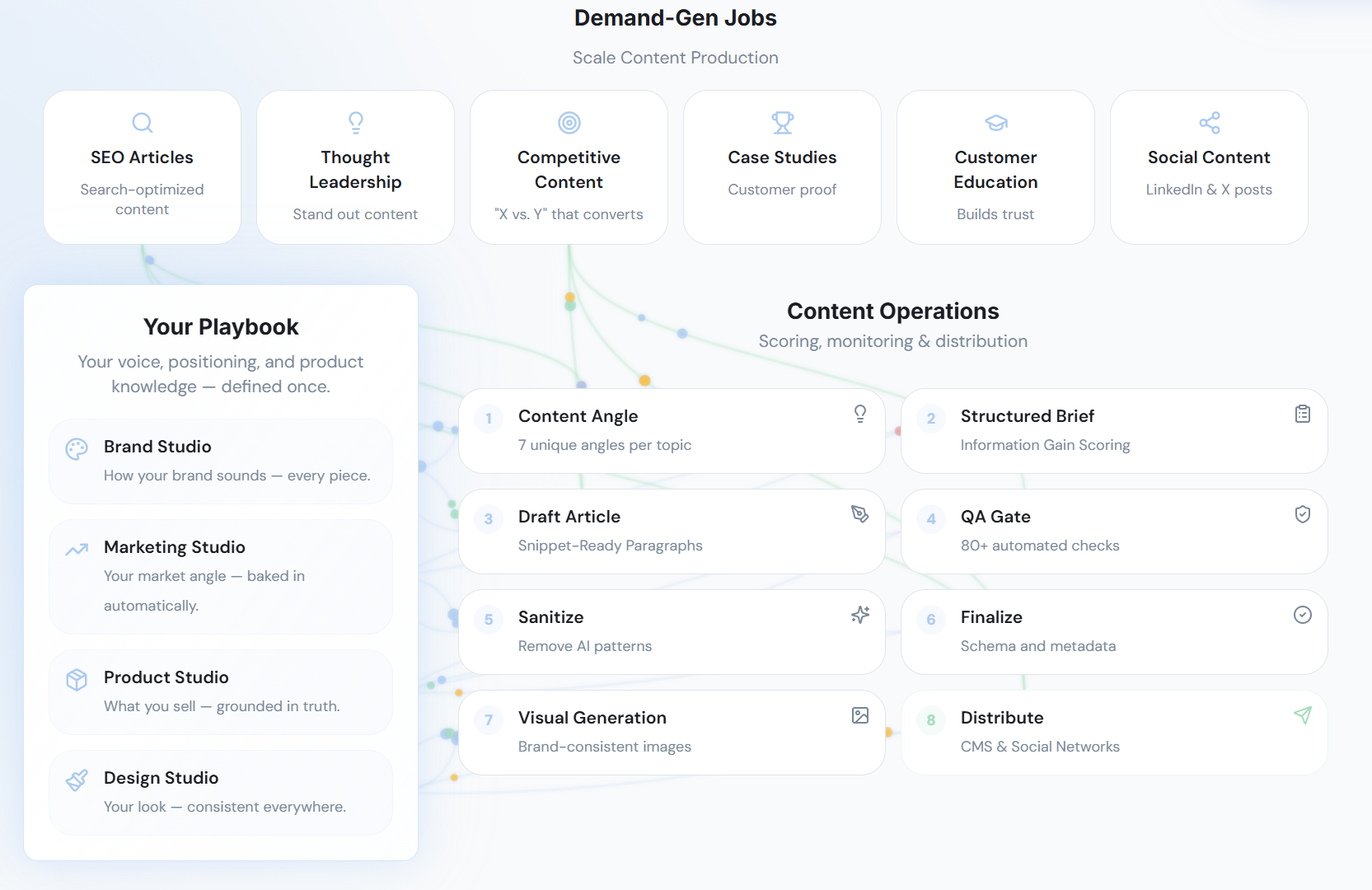
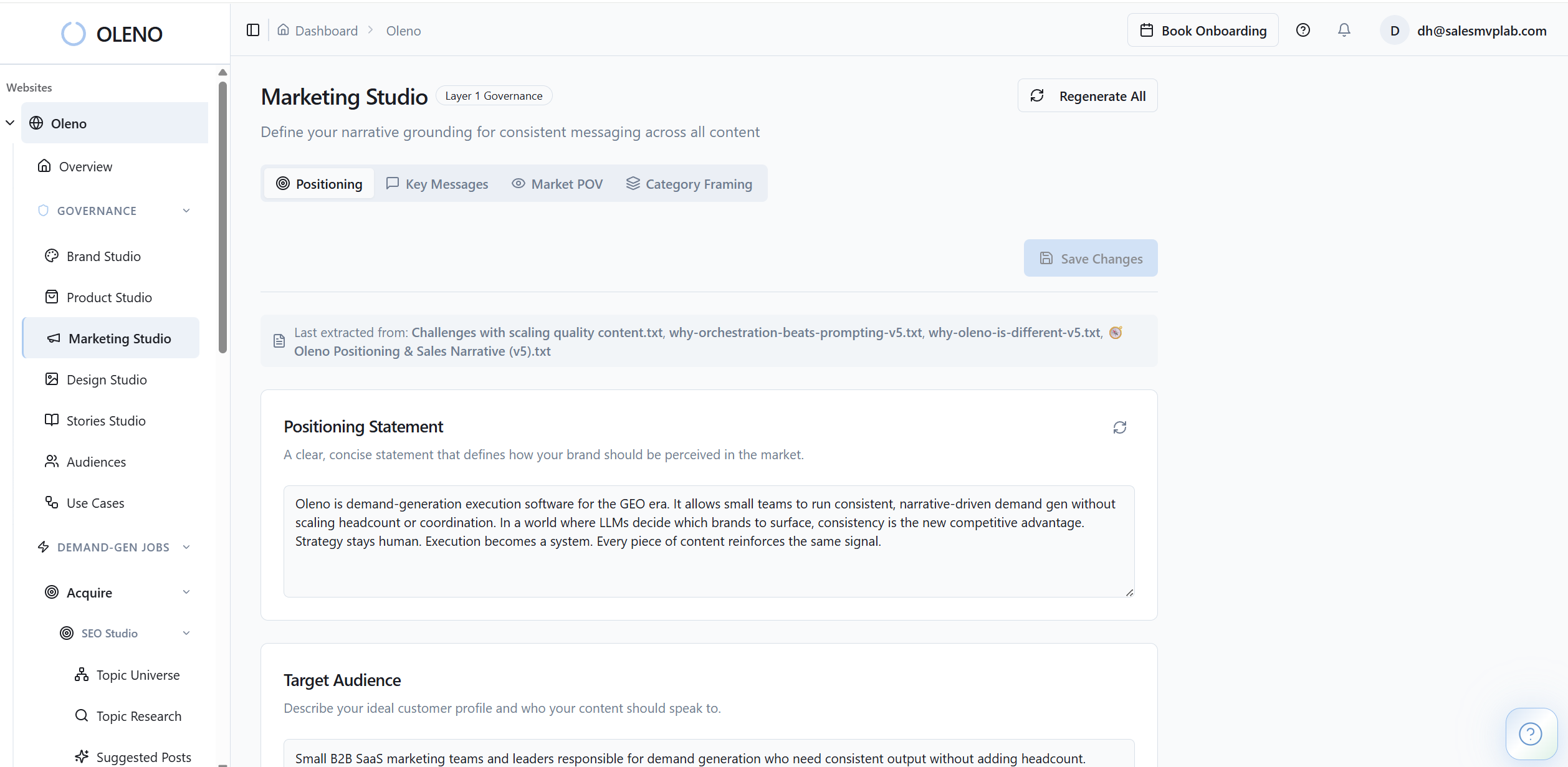
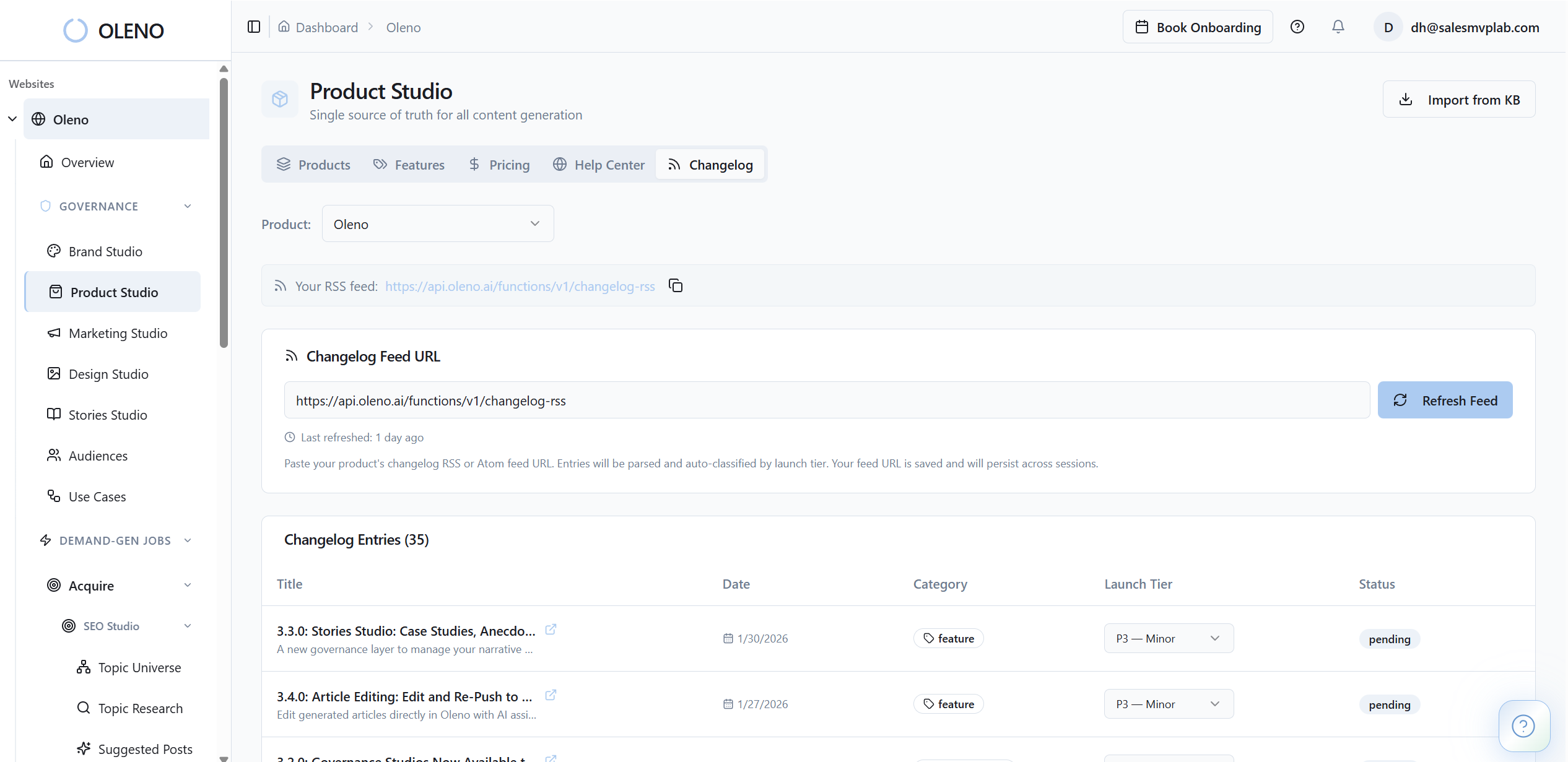
this is probably the biggest shift. With Oleno, Brand Studio lets you define tone, style, vocabulary, and structural preferences. Marketing Studio captures your key messages, category framing, and narrative logic. Product Studio holds approved product descriptions, feature boundaries, and use case truth.
So instead of hoping that context makes it into each article, the context is loaded into the process. That changes the role of the PMM. You stop being the person who fixes drift at the end. You become the person who sets the rules up front.
Audience & Persona Targeting and Use Case Studio matter here too. They make the same topic land differently depending on who it’s for and what job the buyer is trying to get done. That’s important for scaling SaaS teams because generic content is usually what triggers rewrite cycles in the first place.
Planning and execution run on a cadence, not on memory
A lot of teams think they have a workflow because they have a spreadsheet and a content meeting. That’s not the same thing. A real system needs pacing.
Programmatic SEO Studio gives you topic discovery and a locked-outline pipeline for acquisition content. Storyboard helps allocate content across audiences, personas, products, and use cases based on coverage gaps. Then the Orchestrator runs the pipeline against quotas and cadence settings so the work keeps moving without somebody manually pushing every piece down the track.
This is where the machine metaphor actually fits. Not as decoration. As a mechanism. Most teams are operating like a workshop, where every article is hand-built by skilled people. Oleno is closer to a production line with QA checkpoints. You still need judgment. But judgment is applied at leverage points, not sprayed across every repetitive task.
Quality control is built into the flow
The other thing I like is that the system doesn’t assume drafts are automatically good. Quality Gate evaluates outputs against voice, structure, clarity, repetition, grounding, and SEO. If the score is low, it attempts auto-revision. If it still misses, it blocks publishing.
That’s a big deal. Because the worst version of automation is fast garbage. Oleno isn’t pretending human judgment disappears. It’s making sure judgment happens after a serious amount of structure and checking has already been done.
Then the Executive Dashboard gives leaders a read on cadence, quality score trends, coverage gaps, and pipeline health. So you’re not guessing whether the content system is working. You can actually see it.
Oleno also fits beside the rest of your stack. It doesn’t do technical SEO, attribution, paid media, or campaign strategy. And that’s fine. It handles the content production bottleneck: briefing, drafting, QA, and publishing. That’s the slice most teams are drowning in anyway.
If your team wants to see what this looks like when governance, planning, and execution actually connect, book a demo. The real unlock is simple: set the rules once, then stop paying humans to repeat them.
The Best Workflow Template Is the One That Reduces Rewrites
A content automation workflow template should reduce human effort where human effort is least valuable, and preserve human judgment where it matters most. That’s the line.
If your current system still depends on PMMs to manually correct positioning, product claims, audience framing, and tone on every draft, then you don’t really have automation. You have a slower version of manual work wearing an AI costume.
The teams that get this right aren’t chasing faster prompts. They’re encoding the fundamentals. Then they let the system run inside those boundaries.
That’s the shift. And it’s a meaningful one. Especially in the GEO era, where consistency across scale matters more than one clever article.
So if you’re building content for a scaling SaaS team, start with the workflow template. But build the right one. One that begins with truth, not tasks. One that lowers coordination cost, not just draft time. One that gives PMMs fewer rescues and more leverage.
That’s where content automation actually starts paying off.
About Daniel Hebert
I'm the founder of Oleno, SalesMVP Lab, and yourLumira. Been working in B2B SaaS in both sales and marketing leadership for 13+ years. I specialize in building revenue engines from the ground up. Over the years, I've codified writing frameworks, which are now powering Oleno.
Frequently Asked Questions