Content for Buyer Enablement: What You Need to Know

Most teams create content for buyer enablement, but buyers still stall. The problem isn’t effort, it’s fragmentation. If your enablement isn’t mapped to how committees decide, at best you educate, at worst you confuse. So let’s fix the system that creates the content, not just the content.
Key Takeaways:
- Content for buyer enablement has one job: reduce decision risk for the buying committee
- The blocker isn’t volume, it’s missing governance and use‑case alignment across assets
- Map questions by role and stage, then build a consistent bundle for each evaluation path
- Encode product truth and narrative once, then reuse it across every asset
- Shift measurement from pageviews to “decision progress” signals buyers actually show
- Orchestrate a steady cadence so sales never scrambles for the right doc
- Small teams can run this with governance, not headcount
Challenge
Buyer enablement fails when teams ship content disconnected from real evaluation paths. Committees need proof tied to their use cases, not generic education. When assets drift in voice, facts, and structure, reps give up, buyers do too, and deals slow down. Sound familiar? It’s exhausting to rewrite the same one‑pager at 11 PM.
Why buyer enablement breaks inside scaling teams
Your team ships content, but buyers don’t use it to decide. That gap shows up in long cycles, stale decks in the wild, and reps building their own slides. Gartner found buyers spend only 17% of their time with suppliers, which means content must carry more weight than meetings do (Gartner B2B buying journey). Without tight alignment, you lose that window.
I have watched this play out. PMM tells a crisp story, content writes something different, sales grabs last year’s slides. None are wrong alone, but together they create doubt. And doubt kills momentum more than a tough competitor.
The fix isn’t “more content.” It’s a system that holds product truth, audience specifics, and narrative together so every asset points to the same decision.
The real blocker isn’t content volume
Teams think they need more case studies and more comparisons. Volume masks the real issue. The root cause is missing governance: no single source of product truth, unclear use cases, weak audience mapping, and no cadence that keeps assets fresh.
That’s why reps ping you for the “latest” deck. They don’t trust the library. They’ve been burned. Trust erodes when facts drift and voice changes week to week. Most of the waste comes from rework, not creation. Fix the system, and volume becomes an advantage again.
Also, buyers do heavy self‑serve research and trust peers more than vendors. The TrustRadius report backs this pattern, putting pressure on late‑stage content to be exact, current, and believable (TrustRadius 2022 B2B Buying Disconnect).
Teaching
Great buyer enablement content reduces risk for each stakeholder at each stage. Start with the committee’s questions, not your asset wishlist. Then encode product truth and use‑case workflows into a repeatable bundle you can refresh on a cadence. Do this right, and reps stop hunting, buyers stop stalling.
Anchor on the buying committee’s questions
Enablement starts when you list the questions different roles actually ask. The CFO needs cost, timeline, and risk clarity. The Head of Ops needs integration, data, and process impact. The end user wants to know if daily work gets easier. One asset can’t answer all three well.
In my experience, the best teams write questions in the buyer’s words, not ours. Avoid internal jargon. If you can’t answer in one clear sentence, you don’t have the content yet. Then link each question to a proof type, for example ROI one‑pager for CFO, workflow walkthrough for Ops, short demo clip for users.
Create a simple map:
- Role and stage, written in buyer language
- Key question and acceptance criteria
- Proof type that best answers it
Model use cases into evaluation paths
Use cases turn features into buyer reality. Name the job, define the steps, state the primary outcome. Then tie assets to those steps so buyers can imagine success before they talk to you. When you do this well, you remove the most common stall: “I can’t see how this works here.”
Keep it practical. Pick your top three use cases by revenue or win rate. Write the workflow. Identify where risk lives. Build proof that neutralizes that risk. For example, if “handoff quality” is a hot spot, show how data flows, not just say it does.
Turn that into a numbered path buyers can follow:
- What triggers this use case
- How work moves from A to B
- Who is accountable at each step
- What measurable outcome proves it worked
Build the core buyer enablement bundle
Every evaluation path should have a small, complete bundle that answers why, how, and proof. Done right, you never scramble. Reps grab the version that matches the deal, and you maintain one source of truth.
Your bundle should include:
- Comparison: objective, table‑driven, updated on a schedule
- ROI one‑pager: assumptions stated, math visible, ranges not promises
- Objection library: short, specific answers with links to proof
- Implementation timeline: phases, owners, risks, and mitigations
- Workflow walkthrough: screenshots or short clip tied to the use case
Teams miss one more thing, and it costs them: a “what this is not” section. Boundaries build trust. Say what your product doesn’t do so buyers don’t discover it later.
Orchestrate enablement across channels and sales
Great content without distribution is shelfware. Your library needs structure, naming, and a refresh cadence. Your reps need a simple way to find the right thing fast. Marketing needs a drumbeat that keeps assets current without heroic effort.
A few rules that work:
- Name assets by audience, role, use case, and stage
- Publish a short release note when something changes
- Set a monthly review for high‑risk facts, a quarterly pass for everything else
- Train reps with 10‑minute micro‑sessions tied to real deals
You’ll feel the shift when Slack stops buzzing with one‑off asks and starts sharing links to the same three living docs.
Measure learning, not pageviews
Pageviews don’t tell you if buyers moved closer to yes. Measure whether content answered the question it was built to answer. That’s the bar.
Track signals like:
- Did the rep use the asset in the next call
- Did the buyer ask a deeper question you expected
- Did cycle time shrink on that stage for this use case
- Did fewer “what about X” objections appear
When you find an asset that moves the needle, standardize it. When you find one that doesn’t, rewrite or remove it. Less noise, more progress.
Ready to make this real for your team’s content for buyer enablement? Request a Demo. We can walk your bundle and map it to your top use cases in 30 minutes.
Solution
Oleno turns the methodology above into repeatable execution. Governance encodes voice, positioning, audience, and product truth. Studios and the Orchestrator run the work on a steady cadence. The result is current, accurate content for buyer enablement that buyers and reps actually use, without manual herding.

Encode truth, eliminate rework
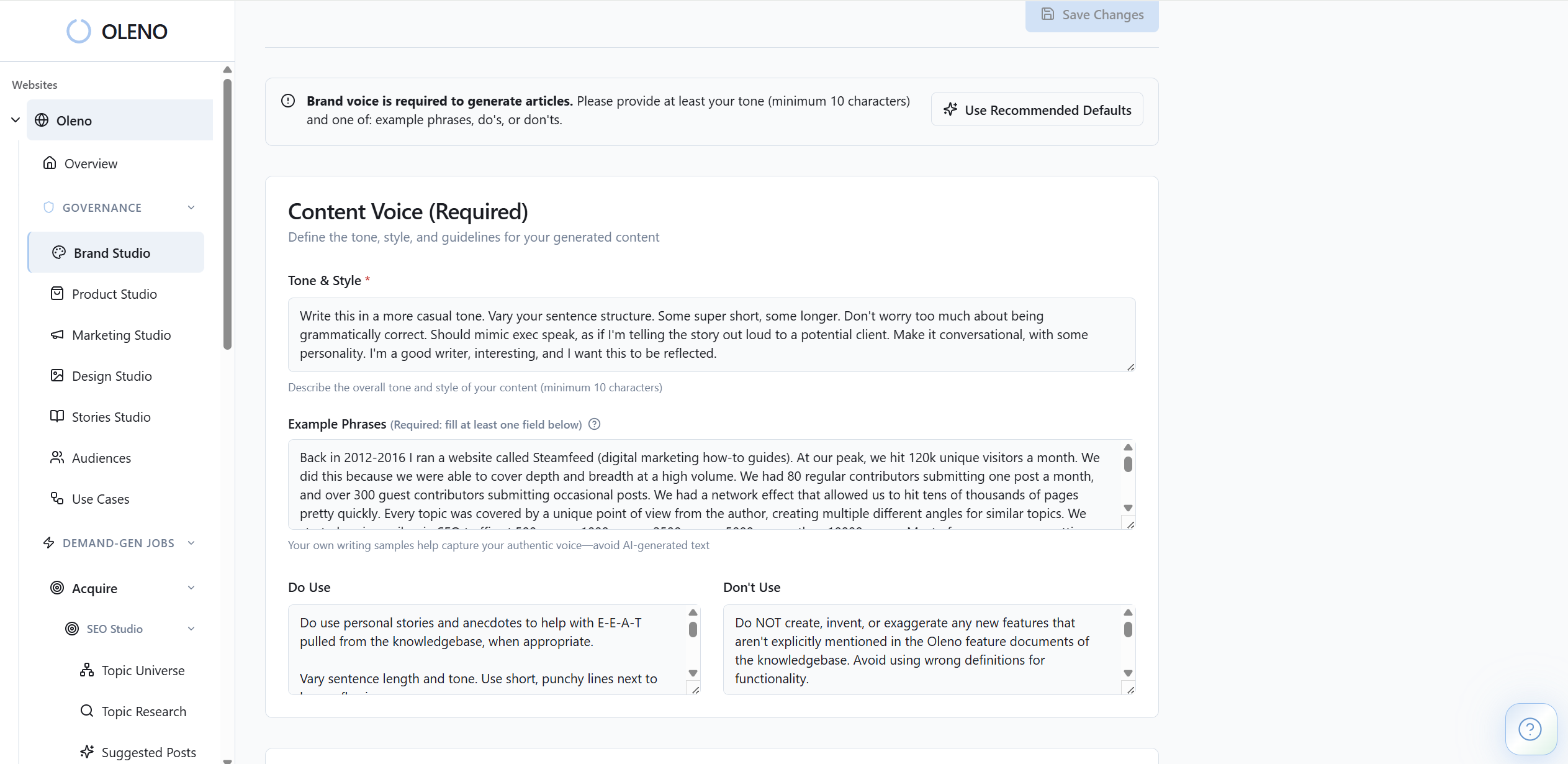
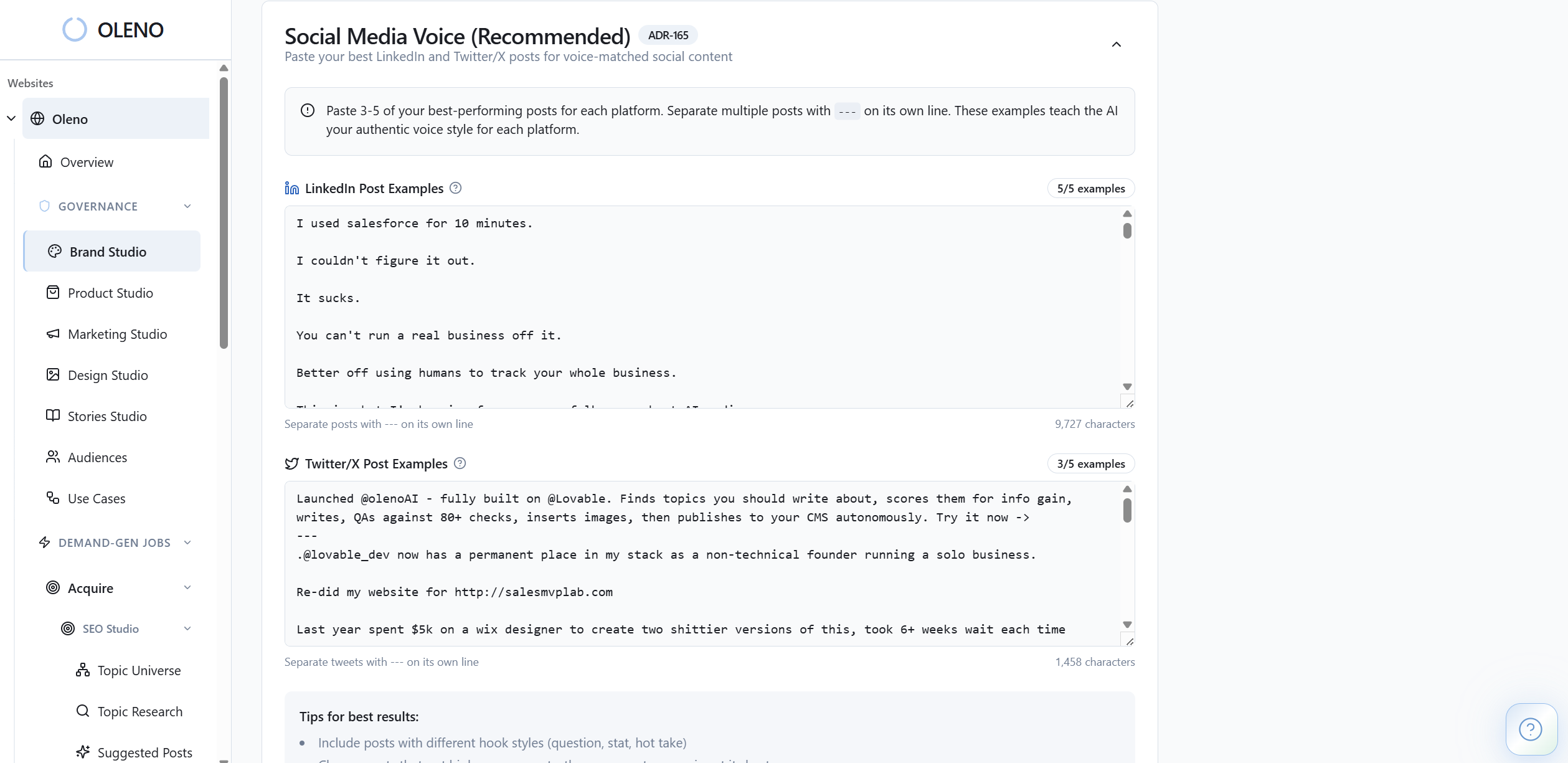
Oleno’s governance layer removes drift at the source. Product Studio centralizes approved feature definitions, boundaries, and supported use cases, so comparisons, ROI pages, and walkthroughs don’t contradict each other. Marketing Studio injects your narrative and enemy framing so “old way vs new way” land consistently in every asset. Brand Studio keeps tone, terminology, and CTA rules tight across pieces.
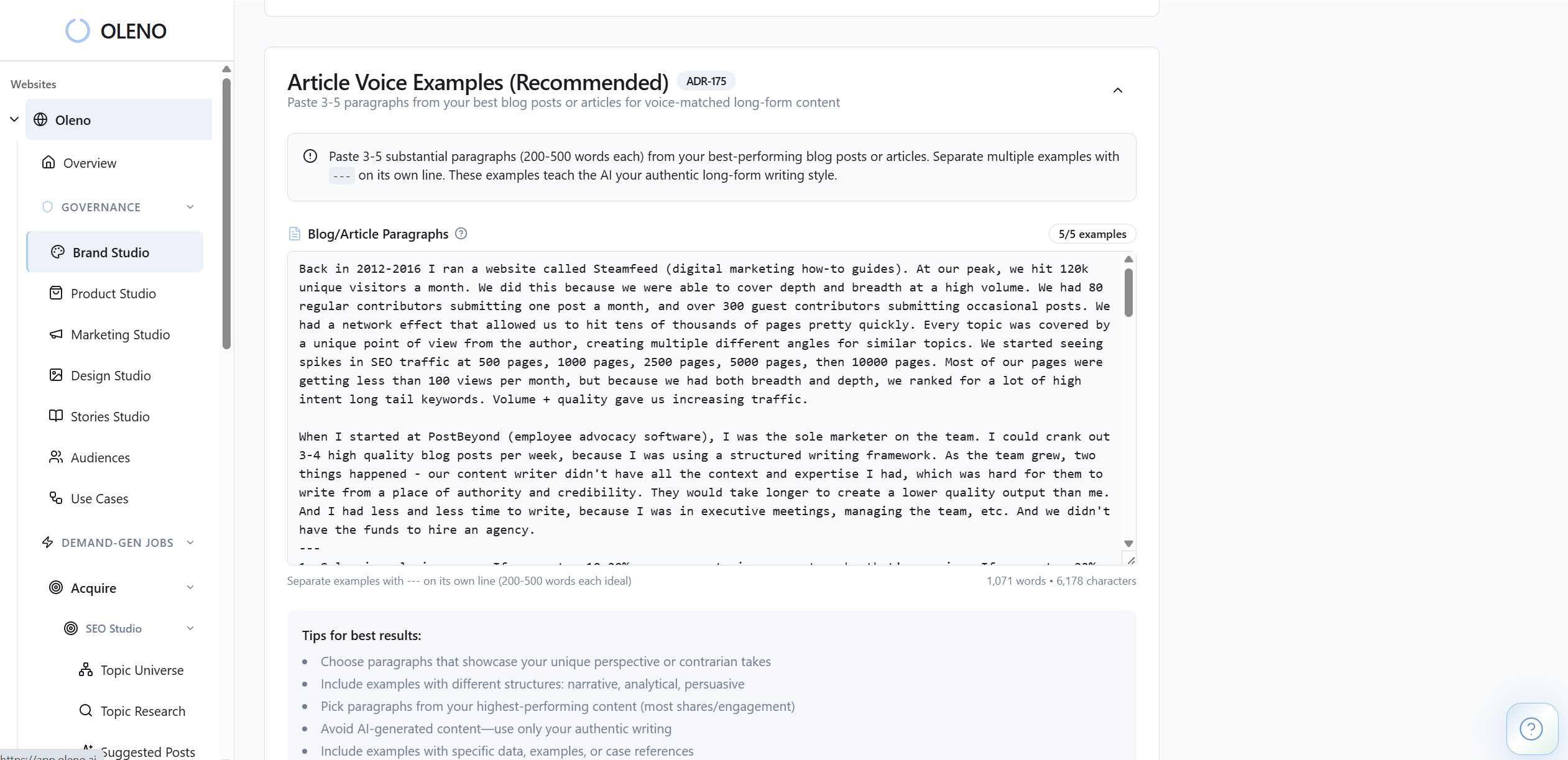
This cuts the rework tax you feel when three teams edit the same deck in different ways. It also reduces the risk of outdated claims slipping into late‑stage content. If you said “integration is native,” it is, or it doesn’t publish. That is what the Quality Gate enforces.
Run the buyer enablement pipeline
With governance in place, Oleno’s job studios and operations handle execution. Buyer Enablement Studio generates comparison pages, objection libraries, and FAQs from your buyer questions and product truth. Use Case Studio models workflows and outcomes so content maps to how customers actually work. Audience & Persona Targeting adapts the same topic for CFO vs Head of Ops without losing accuracy.
The Orchestrator paces production so your core bundle stays fresh, not stale. The Executive Dashboard shows cadence, coverage gaps by persona or use case, and quality trends, so you know where evaluation content is thin. When facts change, you update Product Studio once, and the new truth propagates across future outputs automatically.
Teams using Oleno see fewer late‑night edits and shorter review cycles, because the system prevents the common mistakes you drown in today. That is the point: reliable content for buyer enablement that reduces decision risk and closes the gap between what you intend and what buyers read.
Want to see your bundle come together fast? Book a Demo. We’ll show how Product Studio, Buyer Enablement Studio, and the Orchestrator cut weeks of coordination to days.
Before we wrap, if you’re still stitching docs by hand and chasing “latest” versions, you’re paying a hidden cost every week. Stop the churn with a governed pipeline your reps trust. When trust goes up, cycles go down.
Ready to ship consistent, accurate content for buyer enablement without adding headcount? Request a Demo. We’ll map your top three use cases and leave you with a concrete plan.
Conclusion
Content for buyer enablement works when it answers real committee questions with the same truth, the same voice, every time. Start with roles and use cases, build complete bundles, and measure decision progress. Then make it systematic. That is how small teams operate like big ones, minus the chaos.
About Daniel Hebert
I'm the founder of Oleno, SalesMVP Lab, and yourLumira. Been working in B2B SaaS in both sales and marketing leadership for 13+ years. I specialize in building revenue engines from the ground up. Over the years, I've codified writing frameworks, which are now powering Oleno.
Frequently Asked Questions