Content Ops Health Dashboard: Prevent Cadence Drift in 6 Metrics

Most teams don’t notice cadence drift until the pipeline feels thin and sales starts asking, “What shipped last week?” You had a plan. You had a calendar. But somewhere between brief and publish, momentum slowed. Not because the ideas dried up. Because the system did.
I’ve watched this play out at different scales. Back when we ran Steamfeed, volume plus structure gave us momentum. Later, at PostBeyond and LevelJump, tiny teams fought for every hour and lost weeks to rework and coordination. Rhythm slips quietly. Then it hits all at once.
Key Takeaways:
- Treat publishing cadence like uptime: set SLOs, budgets, and burn alerts
- Watch leading indicators: queue depth, time-in-stage, publish rate vs target, QA rejection rate, refresh lag, coverage gaps
- Tie metrics to owners and runbooks so you remediate drift fast
- Build a simple health panel with RAG states and error budgets
- Instrument your pipeline end-to-end (Discover → Publish), not just the calendar
- Use QA-as-code and deterministic templates to cut rework and keep voice consistent
Ready to make cadence visible, not a guessing game? Request a short walkthrough and we’ll show you a working health panel tied to real pipeline stages. Request A Demo
Why Cadence Slips Even When You Have A Plan
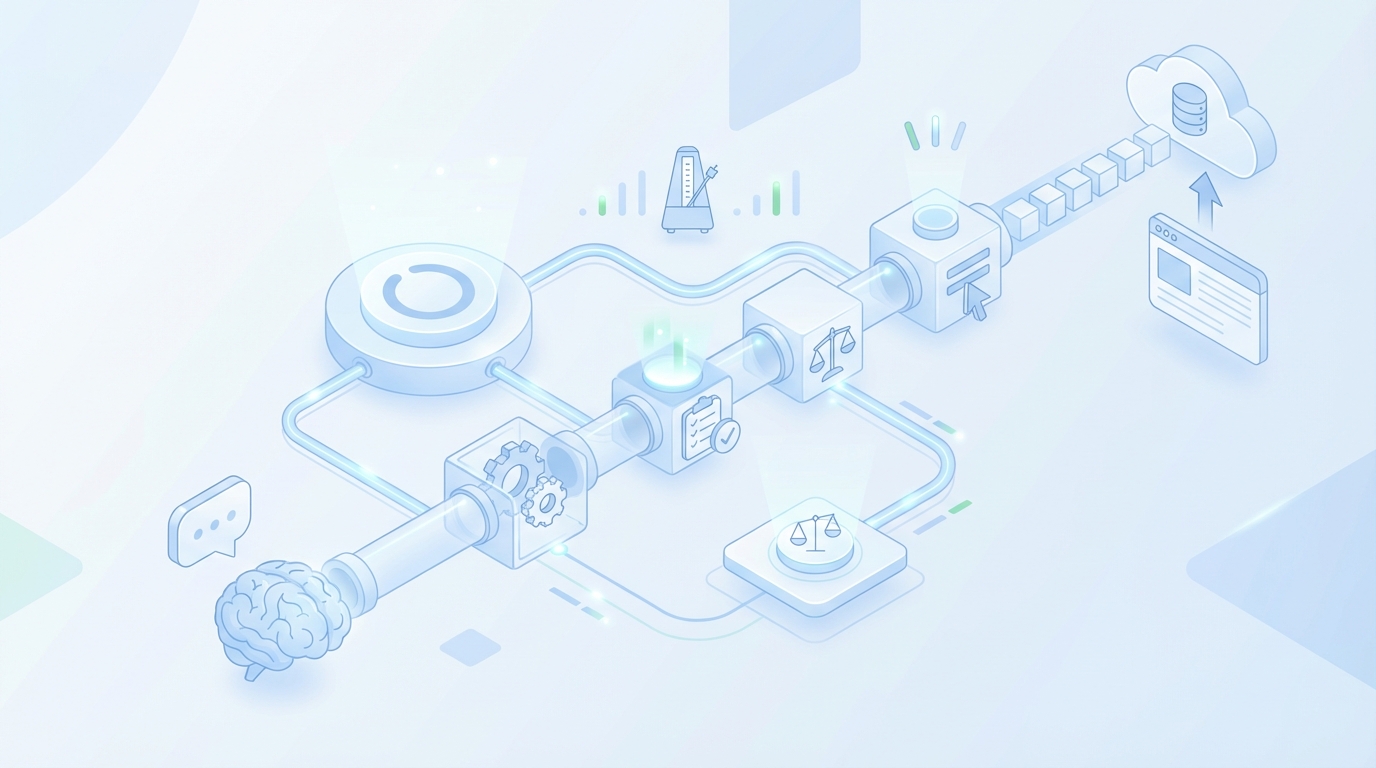
Cadence slips because calendars report intentions, not execution. Drift starts as small delays in Angle or QA, then compounds into missed publish targets downstream. A simple example: a two-day QA slowdown early in the week pushes three assets into Friday, then into next week altogether.
What Is Cadence Drift And Why Does It Sneak Up On Teams?
Cadence drift is the slow slide from “two posts a week” to “one, then none” because publish-ready assets stall in stages. Work still happens, but it doesn’t cross the finish line. For instance, a steady Draft queue masks the fact that QA is taking 3x longer than last month.
You can’t manage what you don’t instrument. Define drift as variance from target schedule, then measure how work moves through Discover → Angle → Brief → Draft → QA → Enhance → Visuals → Publish. When I see teams rely on calendar views, they miss the choke points. The pipeline has the truth. Oleno treats this flow as the source of reality and applies the same rules everywhere, which is why cadence becomes predictable rather than aspirational.
If you want an analogy, think about data quality. Teams don’t wait for a broken dashboard to learn something’s wrong. They monitor leading signals for drift. The same principle applies here; upstream signals tell you what tomorrow’s publish count will be. A good primer on drift thinking from the data world is this overview of data quality drift concepts.
The Metrics That Actually Predict Rhythm
Calendar views lull teams into thinking they’re on track because dates look organized. Pipeline metrics tell the truth because they measure motion and friction. Queue depth, time‑in‑stage, publish rate vs target, QA rejection rate, refresh lag, and coverage gaps predict drift earlier than traffic metrics.
Here’s the pattern. When queued work rises while publishes stay flat, something upstream is stuck. When p90 time-in-stage spikes, a specific gate is failing. When refresh lag grows, evergreen decays and your “net new” schedule becomes a rescue mission. None of this shows up on a calendar. It shows up in stage-level telemetry.
I’m opinionated about this: traffic is a lagging indicator; cadence metrics are leading ones. Watch the pipeline, not Google Analytics. Use cadence metrics to ask better questions: is QA blocking due to voice rules? Did a template change add friction in Publish? Does Brief quality correlate to fewer QA loops?
Where The Execution Flow Hides The Bottlenecks
Bottlenecks rarely sit where you expect. You’ll see Angle review queues explode after adding a new studio. QA slows when voice rules change. Publishing fails when CMS templates drift. Map each pipeline stage to events, and trend duration per stage with failure patterns.
When we instrumented stage times end-to-end for a team, p50 looked fine. But p90 in QA doubled after they tightened voice rules. That tail created misses at Publish, even though the average stayed steady. Once we enabled pre‑flight checks in Brief and Draft, those p90s came back down.
A practical tip: log when rules change and correlate with stage times. One constraint usually drives most misses. Find it, fix it, and cadence starts to feel normal again. The point isn’t to chase every blip. It’s to see the one constraint that’s actually burning your error budget.
Make Publishing Rhythm Measurable With Cadence SLOs
A cadence SLO is a formal target for publishing output tied to a job, with an error budget you’re allowed to burn. You treat content cadence like uptime: set targets, define allowable misses, track burn, and change priorities when you’re breaching. For example, five posts a week with a 20% monthly miss budget.
What Is A Cadence SLO And How Do You Set One?
A cadence SLO turns “we should publish more” into a verifiable commitment. You pick a target per job—say, programmatic SEO at five posts per week—and define an error budget, like up to 20% misses per month. Then you track burn and prioritize fixes when the budget’s at risk.
Keep it simple. Rolling seven-day and 28-day SLO panels, per job. Clear pass/fail thresholds. No debates about whether a refresh counts—decide once and codify it. If you want more background on SLO mechanics and error budgets, the Google SRE workbook on SLOs is a solid reference, even though we’re applying the concept to content.
Error Budgets That Do Not Punish Learning
You’re not aiming for perfect. You’re protecting rhythm. A good error budget sets boundaries for misses while leaving room for experiments. Set stricter budgets on Publish, looser on Draft. If experimentation spikes QA rejections this week, fine. Burn budget, learn, then cool down.
What you avoid is the all-hands scramble at month‑end. Error budgets turn that into predictable variance. Instead of cramming six posts into Friday to “hit the number,” you shift earlier in the month when burn is high. Over time, budgets make learning visible and drift preventable.
A quick nuance. Tie budgets to jobs and stages. A “green” Publish with a “red” QA is telling you where to act, not that everything’s okay. This prevents overcorrection at the wrong step.
Ownership And Review Cadence That Sticks
Cadence SLOs die without owners. Assign a single owner per job who reports weekly on burn, breaches, and remediation. Keep it boring. Red two weeks in a row prompts a change request. Not a debate. Close the loop in a ten‑minute standup.
Small teams don’t have time for postmortem theater. They need clarity and a playbook. Owners decide when to stop and fix versus ship and learn. And because the SLO is explicit, the conversation is factual, not emotional. That reduces stress, which oddly increases speed.
Think scoreboard, not surveillance. The goal is to make decisions obvious, not to create a wall of charts. One panel per job. One owner. One weekly check.
The Hidden Cost Of Cadence Drift On Small Teams
Drift compounds because content is compounding work. Missed windows aren’t just traffic—you lose internal links, refresh momentum, and narrative repetition. Slip from 20 to 12 posts for six weeks and you’ve created a 48‑post gap that takes months to close, even if you “go hard” next month.
Why Missed Publish Windows Compound Quickly
Let’s pretend your target is 20 posts per month across two jobs. Slip to 12 for six weeks and you now have a 48‑post gap. That’s fewer internal links, fewer A/B tests, fewer chances to reinforce narrative. Recovery takes months because authority compounds slowly, not in sprints.
I’ve seen teams try to brute force a comeback. It doesn’t work the way you want. You trade quality for speed and burn an even larger error budget next month. Better to prevent the gap with early-warning signals than to dig out from it later.
If you must recover, prioritize clusters, not individual posts. Fill coverage gaps that unlock multiple internal links. You’ll gain back momentum faster than chasing isolated topics.
The Real Time Sink, Manual Policing
When cadence drifts, people start chasing work. Managers ping writers. Writers chase SMEs. Someone rebuilds a spreadsheet. If each handoff burns 20 minutes and you have 50 assets in flight, you lose 16–20 hours a week to coordination. That’s a quarter of a person, gone to policing.
This is where systems beat heroics. Deterministic pipelines, clear owners, and QA gates reduce back‑and‑forth. If your process requires frequent judgment calls, you’ll pay the coordination tax every week. I’ve paid it. It’s not fun, and it doesn’t scale.
You can replace a lot of this with pre‑flight checks and locked structures. Decide once. Then let the system uphold the rules so your team focuses on substance.
QA Rework And Brand Trust Erosion
High QA rejection rates aren’t just delays. They create frustrating rework and stall throughput. Worse, if QA loosens to hit dates, brand trust erodes. You pay twice—now and later. Track rejection rate and time‑to‑pass. Bring it down with clear rules and pre‑flight checks so publish speed doesn’t trade against quality.
The trick is to make “right the first time” normal, not exceptional. Locked briefs, consistent voice rules, and structural checks reduce noisy rejections. If you want design pointers for communicating status clearly, these dashboard design practices from GoodData are useful when building your own QA panels.
Still losing hours to coordination and rework? This is exactly where a system helps. If you want to see what a job‑based, stage‑aware setup looks like in practice, we can walk you through a live example. Request A Demo
The Stress Of Unpredictable Publishing Weeks
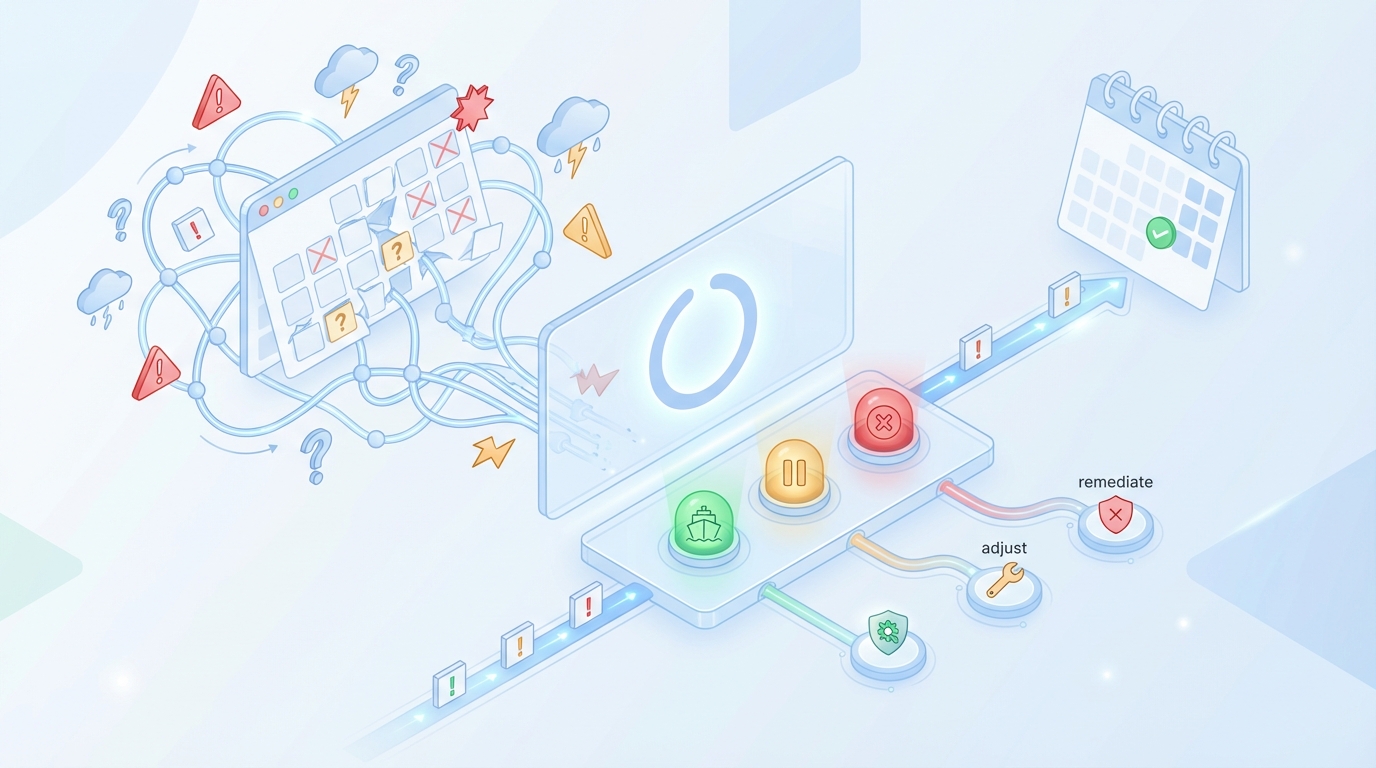
Unpredictable weeks spike stress because you can’t tell what’s going to land or who’s blocking it. A simple health panel lowers anxiety: green ship, amber adjust, red remediate. Page only on conditions that burn error budget faster than plan. For example, publish failures above threshold or p90 time‑in‑stage breaches.
When Your Big Push Week Slips By Two Days
You planned a narrative push. Three posts should publish Monday to Wednesday. A CMS template change kills Monday output. Tuesday’s QA finds voice drift. By Wednesday, everything bunches. Sales asks where the new explainer is. The week spirals.
This is the moment cadence SLOs and error budgets earn their keep. A red signal stops the line: fix the template, tighten voice alignment at Brief, and reschedule. Better a controlled pause than a messy Friday dump that creates more rework next week.
We’ve all had these weeks. The difference is whether you can name the breach, route it to an owner, and run the play without debate.
Who Gets Paged And For What?
Not everything needs a page. Page on publish failures exceeding threshold, or time‑in‑stage breaches that burn error budget faster than plan. Route QA rejection spikes to the quality owner. Queue explosions go to the job owner. Clarity lowers stress.
You don’t need more notifications. You need better ones. Tie alerts to error budget burn and specific stages. That way, you’re not paging for noise—you’re paging when the plan is at risk.
And one interjection. Disable vanity alerts. They add anxiety and no action.
Why Small Teams Need A Visible, Simple Signal
You don’t need a thousand charts. You need a health panel that tells you today’s risk. Green, you ship. Amber, you adjust. Red, you stop and remediate. Tie that signal to owners and runbooks. Small teams win by deciding once, then running the play the same way every time.
If you want to go deeper on continuous monitoring approaches, the mindset from operations and healthcare carries over. The point is consistency and adherence, not surveillance. A concise panel beats a busy one every time. Teams that keep it simple tend to ship more.
Build A Health Dashboard That Catches Drift In 6 Metrics
A useful health dashboard monitors six leading indicators: jobs queued per studio, time‑in‑stage (p50/p90), publish rate vs target with error budget burn, QA rejection rate, refresh lag, and coverage gap ratio. Each metric ties to a remediation path, so you know exactly what to fix when it turns amber or red.
Metric 1: Jobs Queued Per Studio Against Capacity
Track queued items per job against weekly publish targets. A rising queue with flat outputs signals upstream blockage. Query pattern: count items not in Publish where created_at is older than N days. Visualize as a time series with a capacity line and alert when queue exceeds 150% of the weekly target.
The reason this works: excess inventory hides process debt. If you can’t reduce the queue within a week, you’re not starved for ideas—you’re blocked by rules, templates, or ownership. That’s solvable. Tie the alert to a runbook: identify the stage with the largest delta and clear it first.
After you fix the immediate issue, ask whether capacity targets are realistic for that studio. It’s fine to recalibrate. It’s not fine to drift silently.
Metric 2: Time In Stage, P50 And P90 By Step
Measure median and tail time in each stage, Discover to Publish. A rising p90 in QA or Publish is your early warning. Query pattern: group by stage, compute percentile durations from stage_entered_at to stage_exited_at. Visualize as a heatmap by stage and time. Alert when p90 exceeds baseline by 30% for two days.
Why p90? Because tails cause misses. A stable median with a growing tail means a small subset is burning your budget. That points you to a specific failure pattern—voice drift, fact grounding, or structure non‑compliance.
Percentiles also let you prove improvements. Tighten briefs, enable pre‑flight checks, and p90 should fall. That’s what you want—less rework, steadier publish.
Metric 3: Publish Rate Vs Target And Error Budget Burn
Compute rolling seven‑ and 28‑day publish counts per job versus target. Track error budget burn as misses divided by allowable misses. Visualize as an SLA panel with RAG status. Alert when projected burn exceeds 80% of monthly budget by the third week.
This keeps you from the “last‑week scramble.” It also helps you decide which fixes matter now. If burn is high and queue is high, unstick upstream first. If burn is high and queue is low, you need better intake or topic discovery.
For visualization ideas, simple SLA panels like those in Databox dashboard examples work well. Don’t overdesign the graph. Make the state and owner obvious.
How Oleno Keeps Your Cadence Predictable With Measurement And Control
Oleno keeps cadence predictable by enforcing rules at every stage, measuring what matters, and publishing directly to your CMS on a steady cadence. It turns narrative, voice, and product truth into deterministic workflows, with QA gates that block drift and scheduling that respects your SLOs and error budgets.
Metric 4: QA Rejection Rate With Pre‑Flight Rule Impact
Track the percent of drafts failing QA on first pass, trended by rule category—voice, grounding, structure. Remediation: tighten briefs and enable QA‑as‑code so drafts auto‑repair before human review. Benefit: less frustrating rework and steadier throughput.

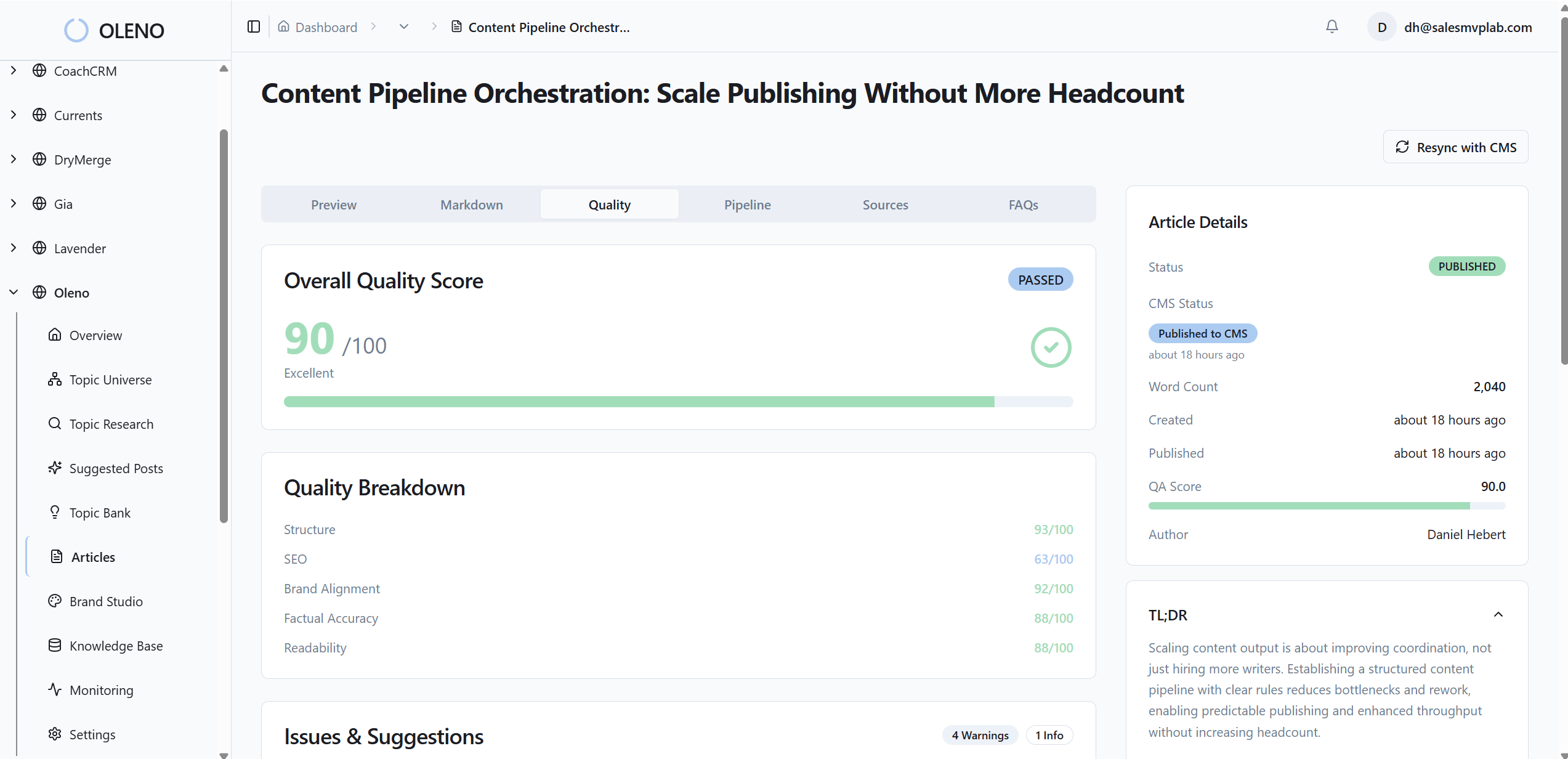
Here’s how Oleno supports this. You define voice, narrative structure, and grounding rules once in governance. Oleno enforces those constraints before publishing and revises until the QA gate passes. That doesn’t eliminate judgment, but it does prevent a lot of avoidable loops. Over time, p90 time‑to‑pass drops, and cadence steadies without you loosening the bar.
If you prefer to see how declarative editorial rules connect to lower rejection rates, we can show a working example tied to real briefs and drafts. Try Oleno For Free.
Metric 5: Refresh Lag On Evergreen Assets
Measure time since last refresh on evergreen pages versus refresh targets. Remediation: schedule refresh jobs so refresh debt doesn’t crowd new work. Benefit: authority and accuracy stay current without surprise crunch weeks.
Oleno helps here with cadence enforcement and scheduling. You can enable refresh jobs alongside net‑new, define reuse rules, and keep the calendar balanced without manual spreadsheets. Distribution handles channel formatting and cadence once assets are approved—no new messaging invented, just consistent reuse of approved content.
A nice side effect: when refresh is baked into the system, you stop losing ranking or accuracy quietly. You see refresh lag early and fix it before it becomes a backlog.
Metric 6: Coverage Gap Ratio By Cluster
Compute planned topics versus published per cluster. Remediation: prioritize gaps with brief‑ready topics and deterministic templates. Benefit: predictable cluster growth and internal link gains.
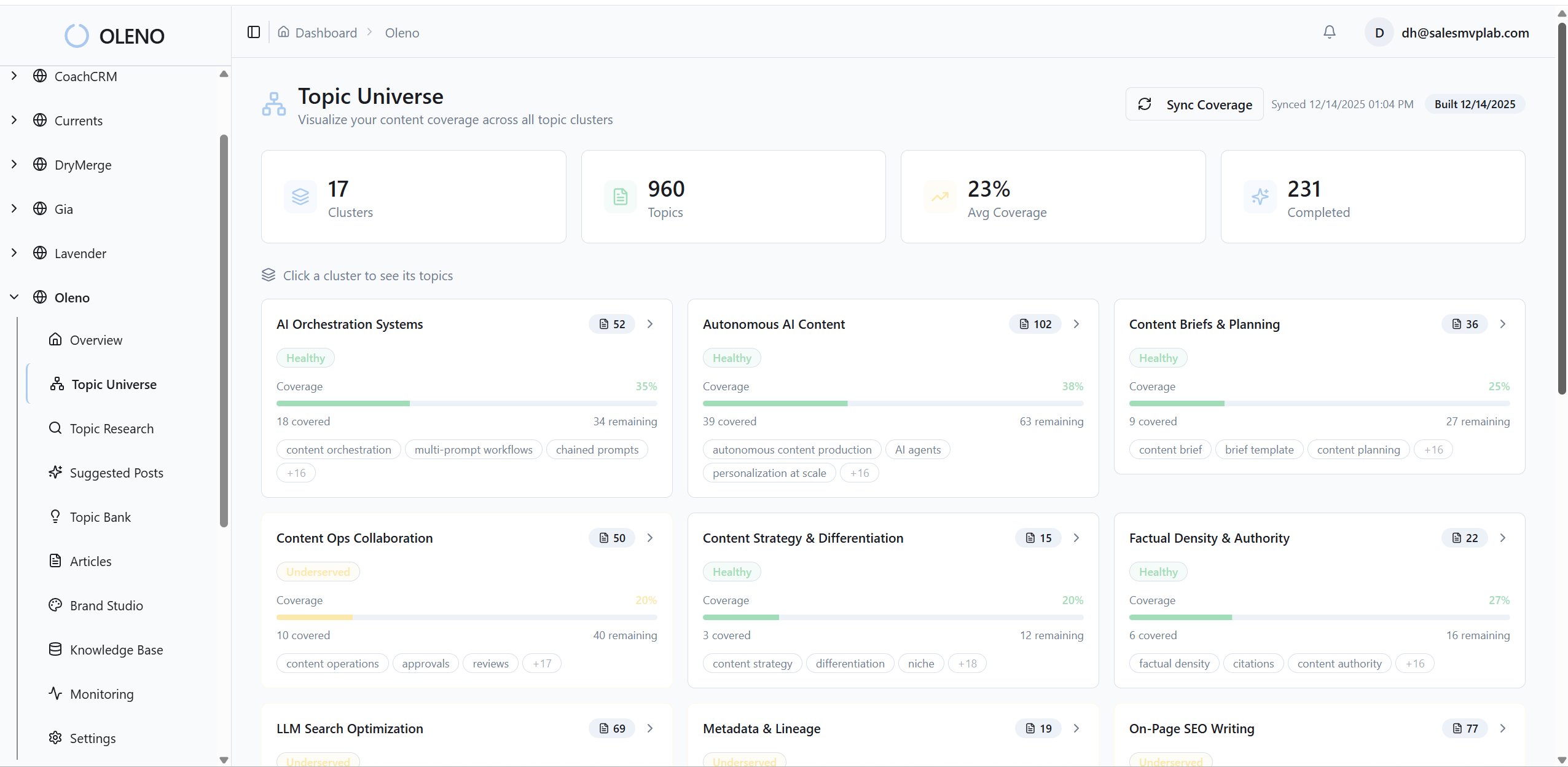
With Oleno’s job‑based execution and direct CMS publishing, cluster work keeps moving without coordination wrangling. You decide the cluster plan once; the system produces briefs with locked structure, drafts in your voice, and routes through QA to publish on a steady cadence. No guessing, no copy‑pasting between tools.
If you want inspiration for clean coverage and freshness views, concepts from Monte Carlo’s data health thinking and GoodData’s dashboard practices adapt well to content clusters.
Oleno enforces the rules and cadence so your small team can focus on the story. Want to see that operating rhythm tied to your jobs? Request A Demo
Conclusion
Here’s the thing. You don’t fix cadence by asking people to work harder. You fix cadence by making rhythm measurable, bottlenecks visible, and quality enforceable—then letting a system run the play the same way every week. Define SLOs. Watch the six metrics. Tie them to owners and runbooks. Whether you use Oleno or roll your own, the play is the same: decide once, instrument the flow, and let structure carry more of the load so your team can focus on the story, not the scramble.
About Daniel Hebert
I'm the founder of Oleno, SalesMVP Lab, and yourLumira. Been working in B2B SaaS in both sales and marketing leadership for 13+ years. I specialize in building revenue engines from the ground up. Over the years, I've codified writing frameworks, which are now powering Oleno.
Frequently Asked Questions