Content Strategy Metrics: 7 KPIs That Prove ROI in 90 Days

Most teams measure content like it’s a popularity contest. Pageviews go up, thumbs go up. Budgets still get cut. I’ve been on both sides of that table — running content, then running sales. The only metric that quiets the room is pipeline. And you can prove it, or disprove it, in 90 days.
Back when I ran Steamfeed, we grew to 120k monthly visitors. Wild growth, for a blog. But here’s what mattered more: when I moved into exec roles at PostBeyond and Proposify, the content that influenced deals looked nothing like the posts that racked up traffic. That disconnect is why “traffic” alone won’t save you in a budget review. You need content metrics that map cleanly to revenue steps. And you need them fast, so you can make decisions while a quarter still matters.
Key Takeaways:
- Build a 90-day measurement window tied to pipeline, not just traffic
- Define micro-conversions your sales and finance teams agree move deals forward
- Quantify the real costs of messy data and rework so you can stop it
- Ship seven KPIs that connect URLs to stage changes and dollars
- Use deterministic structure (headings, schema, links) to make tracking reliable
- Keep reporting boring and consistent so leaders build trust in the numbers
- Use Oleno to make measurement-ready content the default, not the exception
Traffic Alone Will Not Prove Content ROI
A 90-day window gives you a defensible read on content’s impact because it captures awareness, first engagement, and the first qualified conversion. It’s short enough to influence quarterly budget, and long enough to beat anecdotes. The goal isn’t perfection — it’s clarity you can act on now.

What is content ROI and why does a 90-day window work?
Here’s the simple definition I use with finance: content ROI is net revenue influenced by content divided by fully loaded content costs. Net revenue means after discounts and churn adjustments where relevant. A 90-day window works in B2B because most teams see consideration and first conversions land inside that timeframe, even if expansion and long-tail effects take longer.
The pushback you’ll hear: “What about our high-intent, long-cycle buyers?” Fair. That’s why you treat 90 days as your validation cycle, not your forever model. Prove you can move early buying signals and qualified conversions this quarter. Then expand windows for retention and expansion later. According to Sprout Social’s guidance on content marketing ROI, you need business-aligned definitions before you debate timeframes. Lead with the definition. Then show the window.
If you’ve been burned by vanity metrics before, you know the drill. Average position, time on page, bounce rate — helpful context, not decision metrics. The CFO test is simple: which URLs moved pipeline, accelerated conversion, or lowered customer acquisition cost? If your metrics can’t map a URL to a stage change or a dollar, they’re going to get dismissed. Build for pipeline first. Keep the rest as footnotes.
Turn Goals Into Measurable Micro-Conversions
Translating revenue goals into measurable micro-conversions starts with one target — usually pipeline or qualified demos — and works backward. Map the stages that precede it, identify content’s role in each, then instrument on-page behaviors that signal stage movement. You’re building a ladder from URL to revenue.

How do you map content to revenue goals?
Start with a single business target. Pipeline value from inbound is common and pragmatic. Now work in reverse. What’s the qualified conversion that feeds that target — MQL, SQL, or demo? What’s the signal? Form completion, sales-accepted in CRM, or calendar-booked? From there, map the upstream steps your content actually influences: awareness to first visit, first visit to engaged session, engaged session to form start.
Now translate those steps into trackable signals on the page. Embedded demo CTA clicks. Calculator submissions. Spec sheet downloads. Pricing page visits originating from content. Partner referral clicks. Don’t measure everything. Measure the actions you can defend in a room full of skeptics. The output is a one-page tracking plan per cohort: event names, required properties, expected firing pages. Keep it boring on purpose.
Define micro-conversions everyone agrees on
Micro-conversions are not vanity. They’re proof that someone moved closer to buying. Scroll depth past 70 percent on a solution page isn’t a random threshold; it’s a signal they actually consumed the pitch. Form starts, product screenshot gallery interactions, spec downloads — each event needs a one-line definition, a canonical name, and the minimum properties required to make it useful.
Get sign-off from sales and finance before you launch. It’s tedious and it saves you months. If a micro-conversion isn’t simple to define and explain, don’t measure it yet. And when you need a pragmatic approach to attribution, document it upfront: last-touch for direct response CTAs, assisted conversions for early-funnel content, plus a 90-day incrementality check using matched cohorts. The team at Big Sea outlines a similar practical approach in their guide to measuring and tracking content strategy ROI. Use principles, not perfect models.
The Hidden Costs Of Vanity Metrics And Messy Data
Messy data kills credibility because it wastes time and muddies decisions. Without a tracking plan, teams burn hours retrofitting UTMs, renaming events, and reconciling dashboards — then still can’t explain pipeline impact. Clean names, required fields, and consistent structure prevent rework before it starts.
Engineering and marketing hours lost to rework
Let’s pretend you ship 12 articles in a quarter. No tracking plan. You retrofit UTMs, recreate forms, rename events, and manually tag sessions. Ten hours of rework per article isn’t rare when ops is stretched thin. That’s 120 hours of frustrating rework — two to three weeks — that never advances pipeline.
Worse, your numbers won’t reconcile across GA4, your warehouse, and your CRM. Someone inevitably asks which source is “right.” The answer becomes a shrug and a slide deck. You avoid this by agreeing on event names, required properties, and page-level schemas before publish. Keep a lightweight spec: one page, versioned, linked in your sprint board. As a bonus, when your content is structured consistently, it’s a lot easier to enforce those rules.
How do bad baselines distort ROI?
If your baseline mixes seasonal spikes with paid bursts or product launches, you’ll over-credit or under-credit content. Happens more than we admit. Set a two-week pre-launch baseline per cohort. Freeze spend patterns during the observation window if you can. Use rolling averages to smooth anomalies. Annotate everything — campaigns, product releases, PR hits.
Bad baselines erode trust fast. Suddenly your “lift” looks like a paid campaign, not content. Or the opposite — you miss lift because a single big account distorts the denominator. A clear baseline and matched cohorts make your 90-day read defensible. For a simple sanity check on KPIs and ROI, The Simons Group has a practical marketer’s guide to measurement pitfalls and alignment. Use it to gut-check your plan before launch.
If you’re already thinking, “This is a lot of process,” you’re not wrong. It’s also cheaper than three lost weeks and a shaky board update.
The Frustration Of Explaining Results Without Proof
Leaders don’t need 20 charts; they need the same seven numbers, trending in the right direction. Panic comes from improvisation, not from the data. Decide the KPIs now, ship the events, and make your weekly view boring — in the good way that builds trust over time.
The 3am dashboard check you should never repeat
We’ve all done it. Traffic dips the week before a board meeting. You refresh GA, Search Console, HubSpot. Nothing ties, and you start writing fiction to thread the needle. Next quarter, the ask is bigger and your confidence is lower. That spiral ends when you define the seven KPIs that map URLs to stage changes and dollars. Then you review them weekly, every week, without moving the goalposts.
Here’s the conversation you want with sales: when a big prospect asks which content influenced their deal, you show two or three URLs with assisted conversions and stage-change correlations. “They touched the Feature Guide and the Comparison page; those correlate with a 22 percent faster time to first conversion in this segment.” Specific. Boring. Credible. If you need a primer on moving from “data-rich, insight-poor” to a focused reporting cadence, Siteimprove’s take on data-driven content marketing is a solid checkpoint.
Cadence matters. Weekly: a checklist for event health, anomalies, outliers, top movers. Monthly: a deeper read on attribution, uplift, and cost per acquired lead. Day 90: confirm, expand, or reallocate. Consistency beats novelty. That’s the drumbeat that gets budgets renewed.
The 90-Day KPI System You Can Ship Now
These seven KPIs connect content to pipeline inside a quarter. Each one has a clear definition, a simple formula, a sketch of how to build it, and a way to visualize it so your story lands. Keep them stable for 90 days, then refine.
KPI 1: Pageview to MQL conversion
Define it as the percent of unique pageviews that produce an MQL within seven days. Formula: MQLs with a prior pageview on the URL divided by unique pageviews on that URL. Keep the window tight so you’re measuring momentum, not luck. This reveals which pieces actually push people into your funnel.
Implementation can be straightforward. In your warehouse, join GA4 pageviews (by client_id) to lead events (by user_id/email mapping if needed) inside a seven-day window. Count distinct leads grouped by landing_url. Visualize as a ranked bar chart. Highlight URLs above the cohort median. Use it to prioritize content that reliably turns attention into pipeline.
KPI 2: Assisted conversions
Assisted conversions credit content that shows up before the converting session. Define it as the number of conversions where the URL appears in the session path in a 28- or 90-day lookback. You’re not replacing last-touch; you’re completing the picture. Early- and mid-funnel content lives here.
To build it, create user-level session paths, mark converting sessions, then flag URLs that appear in any of the N prior sessions. Aggregate assists by URL, and visualize a stacked bar: assists vs last touch. This will surface comparison pages, buyer guides, and integration explainers that matter but rarely “close.”
KPI 3: Content-attributed revenue
This is the one finance leans in for. Define it as revenue where a tracked content touchpoint influenced the path to deal. Keep the model simple: linear across touches or position-based if your volume allows. The point isn’t the perfect fraction — it’s defensible logic you can explain in two sentences.
In SQL, join CRM opportunity revenue to contact activity logs keyed by email or user_id, filter for your content URL set, and allocate revenue by your chosen rule. Then roll up by URL and by content cluster. Visualize as a waterfall by cluster to show material contribution. It won’t catch everything, and that’s fine. It will make the discussion concrete.
KPI 4: Engagement to conversion rate
Engagement alone is a vanity metric; engagement that converts is gold. Define engaged sessions as those that meet a clear threshold: scroll depth past 70 percent, session duration over N seconds, or a specific interaction (e.g., clicked “See Pricing”). The KPI is engaged sessions that convert within 14 or 30 days divided by total engaged sessions.
To implement, flag engagement events per session, then left-join conversions by user_id within the window. Visualize by content type or cluster. You’ll find formats that carry weight — teardown posts, calculators, product walkthroughs — and formats that entertain without moving deals. Adjust your mix accordingly.
KPI 5: Time to first conversion
This KPI shows whether content accelerates consideration. Define it as median days from a user’s first content session to their first qualified conversion (MQL or demo). Median beats average because a single big account won’t skew it. If you shorten this number, your sales team feels it.
In SQL, compute min(timestamp where a content_url was viewed) and min(timestamp where the conversion fired) per user_id, then take the datediff. Aggregate to a median per cohort or segment. Visualize as a box plot by cluster. Use it to defend why certain formats justify investment: the ones that compress time.
KPI 6: Cost per acquired lead
Finance will ask for it, so define it clearly: total fully loaded content costs divided by the number of qualified leads influenced by content in the period. Costs include creation, tools, salaries, and overhead. Don’t hide the labor. You want a clean, apples-to-apples denominator.
Load costs per content item or cluster, join to your influenced-leads table, and compute CPL weekly. Visualize trend over 12 weeks. The value here is reallocation, not a victory parade. Shift budget toward clusters that acquire leads at or below your target CAC constraints. As AgencyAnalytics notes in their rundown of content marketing metrics that matter, CPL is only useful when it’s tied to quality — your definition of a qualified lead handles that.
KPI 7: Content uplift score
Attribution models can mislead. A basic incrementality check keeps you honest. Define Content Uplift as the delta in conversion rate between an exposed cohort (touched your content cluster) and a matched unexposed cohort. Matching can use segment, source, device, and timeframe to stabilize the comparison.
Build two cohorts with simple propensity matching, compute conversions per cohort, and subtract. If your sample supports it, include confidence intervals. Visualize as a delta with error bars. This KPI won’t be pristine every week, but it quickly flags when attribution is over- or under-crediting a cluster. It’s the reality check your dashboard needs.
If you want to pressure-test these definitions with your own data, we can start light. Spin up a basic warehouse view, pull a single cohort, and see signal in a week. No drama. Just clarity.
How Oleno Makes Measurement-Ready Content The Default
Oleno doesn’t replace your analytics. It removes the content-side chaos that makes measurement noisy. The system generates snippet-ready structure, deterministic internal links, brand-consistent visuals, and valid schema — so your events attach the same way every time. Less rework. Fewer “why doesn’t this match” moments.
Snippet-ready structure that instruments cleanly
Oleno opens every section with a direct answer and uses consistent hierarchy throughout the article. That predictability makes instrumentation straightforward: the same events, the same required fields, the same dashboard mappings week after week. Schema is generated automatically, so your metadata is present and clean by default. You’re not chasing edge cases after publish.
In practice, this means less backfill and fewer tracking exceptions. When headings, paragraph sizes, and section boundaries follow rules — not vibes — your event names and properties do too. I learned this the hard way in founder-led content sprints: we could ship words fast, but missing structure cost us weeks later. Oleno bakes the structure in upfront so your 90-day KPI cycle stays on schedule.
Deterministic internal linking and product visuals
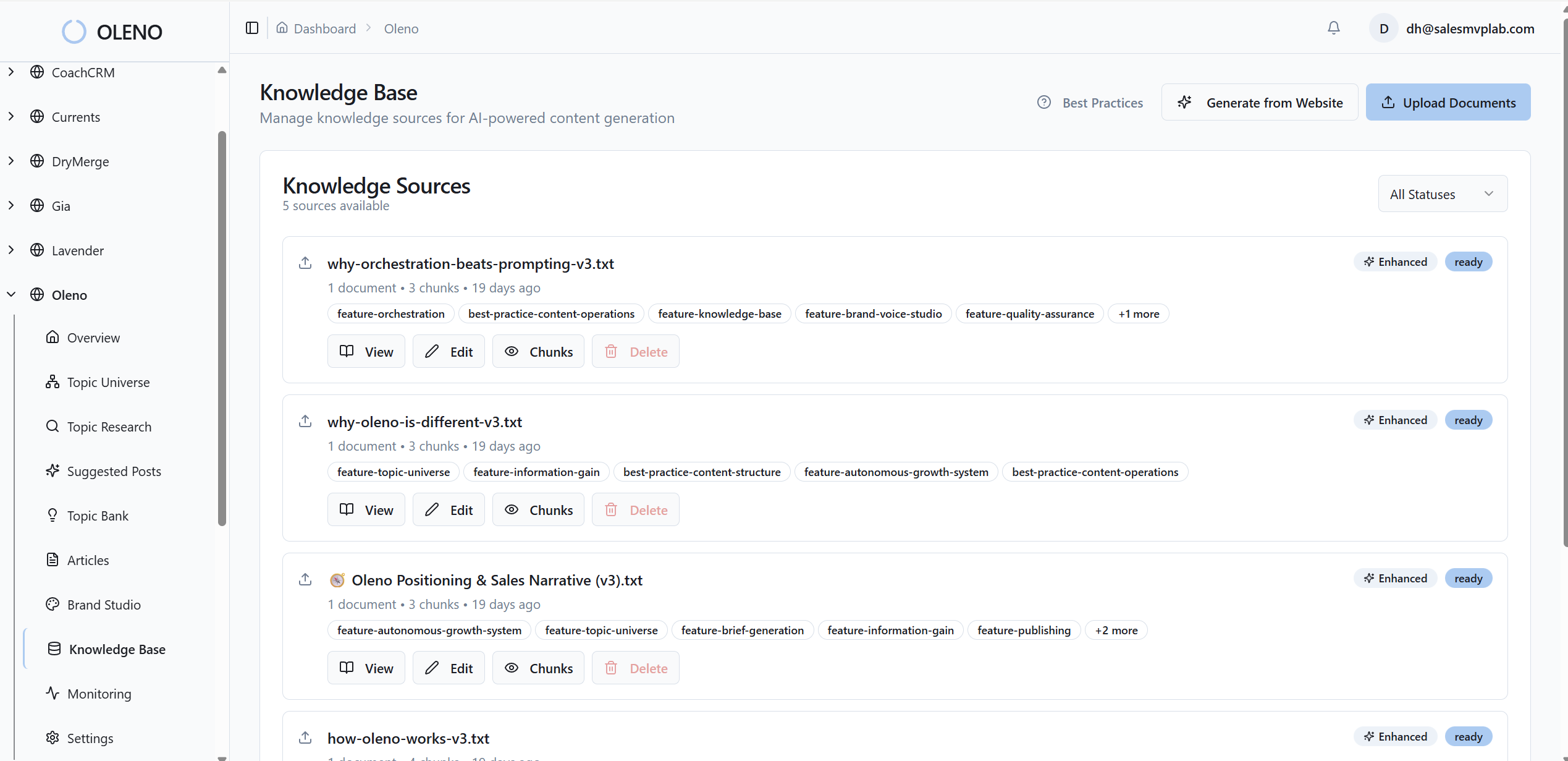
Oleno’s internal links are injected from verified sitemaps only, with exact-match anchors placed contextually. Product screenshots and visuals are prioritized in solution sections via Visual Studio. The result is reliable user paths and higher-intent interactions you can measure — clicks to features, pricing, or demo CTAs — without manufactured noise.
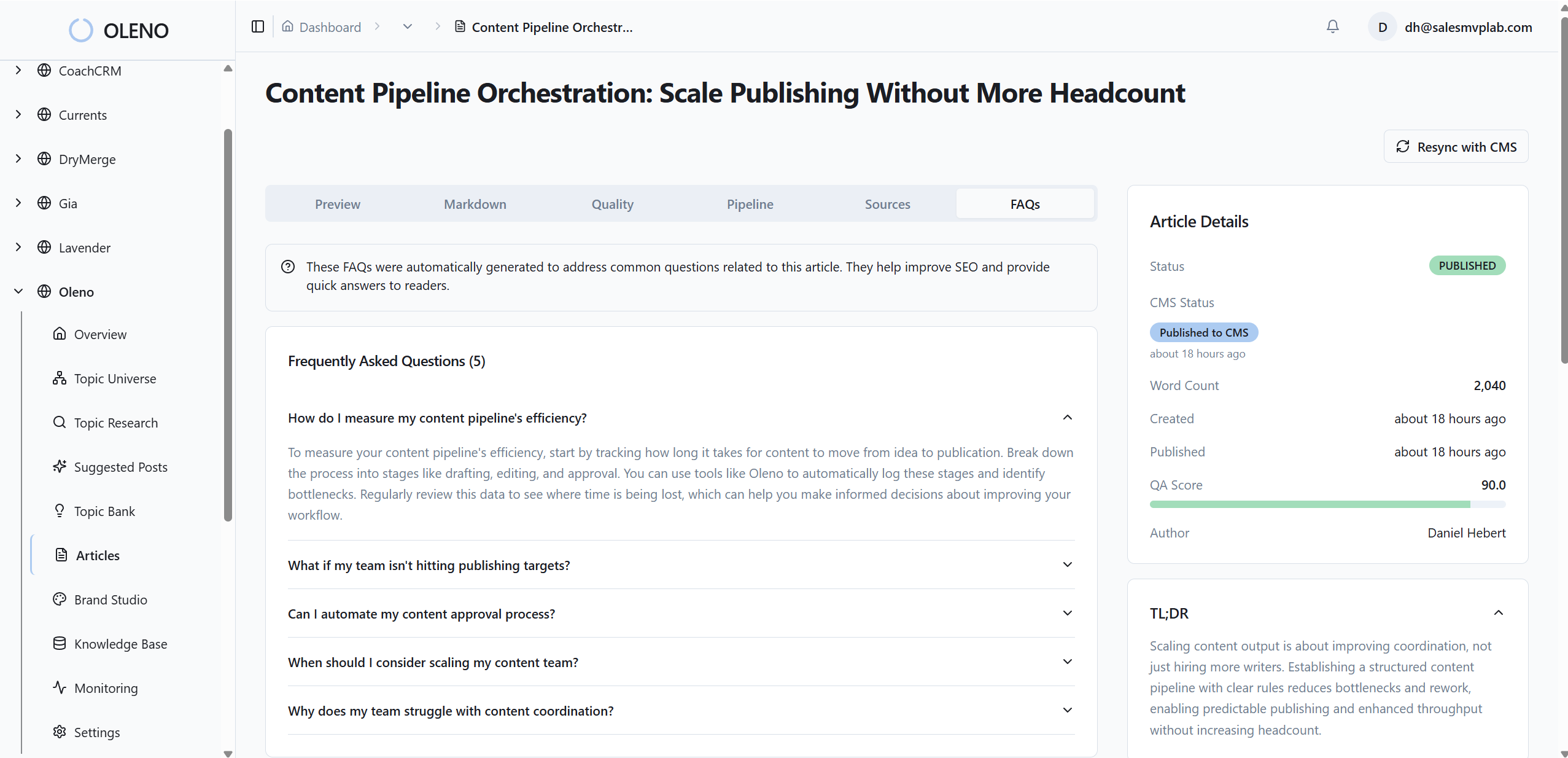
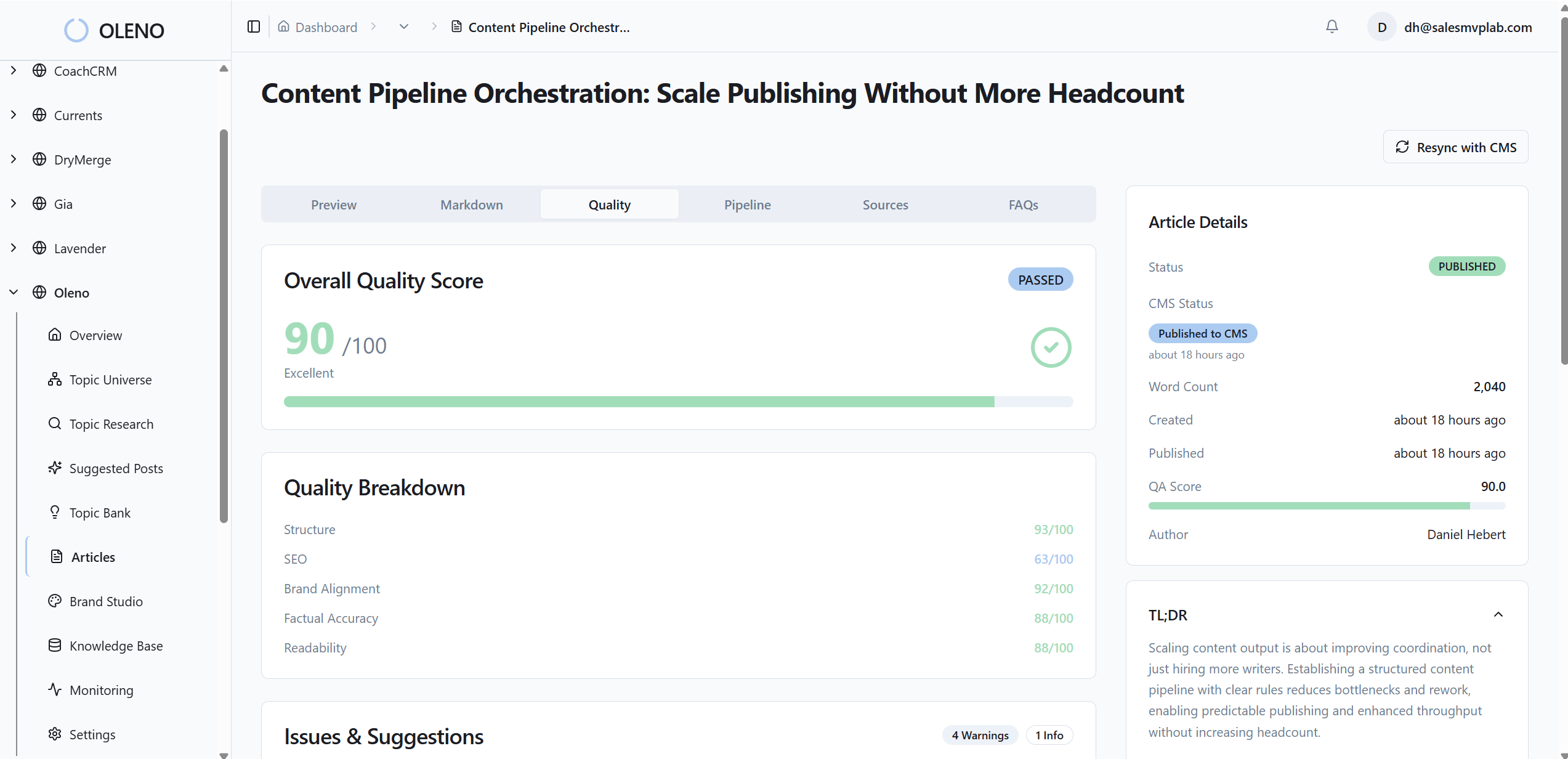
Quality is governed, not hand-waved. The QA-Gate checks structure, voice alignment, and information gain before anything ships, which reduces variance in how pages behave. Publishing connectors deliver articles directly to WordPress, Webflow, or HubSpot with fields mapped and schema attached. No last-mile copy-paste that breaks tracking. You still run analytics outside Oleno. But your inputs are consistent, so your numbers hold up. Want to experience the content-side consistency I’m describing? Start small and Try Generating 3 Free Test Articles Now.
Oleno’s job isn’t to monitor or report on performance — it won’t. Its job is to make sure what ships is differentiated, on-brand, and structurally sound, so your measurement plan doesn’t crack under messy inputs. If you’re ready to remove friction from the content side and validate ROI in a quarter, Try Oleno For Free.
Conclusion
You don’t need a perfect model to prove content works. You need a 90-day system that ties URLs to stage changes and dollars, avoids messy baselines, and shows the same seven numbers every week. Use consistent structure to make instrumentation boring. Use the KPIs to make your story credible. Then keep shipping. The budgets follow the confidence.
About Daniel Hebert
I'm the founder of Oleno, SalesMVP Lab, and yourLumira. Been working in B2B SaaS in both sales and marketing leadership for 13+ years. I specialize in building revenue engines from the ground up. Over the years, I've codified writing frameworks, which are now powering Oleno.
Frequently Asked Questions