Convert a 10-Min Video into a 1,500-Word Snippet-Ready Blog Post

Most teams try to turn a 10-minute video into a blog post by pasting the transcript, cleaning the grammar, and calling it done. That’s fast. It’s also why the post doesn’t rank, doesn’t get cited by assistants, and doesn’t drive demand. The machine-readable structure isn’t there.
Here’s the approach that actually works. Treat the video as a source, not the format. Pull the signal, build snippet-ready sections, add purposeful visuals and links, and ship with a repeatable process. Not perfect every time. But consistent. And consistency beats heroics.
Key Takeaways:
- Don’t publish raw transcripts—turn them into snippet-ready sections that stand on their own
- Map the video to a single search intent, then ladder your H2s to that intent
- Time-box the workflow from transcript to publish in ~2–3 hours
- Standardize visuals, internal links, and schema to avoid last‑mile mistakes
- Use a QA gate to catch structure misses, invented URLs, and broken metadata before publish
Straight Transcriptions Do Not Rank or Get Cited
Straight transcripts don’t rank because they answer nothing up front, bury context, and offer no clean example. Search engines and assistants prefer 40–60 word, three-sentence openers that resolve the query, explain why it matters, and ground it with a concrete case. That structure makes sections quotable and linkable on their own.
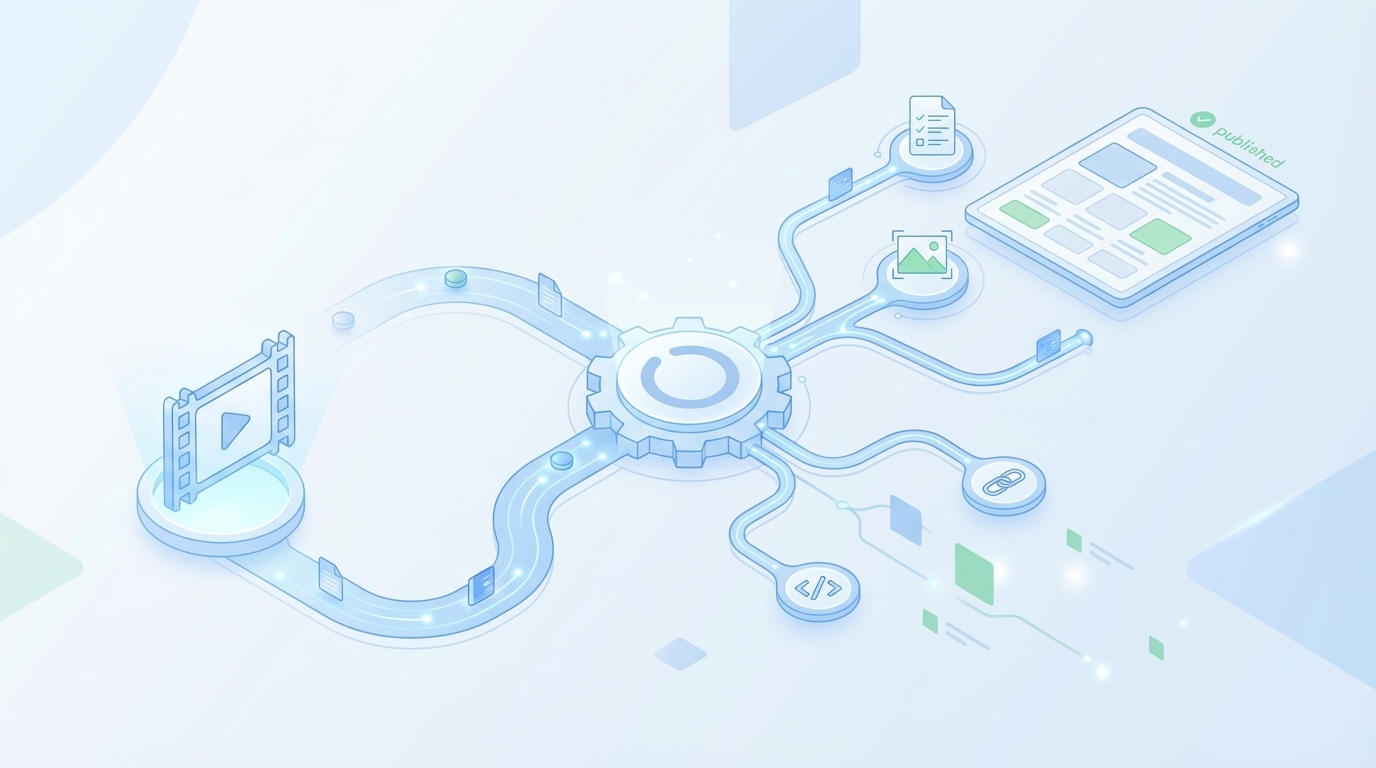
The Structure Engines Actually Prefer
A raw transcript captures conversation, not answers. That’s the gap. Engines reward sections that open with the answer first, then give one line of context, then a simple example. If readers land mid-page, they should still get what they came for in three sentences. No scavenger hunt.
When I audit transcript-first posts, the pattern is predictable: long paragraphs, meandering thoughts, weak internal linking, and screenshots that feel like decoration. It’s not that the ideas are bad. They’re just not packaged for machines or skimmers. So they get passed over by both.
Here’s the practical packaging you want:
- Start each H2 with answer, context, example
- Keep paragraphs tight and standalone
- Avoid meandering dialog and filler
Why Transcripts Break Internal Linking And Visuals
Transcripts don’t label intent. Without that, you get walls of text, no anchorable sections, and visuals jammed in wherever there’s space. Internal links need a clear concept “home” to feel natural. Screenshots need a section that actually benefits from the visual. Otherwise, they’re noise.
The fix isn’t fancy. Extract a handful of purpose-built H2s and assign each one a job. Decide which section owns which internal link and which one earns the screenshot. When you do that, links reinforce the narrative and images clarify the point. Structure does the heavy lifting.
Use these checkpoints as you restructure:
- Extract 3 to 5 anchorable H2s
- Link out where the concept is strongest
- Place visuals to reinforce the point
If you want a quick primer on packaging, this walkthrough on turning YouTube videos into blog posts gives a solid baseline. It’s aligned with the snippet-first approach we’re talking about here.
Ready to skip the manual packaging? When you’re done here, consider a system that enforces answer-first structure for you. Try Oleno For Free.
Treat the Video as the Source, Not the Format
Convert video to text, but write to search intent. Pick one query you can actually serve, then map 4–6 H2s to sub-intents that support it. If your clip spans multiple intents, split it into multiple posts. Narrow the promise. Depth beats breadth here.
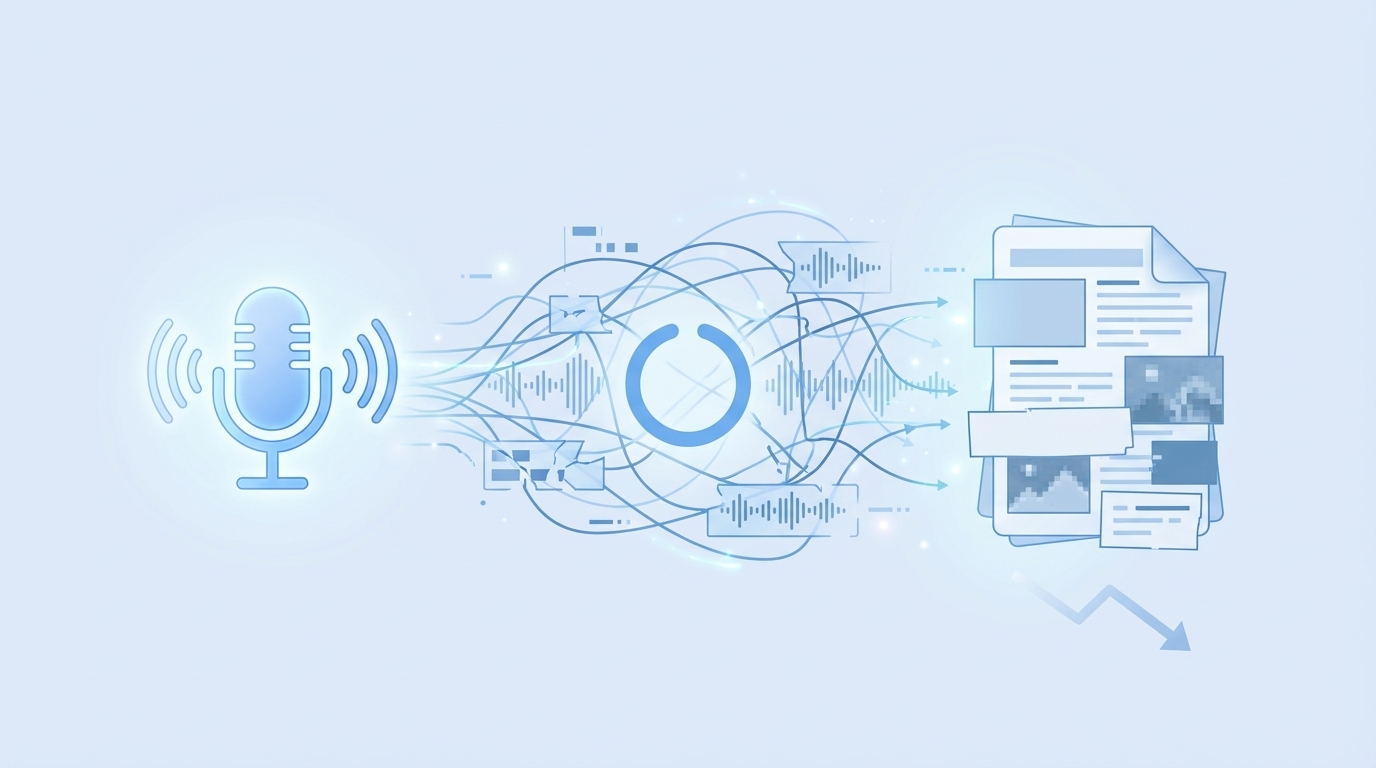
What Makes A Video Worth Converting?
Not every video deserves a post. Choose clips that cleanly answer one search-aligned question. Short demos, tutorials, and crisp interviews tend to convert well. If the conversation wanders, you can still use it—just frame the post to a single, tight promise the video actually supports.
One quick test I use: can I write three good H2s in under five minutes that ladder to the same outcome? If yes, it’s a keeper. If I can’t, the topic is too broad or the video is too sprawling. In that case, split the concept or pick a different clip.
Selection rules that keep you honest:
- Choose one dominant search intent
- Title and H1 mirror the query
- Trim scope to fit 1,500 words
Map Intent To A Single Topic That Fits Search
Translate the video’s promise into a search-friendly angle you can own. Then make sure your H2s ladder. Each section should resolve one sub-intent and stand alone. If you catch yourself needing cross-references just to make sense of a section, you’re still too broad.
This is where demand-generation gets baked in. Choose an angle that your product naturally supports. You’re not writing a pitch, but you’re not writing in a vacuum either. When the solution shows up later, it should feel inevitable, not bolted on.
Practical moves:
- Define primary keyword and purpose
- Outline 4 to 6 H2s that support it
- Park off-topic insights for a future post
For a hands-on walkthrough, this guide on turning a YouTube video into a blog post explains angle selection with simple examples.
The Pieces You Actually Need From A Transcript
You don’t need 100% of the transcript. You need the 10–20% that supports your H2s. Skim once, highlight fast, and ignore the rest. Pull short quotes if they add credibility. Timestamps help if you plan to embed a clip or extract a frame for a visual later.
Don’t get precious with line edits. The goal isn’t a perfect transcript; it’s a credible, structured article. If a quote needs light polishing to read clean, do it. If it needs surgery, ditch it. The section opener carries the load; quotes are seasoning, not the entire dish.
Keep your excerpts tight:
- Pull 1 to 3 excerpts per section
- Note timestamps for quotes and visuals
- Drop filler and side stories
The Real Cost of Clean-Up After Transcription
Let’s pretend your 10-minute video yields ~1,800 raw words. Without a process, you’ll spend 45 minutes cleaning text, 30 minutes chasing visuals, 20 minutes on links, and 15 minutes on schema. That’s 1.5–2 hours before writing a single snippet-ready opener. It adds up fast across a month.
Hours Lost To Formatting, Linking, And Images
Most teams underestimate last-mile friction. Formatting alone can eat half an hour: fixing run-ons, breaking paragraphs, adding subheads. Then comes image hunting and “does this screenshot belong here?” debates. Internal links get pushed to the end and become an afterthought. Schema? Often skipped.
The punchline is not “work harder.” It’s “standardize the boring parts.” Give visuals a simple rule set. Decide which sections always earn links. Turn schema into a checkbox, not a memory test. When the decisions are pre-made, you regain creative time where it matters—your openers and body copy.
Turn the last mile into a checklist:
- Time-box each task with a simple timer
- Standardize link and image patterns
- Move schema to a checklist, not memory
And if you’re repurposing often, this note on repurposing video content into articles is a helpful sanity check on where reuse saves effort versus creates rework.
QA Failure Modes That Break Publishing
Here’s where good drafts die: missing alt text, uneven H2 openers, invented URLs, broken schema. One miss is all it takes for a clean post to look sloppy. The fix is boring by design—pre-publish QA that runs the same way every time. It’s less romantic than “craft,” but it’s how you ship on time without weekend edits.
In my experience, the two silent killers are uneven opener length and fake links. If your first sentence doesn’t directly answer the section’s question, you’ll lose snippet eligibility. If someone improvises an internal URL, you’ll ship a 404 and erode trust. Both are avoidable with guardrails you actually follow.
Bake these checks into your flow:
- Validate 40 to 60 word openers
- Confirm 5 internal links resolve
- Run schema through a validator
Still wrestling with last-mile cleanup? It’s a signal to systematize. Try Generating 3 Free Test Articles Now and compare your manual flow to a governed one.
A Short Story: When Transcript-First Backfires
We recorded the CEO, transcribed it, and hit publish. Speed was great. Performance wasn’t. The piece had voice, but no snippet-ready openers, no intent map, and visuals dropped wherever they fit. We ranked for adjacent terms, then lost the thread. It happens.
The Founder-Led Video That Did Not Convert
I’ve been the “let’s just ship it” person. We did CEO videos at a three-person startup—me, the CEO, the VP Product. We’d record, transcribe, and publish. The voice was strong. The structure wasn’t. We got attention, but not action. No clear path from insight to product.
The lesson wasn’t “stop doing video.” It was “stop treating the transcript as the article.” When we reframed to one question per post and wrote answer-first sections, the content stopped meandering. The post felt useful in the first 10 seconds. That’s when conversions started to follow.
Keep what works, change what doesn’t:
- Source-first is good, transcript-first is not
- Build sections before prose
- Anchor to one query
How Do You Ship With Confidence In Under 3 Hours?
I like timers. They force choices. Here’s a simple time-box that’s held up: 15 minutes for intent, 30 to skim and excerpt the transcript, 45 to write H2 openers and main paragraphs, 20 for visuals, 20 for links and schema, 10 for QA, 5 for publish. Not perfect, but repeatable.
What if the transcript is messy? Don’t over-edit. Reframe the post to a tighter angle the video still supports. Pull one strong quote for credibility and write clean sections from scratch. The structure is what earns ranking and citations, not the fidelity of the transcript.
Make the sprint sustainable:
- Use a visible timer per block
- Lock scope when the timer ends
- Leave a backlog for v2 edits
The Time-Boxed Workflow To Convert A 10-Min Video Into A Snippet-Ready Post
Pick a clip that answers one question people actually search, then write sections that resolve sub-intents. Open with a direct answer, add one line of context, and finish with an example. Keep each section self-contained so it can rank or be cited independently.
Select The Right Video And Frame A Single Search Topic
Start with a question your audience actually asks. Title the post to match the query pattern, not your internal jargon. Then outline 4–6 H2s that ladder to that same outcome. If you can’t draft clean openers for each, the topic’s too broad. Narrow once. Then write.
Here’s a nuanced point: demand-gen lives in the framing. You’re not pitching in every paragraph, but your sections should naturally intersect with the problems your product solves. That way, the “solution” feels like a continuation of the story, not an interruption.
Lock your angle first:
- Choose the primary keyword and purpose
- Outline H2s that map to sub-intents
- Write provisional 1-line answers per H2
Transcribe Fast And Excerpt Selectively
Use whatever tool you like to get a quick transcript. Don’t sink time line-editing. Skim once and highlight only the lines that advance your section openers. Add timestamps if you might embed the video or grab frames later. Keep quotes under 40 words so they read clean.
Resist the urge to include everything. The transcript is a source, not your outline. If a shiny digression doesn’t serve the primary intent, park it for a future post. You’ll get more content, with less risk of diluting this one.
Stay ruthless on selection:
- 1 to 3 excerpts per section
- Keep quotes under 40 words
- Note timestamps for visuals
Transform Excerpts Into Snippet-Ready Sections
For each H2, write a 3-sentence opener: direct answer, context, example. Then expand with two short paragraphs that resolve the sub-intent. Add one internal link to deepen the point and one visual where a screenshot clarifies the step. The goal is standalone clarity, not dependency on the rest of the page.
I like to write the openers back-to-back before any body copy. It forces coherence. If an opener is hard to write, it’s a signal the section isn’t tight enough. Fix the structure first, then the prose writes itself. Structure reduces rework. Every time.
Make the section production-ready:
- 40 to 60 word openers
- Section body stays on a single idea
- Add one relevant internal link
Want a quick checklist as you write? This short explainer on a YouTube‑to‑article workflow keeps the moving parts simple.
How Oleno Automates This Workflow From Draft To Publish
Oleno turns a video-sourced idea into a snippet-ready article by enforcing the structure, visuals, links, and schema you’d otherwise manage manually. It opens every H2 with the answer-first pattern, places brand-consistent visuals, injects verified internal links, and checks QA before publishing. That’s how you reduce rework.
Snippet-Ready Structure Engine
Oleno opens every H2 with a 3‑sentence, 40–60 word paragraph: direct answer, context, example. It’s not a suggestion; it’s enforced. Sections are written to stand alone so they’re citable by search engines and assistants, and QA verifies opener length and independence before anything ships.
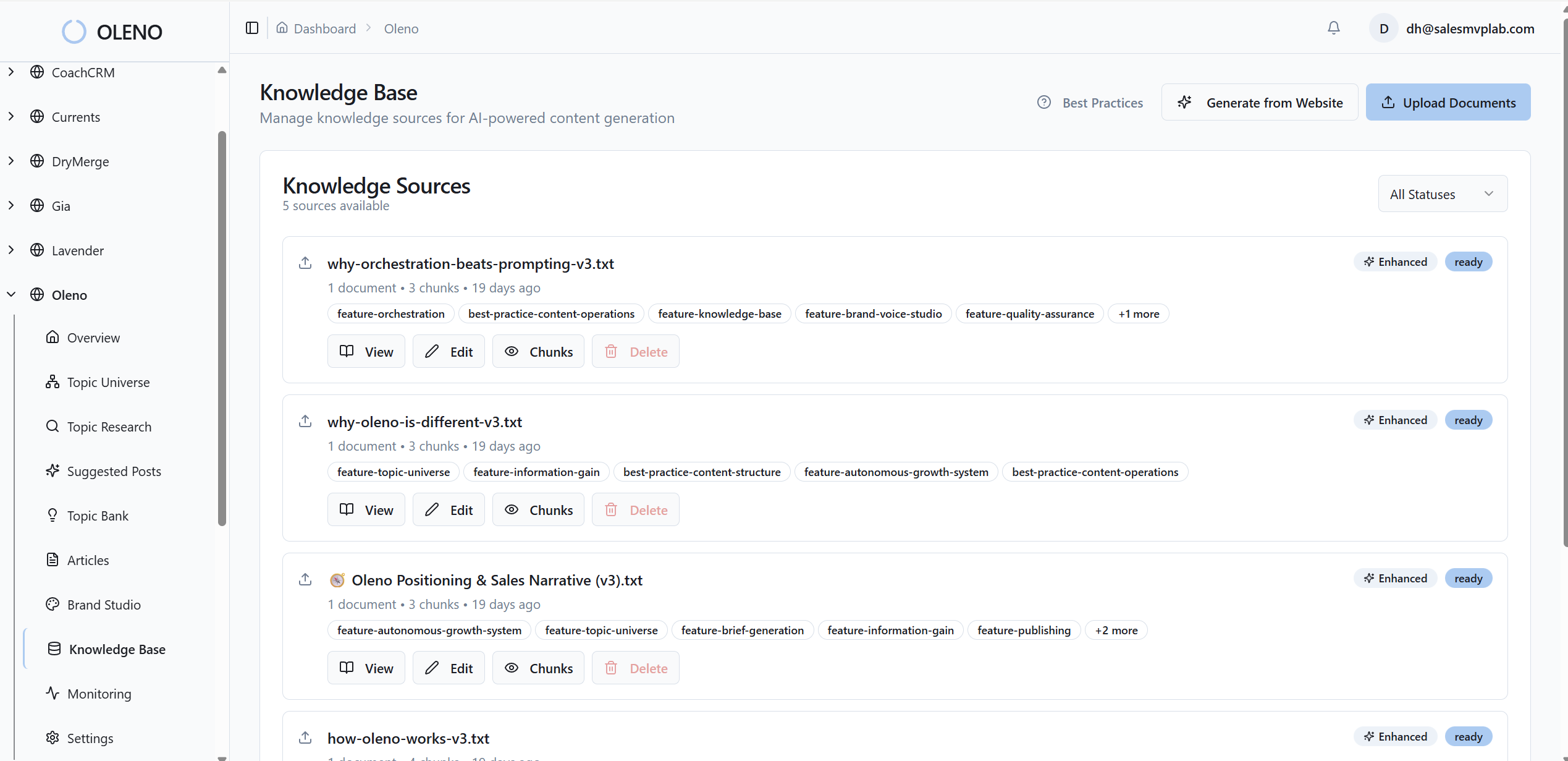
In practice, that means you spend less time “fixing intros” and more time choosing the right angle. The structure is consistent, the tone aligns to your brand voice, and each section carries its weight. The net effect: fewer edits, more citations potential, and tighter narrative flow.
What Oleno handles here:
- Enforces opener length and pattern
- Validates section independence during QA
- Reduces rewrite and rework
Visual Studio For Brand-Consistent Images
Most tools stop at text; Oleno doesn’t. Visual Studio generates brand-consistent hero and inline images using your colors, logos, and style references. It can also match pre-tagged product screenshots to the exact section where they add clarity, prioritizing solution areas so visuals help conversion, not just aesthetics.

Alt text and filenames are generated automatically with SEO in mind. Aspect ratios and resolutions are handled for you. No more stock-photo scramble or “where should this screenshot go?” debates. Images reinforce understanding by design.
Visual consistency without the scramble:
- Central Brand Asset Library
- Screenshot-to-section semantic matching
- SEO-friendly filenames and alt text
Deterministic Links, Schema, QA, And Publishing
This is the unglamorous, critical part. Oleno injects 5–8 internal links from your verified sitemap with exact-match anchor text—no invented URLs, no broken links. It also generates JSON‑LD for Article, FAQ, and BreadcrumbList, validates it, and passes everything through publishing connectors to WordPress, Webflow, or HubSpot.
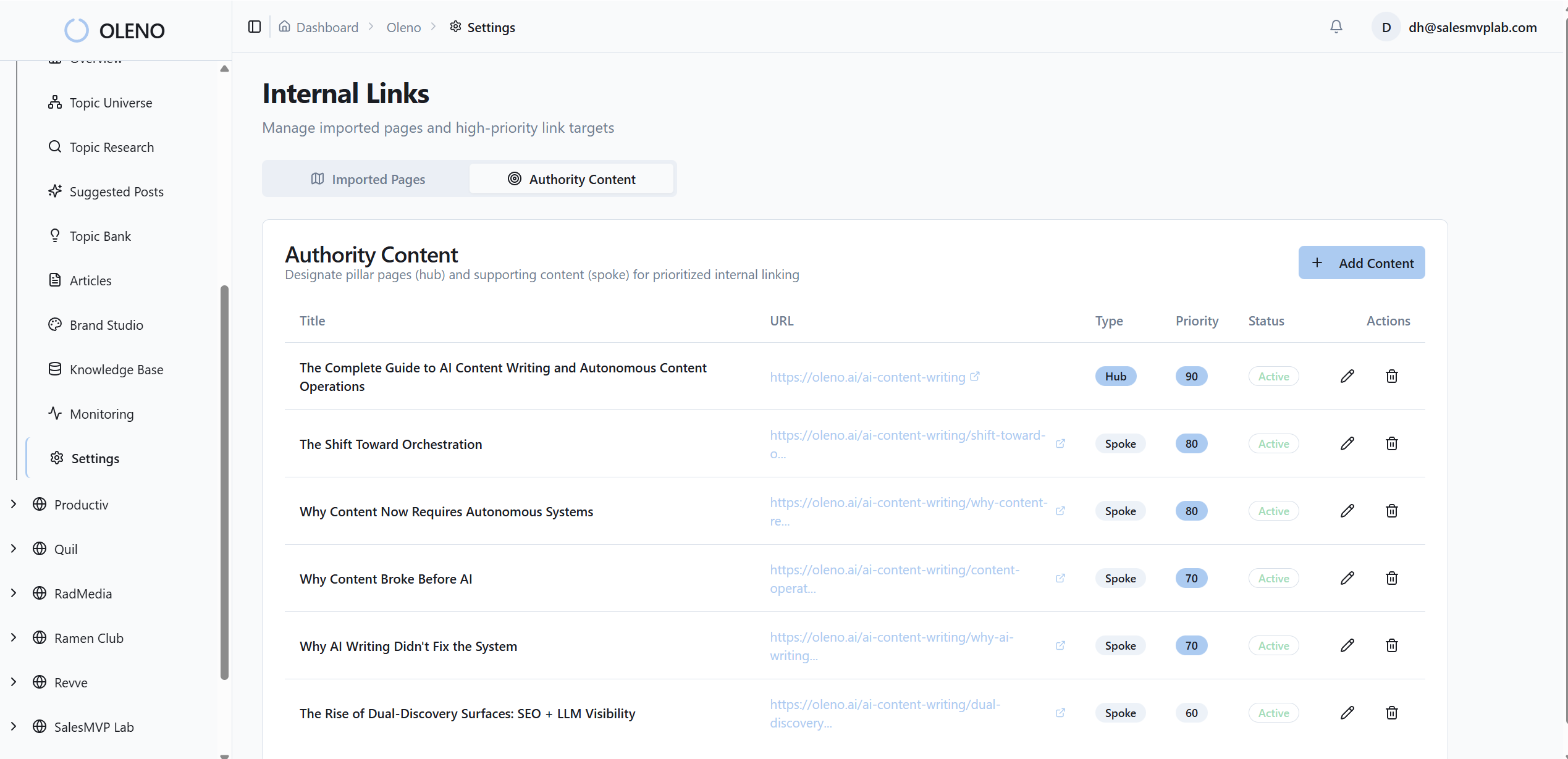
Before it ships, an 80+ criteria QA gate checks structure, snippet readiness, visuals, and metadata. If something’s off, it loops until standards are met. Then Oleno generates CMS-ready HTML, maps fields automatically, and prevents duplicate publishing. Operations you can explain—and trust.
Determinism where accuracy matters:
- Code-based link selection and validation
- Programmatic schema generation and checks
- QA gate + CMS field mapping and duplicate prevention
Want to see the governed pipeline end to end? Let Oleno handle the heavy lifting while your team focuses on story and strategy. Try Using An Autonomous Content Engine For Always-On Publishing.
Conclusion
You don’t need a perfect transcript. You need a system that turns a ten‑minute clip into a 1,500‑word, snippet‑ready article with intentional visuals, clean links, valid schema, and a narrative that points to your product. Do the thinking once—at the structure level—then repeat it. If you want that structure enforced for you, Oleno is built to do exactly that.
About Daniel Hebert
I'm the founder of Oleno, SalesMVP Lab, and yourLumira. Been working in B2B SaaS in both sales and marketing leadership for 13+ years. I specialize in building revenue engines from the ground up. Over the years, I've codified writing frameworks, which are now powering Oleno.
Frequently Asked Questions