Deterministic Visual Pipeline: Ship Brand-Consistent Images

Most teams treat images like garnish. They get picked at the end, slapped into the CMS, and everyone hopes they look fine. That approach works when you’re publishing twice a quarter. It collapses the minute you aim for daily output, cross-device polish, and anything resembling brand consistency.
I’ve lived that scramble. Hero image doesn’t match the headline. Screenshot missing for the solution section. Alt text is generic. Cue Slack pings, late approvals, and missed publish windows. The fix isn’t more taste. It’s rules. Deterministic ones. Put visuals inside the same governed system as writing, and the headaches stop being your problem.
Key Takeaways:
- Stop bolting images on at the end; put them in the same governed pipeline as writing
- Codify visual rules (placement, aspect ratios, screenshot priority) to eliminate last‑minute debates
- Use a centralized Brand Asset Library to generate on‑brand hero and inline visuals repeatedly
- Automate alt text, filenames, and multi‑ratio renders to remove SEO and accessibility debt
- Prioritize solution sections for screenshots to support decisions where they’re made
- Gate publishing with QA checks so broken ratios and off‑brand colors never ship
Why Random Images Break Trust And SEO
Random images break trust because they contradict your narrative and confuse machines. The problem isn’t designers; it’s timing and governance. When visuals arrive late, you miss structured alt text, descriptive filenames, and placement rules that make each section clearer, like pairing a solution screenshot to the solution section.

The hidden failure of “design at the end”
Design at the end pretends visuals are decoration. They aren’t. If they don’t support the argument in the paragraph they sit beside, readers subconsciously discount your message. Machines do, too, because the metadata is usually missing or generic. I’ve seen teams publish with generic filenames more times than I’d like to admit. That’s avoidable when images are produced by rule, not scramble.
The real miss is structural. You lose the chance to align a hero with the angle, to map a product screenshot to the moment of decision, to give alt text context that echoes the section purpose. This isn’t art direction; it’s operations. Treat visuals like governed outputs inside your content system.
What does brand consistency actually buy you?
Consistency compounds trust. Repeated use of colors, mark placement, and image treatments signals you’re intentional. Over time, readers recognize your work in a feed before they read a word. That matters. It reduces cognitive load and makes your arguments easier to follow, which drives more people to the parts that convert. It’s not just human perception. Guidance-backed structure helps machines, too. As one practical reference, frameworks for brand consistency like Canva’s overview of brand consistency elements reinforce how repeatable, codified choices reduce variance.
Here’s the nuance: consistency doesn’t mean sameness. You can swap motifs, vary backgrounds, and keep it fresh. But the bones stay the same, templates, safe zones, mark usage, and ratios. Decide those once. Apply them everywhere.
Why rules beat taste at scale
Taste debates slow you down. Rules speed you up. Write deterministic rules for where a hero goes, which section gets a screenshot, what aspect ratios are allowed, and how filenames are constructed. You won’t get perfection every time. You will get predictability, which is what ships.
That predictability looks like this: a hero that reinforces the angle, two to three inline visuals per piece, solution sections that prefer product screenshots, and alt text that reflects the section’s purpose. Your team stops arguing and starts publishing.
Your Visuals Are Part Of The System, Not Decoration
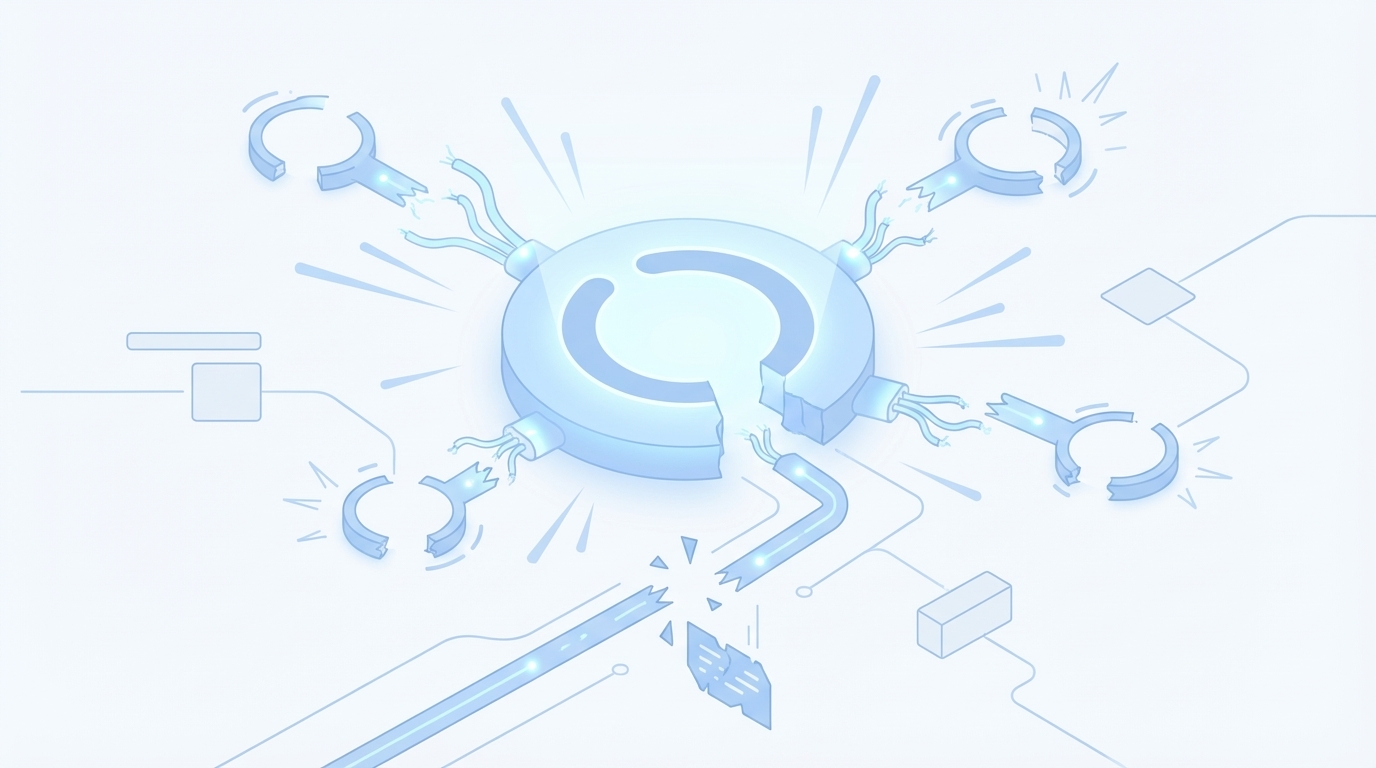
Visuals are system outputs, not add-ons. Put them inside the same pipeline as writing: fed by an asset library, controlled by rules, verified by QA, and mapped to CMS fields. When you centralize assets and decisions, you reduce firefighting and increase throughput without sacrificing brand. Oleno was built with that constraint in mind.
What traditional content ops miss about images
Most content ops wire strategy, briefs, drafting, and approvals. Then images happen… somewhere. In a Figma file, a shared drive, or a designer’s brain. That’s a governance gap. It creates silent work: hunting for the right screenshot, exporting the correct ratio, manually writing alt text, fixing filenames for SEO, checking color usage.
The fix is to bring visuals into the same governed flow as text. That means one source of truth for assets, programmatic rules for where visuals land, and validation that blocks out-of-spec images from shipping. When you fold visuals into the pipeline, you stop creating new manual steps.
Where determinism belongs in the visual workflow
Determinism belongs wherever correctness matters. A centralized Brand Asset Library. Rule-based placement that favors product screenshots in the solution section. A documented cap on inline images to avoid bloat. Programmatic generation of alt text and filenames. QA checks that verify aspect ratios, resolution minimums, and mark usage before publish.
Save creativity for narrative and examples. Put accuracy in the pipeline. Resources like Frontify’s guide to visual identity and Siteimprove’s explanation of visual consistency provide practical lenses for institutionalizing brand rules without turning every decision into a design review.
How does this connect to dual discovery (SEO + LLM)?
Both search engines and AI assistants benefit from clarity. For SEO, section-aware alt text, descriptive filenames, and predictable placement remove ambiguity. For LLM assistants, consistent structure makes sections easier to parse and cite, especially when product screenshots live where the solution is discussed. You’re not gaming systems; you’re reducing noise so intent is obvious.
Think of it like labeling shelves in a warehouse. It’s faster to find what’s needed, and fewer boxes get lost. Same content. Better structure. Clearer meaning.
The Hidden Costs Of Ad‑Hoc Visuals
Ad‑hoc visuals create hidden churn. Every late swap triggers extra pings, approvals, and exports. Individually, small. In aggregate, expensive. The visible cost is time. The invisible cost is trust, off‑brand images and conflicting heroes make your story feel less credible. That tension shows up in slower reads and fewer clicks.
Rework, delays, and off-brand risks you don’t track
The Slack thread that should’ve been a rule. The re-export for a 16:9 hero after someone uploaded a 4:3. The color tweak because the blue is off by a few hex steps. None of these are single-point failures. They’re symptoms of missing rules and missing automation.
Multiply by a steady cadence, say, four articles a week, and you’re paying a tax in context switching, approvals, and QA that never ends. It doesn’t feel dramatic in the moment. It’s painful across a quarter.
The SEO penalties: alt text, filenames, and schema debt
Random images almost always ship with metadata debt. Generic filenames aren’t helpful to anyone. Vague alt text leaves machines guessing, and crawlers can’t infer meaning from a hero that contradicts the headline. Programmatic generation of descriptive filenames, section-aware alt text, and correct aspect ratios produces quiet wins that stack. A clearer, consistent structure means fewer surprises for crawlers and assistants. For a grounding perspective, see Siteimprove’s breakdown of visual consistency and clarity.
It’s not about hacks. It’s about clarity and repeatability. You reduce guesswork and let your narrative carry the weight.
Let’s pretend: a 20‑article sprint with manual images
Let’s pretend you ship 20 articles this month. Two hours of manual image work per piece, sourcing, editing, metadata, uploads, is 40 hours. One full work week. Now add rework: a few swaps, a broken link, an off‑brand fix. Another 6–10 hours. If automation and rules cut that in half, you free ~20–25 hours. Not to do nothing, to focus on the story, subject‑matter interviews, and better examples.
That’s the trade. Less reactive work. More narrative impact. Want to feel that shift quickly? Teams often start by enforcing just two rules: ratio checks and alt-text generation. The noise drops immediately.
The Moment It Breaks In Production
You don’t feel the cost until it’s late. That’s when a mismatched hero or missing screenshot derails the publish. The fix isn’t a better eye. It’s a system that prevents those errors upstream and blocks them at the gate if they slip through.
When your hero clashes with your headline
You’ve seen the contradiction: a visionary headline with a generic stock photo that undermines it. Readers won’t articulate it, but they’ll feel it. The solution is a template library aligned to narrative types, how‑to, teardown, opinion, so heroes reinforce the angle by design. Brand colors and marks aren’t decoration. They’re cues that say “this belongs here.”
Templates aren’t a creative straightjacket. They’re rails. When time is tight, rails keep you on track.
The screenshot scramble and the broken publish
Two classic failure modes come in pairs. First, you reach the solution section and realize you never captured the right screenshots. Cue the scramble. Second, you publish and find a broken image or the wrong ratio on mobile. Both are symptoms of visual tasks sitting outside the pipeline.
A better way: tag product screenshots by feature and use semantic matching to place them in the right sections, with the solution area prioritized. Then add pre‑publish checks for resolution, aspect, color usage, and alt text. If a check fails, the article doesn’t ship. Annoying in the moment; invaluable at scale.
A Production-Ready Visual Pipeline You Can Run This Quarter
You can build a visual pipeline in weeks, not quarters. Start with assets and rules, then layer in automation for matching and metadata. End with QA gates and deterministic publishing. Here’s the minimal viable system that still feels robust and repeatable.
Centralize assets, codify rules, and template the look
Begin with a working Brand Asset Library: color palettes, marks, style references, and product screenshots tagged by feature and use case. Make it searchable. Version it. This isn’t a DAM replacement; it’s the set your pipeline will pull from. Resources like Frontify’s visual identity guidance or Canva’s brand consistency guidance can help you document just enough to operate.
Next, write deterministic rules the system can execute: hero is 16:9; maximum three inline visuals; solution sections prefer screenshots; minimum resolution meets 2x display; images land after the H2, before the first list. Then create hero and inline templates with safe zones for marks, typographic treatments, and configurable background motifs. Templates speed decisions when the clock’s running.
Automate matching, metadata, QA, and CMS mapping
With assets and rules in place, automate the busywork. Use section titles and embeddings to match pre‑tagged screenshots to relevant sections, with solution‑section priority. Render multiple aspect ratios (1:1, 16:9, 4:3) and resolutions (up to 4K). Generate section-aware alt text and SEO‑friendly filenames like “topic-solution-screenshot.png.” Store outputs alongside the draft.
Then enforce QA gates: brand colors present, mark usage within rules, aspect ratios and resolution validated, alt text descriptive, deterministic placement verified. If a check fails, trigger a fix loop. Finally, map visual fields to your CMS once, hero, inline images, alt text, captions, filenames, so publishing injects the right assets into the right fields without manual uploads or duplicate posts.
If you want to see what a governed flow feels like before you build it, you can always test an autonomous system and compare. If the manual loops are grinding you down, Try Using An Autonomous Content Engine For Always‑On Publishing.
How Oleno Automates Brand‑Consistent Visuals End‑To‑End
Oleno treats visuals as first‑class outputs. Visual Studio generates on‑brand images from your Brand Asset Library, matches screenshots to the right sections, and enforces QA before publishing through connectors. The goal isn’t flashy art. It’s reliable, citable, complete articles, text and visuals, shipped without last‑minute scrambles.
Visual Studio with your Brand Asset Library
Oleno’s Visual Studio references your Brand Asset Library, colors, marks, style references, and tagged product screenshots, to generate a hero and 2–3 inline visuals per article. Templates keep the look consistent while allowing variation. Alt text and SEO‑friendly filenames are generated programmatically, and images render in multiple aspect ratios and resolutions so they look clean on any device.
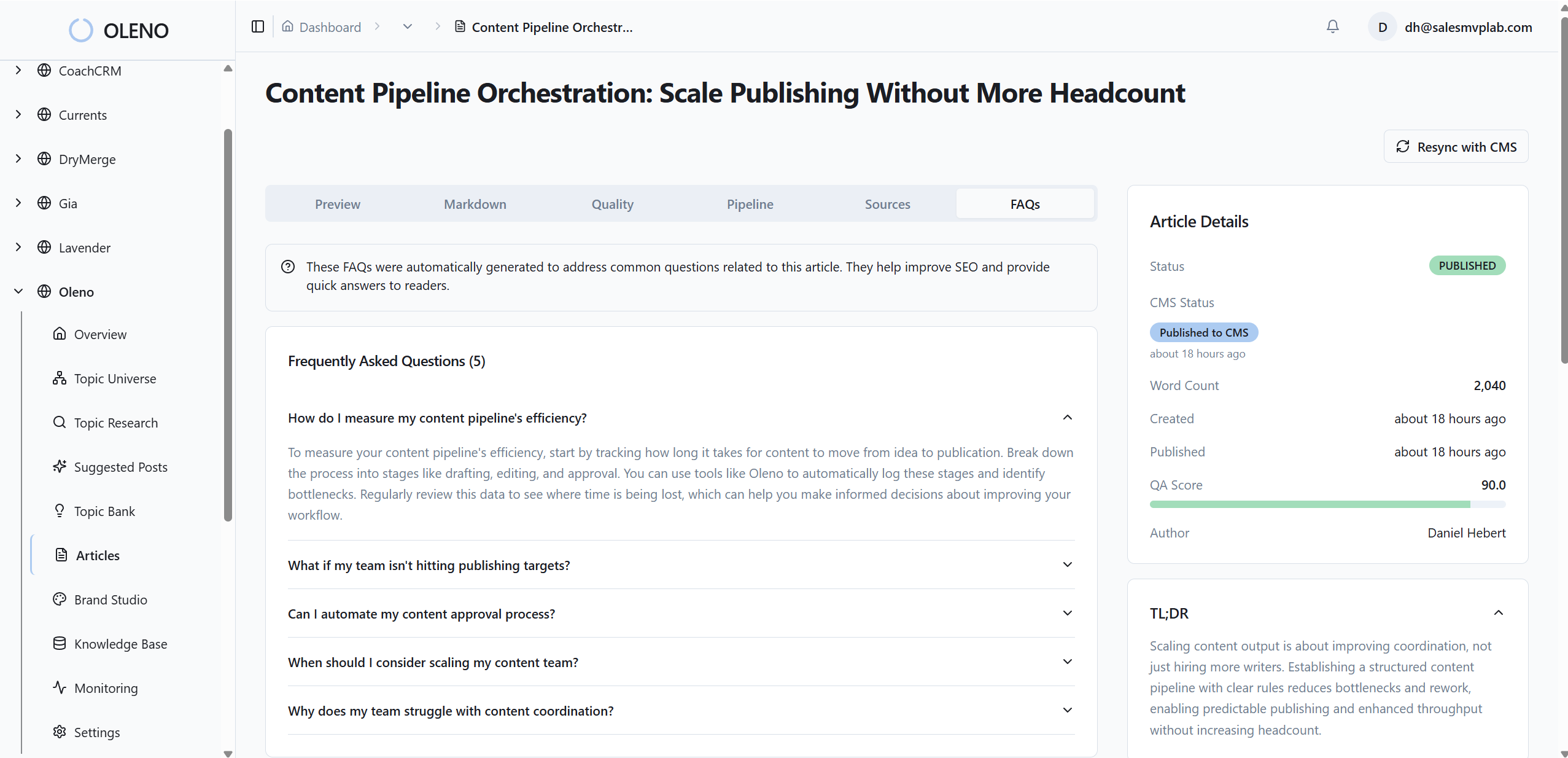
Practically, this replaces the end‑of‑cycle design scramble with predictable, on‑brand outputs. And it ties directly back to the costs we covered: fewer Slack pings, fewer re‑exports, and no more generic filenames shipping live. If you’d like to experience that shift without re‑architecting your stack, Try Generating 3 Free Test Articles Now.
Semantic placement, QA‑gate, and publishing connectors
Oleno uses semantic matching to pair pre‑tagged product screenshots with the sections they support, prioritizing solution areas so the product appears where decisions happen. When a confident match isn’t available, Oleno defaults to brand visuals and flags the gap upstream. Every article passes a QA gate that checks placement, brand alignment, alt text, filenames, aspect ratios, and resolution thresholds.

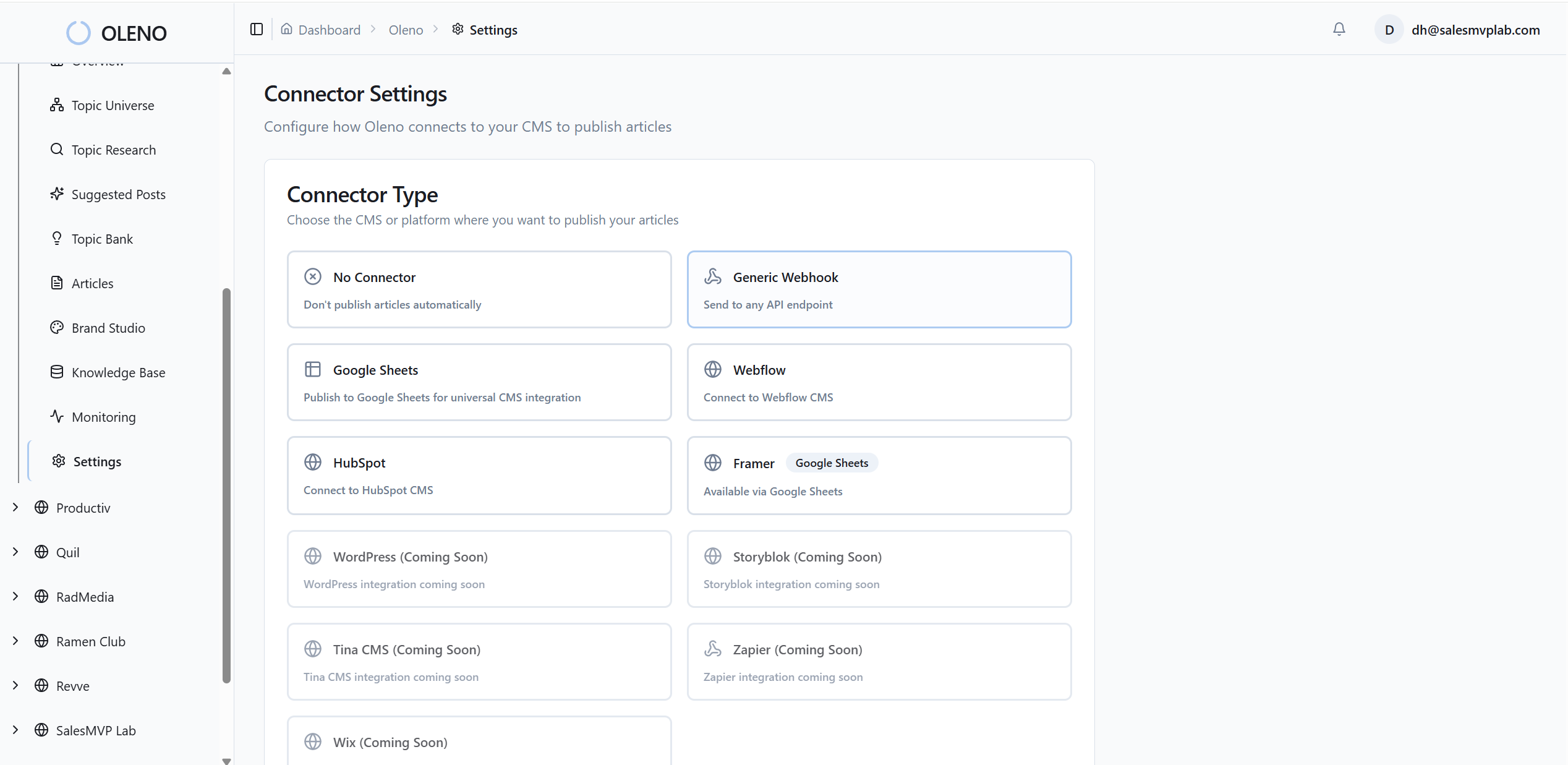
Once an article passes, Oleno maps assets to your CMS fields and publishes through WordPress, Webflow, HubSpot, or a Sheets‑based flow. No manual uploading. No duplicate posts. And no “did we forget the hero?” moments. This is how Oleno translates rules into throughput and turns visual governance into just another part of “done.” If that sounds like relief, Try Oleno For Free.
Conclusion
Here’s the thing. You don’t need perfect visuals. You need predictable ones. When images live inside the same governed system as writing, assets centralized, rules codified, metadata generated, QA enforced, you ship faster and look more credible.
We learned this the hard way across teams that waited on “design at the end.” The fix wasn’t taste. It was determinism. Put visuals in the pipeline, and the late‑night rework disappears. Your stories carry more weight. And your brand looks like it meant to be there, every time.
About Daniel Hebert
I'm the founder of Oleno, SalesMVP Lab, and yourLumira. Been working in B2B SaaS in both sales and marketing leadership for 13+ years. I specialize in building revenue engines from the ground up. Over the years, I've codified writing frameworks, which are now powering Oleno.
Frequently Asked Questions