HubSpot Blog Tool or Oleno: What B2B Teams Should Actually Compare

HubSpot Blog Tool or Oleno: What B2B Teams Should Actually Compare
If you're stuck on hubspot blog tool or Oleno, you're probably not really shopping for a writing tool. Not exactly. You're trying to figure out how to publish more B2B content without creating a bigger review mess, more rework, or a pile of drafts that technically exist but still don't sound like the client.
And yeah, that choice gets expensive fast.
For an agency content lead, the wrong platform doesn't just eat software budget. It eats margin. It slows delivery. It makes client trust a little shakier. And it usually creates the worst kind of work: late-night editing on something that was supposed to save time.
I've seen some version of this more than once. When all the context lives in one smart person's head, content can move pretty fast. Then the team grows. More writers get involved. More accounts show up. More handoffs. And suddenly quality slips, even though everyone is working harder.
That's usually the real tension behind hubspot blog tool or Oleno. It's not, "can this thing generate words?" It can. Most tools can. The real question is whether it helps your team hold onto brand context, positioning, and audience clarity as volume goes up.
Key Takeaways:
- Most B2B teams shouldn't evaluate these tools on draft speed alone, because review time and brand accuracy usually create the bigger cost.
- If one extra hour of revision happens across 20 client articles a month, that's 20 hours of margin leakage before you even look at strategy time.
- The real evaluation criterion is whether the system can hold positioning, audience context, and brand rules together, not just generate words.
- HubSpot Blog Tool tends to fit teams already deep in the HubSpot stack, while Oleno is often a better fit for teams that care about structured marketing inputs and repeatable content production.
- You should run a live workflow test before deciding, ideally using one real client brief and one reviewer who didn't write the prompt.
The Real Cost of Choosing the Wrong Blog Tool
Most teams don't feel the pain at article number three. They feel it when content volume starts stacking up. One client becomes five. Five becomes twelve. Then your team isn't just writing anymore. They're translating strategy, switching voices, checking product details, and cleaning up drafts that looked fine at first glance but fell apart in review.

That's the hidden cost behind any hubspot blog tool or Oleno comparison.
The visible work is drafting. The expensive work is what happens after the draft. Review. Rewrite. Client comments. Messaging fixes. Product corrections. Tone cleanup. Sometimes compliance review. That's where the hours go.
Let's say an agency has 10 active B2B clients and ships 4 articles per client every month. That's 40 articles. If each article needs 45 extra minutes of revision because the first pass missed positioning or drifted off-brand, that's 30 extra hours a month. Now we're not talking about a neat little software preference. We're talking about profitability.
And it gets worse when the platform can't hold real marketing context. Not surface-level channel stuff. Actual context. Positioning. Category angle. Audience pain. Product reality. Words the client would never use. Claims the team would never make. If the system can't carry that load, humans end up dragging every draft back into shape by hand.
I've seen this on SaaS teams too. When positioning was crisp, content got easier. Not magically easy. Just easier. The story tightened up. Examples got better. Writers didn't have to reinvent the pitch every single time.
That's why buyers comparing hubspot blog tool or Oleno should focus less on whether the tool can write and more on whether it reduces the cleanup that happens after writing.
What Actually Matters When Comparing HubSpot and Blog Workflow Fit
Most people compare content tools like they're comparing text generators. That's too shallow. In practice, the better question is whether the system supports repeatable B2B marketing work.
If you manage multiple accounts, multiple stakeholders, or multiple brand voices, you need more than a draft engine. You need a workflow that preserves context.
Brand separation matters more than raw draft speed
A lot of buyers start with speed because it's easy to picture. Faster draft must mean faster team. Sounds reasonable. But for agencies especially, brand separation is what keeps everything from getting sloppy.
You need confidence that one client's positioning, vocabulary, product details, and buyer language stay separate from another client's. If that separation is weak, editors become the safety net. And once editors are doing all the safety work manually, the software isn't really saving much.
This is where content leads usually feel the pain first. Writers may not catch it right away. Clients absolutely do.
Marketing inputs matter more than channel tricks
A lot of tools are still built around tactics. Keywords. Prompts. Blog generation. Search optimization. Fine. Useful, even. But strong B2B content starts upstream.
It starts with market point of view, core messaging, audience pain points, use cases, product definitions, and tone rules. If a system can't hold that context, then every draft starts generic and your team has to manually drag it back toward something credible.
If you've ever read a draft and thought, "this is technically okay but strategically wrong," you know the problem.
Review burden matters more than creation time
Buyers love asking how long it takes to create a draft. Fair. But they should also ask how long it takes to approve one.
That's the better operating metric.
A tool that gives you a draft in 10 minutes but needs 50 minutes of cleanup may lose to a tool that takes longer upfront but lands closer to usable. That's why any serious hubspot blog tool or evaluation should measure end-to-end cycle time. Brief to approved draft. Not prompt to first output.
If you want to see what that kind of workflow looks like in practice, discover how Oleno helps teams reduce review friction across client content.
How To Evaluate HubSpot Blog Tool or Oleno Without Wasting Time
The cleanest way to evaluate hubspot blog tool or Oleno is to treat both like a potential hire. Give each one a realistic brief. Define success before the test starts. Then look closely at where the work still falls back on humans.
That tells you more than a polished demo ever will.
Use a real client brief, not a sandbox prompt
Don't test with a fluffy topic and a loose prompt. Use one actual client brief. Include audience, positioning, use case, product context, tone guidance, and the constraints your team normally deals with.
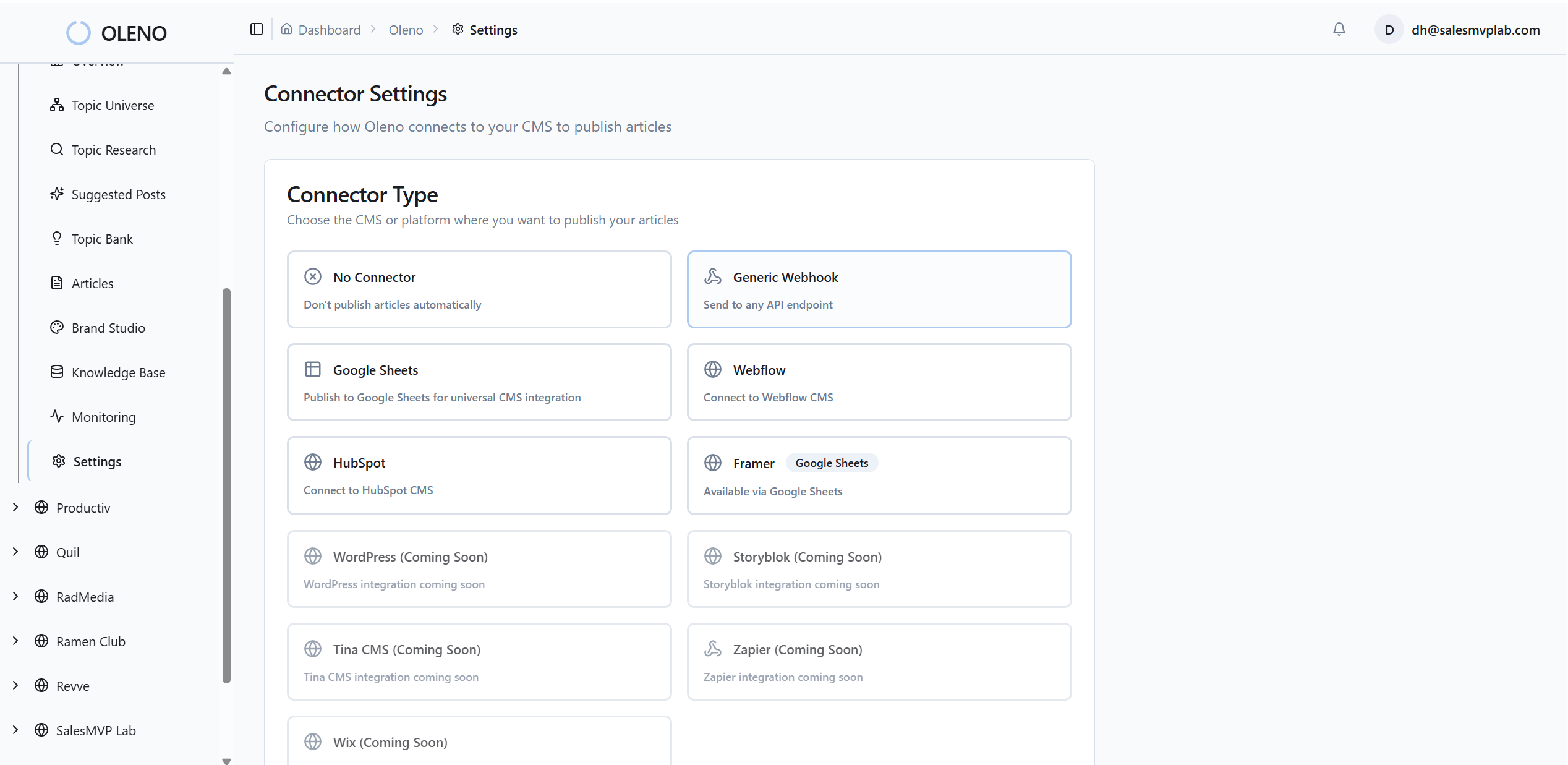
Then score the output on the stuff that matters in the real world:
- Did the draft hold the right point of view?
- Did it stay aligned to the audience and use case?
- Did it avoid factual drift on product details?
- Did it sound like the client, or like software?
- How much editing did it still need before client review?
This part is small on paper. Huge in practice.
A fake test makes tools look closer than they really are. A real brief exposes whether the platform can carry context through the whole workflow.
Score the workflow, not the demo moment
A lot of software looks sharp in the first five minutes. Doesn't mean much. You want to score the path from setup to publishable draft.
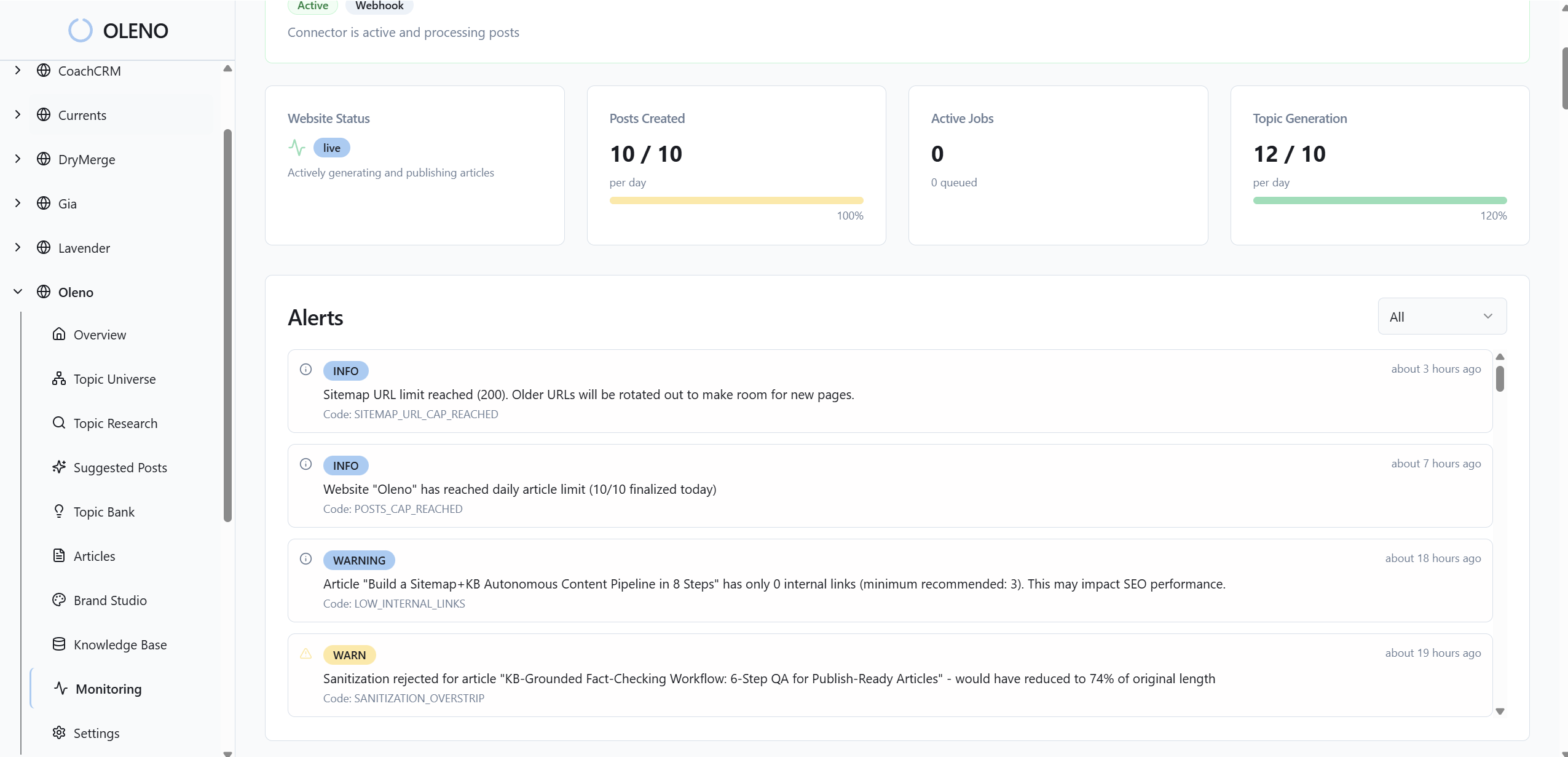
Use a simple scorecard:
- setup time for one brand or client
- quality of inputs the system can hold
- draft relevance
- review time
- approval confidence
- ability to repeat the process across accounts
If your agency adds new accounts regularly, also look at onboarding effort. One of the biggest hidden costs in content ops is the lag between winning an account and producing work that actually sounds right.
Match the tool to your operating model
This is where the hubspot blog tool or decision gets more practical.
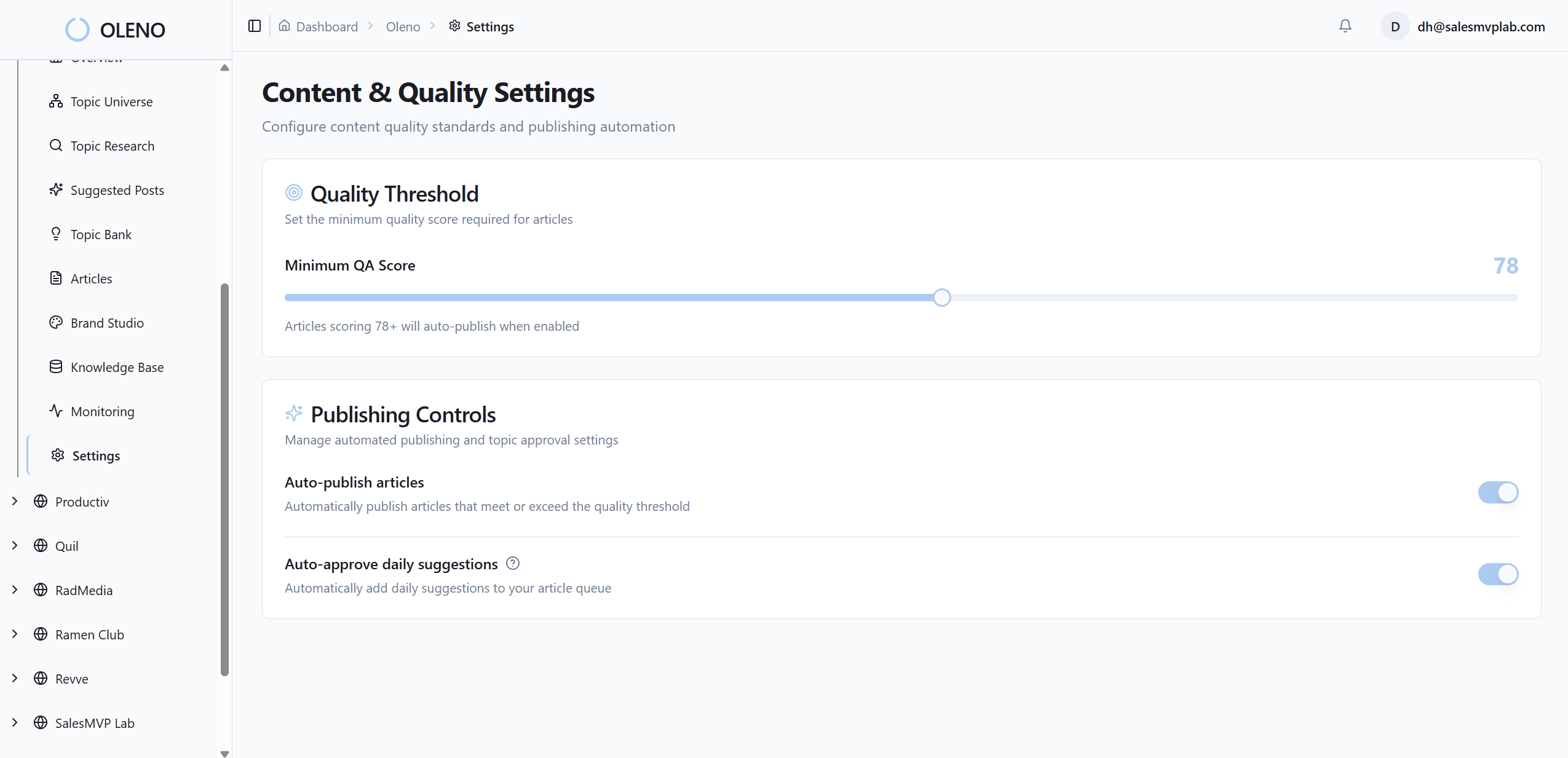
HubSpot Blog Tool may make sense if your team already lives inside HubSpot and wants blog production tightly connected to that broader system. That's a valid reason. The ecosystem fit may matter more than pure writing workflow.
Oleno may make more sense if your team cares most about building content from structured marketing inputs and repeating that process across multiple clients with tighter messaging control. That's a different bet. More operational. More strategy-led.
Neither one is universally better. Your operating model matters more than generic feature talk.
A two-person in-house team has one reality. An agency trying to keep 12 client voices straight has another.
If you're at this stage, start testing your hardest client workflow with Oleno here. Don't use your easiest account. Easy accounts make every platform look smarter than it is.
Common Mistakes Buyers Make in a HubSpot Blog Tool or Oleno Decision
Most buyers don't make bad decisions because they're careless. They make them because they measure the obvious thing and miss the expensive thing.
That's especially true in a hubspot blog tool or comparison, where polished output can hide operational problems for a while.
Choosing based on output polish creates false confidence
A pretty draft can fool you. Especially in a live demo. It reads clean. The sentences move. It sounds competent.
But polish isn't the same as fit.
A draft can sound decent and still miss the market problem, water down the client's differentiator, or flatten their point of view into generic B2B content. That kind of issue slips through early, then becomes a much bigger headache when production ramps.
Treating strategy as separate from production slows everything down
Some teams still separate strategy and production like they live in different worlds. One doc for positioning. Another tool for execution. Sounds manageable. Usually isn't.
When the system producing content isn't anchored in positioning, audience, and product reality, humans have to reconnect those dots every single time. That's why so many teams get disappointed with AI-assisted writing. Not because text generation is useless. Because strategic inputs are disconnected from output.
I don't think buyers need a tool that replaces judgment. I think they need one that stops forcing humans to restate the same judgment from scratch over and over.
Underestimating cross-client context switching hurts margins
For agencies, this one is brutal.
A writer jumps from cybersecurity to fintech to martech in one afternoon. Every switch carries mental load. Every unclear system increases it.
If the platform doesn't preserve client-specific context well, the team burns energy reloading details into prompts, docs, comments, and review notes. It feels manageable at first. Then it compounds. Then margins start looking weird and nobody can quite explain why.
A Simple Decision Framework You Can Actually Reuse
You do not need a giant procurement process for this. You need a repeatable one. The goal is to compare hubspot blog tool or Oleno against the work your team actually does, not against generic software talking points.
A weighted scorecard beats gut feel most of the time
Use a simple matrix and weight the criteria based on what hurts your team most right now. If brand accuracy is the biggest issue, weight that higher than interface preference. If new-client onboarding is the bottleneck, weight setup and repeatability higher.
| Criteria | Why It Matters | Weight | HubSpot Blog Tool | Oleno |
|---|---|---|---|---|
| Brand And Client Context Retention | Reduces off-brand drafts and revision time | 25% | Score after live test | Score after live test |
| Strategic Input Depth | Reflects positioning, audience, and use case quality | 20% | Score after live test | Score after live test |
| End-To-End Review Time | Shows real labor cost after generation | 20% | Score after live test | Score after live test |
| Fit With Existing Workflow | Affects adoption and operational friction | 15% | Score after live test | Score after live test |
| New Client Onboarding Effort | Matters a lot for agencies adding accounts often | 10% | Score after live test | Score after live test |
| Publish Confidence | Measures how close output is to client-ready | 10% | Score after live test | Score after live test |
After scoring, ask three practical questions:
- Which tool produced less rework?
- Which tool made strategy easier to apply repeatedly?
- Which tool would your team still want to use six months from now?
That last question matters more than people admit.
A short pilot usually gives better signal than a long debate
If the group is split, run a two-week pilot. One client account. One real campaign or article stream. Same inputs. Same reviewer. Same success criteria.
Track:
- time to set up
- time to first usable draft
- revision time
- number of factual or messaging corrections
- reviewer confidence
- client-facing readiness
You don't need a massive sample size to spot the pattern. By article three or four, most teams can tell whether the system is actually reducing work or just moving work around.
Run a Live Workflow Test Before You Decide
By this point, the choice should feel narrower. Not solved forever. Just narrower.
You're deciding less between "which tool writes better" and more between "which system fits how our team actually produces B2B content." That's the right frame for a hubspot blog tool or buying decision.
If you're agency-side, keep the final test brutally practical. Pick one client with a distinct voice, a clear market position, and enough complexity to expose weak spots. Run the same brief through your process. Measure the rework. Listen to what your editors complain about. That usually tells the truth faster than a feature checklist.
If you're ready to make the comparison real, ready to see how Oleno handles your actual content workflow? Book a live demo.
Conclusion
The smartest way to compare HubSpot Blog Tool and Oleno is pretty simple: stop treating this like a writing test.
Treat it like an operations test.
The best choice is the one that helps your team preserve context, reduce revision time, and produce content that sounds right without heroic cleanup. For some teams, HubSpot Blog Tool will fit because the broader HubSpot environment matters most. For others, Oleno will be the better option because structured inputs and repeatable brand control matter more.
Either way, don't decide off a shiny demo.
Use a real brief. Use a real reviewer. Measure real rework.
That's usually where the answer shows up.
About Daniel Hebert
I'm the founder of Oleno, SalesMVP Lab, and yourLumira. Been working in B2B SaaS in both sales and marketing leadership for 13+ years. I specialize in building revenue engines from the ground up. Over the years, I've codified writing frameworks, which are now powering Oleno.
Frequently Asked Questions