How Oleno Use Case Studio Works: Complete Breakdown

How Oleno Use Case Studio Works - A Complete Breakdown
If you’re searching for how oleno use case works, you’re probably feeling the same thing I used to feel when content started scaling. You’ve got a real product. Real customers. Real workflows. But your content still ends up feature-led, generic, and weirdly repetitive, even when you swear you’re covering “everything.”
That gap costs you twice. First, you miss entire slices of demand because you never wrote to the actual job someone’s trying to get done. Second, you end up in frustrating rework because every brief is a one-off, and the “what should we write next” conversation never ends.
I’ve lived this. Back in 2012 to 2016 I ran Steamfeed and we saw SEO spikes at 500 pages, then 1,000, then 2,500, then 5,000, then 10,000. The only way that worked was structure plus consistency. If we drifted, or duplicated, or wrote “kinda” about a topic, the compounding stopped. Oleno exists because that problem shows up again and again, especially now that you’re not just writing for humans and Google, you’re writing for LLMs too.
Key Takeaways:
- Feature-led content misses the “who does what” intersections that buyers actually search for, so coverage stalls even when you’re publishing consistently.
- A structured use case model makes briefs more repeatable because workflow steps, outcomes, and pain points stop living in someone’s head.
- Crossing one use case with three audience segments can create nine distinct topic angles, without inventing new positioning.
- Oleno Use Case Studio stores use cases per website and makes them available as grounding context for planning and briefs across Oleno.
- Use Case Studio won’t auto-generate use cases from product data, so you still need real inputs from docs, interviews, support, or analytics.
Why Feature-Led Content Creates Blind Spots Across Real Workflows
Feature-led content creates blind spots because buyers don’t wake up wanting “Feature X,” they wake up needing to finish a workflow and avoid a mess. When your library is organized by product pages and persona assumptions, you’ll cover the obvious stuff, then quietly miss the ugly middle where most evaluation happens.
This gets worse as you scale. The first 20 posts feel fine. Then you’re at 60 posts and you realize you’ve written the same “core feature explanation” four times, just with slightly different intros. Meanwhile a high-intent workflow never got a dedicated page, because nobody owns the map of what users are actually trying to do.
And in the GEO era, that inconsistency isn’t just an SEO problem. LLMs reward clear definitions and repeated, consistent framing across a lot of pages. If your narrative keeps wobbling, you’re basically training the model to be unsure about you.
Feature-Led Content Creates Blind Spots Across Real Workflows
Most teams think they have a coverage problem. They don’t. They have a modeling problem.
What I mean is, you can publish 40 articles and still not have a single piece that mirrors a real sequence of steps your user takes, the headaches they hit, and what “success” actually looks like at the end. That’s where buyers self-qualify. That’s where they decide you “get it.”
And if you’re not writing to that, you’re stuck writing surface-level pages that don’t convert, even if they rank.
Ad-Hoc Briefs Drift; Coverage Stalls And Duplicates
Prompting and ad-hoc briefs feel productive because you can generate output on demand. But you pay for it later in coordination cost. Someone has to remember what you already covered, what angle you took, what outcomes you promised, and what words you used to describe the same thing last month.
Let’s pretend a marketer spends 45 minutes to create a brief that’s actually decent (pain points, angle, example, CTA, a bit of competitive context). Do that 3 times a week and you’re burning about 9 hours a month just on brief creation. Then add the rewrite cycles when the writer guessed wrong about the workflow, or the angle didn’t match the buyer stage. That’s the real tax. It doesn’t show up in one day. It shows up in the slow creep of “why does everything take so long now.”
Why Modeling Jobs-To-Be-Done Aligns Topics With Buyer Reality
Modeling jobs-to-be-done aligns topics with buyer reality because it forces you to anchor content around what someone is trying to accomplish, not what you feel like explaining. Personas still matter, but they’re not the backbone. The backbone is the workflow.
When you do this, the brief stops being a creative writing assignment. It becomes a structured translation of reality into content: the trigger, the steps, the friction, the outcome, and what parts of your product are relevant without turning the page into a feature list.
This is also where I disagree with a lot of “just use AI to write more” advice. Writing more doesn’t fix drift. It multiplies drift. If the inputs aren’t structured, output volume just creates more noise.
Model “Jobs To Be Done” To Align Topics With Buyer Reality
A use case is not a persona. Persona is “who.” Use case is “what they do.”
When you separate those two, you can finally write pages that match what a buyer is actually googling at 11 PM. Not “benefits of analytics tooling.” More like “how do I automate reporting without breaking my dashboards, and what does success look like.”
That level of specificity is what makes content feel like it came from operators, not from a content mill, especially when evaluating how oleno use case.
Cross Use Cases With Audiences To Scale Coverage Without Chaos
Once you’ve got use cases modeled cleanly, you can multiply coverage in a controlled way. Not with more brainstorming sessions. With structure.
You take one use case. You cross it with audience segments. Now you have a topic matrix that makes sense, and it’s hard to accidentally write duplicates because each intersection has a different context, vocabulary, objections, and “why now.”
If you want to see what that looks like in your own account, this is a good moment to take a look at the workflow and ask if it matches how your buyers actually evaluate you: Request a demo to map your top use cases
How Oleno Use Case Studio Models Workflows So Briefs Start Grounded
Start grounded so drafts stop wandering. Then capture that structure in Use Case Studio: define use cases in structured fields, store them per website, and reuse them as context for planning and briefs alongside your audience definitions and product information. The goal isn’t to “write for you,” it’s to stop the headache where every draft starts from a blank page and a vague angle.
This is the part that matters if you care about accuracy too. When workflow steps and outcomes are explicit, it’s harder for drafts to wander into random claims or generic advice, because the brief starts with real structure.
You’re also not rebuilding the same context every week. The model persists, and downstream planning and publishing can run on the same definitions via Topic Universe, Orchestrator, Quality Gate, Team & RBAC, and CMS Publishing, so the pipeline stays consistent without babysitting.
Five Fields Turn Chaos Into A Repeatable Model
Keep it simple on purpose. In Use Case Studio, you define a use case with structured fields:
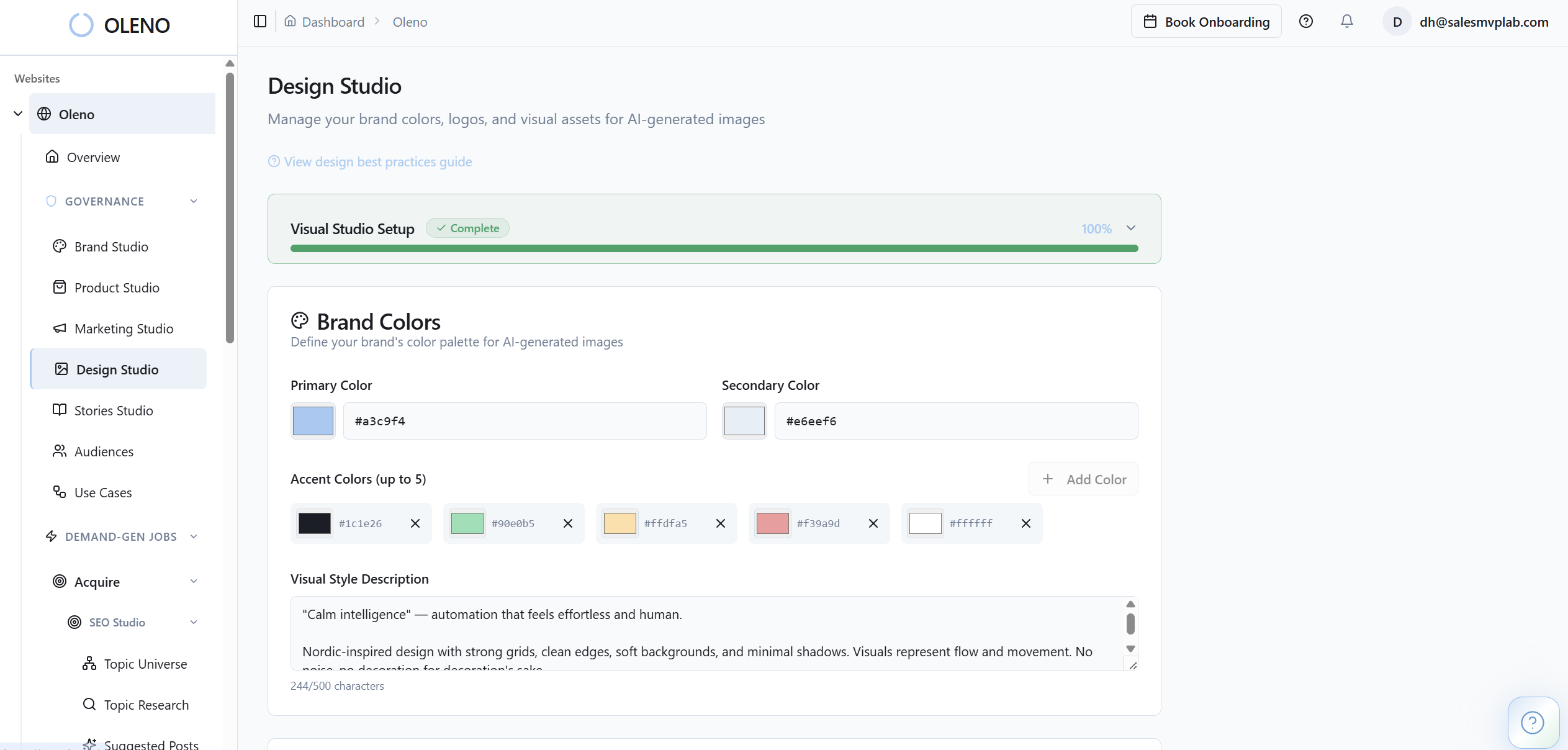
- Name: what you call the use case internally and in content.
- Workflow steps (ordered): the actual sequence a user goes through.
- Pain points: where it breaks, what causes delay, what creates risk.
- Primary outcome: the main “win” the user gets.
- Secondary outcomes: extra wins, often the stuff that sells in evaluation.
- Relevant product features: what’s tied to this use case, so content stays accurate.
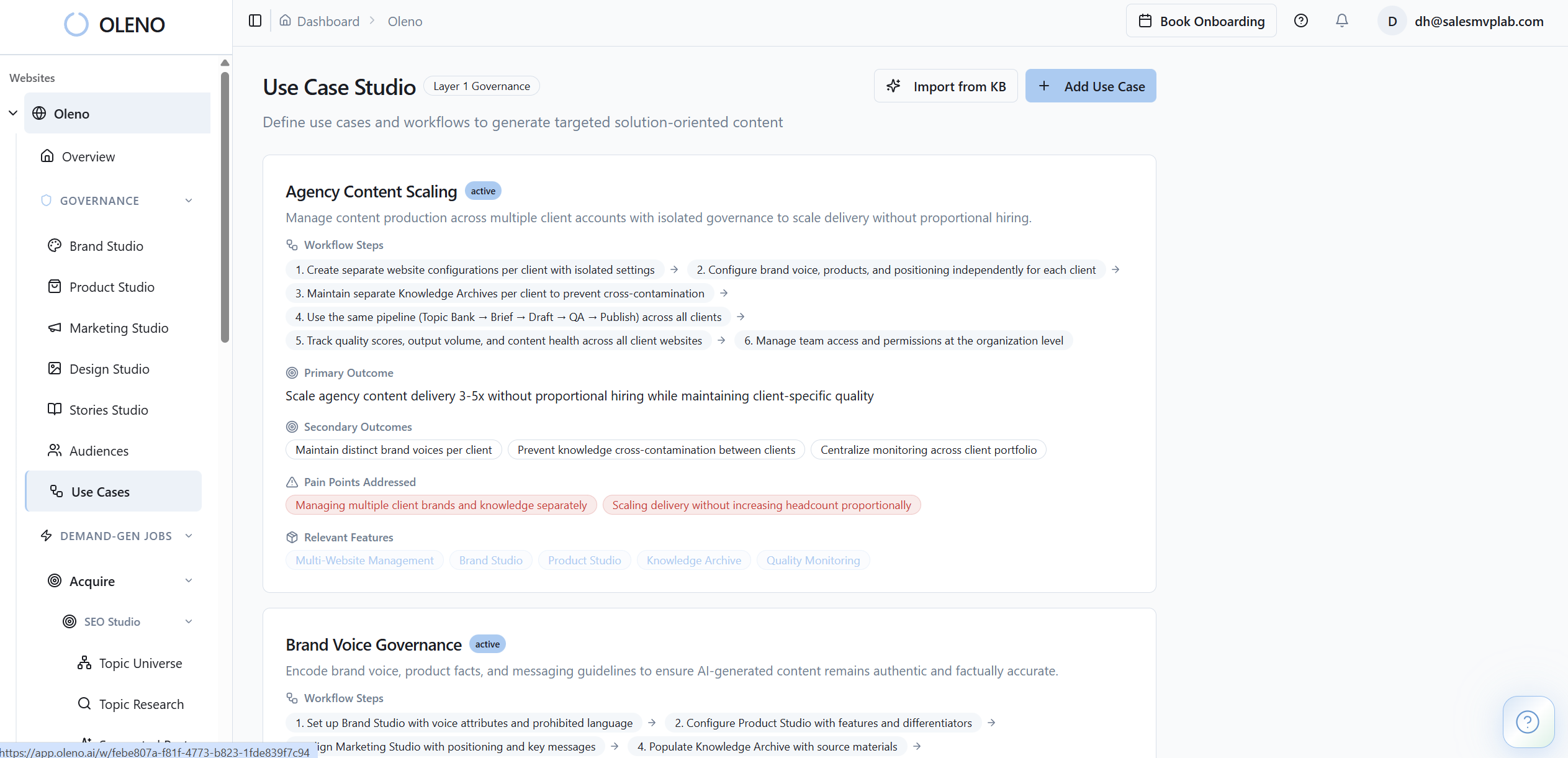
That data is stored per website. So you don’t rebuild it for every campaign, every writer, every quarter.
One Model, Many Intersections: Audiences X Use Cases
Once you’ve defined use cases, the multiplier is crossing them with audience segments. Same workflow, different buyer reality.
An analytics lead cares about reliability, handoffs, and trust in the numbers. A VP Marketing cares about pipeline impact and time-to-value. A product marketer cares about accuracy and positioning. That’s three different pages, from one core use case, without lying or stretching the story.
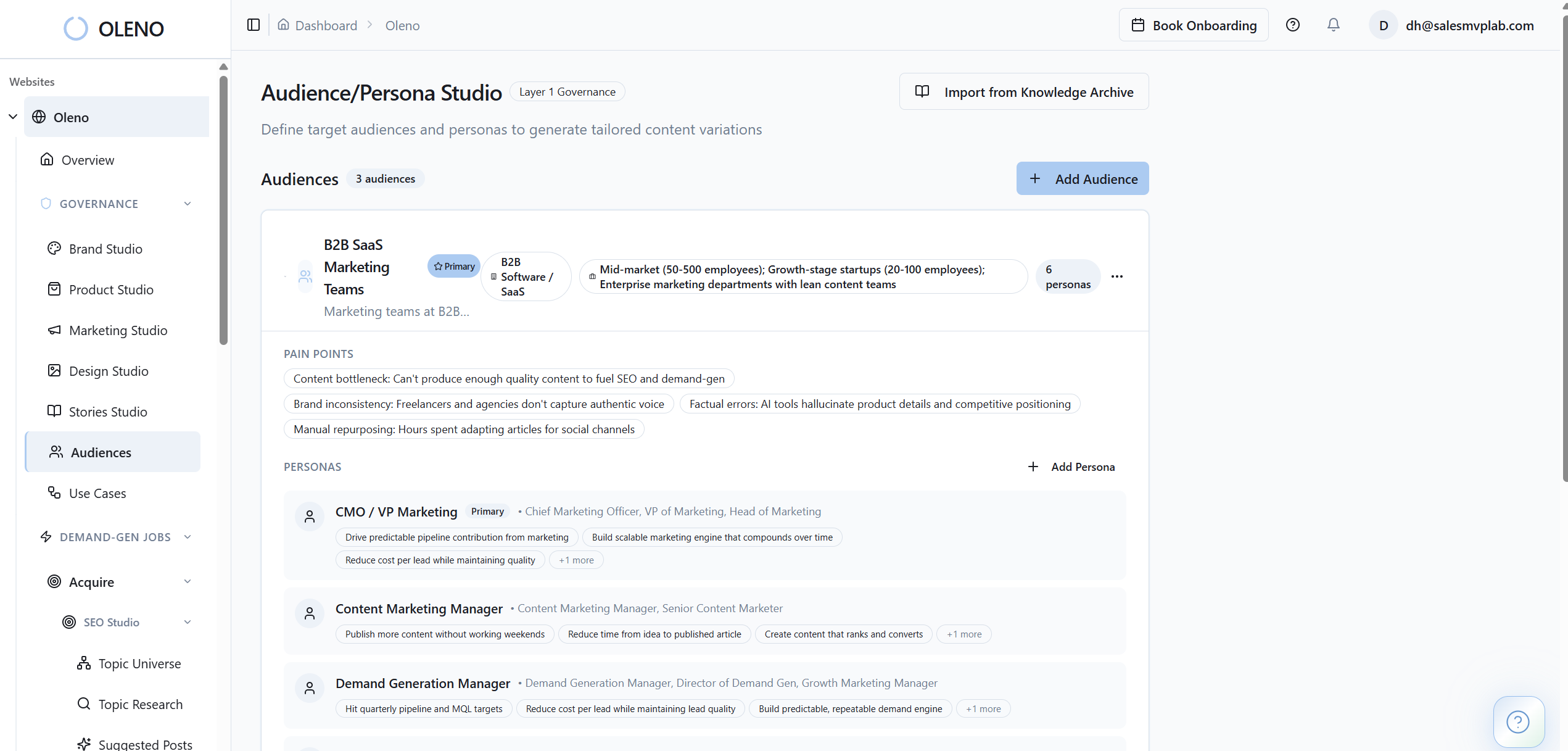
This is also where topic planning gets less emotional. You’re not debating what “sounds good.” You’re filling a matrix of what your buyers do, and who’s doing it.
Governance Flows Into Briefs So Drafts Start Grounded
The biggest difference you feel operationally is that briefs stop being vibes-based. Your team can pull Use Case Studio data alongside audience & persona targeting and relevant product details when creating briefs, so drafts start with real constraints and real context.
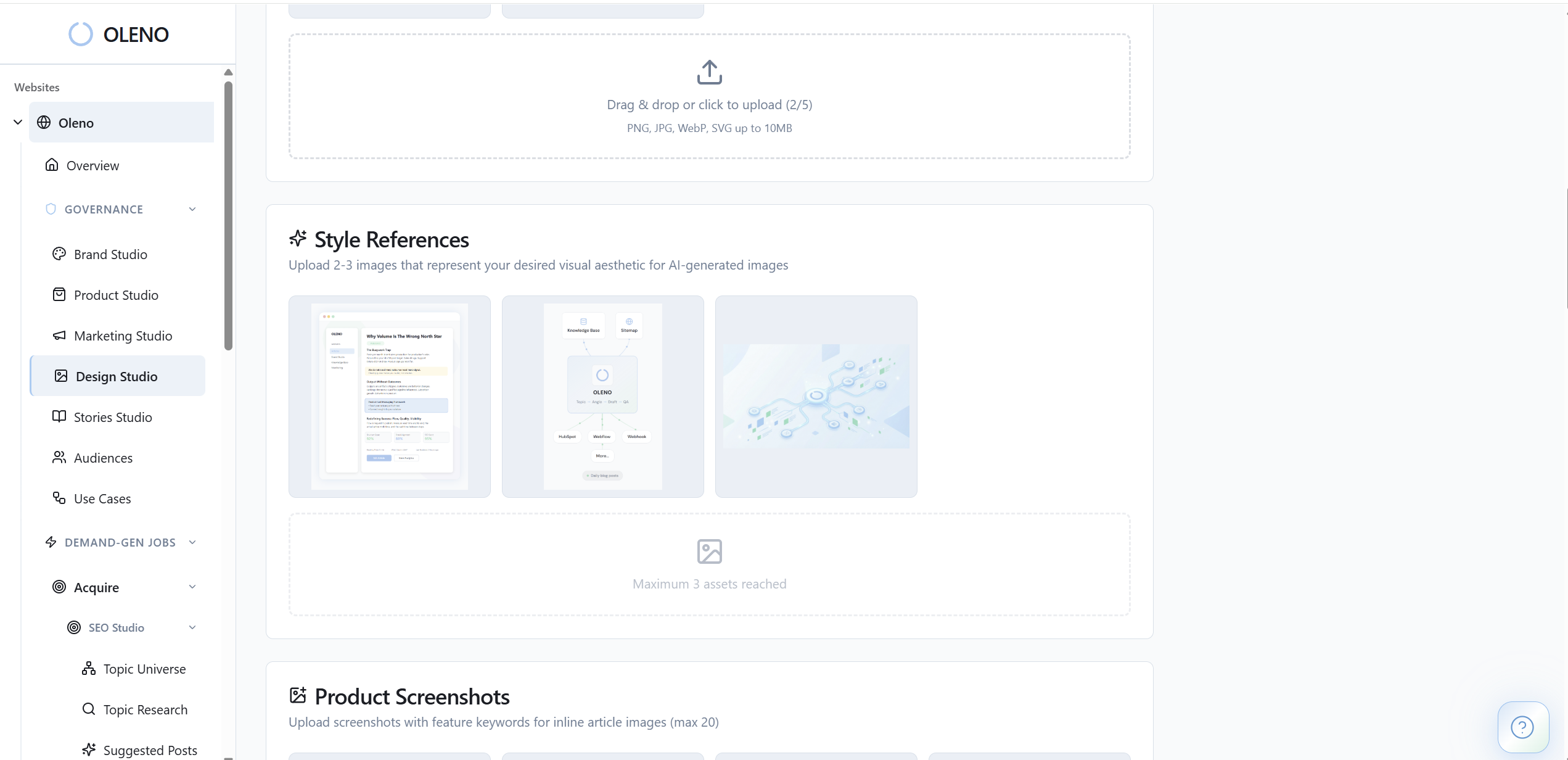
That matters because the pain isn’t “writing.” The pain is chasing down consistency. It’s rewriting intros because the angle doesn’t match the workflow. It’s worrying about factual drift when you publish at volume. Structure is what keeps that from spiraling. Quality Gate and Team & RBAC help enforce it during review and handoffs.
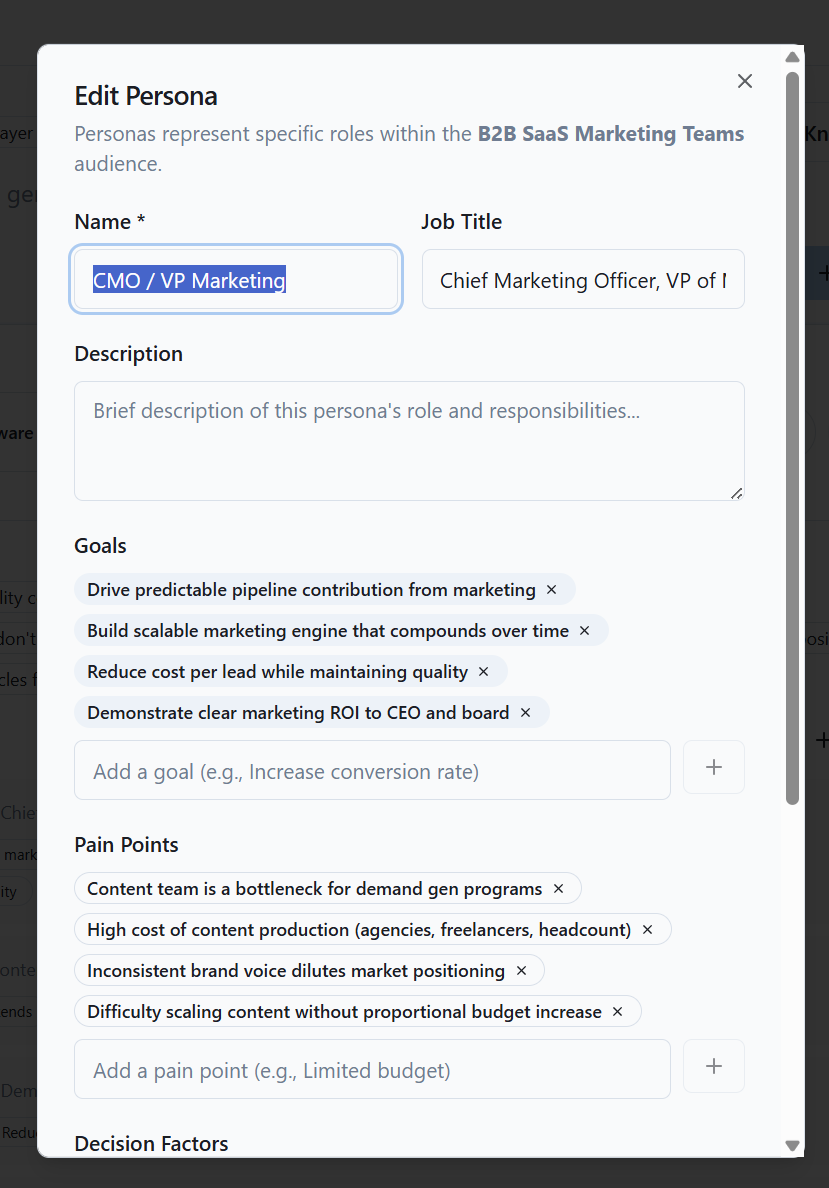
If you want to see how this grounding shows up in briefs and downstream drafts, Request a demo to see use cases feed briefs
How Oleno Use Case Modeling Creates Nine Angles Without Duplicates
You get nine angles from one use case by crossing a single, well-defined workflow with three audience segments, then letting those intersections drive topic generation and brief framing. It’s not a trick. It’s just finally writing down what you already know about your customers in a format the system can reuse, especially when evaluating how oleno use case.
This is one of those things that’s obvious after you do it once. Before that, it feels like extra work. Then you realize you were already doing the work, just in Slack threads and half-baked briefs that disappear.
Nine Angles In Minutes: Migration Use Case X Three Segments
Let’s make it concrete with “Migration.”
You define the migration workflow steps, the pain points (risk, downtime, messy handoffs, stakeholder fear), the primary outcome (migration completed with minimal disruption), and secondary outcomes (faster adoption, fewer support tickets, clearer reporting). Then you cross it with three audience segments.
Now you’ve got nine topic angles. Same core truth, different framing:
- exec buyer angle: risk reduction, timeline, decision criteria
- operator angle: steps, gotchas, workflow reality
- technical-ish stakeholder angle: what breaks, what to validate, what “done” looks like
Interjection. This is where duplicates usually die.
Because the matrix forces differentiation. You don’t “accidentally” write the same migration post three times. Each one has a reason to exist.
Workflow-First Briefs Outperform Generic Feature Posts
A second example is “Automated Reporting” for analytics teams. If your content starts with “Our reporting feature lets you…” you’re already behind. The workflow-first version starts with what they’re trying to do, what goes wrong, and what outcome they need. Then the relevant features show up as supporting detail, not the plot.
Back when I was doing founder-led content at a small SaaS, we’d record videos, transcribe them, publish them. It was fast. But it often missed the structure SEO needed, and it definitely missed consistency. Workflow-first briefs are the opposite. They’re slower to set up once, then way faster to reuse because you’re not reinventing the frame every time.
If you’re curious what your nine angles look like from one use case, Request a demo to generate your topic matrix
Where Use Case Studio Stops And Humans Still Matter for How oleno use case
Know the boundaries so expectations stay sane. Use Case Studio has hard limits, and that’s a good thing, because it keeps you honest about what’s structured knowledge versus what’s wishful thinking. If you expect it to invent your positioning, your use cases, or your research, you’ll be disappointed.
What it does well is take what you already know, or what you can extract from docs and conversations, and put it into a reusable format the content engine can consume. That’s the trade.
Structured Modeling Requires Inputs; It Doesn’t Invent Them
No auto-generation here: you define use cases manually. Pull inputs from help center docs, sales calls, support tickets, customer interviews, and product analytics, whatever you trust as “real.”
Use Case Studio Complements Research; It Doesn’t Replace It
Research still rules. Use Case Studio doesn’t replace user research or analytics; it structures your current understanding into a format the rest of Oleno can use across planning, drafting (Article Editor), reviews (Quality Gate), and publishing (CMS Publishing).
If you’re not validating use cases in the real world, you’re just building a nicer looking fiction library. A decent rule of thumb is to sanity check use cases against at least one of these:
- customer interviews (even 5 goes a long way)
- support logs (what people keep getting stuck on)
- product analytics (where they drop, where they succeed)
- sales notes (what keeps coming up in evaluation)
Turn Real Workflows Into Repeatable Demand-Gen Coverage
The fastest way to get value out of Use Case Studio is to model your top 3 use cases, then cross each with 2 to 3 audience segments. That’s enough to expose gaps, stop duplicates, and give your topic system real rails to run on.
You’ll feel the difference almost immediately in briefing. Fewer vague angles. Less rewriting. Less “wait, didn’t we already write this.” More pages that match what buyers are trying to accomplish.
If you want a concrete next step, take 20 minutes, list your top three use cases, and bring them to a call. We’ll map the workflow steps and outcomes, and show you how that turns into a reusable topic matrix inside Oleno: Book a demo to model three core use cases
About Daniel Hebert
I'm the founder of Oleno, SalesMVP Lab, and yourLumira. Been working in B2B SaaS in both sales and marketing leadership for 13+ years. I specialize in building revenue engines from the ground up. Over the years, I've codified writing frameworks, which are now powering Oleno.
Frequently Asked Questions