How to Automate Publishing Schedules Without Diluting Brand Voice
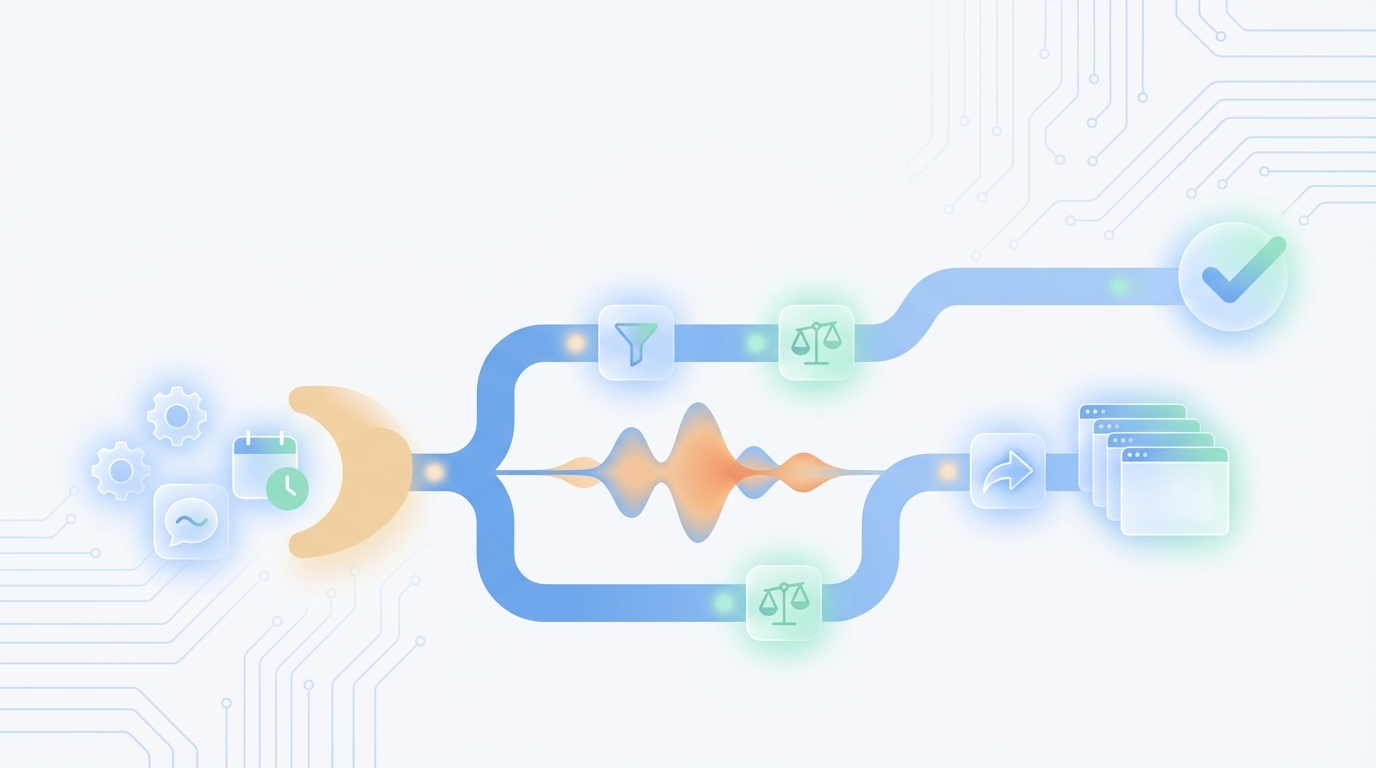
Publishing more often sounds good. Until your voice starts to wobble. You sprint to a daily schedule, including the rise of dual-discovery surfaces:, ship three pieces on one pillar, and then wonder why everything reads a little off. The fix is not more editing time. It is treating timing as part of brand governance, not an ops chore. In other words, make your publishing system do the voice work for you.
When you approach content like a system, cadence stops being a guess. You can plan coverage by pillar, enforce cooldowns, and make urgent topics fit without steamrolling tone. That is how autonomous content operations actually work: rules first, automation second, then publishing on time without the “who approved this?” review loop. If you want a primer, start with autonomous content operations.
Key Takeaways:
- Treat scheduling as a brand decision, not a calendar task
- Set per-pillar quotas, minimum gaps, and cooldowns to prevent voice skew
- Use time windows, QA gates, and controlled retries to avoid rushed publishes
- Encode tone rules and banned terms into job metadata that travels end to end
- Resolve multi-site collisions with tiering, dedupe checks, and isolated brand memory
- Automate the pipeline while keeping human inputs simple and auditable
Why Timing Choices Cause Voice Drift (And How To Stop It)
Timing changes what gets published, not just when. When one pillar gets hammered and others go quiet, your narrative tilts, your tone drifts, and sameness creeps in. Teams that align cadence to governance keep their voice steady with cooldowns, quotas, and rules that fail closed during risk moments.
What Is Cadence-Driven Voice Drift?
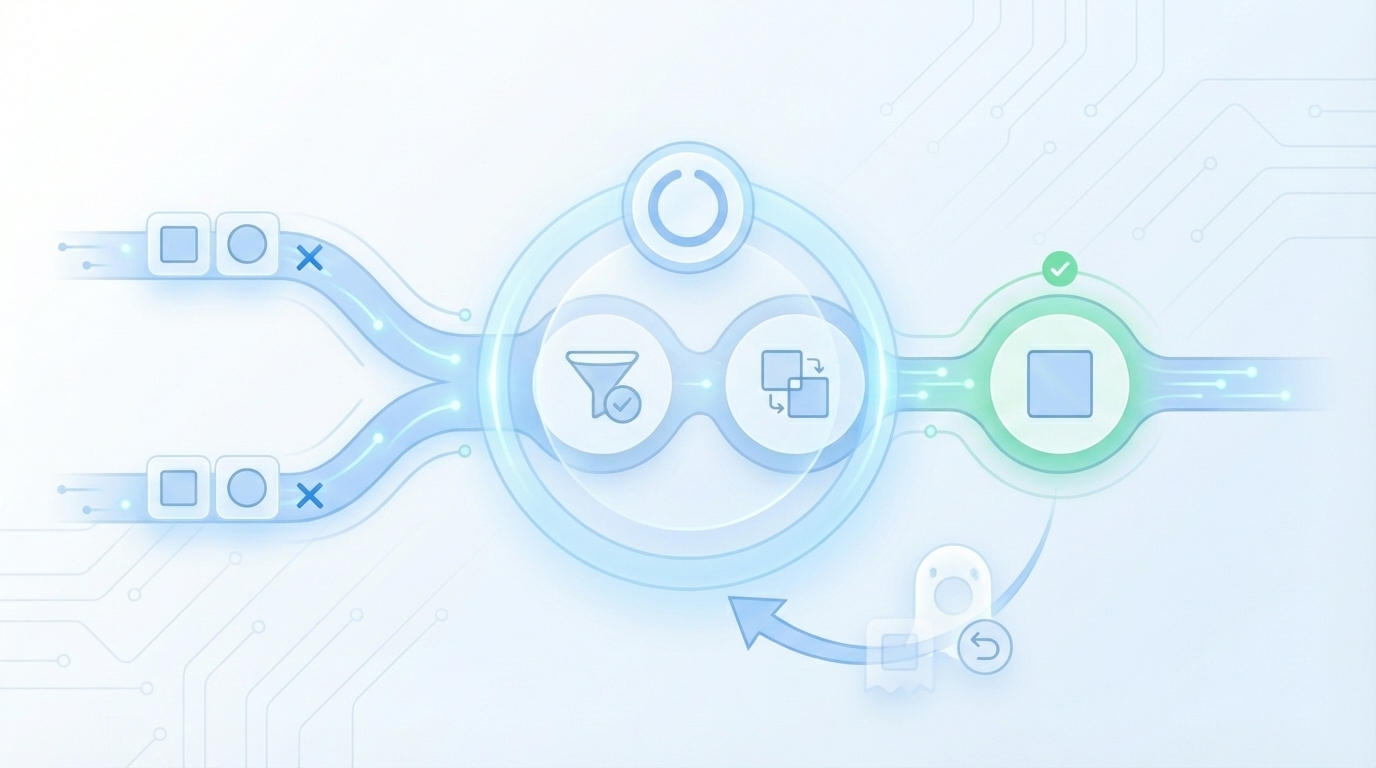
Cadence-driven voice drift happens when increased volume hits the same topic family too often, which pulls tone and phrasing toward repetition. That risk compounds with AI-generation, where sameness is already a known problem according to the analysis on AI content voice sameness risk. You see it in microcopy too, like repeat intros across security posts in one week.
Most teams think they can edit their way out of this. They cannot. You need structure that prevents the drift upstream. The cadence-driven voice drift fix starts at the planning layer, not in the doc. Make the planner balance coverage across pillars, then QA enforces tone before anything schedules.
Treat Scheduling As A Brand Decision, Not An Ops Task
When scheduling sits apart from brand rules, the calendar wins and your voice loses. Connect timing to governance. That means schedule windows tied to audience behavior, cooldowns that fail closed if tone slides, and dedupe logic that blocks repeat angles. You will feel slower for a week. Then the system catches up.
This is why an orchestration workflow matters. You want drafting, QA, imagery, internal links, schema, and publishing to read the same constraints and act consistently. If your steps are disconnected, your voice rules get lost between them. See the bigger picture in the orchestration workflow.
Set Cadence By Pillar With Frequency, Urgency, And Cooldowns
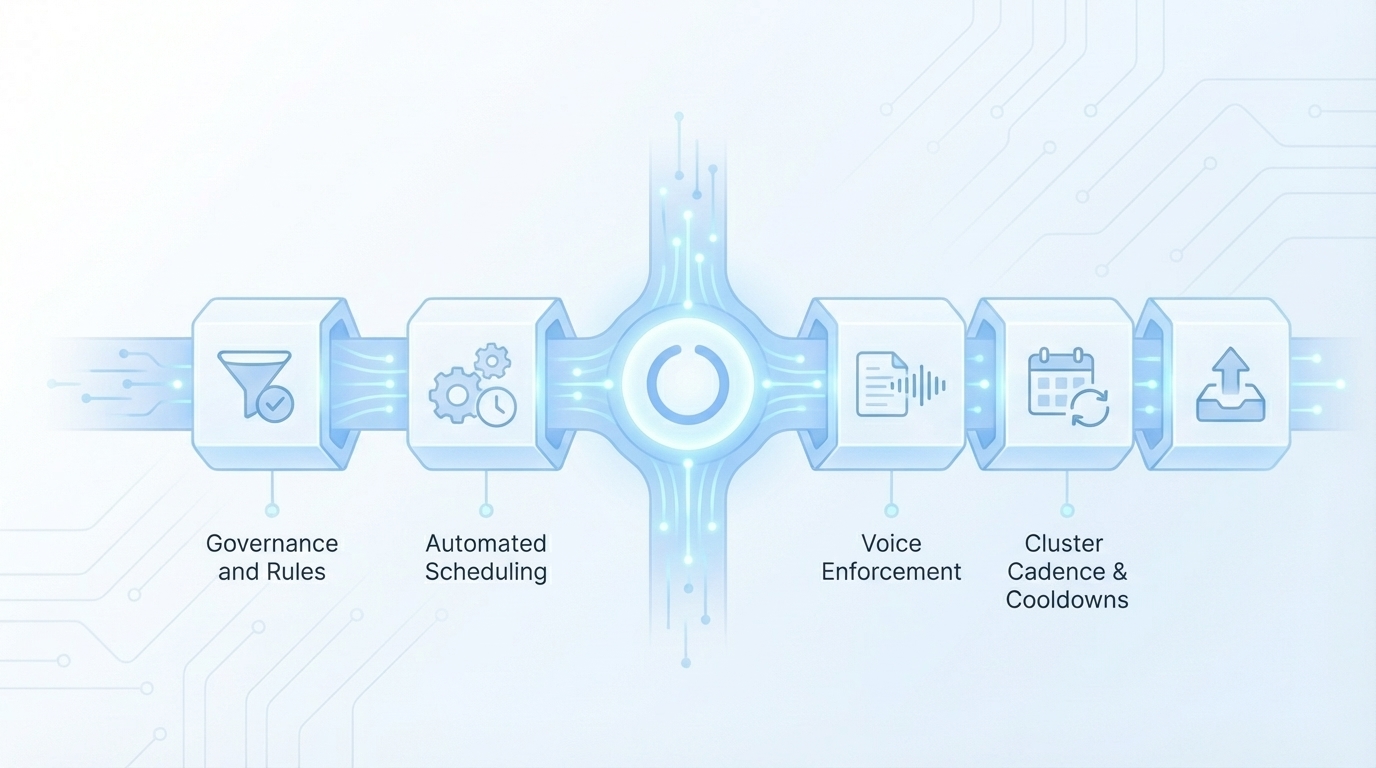
Cadence stability comes from pillar-level quotas, minimum gaps, and clear cooldowns. Use saturation labels to decide where to publish more and where to pause. When an urgent topic appears, let it preempt once without resetting cooldowns, then return to the plan. That keeps your voice balanced across the portfolio.
Define Cluster-Level Quotas And Cooldowns
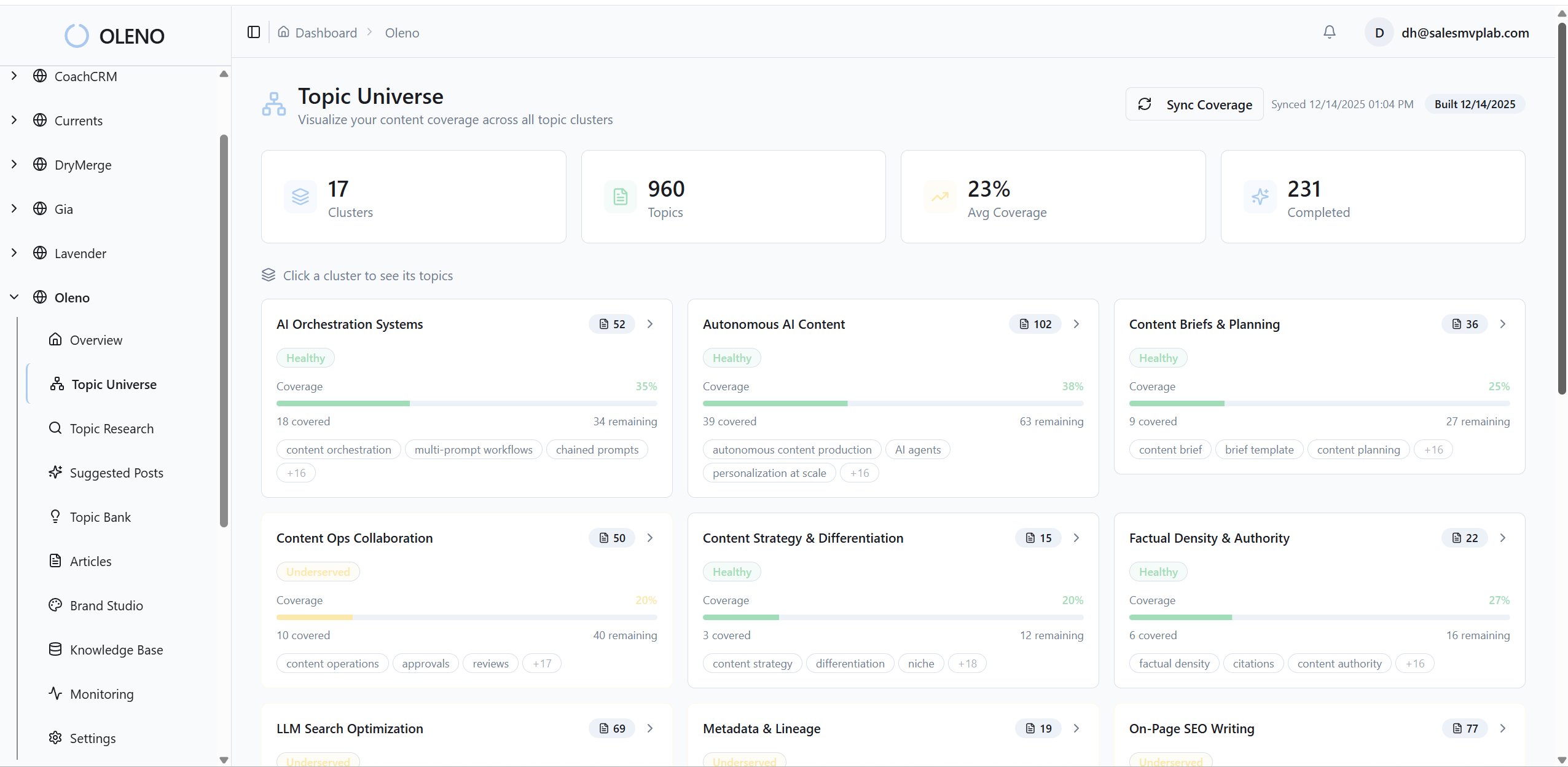
Start with your pillars and map the week. For each cluster, including the shift toward orchestration, assign a weekly maximum, a minimum gap between adjacent topics, and a 60 to 90 day cooldown for re-coverage. Saturation labels do the heavy lifting, because they reveal where authority is built versus overplayed.
- Set weekly max per pillar, not per writer
- Enforce a minimum gap between adjacent topics
- Apply a 60–90 day cooldown on re-coverage
- Use saturation labels to throttle volume
Let’s pretend security is saturated. Drop its frequency until the label returns to “healthy,” and redirect those slots to an underserved analytics pillar. This is operational governance, not guesswork, as supported by governance research on scheduling controls. For rollout sequencing, map quotas to a predictable plan using your publishing cadence and align daily limits to actual capacity-based scheduling.
How Do You Prioritize Urgent Topics?
Urgency should not bulldoze voice. Build a simple priority stack that everyone understands. Publish what matters now, without drowning the other pillars for the week.
- Regulatory or product-breaking updates
- High-impact launches or critical migrations
- Routine coverage and explainers
Create a two-slot burst buffer per site per week. If you use the buffer, the planner auto-slots the displaced work into next week. Mark urgent jobs with a “preempt” flag and a max age of 48 to 72 hours. Miss that window, and the job downgrades and re-enters the queue. No heroics, less rework, fewer last-minute tone misses.
Curious what this looks like in practice? You can Request a demo now.
Windows, Gating, And Retries That Respect Voice
Publishing windows reduce rushed decisions that hurt tone. Tie QA holds to time windows, attempt publishes when the audience is present, then retry or defer cleanly. Jobs that fail on blocking signals should wait, not ship. This simple structure saves you from late-night edits and regrettable exceptions.

Timezone-Aware Scheduling And Audience Windowing
Define weekday and hour windows per persona and region. If a job misses the window, including why ai writing didn't fix, slide it to the next available slot rather than cramming a low-quality push. You need fewer, smarter windows. That reduces collisions across brands and channels while raising the odds real users see it.
Use audience “cooldowns” too. If your product update hits the blog and newsletter in the same region, enforce a 48 to 72 hour delay before a related explainer goes live. That spacing preserves voice variation and prevents readers from seeing the same lines everywhere. The outcome is better memory and fewer complaints about repetition. For consistent release behavior, use autonomous publishing.
QA Gating Tied To The Clock: Holds, Retries, And Escapes
Create three layers that work with your schedule, not against it.
- Pre-window QA hold: brand alignment must score at or above 85
- On-window publish attempt: if it fails, auto-normalize and retry once
- Post-window deferral: move to the next window with a “retry” note
Set blocking signals that always hold, like banned terms, KB conflicts, missing schema, or off-brand visuals. Non-blocking signals, such as slight paragraph length drift, can publish with a scheduled fix. This is simple process control as described in gating and process control frameworks. To implement the checks, define your automated QA gate and connect it to your KB-grounded QA checklist.
Multisite Conflict Resolution, Deduping, And Rollback
Multi-site programs amplify drift if you do not set priority rules. Separate brand memory, isolate assets, and dedupe aggressively. When conflicts happen, ship the highest-tier site and reschedule the rest. If drift slips through, pause, adjust, and rollback. It is not punishment. It is protection.
Priority Rules Across Brands And Sites
Assign site-level priorities, for example tier one, tier two, microsites. When two sites collide on the same topic or audience window, the higher tier ships and others defer or publish alternate angles. Add a dedupe check that matches topic IDs and similar headlines to prevent accidents.
- Tier sites to handle collisions consistently
- Run dedupe checks on topic IDs and near-identical headlines
- Cross-post only with swapped voice packs and altered CTAs
Separate brand memory by default. Each site should have distinct voice rules, KB partitions, and visual assets. If you must cross-post, swap voice packs and update the CTA so tone stays distinct. You can formalize the rules in a voice governance plan and a multibrand voice playbook.
Audit Sampling, Drift Detection, And Rollback Plans
Audit ten to twenty percent of weekly publishes across sites. Check the job’s tone rules and banned-term lists against what shipped. If drift exceeds your threshold, pause the offending pillar for forty-eight hours, tighten rules, and reschedule. When in doubt, rollback hard failures.
Keep operational logs that link job metadata to QA scores and publish attempts. You are not tracking performance here, just traceability so rollback decisions are fast and defensible. It also reduces worried about silent errors that surface in quarterly brand reviews.
Embed Voice Constraints In Scheduling Metadata
Voice consistency improves when rules travel with the work. Attach tone profiles, banned terms, persona, CTAs, and publish windows to the job itself. Every stage reads the same fields, so governance is not optional. This turns your scheduler into a brand control surface, not a calendar view.
Build A Scheduling Metadata Template
Create a job schema that travels with the content: pillar, target persona, tone profile, banned terms, CTA variants, snippet style, timezone, publish window, and cooldown policy. Store it adjacent to the topic ID so drafting, QA, and publishing see the same constraints. One source of truth, fewer debates.
Multi-brand teams need per-brand overlays. Add a “brand pack” reference for voice, KB partition, and visual assets. That bundle moves with the job so teams are not re-arguing tone in editing. The result is fewer late-stage fixes and less friction on handoff, backed by the reminder that the importance of brand voice in AI-generated content is structural, not just stylistic. For implementation patterns, see how to design brand studio rules and connect metadata to KB brand rules.
Learn the exact 3-step process teams use to make these constraints stick in production: Try using an autonomous content engine for always-on publishing.
How Do You Enforce Tone Rules And Banned Terms In Jobs?
Push metadata into QA and publishing. Linter checks should parse tone fields, flag hedging if tone is “confident, minimal jargon,” and block banned terms with a clear cause. Auto-retry after normalization, then route to a human only if the job fails twice. Clean, explainable, repeatable.
Expose the same fields in the CMS so editors see tone, persona, and CTA in context. Allow overrides with a reason code so ops and brand can reconcile exceptions later. This makes governance visible, not mystical. The single source of tone here is the job’s metadata, not an editor’s memory.
How Oleno Enforces Voice While Automating Schedules
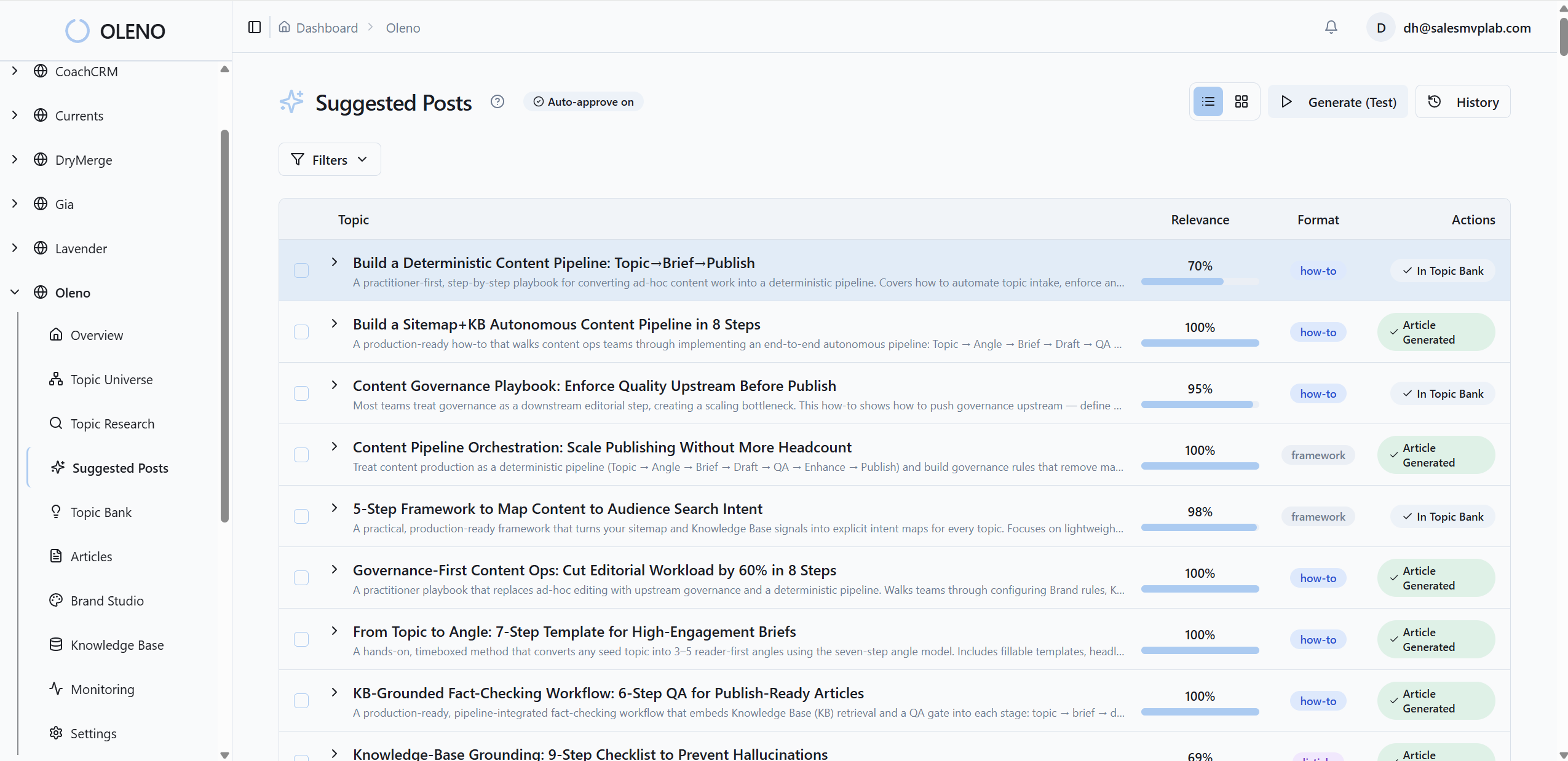
Oleno turns rules into operations by running the same governed pipeline every time. Topic Universe sets cluster cadence and 90-day cooldowns, including ai content writing, briefs enforce differentiation with an Information Gain Score, then drafting, QA, visuals, links, schema, and publishing all read the same brand constraints. You set guardrails. Oleno handles the grind.
What Does This Look Like In Practice?
Remember that manual cadence juggling and late-night edits? Oleno removes the juggling by design. Topic Universe maps clusters, tracks coverage and saturation, and enforces cooldowns. Briefs include competitive research and an Information Gain Score so each piece adds something new. Drafts are written to your voice using Brand Studio. The QA-Gate checks alignment against 80 plus criteria, including snippet-ready openings, visual placement, deterministic internal links, and schema. Publishing connectors map fields to your CMS and prevent duplicate posts.
This is orchestration in action. You define pillar quotas, tune voice packs, set windows, and approve exceptions. Oleno runs Topic to Brief to Draft to QA to Enhancements to Image to Publish, then does it again tomorrow. If a draft fails, Oleno refines and re-tests until it meets thresholds. No dashboards or analytics claims here, just governed execution that protects voice while increasing cadence. For context on why speed alone is not enough, read about autonomous systems, the limits of AI writing speed, and the content operations breakdown.
Ready to eliminate recurring manual scheduling work and reduce frustrating rework? Try Oleno for free.
What You Still Control
You own policy, not keystrokes. That means quotas per pillar, voice packs, publish windows, exception rules, and the occasional override with a reason code. Oleno handles the rest with deterministic systems, like schema auto-generation, deterministic internal linking, Visual Studio image placement, and direct publishing to WordPress, Webflow, or HubSpot. The outcome is steadier voice, fewer collisions, and publishing that does not break.
Conclusion
If your cadence is rising while your voice keeps slipping, the calendar is not your problem. Governance is. Set quotas and cooldowns per pillar, add time windows, tie QA to the clock, and encode tone rules into scheduling metadata that every stage reads. Multi-site programs need priorities, dedupe checks, and brand memory separation.
You can do this manually for a while. Or you can let a governed system run daily so consistency is the default, not the exception. That is the shift. Content moves from tasks to infrastructure, and your brand sounds like one team again.
About Daniel Hebert
I'm the founder of Oleno, SalesMVP Lab, and yourLumira. Been working in B2B SaaS in both sales and marketing leadership for 13+ years. I specialize in building revenue engines from the ground up. Over the years, I've codified writing frameworks, which are now powering Oleno.
Frequently Asked Questions