How to Build Brand-Consistent Visuals for SEO-Ready Articles

Most teams treat images like decoration. Buttons you sprinkle on at the end to make a page look finished. That’s why the page reads well but doesn’t get cited. Search engines and AI systems aren’t looking for pretty—they’re looking for corroboration. Visuals that align with claims and structure. Evidence, not art.
I learned this the hard way. Years ago, we had a smart piece ready to publish at 3pm, and by 9pm we were still swapping stock photos, renaming files, and negotiating alt text. The content was strong. The visuals were… off. That disconnect cost us time, credibility, and, honestly, confidence. There’s a better way: define visuals as part of the narrative, not a separate to-do.
Key Takeaways:
- Treat images as structured evidence that echoes your section’s claim
- Decide visual rules during the brief, not in post-production
- Use filenames, alt text, and captions that mirror query language
- Prioritize fast, responsive formats (WebP/AVIF) and lazy loading
- Standardize hero and inline placements so visuals feel intentional
- Automate where possible, but keep designers for high-stakes creative
Visuals Decide Whether Your Article Gets Cited
Visuals drive citations when they reinforce your section’s core claim and match the text’s structure. Search engines and AI systems parse context around images, alt text, and captions to cross-check meaning. A labeled workflow diagram under “How It Works,” for example, is far more citable than a generic stock photo of people in an office.

The hidden job of images in SEO and AI
Images carry semantic weight when they’re tied to the answer, not just the topic. If the opener states a clear claim, the visual should illustrate that claim in concrete terms—process steps, before/after state, or a labeled screenshot. You’re giving machines a second signal that says “this section really is about X,” which nudges retrieval in your favor.
Here’s the nuance. Consistency matters more than flair. Repeated patterns—hero that frames the promise, two inline visuals that prove it—help readers scan and help models segment. Research on visual consistency suggests it strengthens comprehension and trust, which is table stakes for being referenced. See Siteimprove’s overview of visual consistency for a useful framing.
Why last-minute design undermines credibility
When visuals are a 4:45pm scramble, they drift off-brand and off-message. That’s how you end up with a celebratory stock image under a technical section—polite, but meaningless. The fix is procedural. Decide what each section needs before a single word is drafted: screenshot or diagram, framing or proof, placement above or below the opener.
We do this because rules save time and remove debate. Choices made once—per section type—compound across articles. You also avoid the classic mismatch where filenames, alt text, and captions are written in isolation. Decisions first, production second.
What is a brand visual system and why does it matter?
A brand visual system is your playbook for how images look and what job they do. It includes color palettes, marks, type rules, screenshot frames, allowed aspect ratios, and standard diagram patterns. More importantly, it encodes intent: which H2s get “problem framing,” which get “workflow,” which deserve “outcome proof.”
This isn’t about aesthetics. It’s about trust at scale. When visuals repeat with purpose, pages feel deliberate, not stitched together. That consistency pays off over time—humans recognize you, and machines can parse you. If you’re serious about being cited, this is non-negotiable. Want to skip the theory and try a system approach? Try Generating 3 Free Test Articles Now.
Turn Images Into Structured Evidence, Not Artifacts
Images become structured evidence when they’re defined in the brief with purpose, intent, and placement. The brief should map each H2 to a visual role and specify filenames, alt text, and captions that echo the section’s opening claim. AI systems and search engines read those signals together to confirm meaning.

What traditional workflows miss
Most teams write first, then go on an image hunt. That split guarantees rework. The text makes a strong claim, but the visual doesn’t actually prove it. Fix this by writing a “visual block” into the brief: asset type per H2, aspect ratio, expected placement, and the exact line the caption should restate. You’re pre-deciding the job of the image.
A quick rule of thumb helps: heroes frame, inline visuals prove. Heroes signal promise and context. Inline visuals carry the proof—diagrams for “how,” screenshots for “where,” comparisons for “why this beats that.” When those patterns repeat, your sections become quotable units. Not perfect every time. Directionally right, most of the time.
How do visuals influence AI overviews and snippet capture?
Clear metadata aligned to the opener creates a second verification step. If the H2 says “How to Configure X,” and the caption says “Configuration steps for X,” you’ve given models an unambiguous mapping. Alt text and filenames that use the same plain-language phrasing reduce ambiguity and improve retrieval odds. It’s not a magic switch, but it’s an extra lever you control reliably.
There’s also a practical angle: visual search and multimodal analysis keep expanding. When your images and surrounding text describe the same thing, you increase coherence—useful whether an assistant is summarizing or a user is skimming. For more context, see this primer on AI and visual search.
The Hidden Cost of Treating Images as Decoration
Treating images as decoration creates recurring waste: extra hours, slower pages, and missed citation signals. Each cycle adds friction—ad-hoc searches, redesigns, file fixes—that multiply across your content calendar. Performance also suffers when assets aren’t optimized, which quietly dampens crawl and user engagement.
Time lost and rework from ad-hoc image hunts
Let’s pretend a solid post takes 6 hours to draft. Without visual rules, image selection, resizing, naming, and QC add 60–90 minutes. If design flags a mismatch (they usually do), add another 30. Now multiply by 15 posts per month, and you’ve lost a week to non-strategic work. Everyone feels it—writers, designers, and whoever is on publish duty.
The kicker is morale. Rework is frustrating, especially late in the day. Codified image rules—hero type, inline slots, naming templates—turn that chaos into a checklist. The time you save compounds. The quality you protect is the point.
The crawl budget and performance hit from heavy assets
Uncompressed PNGs and missing srcset attributes slow pages down. Slow pages get crawled less frequently, and readers bounce sooner. You don’t need complex tooling to fix this: export WebP or AVIF, generate multiple sizes with srcset, define sizes attributes that match the layout, and lazy-load below-the-fold images. Keep the hero in the initial payload, everything else on demand.
There’s a brand angle here too. Consistent visuals convey reliability, and the research on brand consistency is pretty clear about trust lift. It’s not just look-and-feel; it’s how the page behaves. For a useful overview, see the benefits of consistent visual identity. Tired of fixing the same issues every week? Try Using An Autonomous Content Engine For Always-On Publishing.
When Off-Brand Visuals Undercut Great Writing
Off-brand visuals break the spell. Readers feel the mismatch and doubt the substance, even when the writing is strong. Internally, you feel it too—the scramble, the extra Slack threads, the late-night re-exports. Align visuals early, and you avoid the 3pm-to-9pm slide into rework.
The 3pm publish scramble that turns into a 9pm redesign
You know this day. The draft is solid, stakeholders are nodding, and then the page goes live with a stock handshake. Design flags it. Now you’re exporting new variations, compressing, renaming, updating alt text, and trying to remember where the CMS hides captions. Publishing becomes a project, not a push.
When I was helping a lean team ship weekly content, this was the bottleneck more than once. We weren’t short on ideas; we were short on decisions made upstream. The moment we encoded visual roles per section, the “scramble” turned into a 10-minute checklist.
When your product screenshot appears in the wrong section
A screenshot that proves setup belongs in the setup section. Outcome shots belong where results are discussed. It sounds obvious until you’re pairing visuals at the last minute and dropping the wrong image under the right claim. Tag screenshots by feature and intent so matching becomes deterministic, not opinionated.
Readers move faster when the flow is claim → proof → next step. Your team moves faster when “what goes where” isn’t debatable. This is the small, repeatable win that pays out every week.
A Practical System To Build Brand-Consistent Visuals
You build brand-consistent visuals with a simple framework: a brand asset library, snippet-ready section rules, and performance defaults. The goal isn’t fancy design. It’s repeatability. Make decisions once, apply everywhere, and let the consistency compound.
Build a brand visual system
Create a small but strict Brand Asset Library: color palettes, marks, type rules, screenshot frames, and a handful of style references that show “this is us.” Tag product screenshots by feature and intent (“setup,” “workflow,” “outcome”). Define allowed aspect ratios and resolution targets, and write down when each is used.
The point is to replace case-by-case judgment with policy. New articles inherit consistency by default. Designers can still craft net-new visuals when it matters, but the day-to-day is a governed flow. Not a debate.
Design snippet-ready section rules
Mandate a 40–60 word, three-sentence opener per H2: direct answer, supporting detail, quick example. Then place a visual that reinforces that answer above the fold. Use a consistent pattern—hero frames the promise; inline visual 1 proves the claim; inline visual 2 offers comparison or “before/after.”
Write captions in plain language that restate the claim, not the design (“Steps to configure billing,” not “Dark-mode workflow diagram”). Name files to match intent and query language. This is how you make sections anchorable and citable.
Use responsive formats and performance rules
Export AVIF or WebP as defaults. Provide srcset for multiple sizes and define sizes attributes that match your layout. Lazy-load everything below the fold, and keep CSS dimensions predictable to avoid layout shifts. Pre-generate 1:1, 16:9, and 4:3 versions and map them to template slots so no one is guessing.
If you want a deeper dive on how visual structure and performance support discoverability, this guide on visual consistency and UX is a good primer. It pairs nicely with a house rule: fast pages get crawled and cited more reliably.
How Oleno Automates Brand-Consistent Visuals in SEO-Ready Articles
Oleno automates the visual system so brand consistency and snippet-ready structure happen by default. Visuals are generated, matched to section intent, labeled with alt text and filenames, and validated before publishing. You reduce rework, protect performance, and ship pages that read and look intentional.
Visual Studio generates on-brand heroes and inline images
Oleno’s Visual Studio pulls from your Brand Asset Library—palettes, logos, marks, style references, and tagged product screenshots—to generate a hero and 2–3 inline visuals per article. Output supports multiple aspect ratios and up to 4K, so images fit your template without resizing guesswork. It focuses on consistency, not replacing designers.
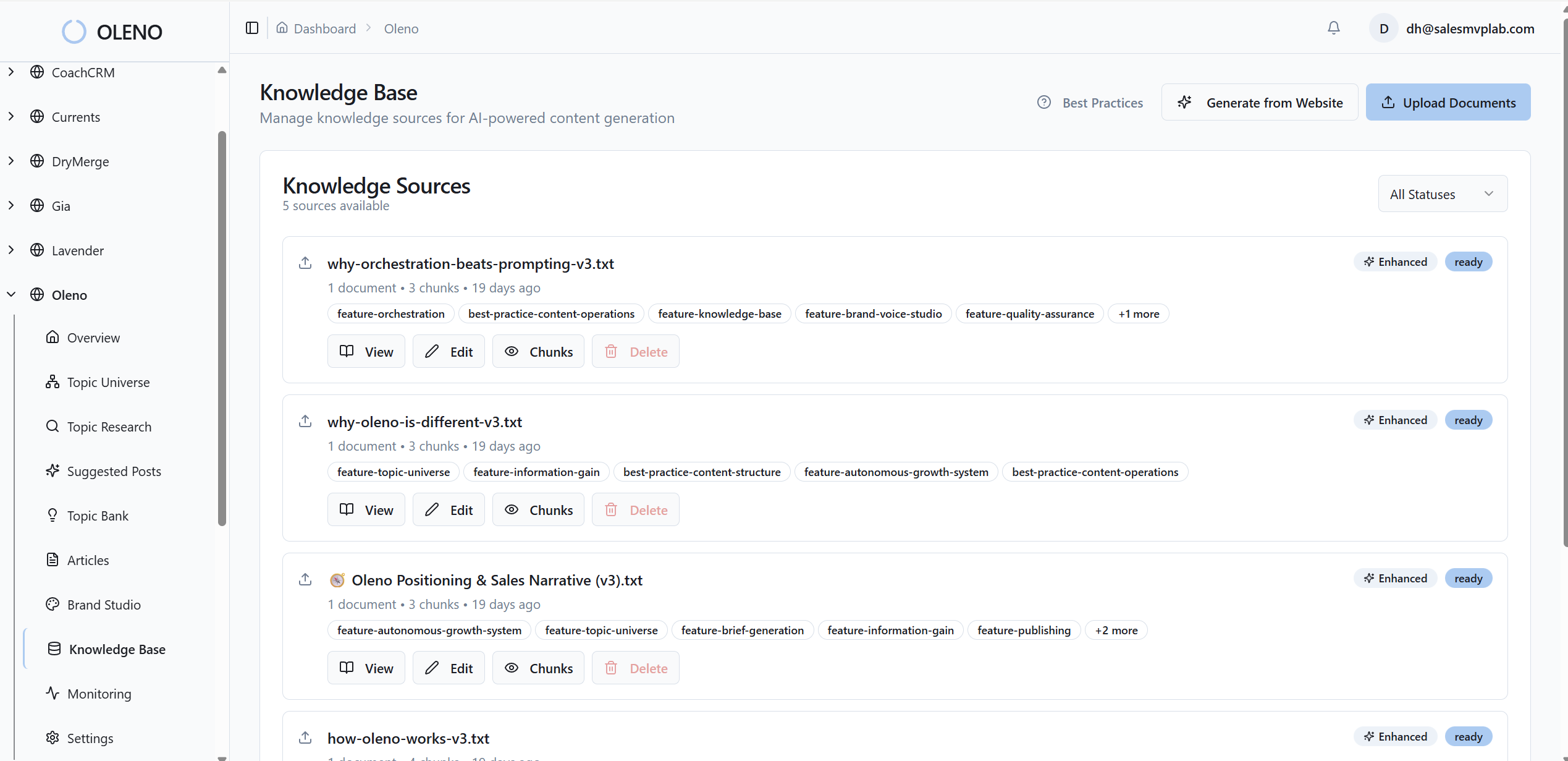
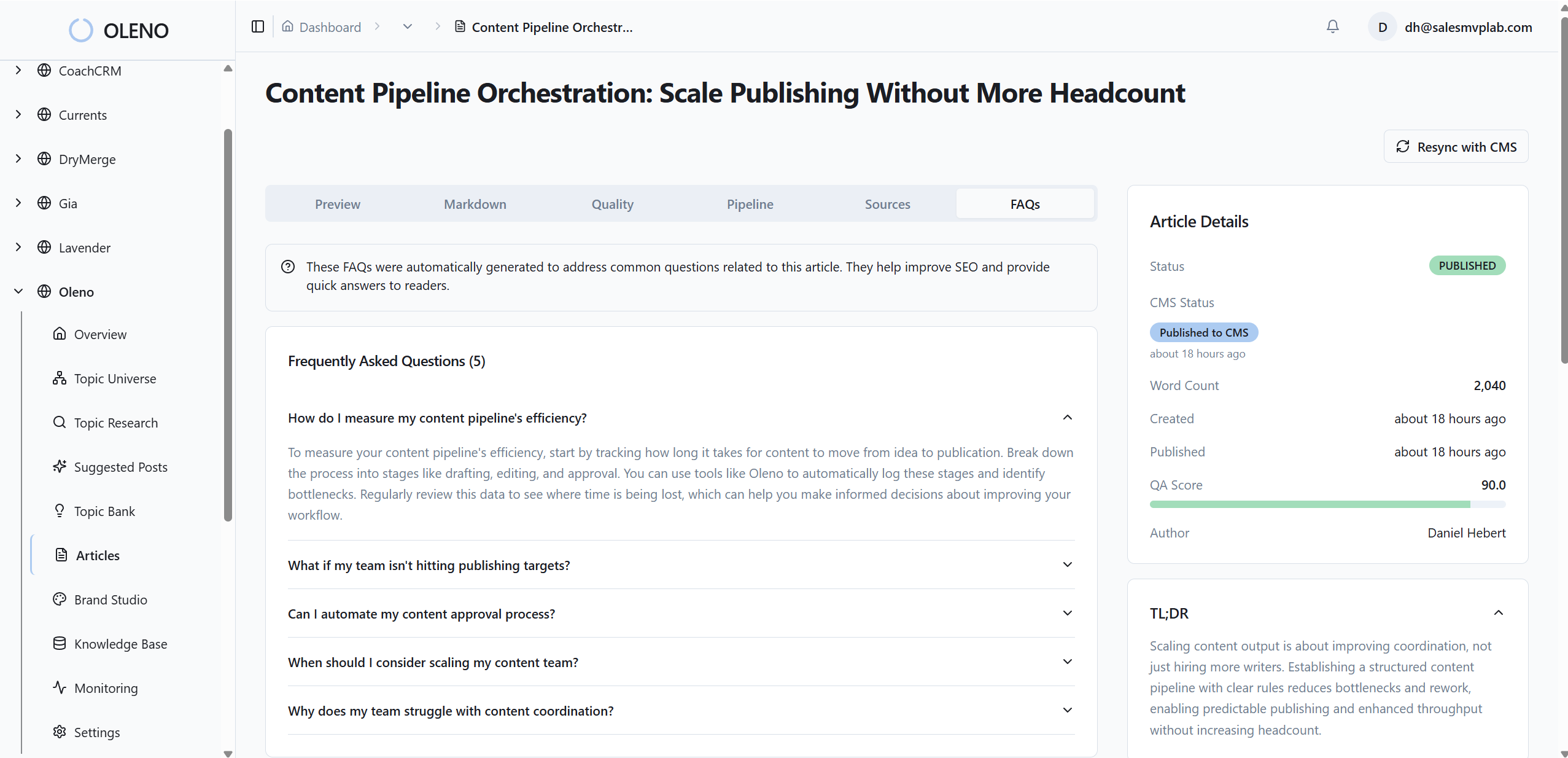
Because Visual Studio sits inside the pipeline, visuals follow rules you set: which sections get screenshots versus diagrams, where each image lands relative to the opener, and how captions reinforce claims. You get brand-consistent visuals without the 4:45pm scramble.
Semantic screenshot matching to section intent
Oleno maps screenshots to sections using semantic similarity on feature tags and narrative intent. Setup shots appear in setup sections. Outcome shots land where results are discussed. Solution areas are prioritized for product visuals so proof sits exactly where a reader expects it.

This isn’t about being clever. It’s about removing ambiguity. When matching is deterministic, readers move from claim to proof without friction, and your team isn’t debating placements in Slack. That’s time you get back every week.
Auto alt text, filenames, and JSON-LD ready metadata
Oleno generates alt text and SEO-friendly filenames from section context so images echo the opener’s phrasing. It also generates JSON-LD for Article, FAQ, and BreadcrumbList so structure is machine-readable. The result: images that carry meaning, not just pixels, and sections that stand alone cleanly for citation.
Before anything ships, Oleno runs a QA gate that checks visual count, brand alignment, alt text presence, filenames, and performance constraints. Publishing connectors—WordPress, Webflow, HubSpot, or Google Sheets-based workflows—embed visuals and metadata in the right fields. You avoid the manual glue code that usually breaks. If this sounds like the system you’ve wanted, Try Oleno For Free.
One more point. This approach ties directly back to the costs we talked about—those lost hours and slow pages. Oleno reduces the rework loops, enforces responsive assets by default, and aligns visuals with the snippet-ready structure you’re already using. Not perfect every time. Consistently better most of the time. For perspective on where SEO is heading, here’s why SEO is becoming brand marketing.
Conclusion
Visuals decide whether your article gets cited because they either confirm your claims or distract from them. Write the visual rules into the brief. Keep formats fast, metadata clear, and placement consistent. If you can encode those decisions once, you’ll ship pages that look on-brand, read like answers, and stand a real chance of being referenced.
About Daniel Hebert
I'm the founder of Oleno, SalesMVP Lab, and yourLumira. Been working in B2B SaaS in both sales and marketing leadership for 13+ years. I specialize in building revenue engines from the ground up. Over the years, I've codified writing frameworks, which are now powering Oleno.
Frequently Asked Questions