How to Create separate website configurations per client with isolated settings
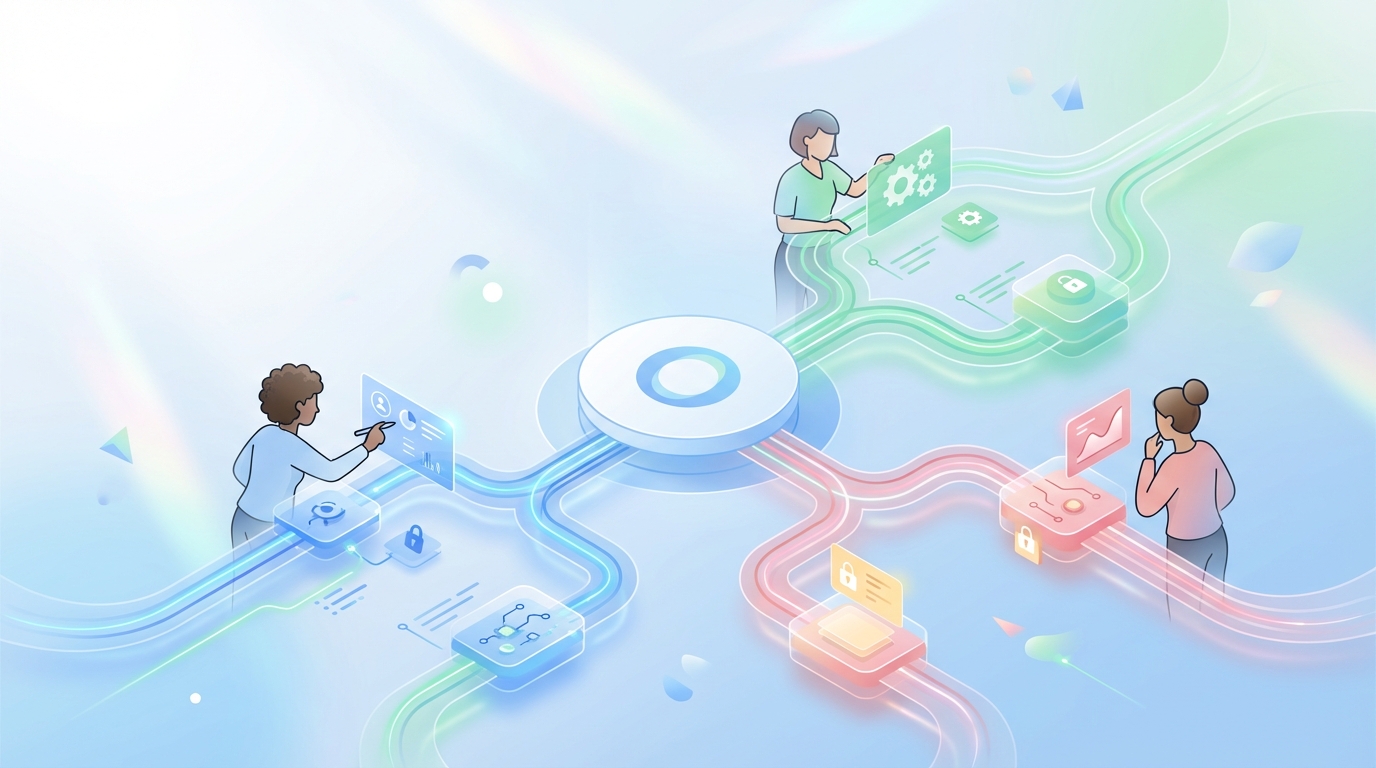
Bold claim: Agencies don’t fail because they can’t write. They fail because client settings bleed across accounts and wreck trust. If you want to scale, you need real tenant isolation. That’s what “How to create separate website configurations per client with isolated settings” is actually about, not a CMS toggle.
Most shops learn this the hard way. A single global SEO template sneaks into Client B’s site. Or a tone rule meant for fintech shows up on a cybersecurity post. Feels small. It’s not. It kills confidence and costs you time, margin, and renewals.
Key Takeaways:
- Separate configuration is table stakes for agency scale, not a nice-to-have
- Model tenants, boundaries, and ownership before tooling decisions
- Isolate brand voice, SEO, QA, and publishing pipelines per client
- Lock secrets and credentials behind per-tenant keys and roles
- Standardize schema, automate provisioning, and audit every change
- Use governance to prevent drift, then orchestrate execution at cadence
Challenge
Agencies need per-client websites and isolated settings to avoid cross-contamination and rework. Shared configs seem efficient, but they quietly create errors, access risks, and brand drift across accounts. The fix is tenant isolation, with clear boundaries for content rules, publishing, credentials, and roles.
Why Shared Configs Quietly Break Your Agency
On paper, one master config is faster. In practice, it’s a trap. When brand voice, SEO rules, and QA checks live in a shared layer, they leak. One misplaced variable, one eager junior editor, and now a healthcare client has a cheeky fintech tone. You spend hours cleaning up what should’ve never slipped.
The deeper issue isn’t writer quality. It’s structural. Without a per-tenant model, you can’t enforce least privilege or reliable change control. Access controls get loose. Publishing rules blur. And yes, clients notice. It’s frustrating, because it feels avoidable. It is.
Teams that ignore isolation pay a compounding cost:
- Brand erosion from tone and terminology drift
- Security risk from shared credentials and roles
- Lost margin from rework and approvals ping-pong
- Slower delivery due to manual checks and fear
Where Isolation Fails First
It usually starts with “just this one thing.” A shared SEO component. A global stylesheet. A single approval checklist for all clients. Then the edge cases pile up. Different industries. Different compliance needs. Different brand voices. You patch. You fork. You pray. It’s brittle.
What’s really happening is a mismatch between your operating model and your stack. You’re running a multi-tenant business with single-tenant habits. Broken access control is not a theory; it’s a top risk category, and multi-client work magnifies it. OWASP lists Broken Access Control as a persistent issue in web apps, especially where tenant isolation is weak, because it leads to data and rules bleeding across contexts. See the OWASP view on Broken Access Control for why this is so common.
Teaching
The only sustainable way to create separate website configurations per client with isolated settings is to design for tenant isolation upfront. That means a schema for configs, strict role boundaries, per-tenant secrets, and governed pipelines that don’t let drift sneak in.
Define Tenants, Boundaries, and Ownership
Start with nouns, not tools. A “tenant” is a client account that owns its voice rules, SEO defaults, QA checks, users, roles, and publishing paths. Draw the hard lines first. Anything that can change per client belongs inside that tenant’s boundary and isn’t shared by default.
Ownership is more than who clicks publish. It’s who sets brand vocabulary, who approves tone changes, who controls redirects, and who can edit credentials. Put names to roles. Map decisions to owners. If this feels heavy, good. It’s lighter than redoing a launch because a shared template slipped.
Then write it down. Your boundary doc should answer:
- What lives per client, always
- What can be safely standardized
- Who can change what, and how it’s reviewed
Design a Config Schema That Scales
You don’t need fancy architecture to start. You do need a schema you can defend. Break configs into clear buckets: brand_voice, seo_defaults, qa_rules, publishing, redirects, and integrations. Each bucket is versioned and stored per tenant. No global overrides for these buckets.
Inside each bucket, keep fields explicit and typed. Voice has vocabulary, sentence length range, examples, banned phrases. SEO has title formats, meta defaults, link patterns. QA has checks, thresholds, block rules. Publishing has CMS target, status mapping, and approval chain.
A simple pattern works well:
- tenant_id
- bucket (brand_voice, seo_defaults, qa_rules, publishing, redirects, integrations)
- version
- data (typed object)
- changed_by, changed_at, change_reason
Separate Secrets and Credentials Per Client
Shared credentials are a hidden time bomb. Use a secrets manager that supports per-tenant keys and rotation. No shared API tokens across clients, ever. Rotate on a schedule and on role changes. Limit scope to the minimum needed for that client’s stack.
Map secrets to the tenant boundary, not the environment. Dev, staging, and prod still use tenant-scoped secrets. If you’re shipping multi-tenant apps, study guidance like the AWS SaaS Lens on isolation models. The AWS SaaS Lens explains how to apply identity, data, and resource isolation patterns that translate cleanly to content ops.
Map Roles and Access With Least Privilege
Define roles per client, not globally. Account Director for Client A isn’t Account Director for Client B by default. Build roles around actions tied to buckets: who can edit voice, who can approve SEO, who can change QA thresholds, who can connect integrations.
Keep role scopes narrow. Editors don’t touch redirects. SEO leads don’t adjust publishing adapters. Admins are few. Viewers are many. And all changes create an audit record. The day a client asks “who changed this title format,” you’ll be glad you can answer in seconds.
Encode Brand Voice and Style Per Tenant
Stop relying on tribal memory. Put voice into structured fields with examples. Vocabulary, tone sliders, sentence cadence range, do/don’t phrases, headline examples. Attach 3–5 real samples per client so new writers and AI both see how it should read.
This prevents the classic mistake where “playful” for a DTC brand sneaks into a regulated B2B post. I’ve seen it. It looks small, then the CEO emails you at 10 pm. Per-tenant voice rules keep creative freedom while blocking the wrong flavor from crossing the fence.
Isolate QA and Publishing Pipelines
Your QA checks live inside the tenant boundary. That means brand, SEO, and factual checks use the client’s rules first, then any safe global checks. Publishing should route to the client’s CMS or site target with its own status map and approvals.
Think in gates, not vibes. A piece fails on missing citation? Block it. Title doesn’t match the client’s pattern? Block it. These gates save you rework and stop the slow drift that erodes trust. Then publishing, per tenant, sends to the right destination without touching unrelated sites.
Use Environments Without Leaking Tenants
Staging is where isolation often fails. Don’t mix clients in the same staging site with shared components that can ship to prod by mistake. Namespace everything by tenant. If you’re containerized, use separate namespaces and policies. The Kubernetes docs on Namespaces are a good primer on scoping resources cleanly.
If you don’t use K8s, the concept still holds. Keep build artifacts, previews, and approvals tenant-scoped. No global preview domain that doubles for three clients. That’s how you publish the wrong build at the worst time.
Standardize Provisioning and Deprovisioning
Most errors happen during setup and handoffs. Create a checklist for new clients that spins up all buckets, roles, secrets, and gates the same way every time. Mirror it for offboarding. Turnover is normal. Rogue access months later is preventable.
Automation helps. Even a simple script that creates the tenant’s scaffolding and sanity-checks defaults will pay back fast. The goal is boring, predictable, and safe.
Audit and Review on a Cadence
You can’t fix what you don’t see. Run a monthly delta review per client: what changed, who changed it, any failed gates, any overrides. Stack that against outcomes, like complaints or rework. If a rule keeps getting bypassed, either the rule’s wrong or access is too loose.
Twice a year, run a deeper isolation audit. Try to perform cross-tenant actions from limited roles. If you can, you have a real problem. This is where teams catch the “oh, that global component still exists” mistake before it hurts a launch.
One trick that works: tie your isolation checklist to a living doc, then measure how many items were touched each quarter. Fewer exceptions means your system is aging well.
Implementation Quickstart (Actionable)
- Week 1–2: Define the tenant boundary, list buckets, assign named owners per client
- Week 3–4: Move secrets into a manager; rotate and scope per client and environment
- Week 5–6: Implement role scopes by bucket; turn on audit logging for all changes
- Week 7–8: Encode voice and SEO defaults per tenant; attach 3–5 reference samples
- Week 9–10: Add QA gates and publishing adapters per tenant; block on failure
- Week 11–12: Automate provisioning/deprovisioning; schedule monthly delta reviews
Metrics to watch:
- Cross-tenant incidents (target: zero)
- Rework rate per client (percentage of drafts failing gates)
- Time-to-publish from approved brief
- Secrets rotation compliance and access anomalies
Ready to stop firefighting and run this as a system across clients? Request a Demo.
Solution
Oleno operationalizes per-client governance and execution so agencies can scale output without drift. Each client’s voice, SEO, QA, and publishing rules are encoded once, enforced at every step, and reported cleanly. The result is fewer errors, faster cycles, and healthier margins.
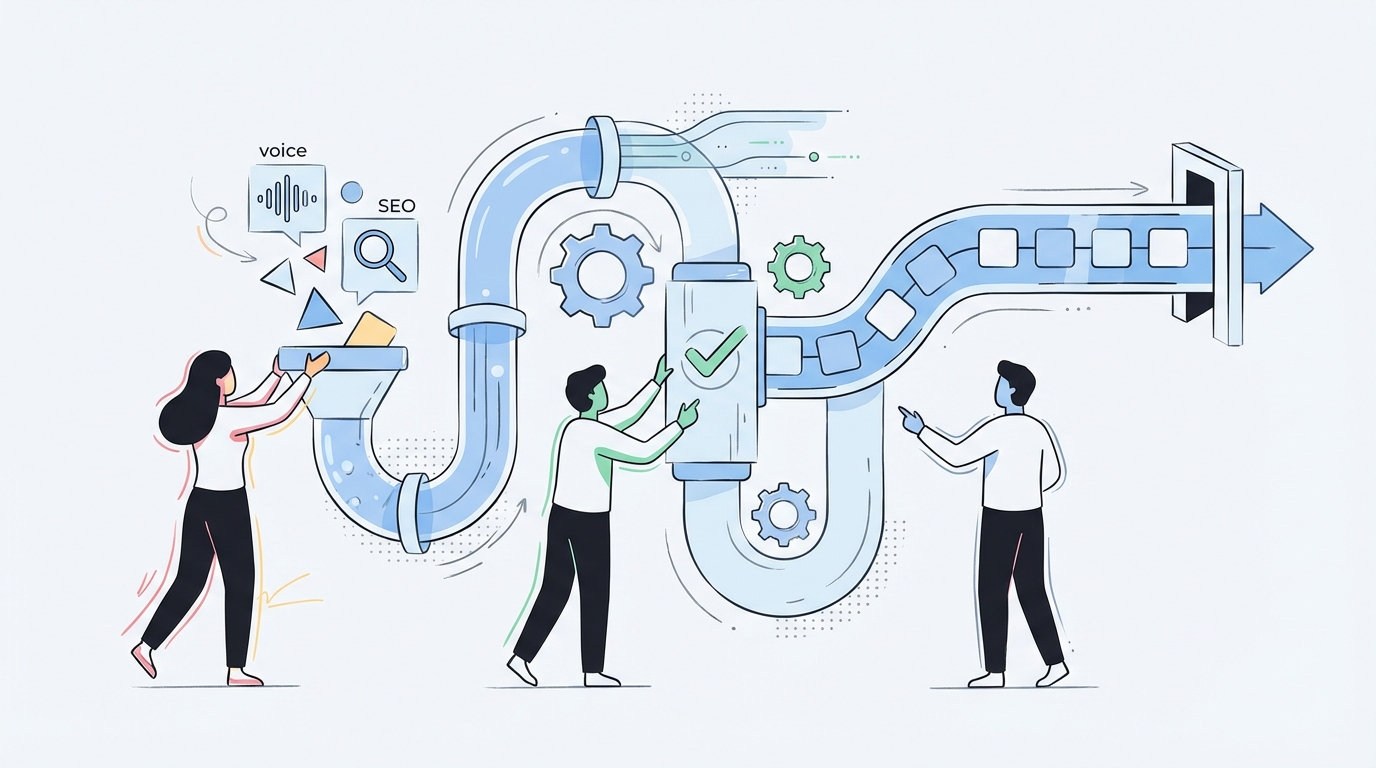
Governance Per Client Without Drift
Oleno’s Brand Studio, Marketing Studio, and Product Studio store client‑specific voice, messaging, and product truth so drafts never start from a blank slate or a risky global rule. Audience & Persona Targeting snaps the right language and examples to each client’s segment, which prevents tone and intent mistakes before they happen.

Team and RBAC enforce least‑privilege access per client, so the Account Director for Client A can’t accidentally change Client B’s SEO defaults. Quality Gate runs per‑tenant checks on voice, structure, grounding, and SEO rules, which cuts rework and replaces late-night “fix the tone” scrambles with predictable gates that block problems early.
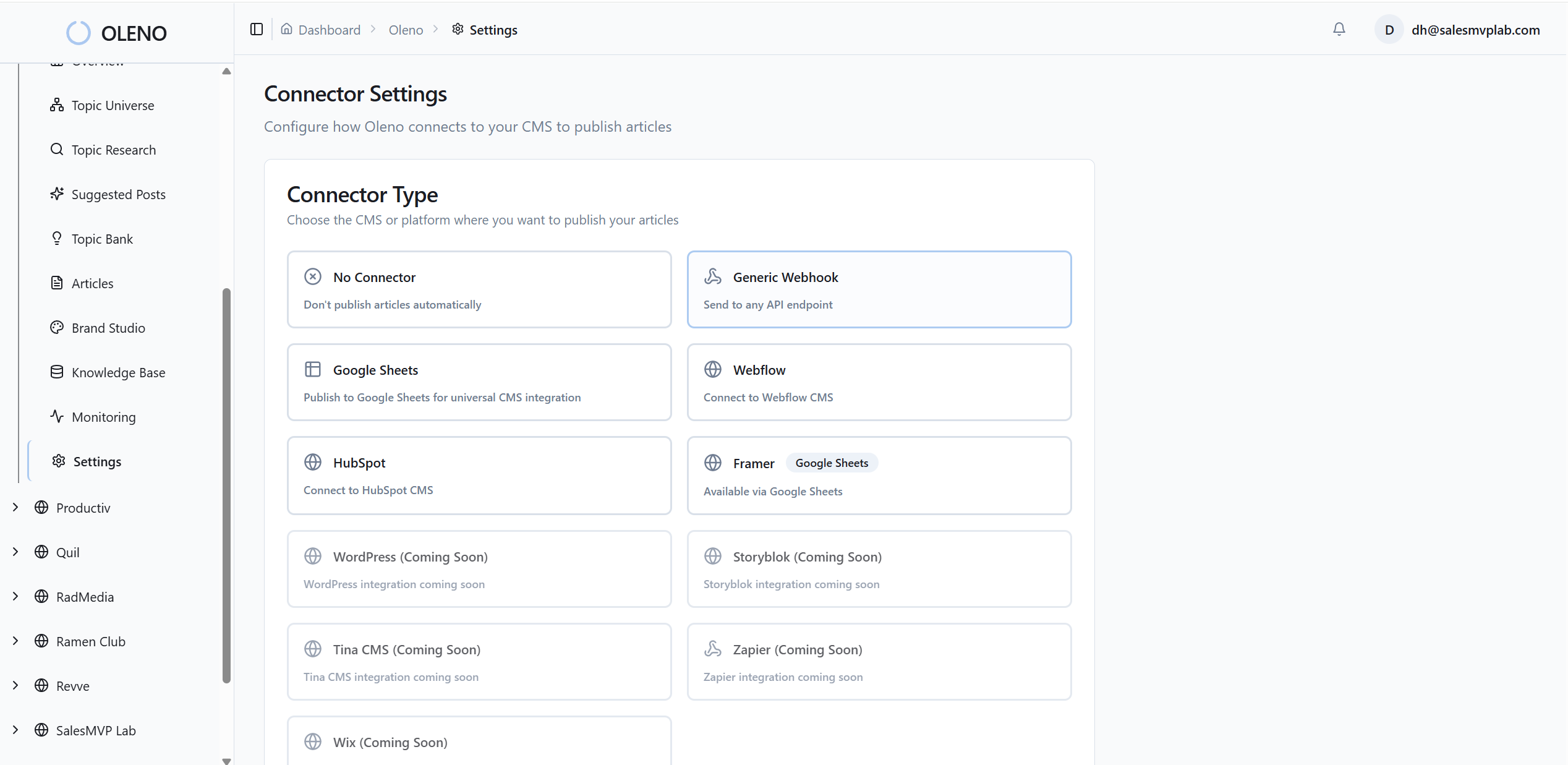
Oleno connects these pieces into an engine: Programmatic SEO Studio handles topic discovery and briefs with client rules loaded, while Product Marketing Studio turns client features and workflows into accurate, publish‑ready articles grounded in Product Studio truth. That is how you eliminate the hours lost to manual review and back-and-forth.
Curious how the governance layer feels in practice for a busy agency lead? Book a Demo.
Operations That Scale Across Accounts
The Orchestrator keeps each client’s cadence steady, selecting approved topics and moving them through brief, draft, QA, and publish using that client’s gates. No more shared calendars that mix rules. Storyboard balances coverage by audience, use case, and product per client, which means you stop missing essential clusters while overproducing fluff.
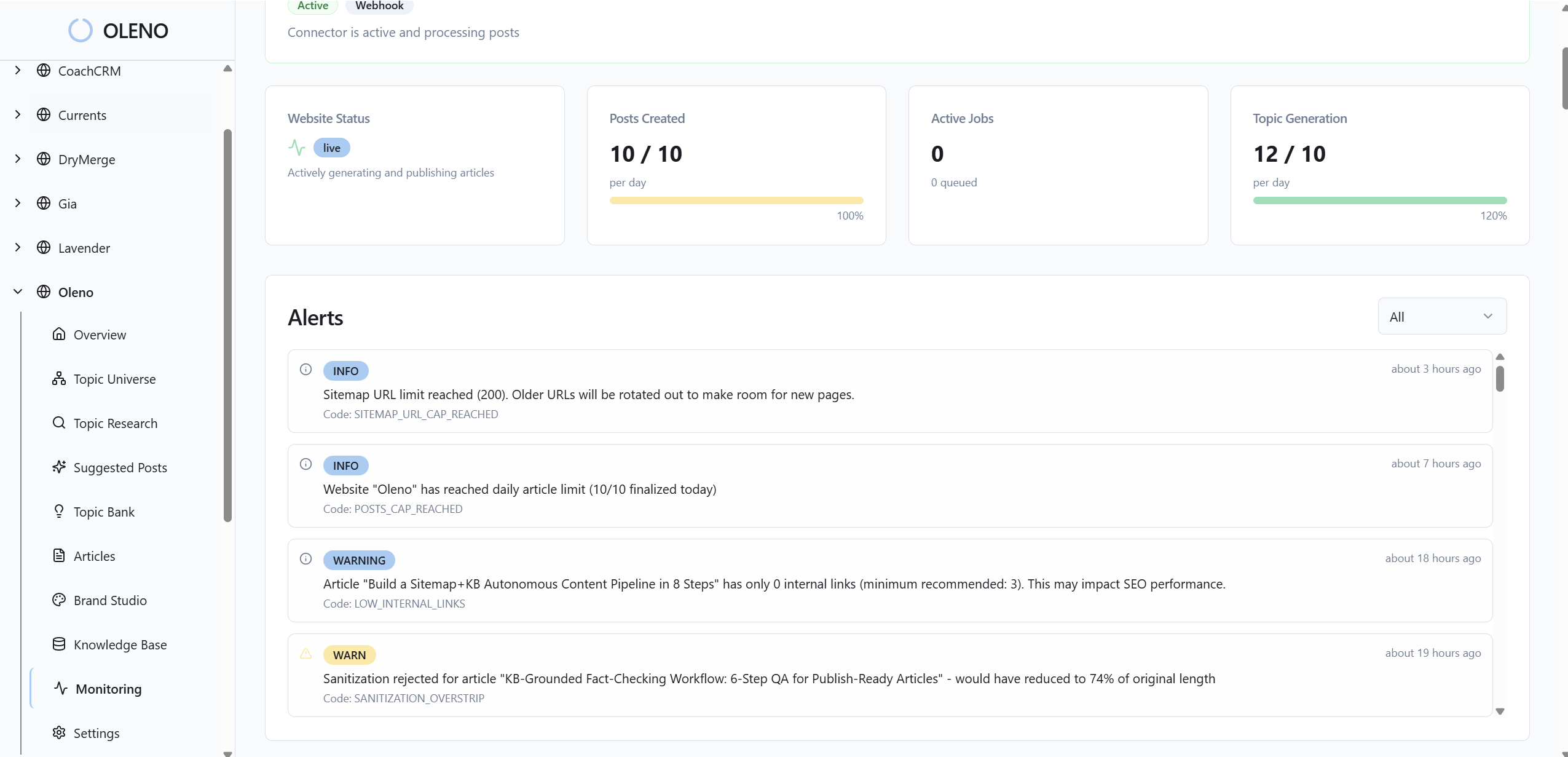
For leaders, the Executive Dashboard shows per‑client output, quality trends, and coverage gaps in one view. You can spot where isolation is working and where drift risks appear. Distribution & Social Planning turns approved articles into platform‑ready posts using the same tenant voice, so you don’t copy‑paste errors into social channels.
When you add it up, Oleno reduces the exact costs we called out: fewer cross‑tenant leaks, tighter approvals, and less rework. What used to be a fragile chain of people and prompts becomes a governed system that scales across accounts without hiring a small army.
Before we wrap, if you want to see a client’s voice carried from brief to publish, with guardrails you don’t have to babysit, go ahead and Request a Demo.
Conclusion
Separate website configurations per client with isolated settings isn’t optional for agencies that want scale. Model tenants and boundaries, lock down roles and secrets, encode voice and QA per client, and audit on a cadence. The payoff is simple: fewer mistakes, faster delivery, stronger margins. When you are ready to turn that playbook into an engine, Oleno makes it real.
About Daniel Hebert
I'm the founder of Oleno, SalesMVP Lab, and yourLumira. Been working in B2B SaaS in both sales and marketing leadership for 13+ years. I specialize in building revenue engines from the ground up. Over the years, I've codified writing frameworks, which are now powering Oleno.
Frequently Asked Questions