Make Sections Snippet-Ready: Headings & Lists for Featured Snippets

If you want more featured snippets, stop obsessing over copy length and start obsessing over section shape. The micro-structure is what gets quoted. Not the flourish. When I finally internalized that, our rewrite time fell off a cliff and snippet wins started to look repeatable, not lucky.
Back when I ran a 100k+ monthly visitor site, we won by volume plus structure. Lots of authors, sure, but also sections that answered tight questions clearly. Years later, with smaller SaaS teams and no spare hands, that same discipline mattered more. You cannot outwrite ambiguity. You remove it with structure.
Key Takeaways:
- Treat every H2 as a mini-page with a 40–60 word direct answer opener
- Map headings to real queries and mirror the searcher’s phrasing
- Pick list patterns that match intent, not habit, so models can lift them cleanly
- Write anchor-friendly labels that stand alone out of context
- Add minimal, accurate schema and place FAQs where they support extraction
- Standardize the micro-structure so snippet wins become predictable across pages
Why Micro-Structure Wins Snippets
Micro-structure wins featured snippets because it removes ambiguity for parsers and people. A direct answer opener, including the shift toward orchestration, clean hierarchy, and list patterns that match intent give models a safe chunk to quote. Think of each section as a standalone page, complete enough to lift without edits.

Headings that map to real queries
Headings that mirror search language are easier to match. You want “How to build snippet-ready sections” or “Snippet paragraph length” over vague labels. That is how you earn dual visibility in search and LLMs. If you want a deeper strategy view, read about AI content operations.
The second lever is section independence. Write so a reader can land on an H2 and get a full answer, then deeper detail. This makes your content more quoteable for AI overviews. For examples of query phrasing that supports both SEO and LLMs, see our guide on dual discovery surfaces.
Design for dual discovery
You are writing for two selectors, search and assistants. Both look for clear, bounded chunks. A 40–60 word opener with a sharp claim, then bullets or short paragraphs that map to intent. Google explicitly highlights direct answers in its guidance on Featured Snippets, and Moz’s breakdown on optimizing for featured snippets aligns with this pattern.
Curious what this looks like in practice? Request a demo now.
Write H2 Openers That Answer First
H2 openers earn snippets when they answer the implied question in three sentences and roughly 40–60 words. Lead with a clear claim, add one line of context, then ground it with an example. Think of it as a self-contained summary that can be quoted without editing.

The 3-sentence, 40–60 word template (with example)
Use this template: 1) Direct answer. 2) One sentence clarifying scope. 3) One example or rule of thumb. Example: “Write a 40–60 word opener that answers the heading directly. Keep scope tight and avoid setup language. For instance, define ‘snippet-ready paragraphs’ as three sentences: answer, context, example.” See LLM-ready sections for more patterns.
If you need a map for whole-article structure, this breakdown of H2 article architecture shows where openers sit, how H3s support them, and how lists plug in.
Keep length consistent across the article
Consistency teaches models what to expect from your site. Enforce a team rule that every H2 opener lands between 40 and 60 words. If nuance spills over, push it into the second paragraph or a targeted list. Search Engine Journal’s guide on Featured Snippets supports this “answer first, detail second” approach.
Choose The Right List Pattern For The Query
List choice matters because models extract structure as much as text. Numbered steps fit processes, including why ai writing didn't fix, bullets fit options, and short definitions fit glossary-style sections. When list intent is wrong, you introduce ambiguity and lose extraction quality.

Numbered steps when sequence matters
Use numbered steps for “how to” tasks where order changes the outcome. Keep one action per line, starting with a verb. If you have more than eight steps, chunk into phases with mini-headings so partial extractions still make sense. This is where a RAG-ready template can help you design steps that are retrieval friendly.
Let’s pretend your team ships ten process guides a month. If each one mixes two actions per step, you will rewrite them later. Ten guides with eight steps each, two minutes per fix, is 160 minutes of avoidable cleanup. That is two and a half hours you could spend drafting new pages.
Bullets for options, pros and checklists
Use bullets when order does not matter. Lead each item with a bolded noun label, then a short clause. This label → detail pattern is highly extractable and easy to scan. If one item needs a quick example, add a short clause after a semicolon, then move on. Zelst’s overview of optimizing for featured snippets shows multiple bullet formats that surface well.
Pair this with tight H3s that frame the list. That keeps items scoped and reduces drift. For additional chunking patterns that LLMs handle well, review chunked articles.
Definitions and simple tables
Use term: definition lines for short concepts. One term per line. If you need comparison, a two-column, five-row table is usually enough. Keep headers short. Models tend to lift small, tidy tables more cleanly than sprawling ones. If it gets messy, revert to bullets with bolded labels.
Microcopy That Makes Sections Anchorable
Anchorable microcopy helps models and readers lift exactly the right chunk. Clear verbs, compact labels, and repeated noun phrases create reliable anchors that survive out-of-context quoting. If the first five words do not make sense alone, the label is not ready.
Action verbs and tight lead-ins
Start items with sharp verbs, then a five to eight word clause. “Define the metric,” “Add the constraint,” “Validate the length.” Introduce lists with a short cue like “Do this:” and get to the items. Your opener already covered context. For deeper guidance on phrasing, see section microcopy.
Friday at 4:30, including why content now requires autonomous, a launch on Monday, and we were rewriting soft list items like “Consider adding…” into “Add X threshold.” The fix took 20 minutes. The lesson stuck. Use verbs that remove doubt.
Anchor-friendly phrasing you can scan
Write labels that stand alone. Two to four words in bold or sentence case, followed by a colon and one clause. Example: “Word count: cap openers at 40–60.” Avoid pronouns. Repeat the key noun in short form to prevent confusion in partial extractions. This is the essence of strong chunk-level SEO.
If you want to see how AI surfaces behave with different chunk shapes, Amsive’s research on AI Overviews click dynamics offers useful directional insights. For a technical angle on extractive models, this early work on extractive summarization shows why concise labels help.
Schema, FAQs, And Placement That Support Extraction
Minimal, accurate schema clarifies meaning for machines without adding noise. Article and FAQ schema fit most content needs when your on-page content matches. Place FAQs where they resolve adjacent questions, not where they duplicate body copy.
Where to add minimal JSON-LD
Add Article schema sitewide. Use FAQPage schema only when the page includes visible Q&A content. Validate before publish and keep properties lean. Inject schema after drafting so it mirrors final headings and questions. The goal is correctness, not volume. Google’s documentation on Featured Snippets aligns with this clarity-first approach.
If you need a practical workflow, this checklist covers the basics, from validation to property selection: schema checklist. For FAQ specifics tied to Q&A copy, use FAQ schema steps.
FAQ placement and question phrasing
Place FAQs near the end or immediately after sections that raise obvious follow-ups. Phrase questions as natural searches, then answer in one to two sentences. Do not repeat your body answer verbatim. Use FAQs to serve adjacent intents and edge cases. Outreach’s primer on snippets and Knowledge Graph offers helpful boundaries.
Ready to move from prompts to a governed pipeline that bakes this in? try using an autonomous content engine for always-on publishing.
How Oleno Enforces Snippet-Ready Sections
Oleno enforces snippet-ready sections by standardizing the openers, validating structure in QA, and handling internal links and schema deterministically. You own the angle and voice. Oleno handles the repeatable mechanics so sections are extractable by default, not by chance.
A repeatable structure that ships with the draft
Remember that 40–60 word opener we keep talking about? Oleno generates drafts where every H2 starts with that 3-sentence, snippet-ready paragraph. The rest of the section is written to stand alone, with H3s and lists that match intent. This mirrors what we know models can extract and what editors can approve quickly.
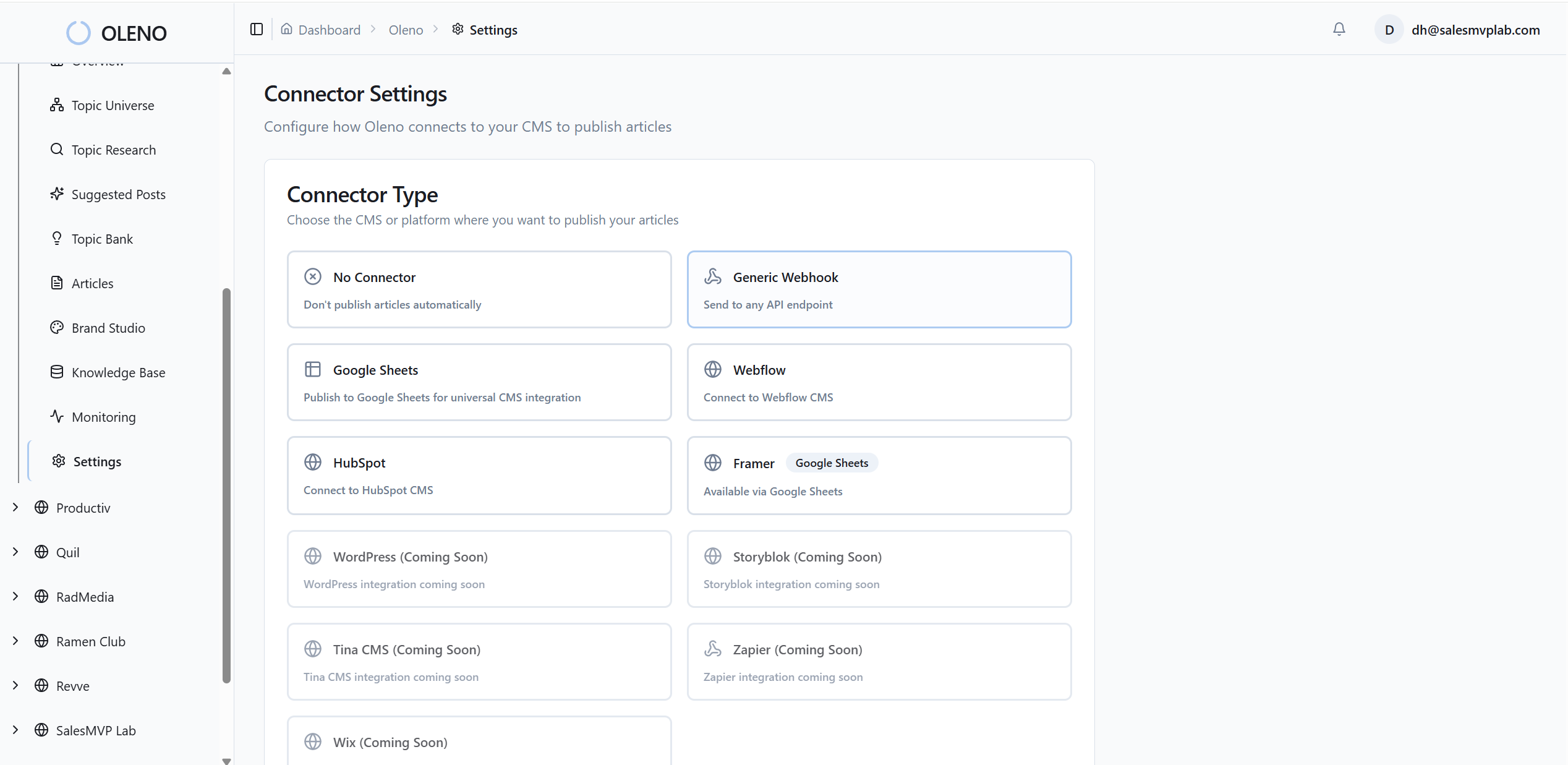
Topic selection and differentiation happen upstream. Topic Universe prioritizes what to write next and avoids over-covering the same themes. Information Gain scoring flags thin angles early so you do not ship another “me too” page. If you want the systems view, start here: content orchestration shift.
QA gates for snippet-readiness
Before anything publishes, Oleno runs automated checks across opener length, list patterns, heading hierarchy, and “LLM clarity.” Low scores loop back for refinement. The checklist mirrors real-world spot checks, which is why editing time drops. For a closer look at the checks, see this overview of the automated QA gate.
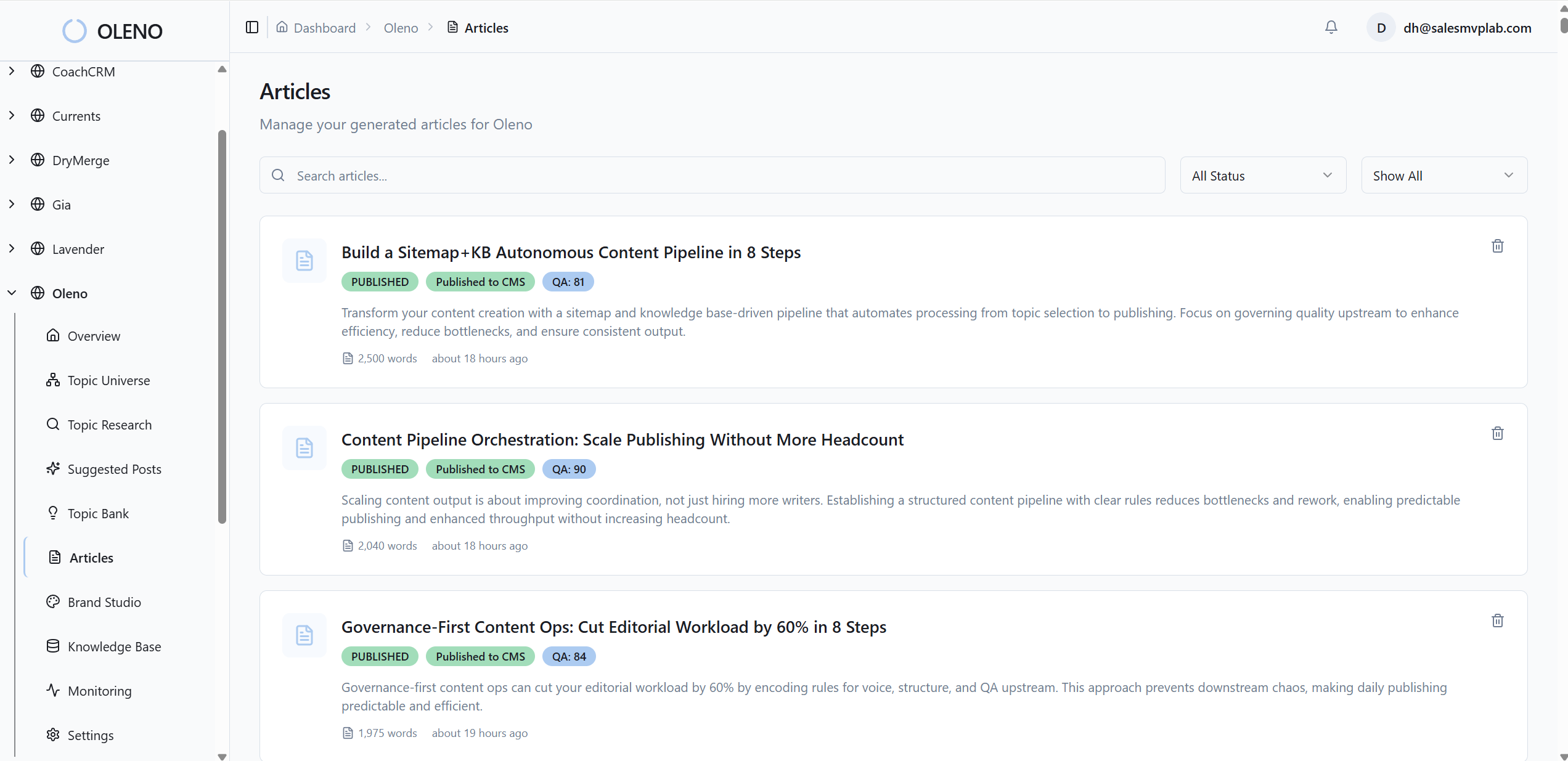
This is where fatigue disappears. Editors stop counting words with ai content writing and start improving ideas because the mechanics are already correct. No more “fix the list labels again” rounds.
Internal links and schema handled deterministically
Oleno injects internal links from your verified sitemap after drafting, places them at natural sentence boundaries, and matches anchor text to page titles. No fabricated URLs. Schema is generated programmatically for Article, FAQ, and breadcrumbs, then validated. That is deterministic internal linking and schema, not guesswork.
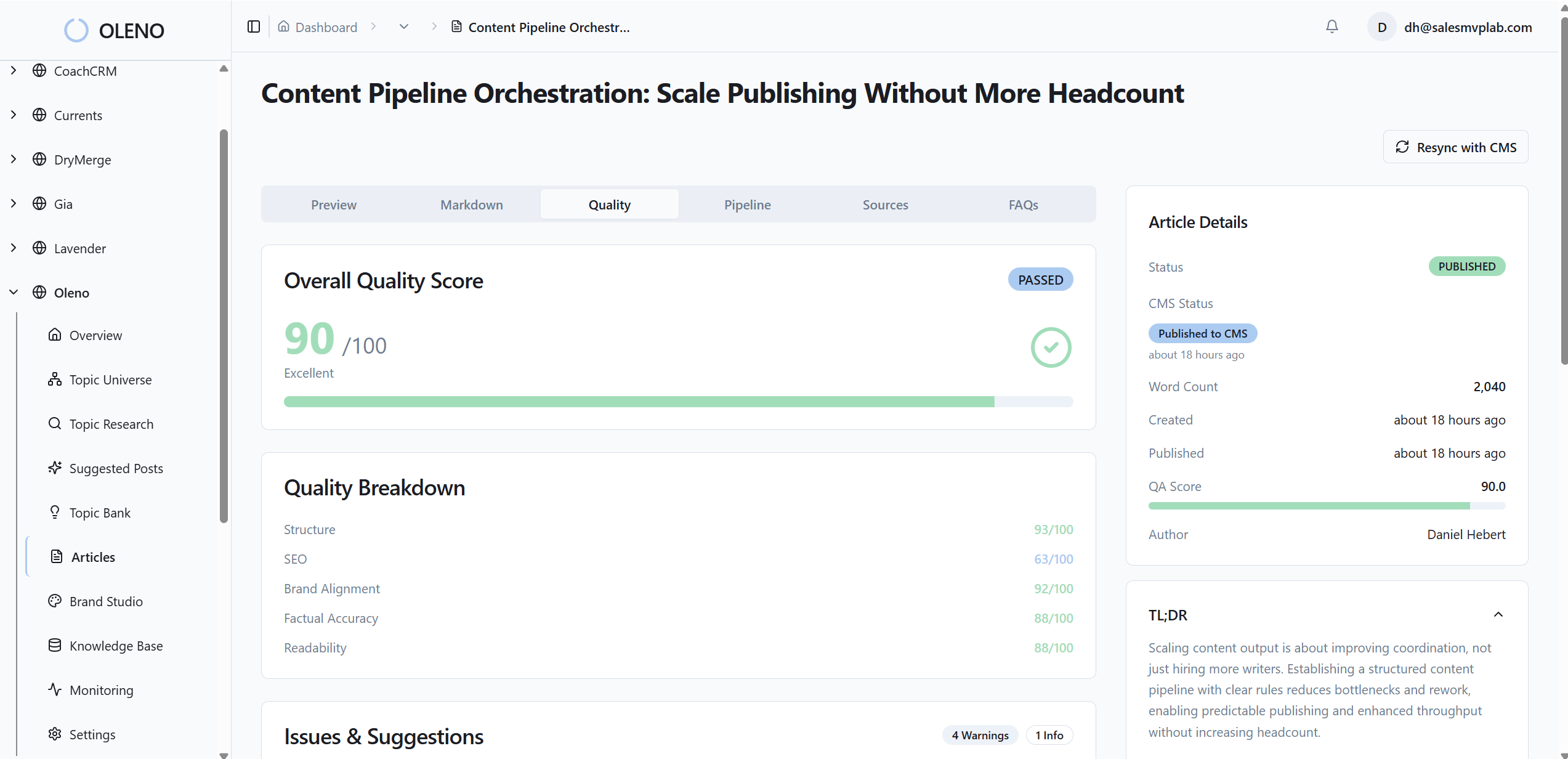
Visuals matter too. Visual Studio assembles a Brand Asset Library, generates brand-consistent hero and inline images, and matches product screenshots to the most relevant sections. It also writes alt text and filenames, so accessibility and SEO metadata stay consistent without extra work.
What changes after publish
Iteration gets simpler. You can test heading phrasing across a cluster, swap a bullet list for a numbered one when data suggests sequence matters, and tighten opener length if drift appears. Small edits. Tight loops. The system keeps the rails in place. For a broader view of the approach, here is the hub on AI content writing.
If you are thinking, this sounds like a lot to wire up, that is the point. Oleno wires it up for you. Teams use Oleno to ship complete articles, not drafts, and report fewer frustrating rewrites because structure is enforced. Want to see it yourself? Request a demo.
Conclusion
You do not need more words. You need sections that answer cleanly, label actions clearly, and present structure that machines can quote without hesitation. When every H2 behaves like a mini-page, snippets become a byproduct of clarity, not a coin flip.
Standardize the opener. Match the list to the intent. Write labels that can travel alone. Add minimal schema where it helps. Then let a governed system keep the rails straight while you focus on angles and proof. If you want that system built in, not bolted on, Request a demo now.
About Daniel Hebert
I'm the founder of Oleno, SalesMVP Lab, and yourLumira. Been working in B2B SaaS in both sales and marketing leadership for 13+ years. I specialize in building revenue engines from the ground up. Over the years, I've codified writing frameworks, which are now powering Oleno.
Frequently Asked Questions