Oleno vs Copy.ai: Complete Comparison Guide

If you’re comparing Oleno vs Copy.ai, you’re probably not looking for “more drafts.” You’re looking for content that actually ships, stays on-brand, and doesn’t create a weekly headache of rewrites, approvals, and Slack threads. These two tools can both help, but they come from different philosophies: governed repeatability (Oleno) vs template and workflow speed (Copy.ai).
Oleno vs Copy.ai: What Small Teams Actually Need To Ship Consistently
Small teams usually don’t fail because they can’t write, they fail because shipping consistently becomes operationally messy. The real requirement is predictable output with fewer review loops, not another tab full of near-identical drafts. That’s where Oleno’s deterministic pipeline and Copy.ai’s template and workflow approach land in different places.

| Criteria | Oleno | Copy.ai |
|---|---|---|
| Best For | Small marketing teams that need governed, opinionated demand-gen content on a steady cadence | Teams that want fast, template-led copy and build-your-own automations |
| Core Approach | Governance-first setup and deterministic pipeline (no prompts) for repeatable outputs | Templates plus Workflows automation with prompt- and step-driven customization |
| Brand Consistency | Voice rules and POV defined once and applied everywhere | Brand voice settings available; consistency still depends on template/prompt choices |
| Content Reliability | Structured execution with validation checks before publishing | Manual review recommended to confirm accuracy and claims |
| SEO Programmatic Fit | Designed use case for scaling SEO content with topic discovery and steady cadence | SEO-capable via templates and workflows; depth varies by setup |
| Starting Price | from $449/mo (SEO + Social) | Plan-based; see website for current tiers (Copy.ai Pricing) |
Quick Reference: Where Each Tool Fits
Most teams should pick based on how they want work to flow day-to-day, not based on a demo output that looks decent once. Copy.ai tends to fit teams that want lots of flexible starting points (templates) and then want to stitch steps together with Workflows (Copy.ai Workflows). Oleno tends to fit teams that want fewer decisions per piece, because the rules and steps are set upfront.
If you’re pressure-testing fit, ask a boring question: “What happens after draft one?” That’s where the gap shows up.
A quick gut-check:
- If you want to generate lots of copy variations fast, Copy.ai is usually the more natural starting point (Copy.ai Features).
- If you want a steady publishing cadence with fewer style and positioning debates per piece, Oleno’s structure tends to matter more.
Who This Guide Is For (and What We’ll Ignore)
This guide is for small B2B marketing teams that need demand-gen content to compound, without hiring five more people. You might be a Head of Content trying to 3x output, or a CMO trying to make content feel less like a monthly fire drill. You want quality, but you also want throughput.
What we’re mostly ignoring on purpose:
- Edge-case creative writing needs (fiction, poetry, brand campaigns built around novel concepts)
- Pixel-perfect design workflows
- Teams that love prompt engineering as a core skill
You can do good work with either tool. The question is how much operational friction you’re willing to accept.
Key Takeaways:
- Copy.ai is a strong fit if you want templates and workflow building to generate lots of marketing and sales copy quickly.
- Oleno is built for teams optimizing for governed repeatability, where voice, POV, and publishing criteria are defined once.
- If prompt variance and review loops are costing you 6 to 10 hours a week, structure often beats flexibility.
- Copy.ai pricing and plan details can change, so confirm current tiers directly on their pricing page before budgeting (Copy.ai Pricing).
The Hidden Time Tax Of Prompt-Driven AI Content
Prompt-driven content usually “works” at the draft level, but it often creates a hidden time tax after draft one. The tax shows up as rework, approvals, and constant micro-decisions about tone, claims, and positioning. The painful part is you don’t see it in the demo, you see it in week three.

Where Teams Lose Hours Each Week (rework, approvals, handoffs)
The leak is rarely the writing time. It’s the coordination time.
Here’s what it tends to look like when a small team is moving fast: You generate a draft. Someone flags tone. Someone else flags a product claim. Then you adjust the prompt, regenerate, and now the structure changed so your SEO person has thoughts. Now you’re in a loop. It’s not catastrophic, it’s just constant.
Let’s pretend a pretty normal scenario.
You’ve got a content manager at $75/hour fully loaded (salary, tools, overhead, the whole deal). They spend 8 hours a week on rework: fixing tone drift, removing invented claims, reformatting structure, and chasing approvals. 8 hours/week × $75/hr × 4 weeks = $2,400/month.
That’s not a universal number. It varies a lot. But it’s a useful gut-check because that $2,400/month is usually not captured anywhere. It just disappears into “content ops.”
Where that time typically goes:
- Prompt iteration because outputs vary by template choice and how the prompt was phrased
- Reviewer ping-pong in Slack, especially on claims and positioning
- Reformatting for SEO structure (headers, sections, intent match)
- Handoffs between writer, editor, SEO, and subject matter experts
- Final polishing because “it’s close but not quite us”
Honestly, the most frustrating part is psychological. You keep thinking the next prompt tweak will fix it. Sometimes it does. Sometimes it creates a new problem.
What To Evaluate Beyond Demos (governance, repeatability, accuracy)
When you’re evaluating an AI content tool, the demo is the least important part. What matters is what the system forces you to do, and what it refuses to let you do.
Three practical criteria that actually predict whether you’ll ship:
- Can you define voice rules once, then stop debating them every week?
- Can you lock in your positioning and POV so the content doesn’t sound like a generic blog?
- Can you set boundaries around claims so you don’t publish invented features or sloppy competitive takes?
Copy.ai gives you a lot of flexibility through templates and Workflows, which is useful for teams that want to build their own processes (Copy.ai Workflows). But flexibility means you still need a strong internal standard, or you’ll end up policing every output manually.
Oleno is designed around the opposite assumption: small teams don’t need more options, they need fewer judgment calls per piece. That’s the bet.
Copy.ai Deep Dive
Copy.ai is best described as a fast, flexible AI content platform built around templates and automation workflows. It’s designed to help marketing and sales teams generate copy across formats without starting from a blank page. If your team wants lots of starting points and the ability to chain steps together, that’s the center of gravity.
Key Strengths
Copy.ai’s core strength is speed through structure, but it’s a different kind of structure than a strict pipeline. You get a library of templates and guided flows for common use cases, and you can assemble multi-step processes using Workflows (Copy.ai Features; Copy.ai Workflows). That matters if you’re producing lots of variations: outbound messages, landing page sections, ad angles, social posts, and blog outlines.
The other thing Copy.ai does well is meeting teams where they already are. Marketing and GTM teams often don’t want a single “right” workflow. They want options, because each campaign has its own constraints. Copy.ai leans into that with configurable workflows and broad use-case coverage, which is reflected in third-party reviews that describe it as a generalist tool for marketing copy (Deeper Insights Review; Autoposting.ai Review).
A few strengths that typically show up for buyers:
- Broad feature set for marketing and sales copy generation (Copy.ai Features)
- Workflow automation for chaining tasks and reducing repetitive prompting (Copy.ai Workflows)
- Frequent product updates you can track publicly (Copy.ai Changelog)
- Public reviews that help validate real-world use cases (G2 Reviews)
One sentence of nuance: if you’ve got a team that likes tinkering, Copy.ai’s flexibility is a feature, not a bug.
Key Limitations
Copy.ai’s main limitation is that the quality floor and consistency still tend to depend on how your team uses it. Templates and workflows help a lot, but they don’t automatically solve governance, claim boundaries, or positioning drift, so human review still matters (Deeper Insights Review; Autoposting.ai Review). That’s not Copy.ai failing, it’s just the reality of a flexible system.
If you’re running a lean team, that review requirement becomes the cost center. Not because reviewing is bad, but because it’s unpredictable. One post needs 15 minutes. Another needs a full rewrite. That variance makes it harder to run a steady cadence without burning people out.
A few limitations to pressure-test during evaluation:
- Outputs can vary a lot based on prompt quality, template choice, and who on the team set it up (Copy.ai Features)
- Brand voice settings can guide tone, but you still need internal enforcement and editorial standards (Copy.ai Features)
- Teams often keep a human-in-the-loop process for factual accuracy and product claims, especially in B2B contexts (G2 Reviews)
How Oleno is Different: Copy.ai is built for flexibility through templates and user-built workflows, so your process quality depends on how you configure and police it. Oleno flips that, you define voice rules, positioning, and boundaries up front, then run work through a deterministic pipeline (Discover → Angle → Structure → Create → Validate → Publish). The goal is fewer surprise rewrites because the rules are applied consistently.
Pricing and Value Considerations
Copy.ai’s pricing is tiered and can change, so the most responsible move is to verify current plan details directly on their pricing page (Copy.ai Pricing). You’ll typically see value when the tool is used broadly across the team, not just as a one-person writing assistant.
The trade-off is pretty simple: Copy.ai can be cost-effective if your team already has strong editorial standards and can move fast with minimal debate. If your standards live in someone’s head (or worse, across ten docs), you might still pay for it, just with time.
Worth checking as you evaluate plans:
- Whether the plan supports the team and collaboration needs you actually have (Copy.ai Pricing)
- Whether usage limits or credits push you into unpredictable monthly spend (Copy.ai Pricing)
- Whether you need enterprise controls like SSO depending on your org (EnterpriseTech30 listing)
Oleno Deep Dive
Oleno is designed for teams that want predictable publishing, not prompt experimentation. The core idea is governance-first: you define voice, positioning, and rules, then you run content jobs through a deterministic pipeline instead of reinventing the process every time. If you want a steady demand-gen cadence, that structure is the point.
Strengths and Trade-Offs
Oleno’s strength is that it treats content like an assembly line with standards, not like a blank page. You define how you write, what you believe about the market, what terms you use, what you avoid, how you structure content, and what claims are acceptable. Then the system runs work through a repeatable sequence: Discover → Angle → Structure → Create → Validate → Publish.
That matters because small teams don’t actually have a writing problem. They have an operations problem. Too many judgment calls. Too much “is this how we say it?” on every piece. The Oleno approach tries to compress those decisions into setup, so you’re not paying the tax forever.
Now the trade-off, and it’s real: Oleno is more structured and opinionated. Some teams love that because it reduces variance. Other teams want open-ended creative workflows and don’t want to be constrained by a fixed pipeline. If your content is mostly campaign-based and highly bespoke, you might prefer the flexibility of a template-led approach.
A quick mental model:
- If you want “infinite ways to do it,” you’ll probably lean Copy.ai.
- If you want “one good way we all follow,” you’ll probably lean Oleno.
Pricing and Value Considerations
Oleno’s pricing is tied to output cadence, which makes budgeting easier when your goal is consistency. The confirmed starting point is from $449/mo for 1 post/day, it scales to $449/mo (Full-Funnel GEO) to $1,349/mo (Narrative Control) for 10 posts/day, and there’s enterprise for 11+ posts/day.
That model tends to make sense when you’re already committed to publishing regularly and want that cadence to compound. If you’re only publishing sporadically, you might not extract the same value, because the system is built around steady production.
Also, practical note: paying for content velocity only helps if you can actually ship. The whole point is reducing review loops and coordination drag, not just generating more drafts.
Why Oleno For Governed, Steady Demand-Gen
Oleno is a fit when your team needs governed, steady demand-gen content and you’re tired of rework being the invisible cost center. The platform is built around defining voice, POV, and rules once, then executing through a deterministic pipeline that keeps output consistent. If you want content to compound over time, that repeatability is the lever.
Core Differentiators That Reduce Rework
I built the first version of this mindset out of personal frustration. Last summer I was marketing a B2C app and tried the “DIY AI content stack” approach, lots of custom GPTs, lots of prompting, lots of copy-paste into a CMS. It ate 3 to 4 hours a day. Just gone. And the worst part is it didn’t feel like real marketing work, it felt like content factory admin.

So we hard-coded the pipeline directly into the CMS: queue topics, write, QA, post. It started indexing quickly and we saw traffic show up, including those high-intent “alternatives” style queries. Then I showed it to a few coaching clients and the response was consistent: can I use this?
That’s the core bet behind Oleno: small teams don’t need more creativity from tools, they need fewer ways for content to drift.
In practice, the differentiators are pretty simple and very operational:
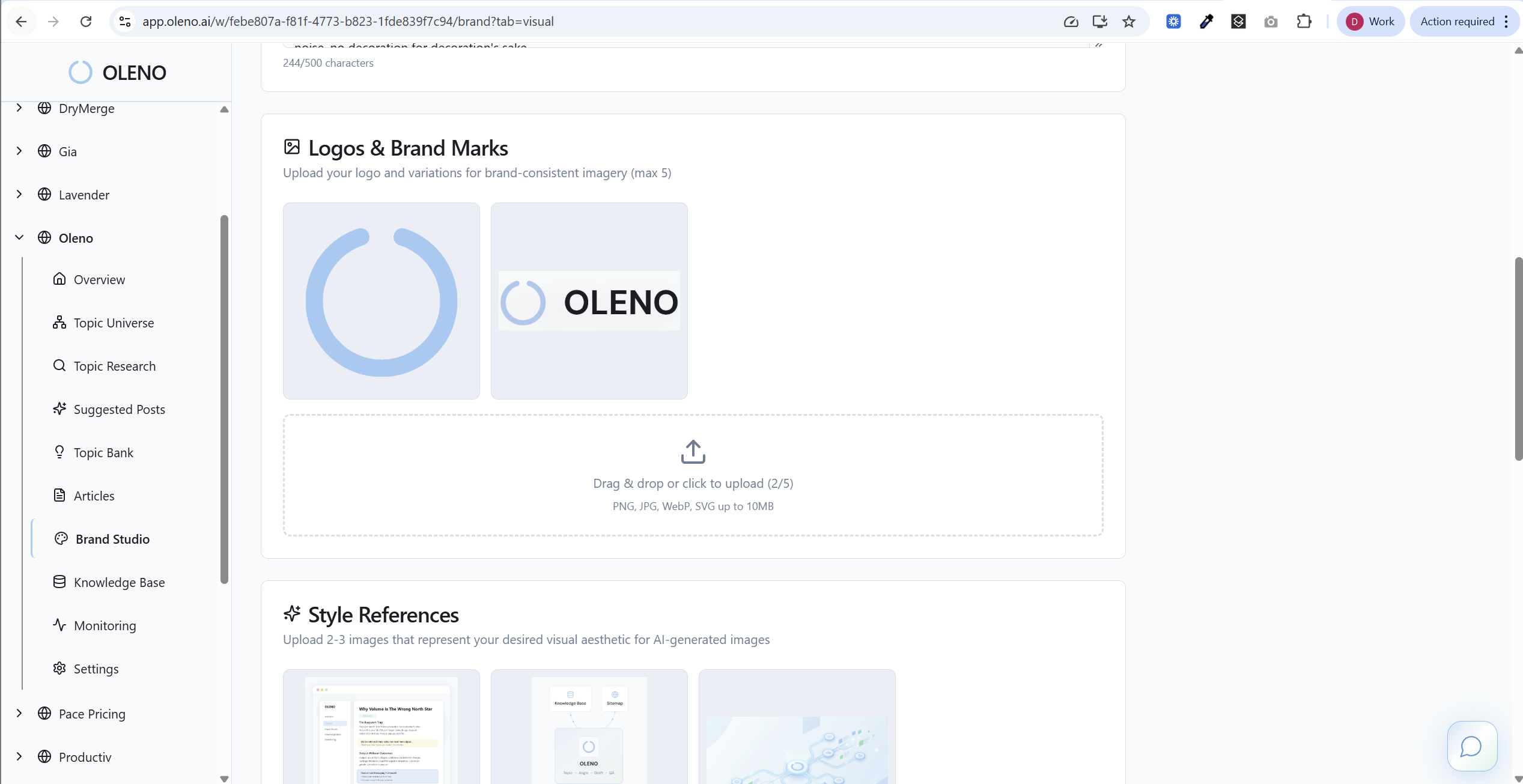
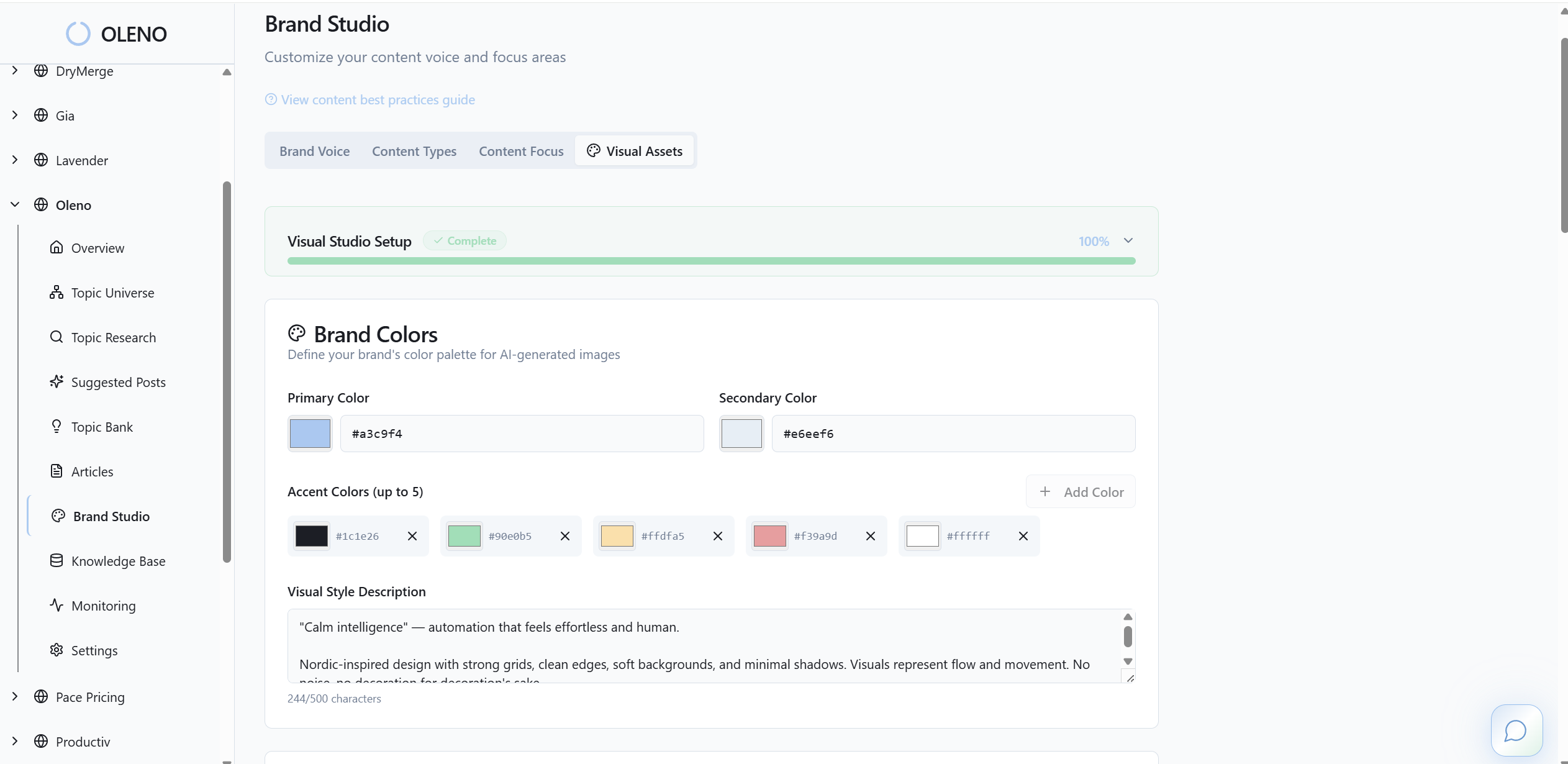
- Governance setup first: define brand voice and writing rules (tone, terms to use or avoid, structure rules, CTA style), and define positioning and market POV.
- Deterministic pipeline: Discover → Angle → Structure → Create → Validate → Publish, so you’re not re-inventing the process per piece.
- SEO content scaling with topic discovery, designed for steady cadence instead of one-off output.
- Validation before publish, so you catch consistency issues earlier, not after three people have commented in a doc.
One small but important nuance: this isn’t about removing humans. It’s about removing the frustrating rework. Your team should spend time on narrative decisions, not on fixing the same tone drift for the 40th time.
Getting Started
Getting started with Oleno looks less like “write your first prompt” and more like “lock in how you want to sound and what you want to say.” That’s a different motion, and it’s worth being honest about.
A practical rollout plan for a small team:
- Start with one content stream (usually SEO demand-gen) and define voice rules and POV for that stream first.
- Run a small batch through the pipeline and focus your feedback on rules, not one-off edits.
- Once the outputs are consistent, scale cadence, then expand into additional job types.
If you’re evaluating whether this fits your team, it’s usually easiest to see it with your own inputs and your own approval process. Ready to pressure-test it? You can request a demo and walk through the pipeline using a real topic you’d actually publish.
Conclusion: Choosing Between Oleno And Copy.ai
Choosing between Oleno and Copy.ai comes down to whether you value flexible generation or governed repeatability. Copy.ai is a strong option for teams that want templates and build-your-own workflows to move fast across many formats. Oleno is built for teams that want a steady publishing cadence with consistent voice and POV, without constant prompt tuning and review loops.
Decision Checklist For Your Team
If you want a clean decision, use this checklist. It’s not fancy. It works.
Ask yourself:
- Do we have a clear, written POV and positioning that writers can follow without interpretation?
- Are we losing 5+ hours a week to rewrites, approvals, and “that’s not how we say it” edits?
- Do we need lots of formats fast (sales, ads, social), or do we need demand-gen content to compound over time?
- Are we comfortable relying on prompts and templates, or do we want rules and a fixed process?
- Who is accountable for factual accuracy and claim boundaries before publishing?
Now the comprehensive grid, because you’ll want it in one place.
| Attribute | Oleno | Copy.ai |
|---|---|---|
| Primary Use Cases | Demand-gen content across the funnel with an emphasis on programmatic/SEO scalability | Marketing and sales copy generation across channels using templates and workflows |
| Workflow Model | Deterministic pipeline (Discover → Angle → Structure → Create → Validate → Publish) | Workflow builder with chained steps and templates (Copy.ai Workflows) |
| Prompting Required | No prompt tinkering; rules drive outputs | Prompts/templates central to setup (Copy.ai Features) |
| Brand Voice Controls | Define tone, terms to use/avoid, CTA style, structure rules | Brand voice settings and examples to guide outputs (Copy.ai Features) |
| Positioning & POV | Define category framing, key messages, and what you believe about the problem | Messaging guidance supported via prompts and style settings (Copy.ai Features) |
| Product Truth & Claim Control | Set approved descriptions and boundaries to prevent invented features | Claims governed by user prompts and review, boundaries vary by setup (G2 Reviews) |
| Knowledge Grounding | Ground content in uploaded knowledge so outputs stay accurate | Knowledge inputs supported via content, prompts, and workflow steps (Copy.ai Features) |
| SEO Content Scaling | Use case for research, outlining, drafting, optimization, and topic discovery | SEO-focused templates and automations, effectiveness depends on build (Copy.ai Features) |
| Quality/QA | Validate before publish to maintain voice, structure, and clarity | Human-in-the-loop editing commonly used for accuracy and tone (Deeper Insights Review) |
| Cadence & Consistency | Built to keep shipping and compound over time without constant coordination | Cadence depends on how workflows and team processes are configured (Copy.ai Workflows) |
| Pricing Model | Subscription by posts/day | Plan tiers (features/usage vary by plan) (Copy.ai Pricing) |
| Starting Price | from $449/mo (SEO + Social); scales up to $449/mo (Full-Funnel GEO) to $1,349/mo (Narrative Control); enterprise for 11+ | See pricing page for current plan details (Copy.ai Pricing) |
If you’re leaning toward Copy.ai, your next step is validating that your internal editorial standards are strong enough to keep outputs consistent across templates, workflows, and users. If you’re leaning toward Oleno, your next step is confirming you actually want a steady cadence and you’re willing to define rules and POV up front.
If you want to see what governed, repeatable output looks like using your own voice and positioning, you can request a demo. It’s the fastest way to know if the structured approach fits your team.
At the end of the day, both tools can work. Copy.ai tends to win when flexibility and speed across formats is the priority. Oleno tends to win when consistency, repeatability, and shipping on a cadence is the priority. Your constraints decide it, not the feature list.
About Daniel Hebert
I'm the founder of Oleno, SalesMVP Lab, and yourLumira. Been working in B2B SaaS in both sales and marketing leadership for 13+ years. I specialize in building revenue engines from the ground up. Over the years, I've codified writing frameworks, which are now powering Oleno.
Frequently Asked Questions