Oleno vs Writesonic: Complete Comparison Guide

Picking between Oleno and Writesonic usually isn’t about “which AI writes better.” It’s about which one lets a small team publish consistently without turning your week into prompt tinkering, rewrites, and alignment meetings. If you’re trying to ship content that compounds (SEO, demand gen, evaluation pages), workflow matters as much as wordsmithing.
Oleno vs Writesonic: What Small Teams Actually Need To Compare
Small teams should compare Oleno vs Writesonic on consistency controls, publish-ready workflow, and the real cost of editing, not just draft speed. Writesonic is built for fast, versatile content creation across formats, while Oleno is built around rules, structure, and validation before publishing. The difference shows up when you try to ship week after week, not day one.
| Criteria | Oleno | Writesonic |
|---|---|---|
| Best for | Small marketing teams that need consistent, on-brand demand-gen content on a steady cadence | Individuals and teams that want fast, versatile drafts across many formats |
| Core approach | Governance first (voice, rules, POV) + structured pipeline with validation | Templates, prompts, and chat assistant for rapid content creation |
| Consistency controls | Brand voice and writing rules; positioning/POV defined up front; validation step | Brand voice features; final consistency depends on prompts and human review |
| Cadence | Designed to keep shipping, stay consistent, compound over time | Cadence depends on team process; tool focuses on speed per draft |
| Starting price | from $449/mo (SEO + Social) | From roughly $19–$20/month for individuals; higher tiers for teams and advanced models (Writesonic Pricing) |
| Primary trade-off | More setup up front to define rules and POV; pays off in fewer rewrites later | Fast first drafts; more editing to maintain consistency and accuracy over time |
Key Takeaways:
- Writesonic is a solid fit when you need fast drafts across many formats, like ads, social, and quick blog outlines.
- Oleno tends to fit better when consistency matters, especially across long-form SEO and evaluation content that must stay on-message.
- Writesonic pricing starts around $19–$20/month on entry tiers, while Oleno starts at from $449/mo (SEO + Social) (Writesonic Pricing).
- If your team is stuck in editing loops, Oleno’s rules-first pipeline with a Validate step can reduce publish-stage surprises over time.
Who This Guide Is For
This guide is for small marketing teams who need output that’s consistent, accurate enough to publish, and aligned to positioning, without adding headcount. If you’re a solo marketer juggling everything, or a lean team where the founder still “approves every post,” this is for you. If you mostly need one-off drafts and you don’t mind polishing, Writesonic might be enough.
I’ve been on both sides of this.
Back in 2012 to 2016, I ran a marketing site that hit 120k monthly uniques at peak. We got there with volume plus quality, not one perfect post. Later, I was the only marketer at a SaaS company, cranking out 3 to 4 posts a week using a structured writing framework. Then the team grew and the wheels started coming off. More people meant more coordination, more rewrites, and more “can you make this sound like us?”
That’s the backdrop here. The tool isn’t the strategy. The tool either reduces coordination, or it adds to it.
How We Evaluated (Sources, Hands-On Tests, Public Docs)
We evaluated Oleno vs Writesonic based on public product information, pricing pages, and independent reviews, then mapped those capabilities to what small teams actually struggle with over time. For Writesonic, that includes its product pages and third-party reviews, plus user feedback from G2. For example, Writesonic positions itself around AI writing across formats (Writesonic Features Overview) and offers Chatsonic (Chatsonic) and Photosonic (Photosonic).
A quick note on fairness. Tools like Writesonic can produce good drafts. The question is what happens after the draft. That’s where most small teams drown.
The Hidden Time Tax Of Prompt-Heavy AI Writing
Prompt-heavy AI writing often creates a hidden time tax because the “writing” is fast, but the downstream work (alignment, rewrites, fact-checking, and formatting) stacks up. Many teams save 45 minutes drafting, then lose two hours cleaning it up. The bigger your content program gets, the more that gap hurts.

Here’s the thing. When you’re a small team, you don’t have spare cycles for frustrating rework. You’ve got campaigns to run, sales to support, product launches, and a CEO asking why traffic isn’t compounding yet.
And prompt-heavy workflows can become a weird trap. Every new piece needs its own special prompt. Every writer has their own style. Every reviewer has their own pet peeves. It turns into “activity,” not a system.
On-Brand Consistency vs Generic Output
On-brand consistency is mostly a systems problem, not a “talented writer” problem. The more content you ship, the more you need repeatable rules: preferred terms, words to avoid, structure patterns, and how you make claims. Writesonic includes brand voice features, but the outcome still tends to depend on how disciplined your prompts and templates are (Writesonic Features Overview).
If you’ve never dealt with brand drift, it’s hard to explain. It’s not that a post is “bad.” It’s that it feels like it came from a different company than the last post. Over a few months, that inconsistency chips away at trust. Especially in B2B.
Let’s pretend you publish 12 posts a month and you have 2 people contributing. If each post needs an extra 45 minutes of “make it sound like us” editing, that’s 9 hours a month. That’s basically a full workday, gone. And it’s not strategy work. It’s cleanup.
The frustrating part is you can’t really fix this with more prompting alone. Prompts help. They don’t enforce.
Publish-Ready Overhead (Review, Rewrites, Alignment Checks)
Publish-ready overhead is where most teams feel the pain, because drafts are cheap and publishing is expensive. Writesonic is designed to generate drafts quickly using templates and AI writing flows (Writesonic Features Overview), but many teams still rely on manual review to get to “ship it.” User reviews often mention editing and refinement as part of the process (Writesonic Reviews (G2)).
When I was at a small SaaS where the CEO was heavily involved, we tried the “record a video, transcribe it, clean it up” flow. It was faster, sure. But it missed the structure that SEO needs. And then we’d rewrite anyway. That’s the loop: speed up one part, then pay it back later.
In practice, publish-ready overhead usually looks like:
- Someone fixes structure (headers, flow, missing sections).
- Someone checks “does this match our POV?”
- Someone edits claims, because legal or leadership will ask.
- Someone adds internal links, CTAs, and formatting.
One interjection. This stuff is where weeks go to die.
Fact-Checking, Claims Control, and Reputational Risk
Fact-checking and claims control matter more in B2B than most teams admit, because a single sloppy claim can create a sales headache. Writesonic can generate marketing copy quickly, but factual accuracy varies by topic and prompt, which is why human review is still commonly recommended in independent reviews (TechRadar Pro Review) and user feedback (Writesonic Reviews (G2)).
This isn’t about fear. It’s about cost.
If your content says something slightly wrong about your product, sales has to explain it. If you overstate a claim, leadership gets nervous about publishing. Now your cadence slows, because every post feels risky.
Small teams feel this the hardest. There’s no dedicated editor. There’s no product marketing team to sanity check every line. It’s you, at 10 pm, scanning an article before it goes live.
Writesonic: Where It Shines And Where It Struggles
Writesonic shines when you want speed and variety across many marketing formats, but it can struggle when you need consistent long-form output with minimal editing over months. It offers a broad AI writing platform plus Chatsonic and Photosonic, which makes it useful for teams producing lots of different asset types. In reviews, users often highlight quick drafting, with editing still part of the workflow (Writesonic Reviews (G2)).
Writesonic’s positioning is pretty clear. It’s an AI writing tool for marketers, with templates and workflows to generate content fast (Writesonic Features Overview). You can also use Chatsonic as a chat assistant (Chatsonic) and Photosonic for AI images (Photosonic).
That’s a useful toolkit. Especially early on.
But the deeper question is: are you buying a toolbox, or a publishing system?
Writesonic Strengths for Speed and Variety
Writesonic’s strength is breadth. It’s built to help you generate lots of different kinds of content quickly, which is why it’s commonly used for ads, social posts, blog drafts, and other marketing formats (Writesonic Features Overview). The chat assistant is also a real workflow unlock for some people who prefer conversational prompting (Chatsonic).
If you’re the kind of marketer who gets pulled into five different channels in a day, this matters. You can go from “I need a LinkedIn post” to “I need an email draft” without switching tools.
Based on what Writesonic publicly promotes and what reviewers discuss, the strengths usually land here:
- Templates and AI writing flows for common marketing assets (Writesonic Features Overview)
- Chat assistant for interactive creation and iteration (Chatsonic)
- Image generation via Photosonic for creative support (Photosonic)
- Accessible entry pricing tiers for individuals and small teams (Writesonic Pricing)
That’s a reasonable value proposition. Especially if you’re optimizing for speed per asset.
Where Teams Report Friction or Quality Gaps
Teams tend to report friction when they move from “drafting” to “shipping,” especially on long-form content where nuance matters. In G2 reviews, users frequently discuss needing edits and refinement to get outputs to the level they want (Writesonic Reviews (G2)). Independent reviews also note trade-offs in quality and the need to review outputs (TechRadar Pro Review).
The most common pattern is prompt dependence. The output quality can swing based on:
- how specific your prompt is
- which template you pick
- how much context you provide
- whether the topic requires real subject matter depth
If you’re writing a fluffy topic, you can get away with it. If you’re writing “pricing pages,” “security posture,” “implementation timeline,” “migration guide,” you’ll probably feel the cracks.
And then there’s consistency drift. Writesonic does offer brand voice features (Writesonic Features Overview), but a brand voice feature isn’t the same as a rules-first system that enforces structure, claims boundaries, and POV every time. With prompt-driven tools, discipline is on you. That’s fine. It’s just work.
Pricing and Value Notes for Different Use Cases
Writesonic’s pricing is attractive for individuals and small teams, with entry tiers commonly shown around $19 to $20 per month depending on billing cycle and plan details (Writesonic Pricing). That usually makes it easy to justify as a “try it and see” tool, especially if you’re replacing some freelance writing or speeding up drafts.
The real value question is not the subscription line item. It’s the total cost of getting to publish-ready content.
Let’s pretend you pay for Writesonic and you generate 20 drafts a month. If each draft needs 60 to 90 minutes of rewriting and fact-checking, you’re paying for a drafting engine, then you’re paying again in human time. That can still be a great deal. Or it can quietly become your biggest content bottleneck.
So I’d bucket it like this:
- If you need versatility across channels and you’re fine editing, Writesonic tends to make sense.
- If you need consistent, opinionated long-form content that keeps a steady cadence, you should scrutinize the rework load.
How Oleno is Different: Writesonic is built around templates, chat, and prompts, so the team’s discipline determines consistency. Oleno starts by defining voice, positioning, and writing rules up front, then runs a structured pipeline with a Validate step to enforce those rules before publish. That design tends to reduce month-to-month drift when multiple people touch the content.
Why Oleno Fits Teams That Need Consistent, Publish-Ready Output
Oleno fits teams that need consistent, publish-ready output because it’s designed as demand-generation execution software with governance, structured jobs, and an operational layer for predictable cadence. Instead of relying on constant prompt iteration, you define positioning, voice, and rules once, then run repeatable pipelines with QA gates. The result is less “rewrite roulette” when you’re producing content every week.
I’ll make this practical.
When I was running teams, the hard part wasn’t getting a first draft. The hard part was getting 30 drafts a month that all sounded like us, made claims we could stand behind, and didn’t require me to do a final late-night pass.
Oleno’s bet is simple: small teams don’t need more drafts. They need fewer surprises.
Core Differentiators That Matter for Small Teams
For small teams, the differentiators that matter are the boring ones: rules, structure, and predictability. Oleno is built around three layers, a governance layer (where you define intent), a job execution layer (where specific demand-gen jobs run), and an operational layer (pipelines, QA gates, publishing control, predictable cadence).
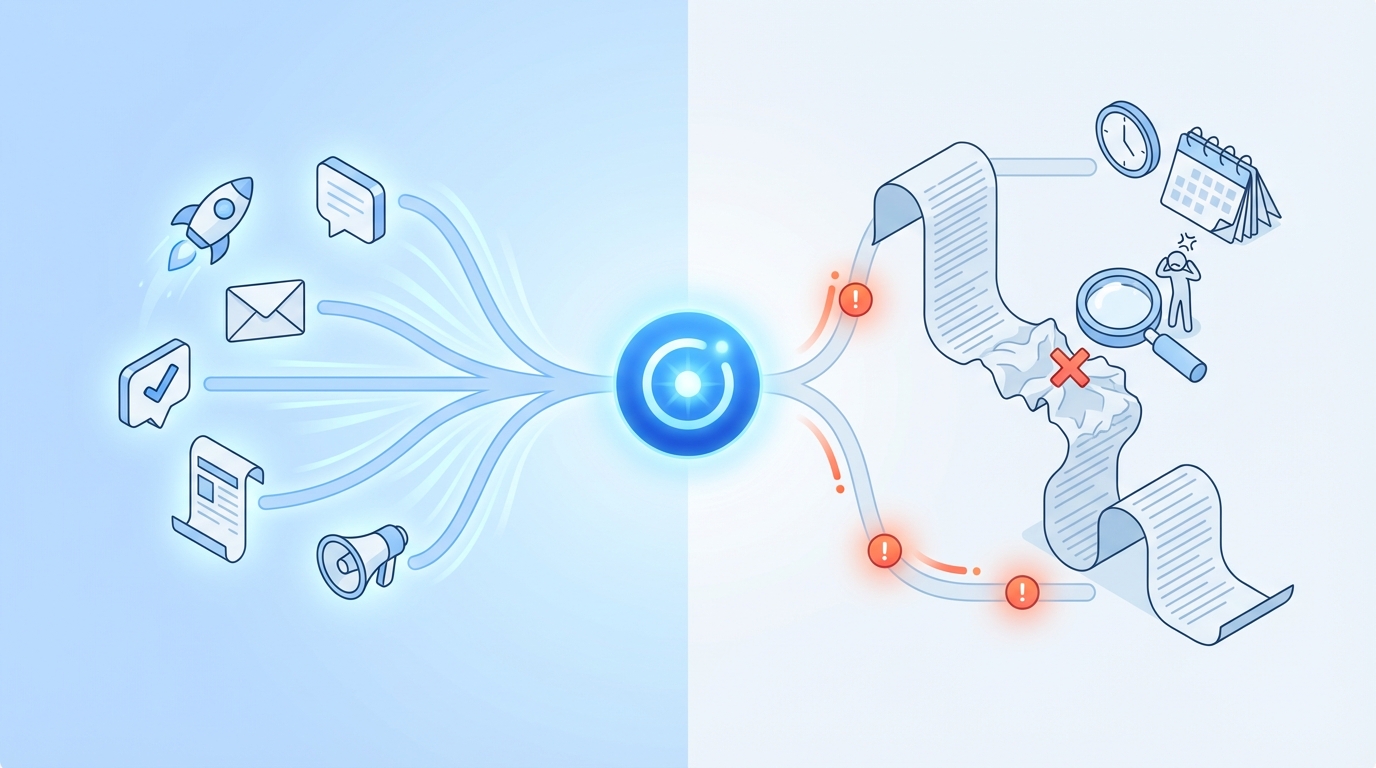
That matters because demand gen is fragmented for most teams. Content, SEO, narrative, distribution, and measurement live in different places, owned by different people and tools. Then everyone wonders why nothing compounds.
Oleno leans into a system:
- Governance setup: define market positioning, product POV, narrative frameworks, brand voice, quality and safety rules.
- Job execution: run specific jobs tied to demand generation (acquisition content, educational content, comparison and evaluation content, product-led explanation, customer proof and reinforcement).
- Operational layer: deterministic pipelines, QA gates, publishing control, visibility into what’s running, predictable cadence.
One sentence, because it matters. This replaces coordination, not people.
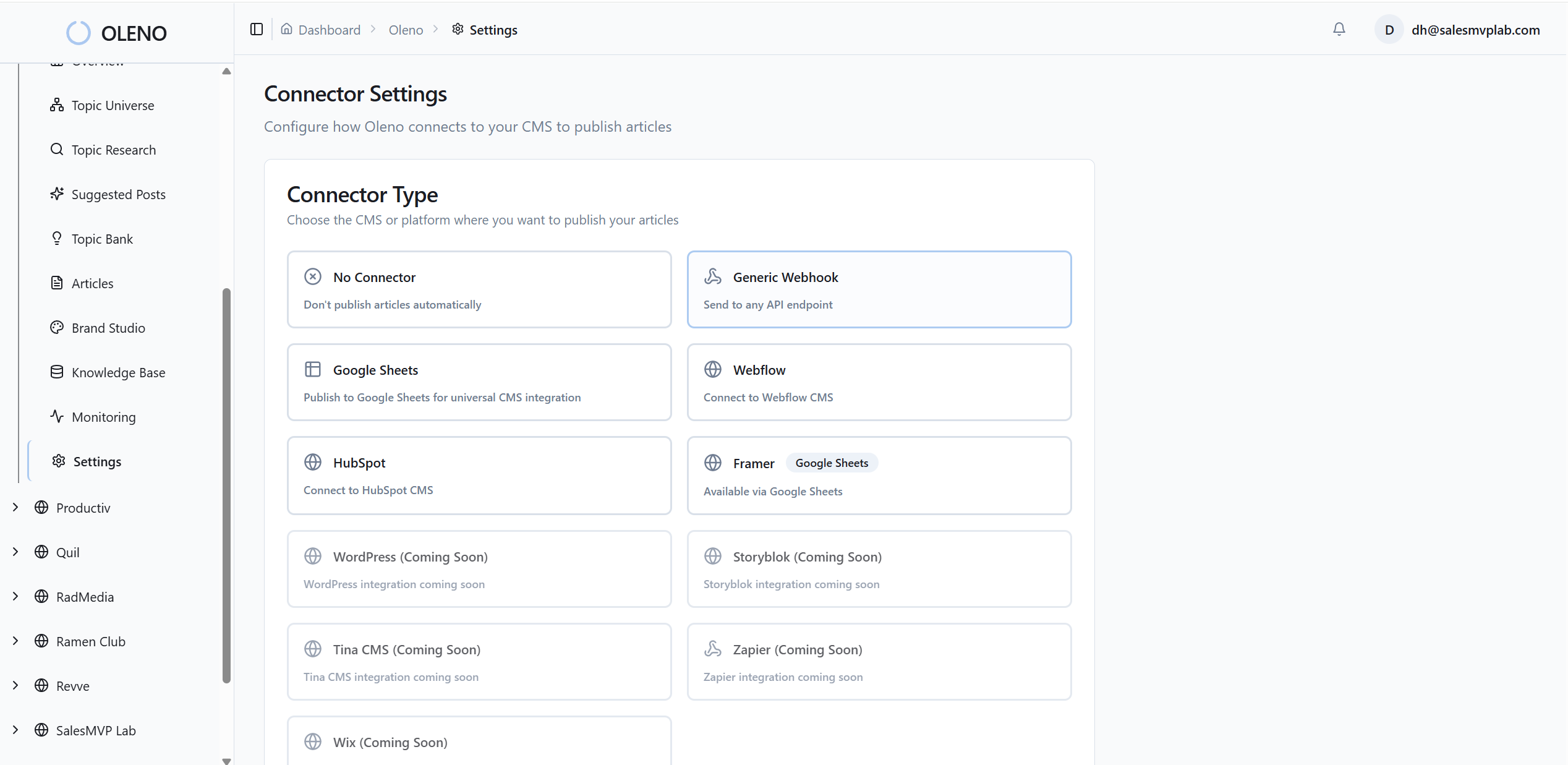
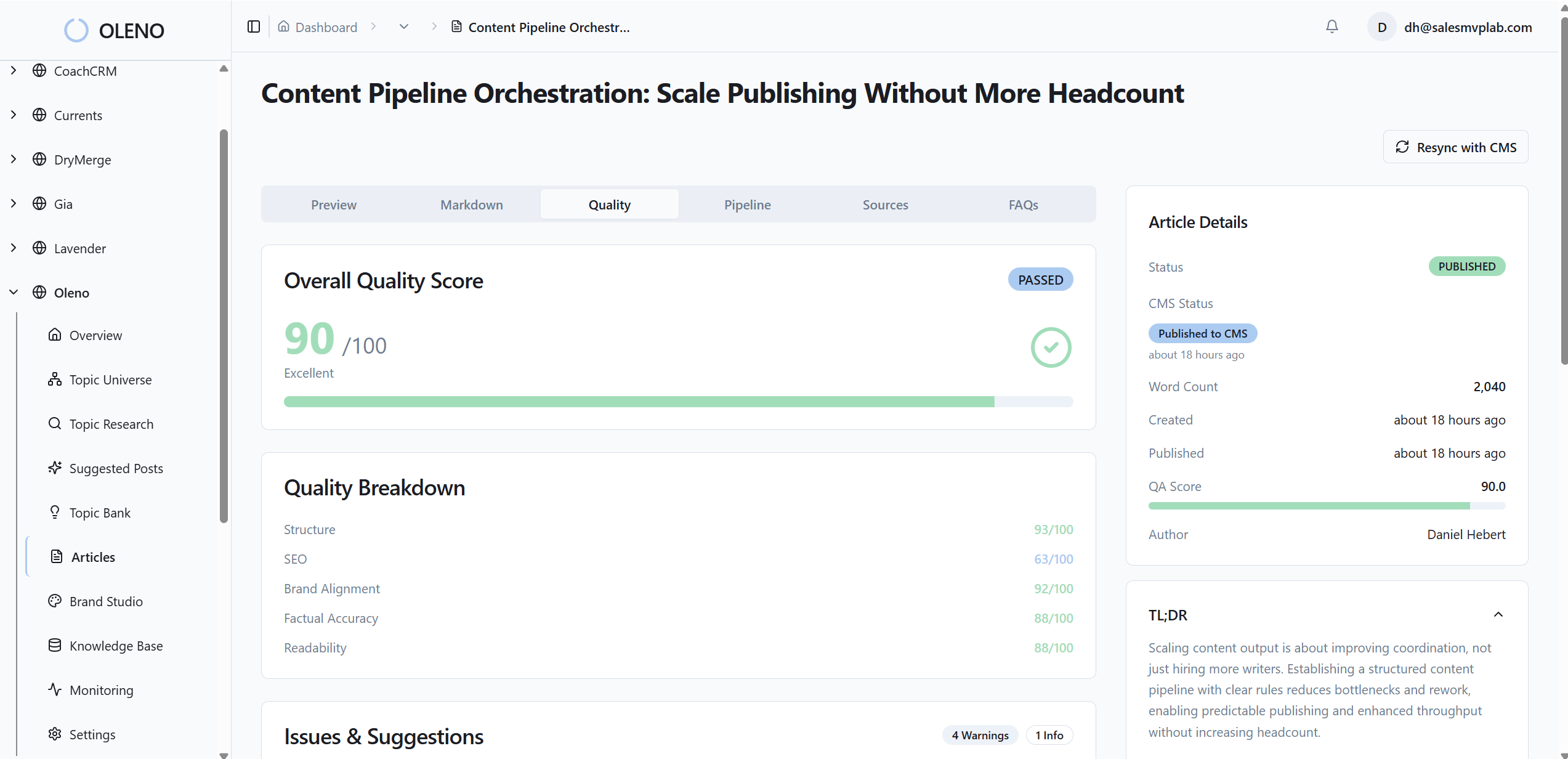
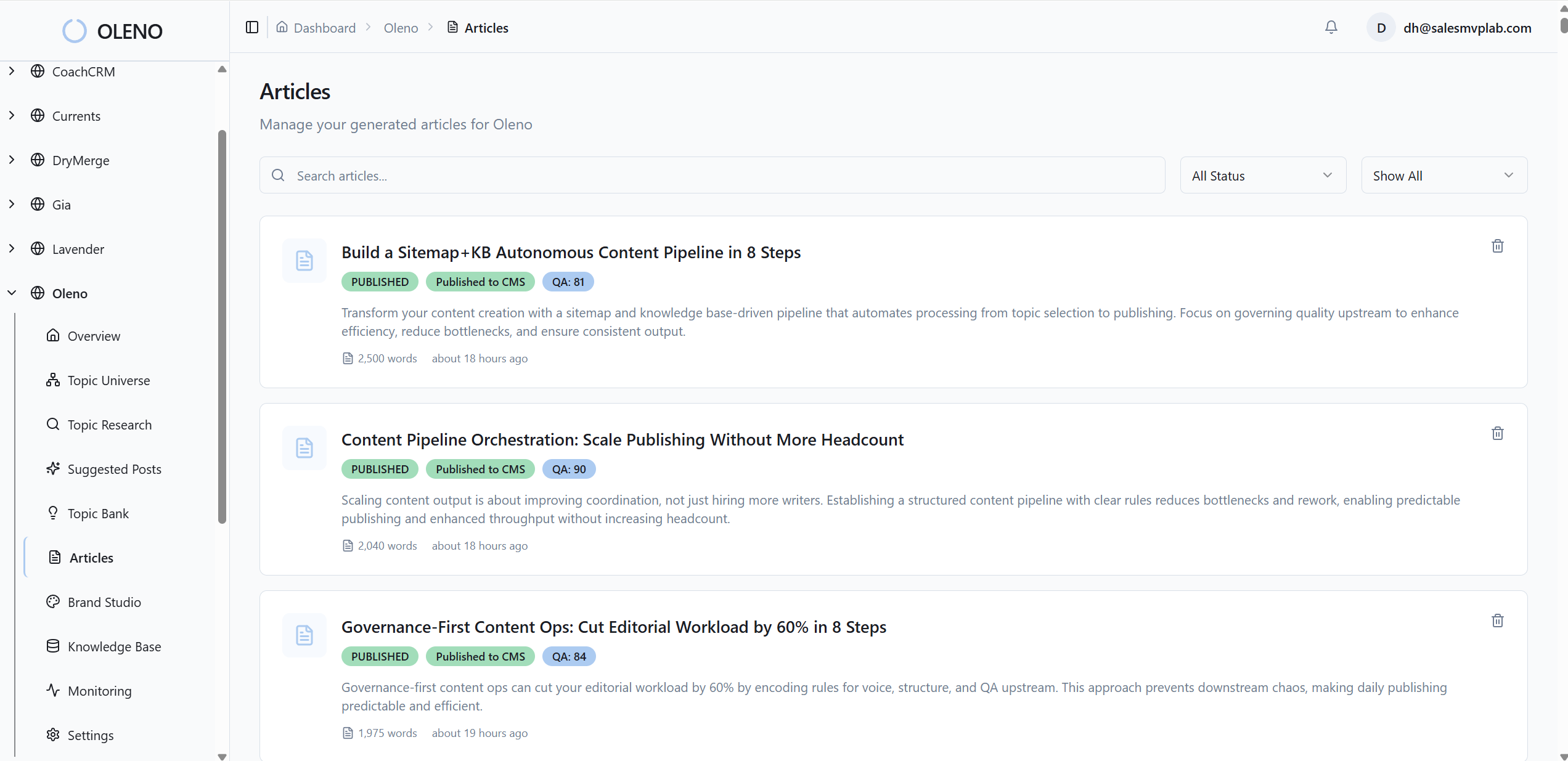
On the SEO side, Oleno’s pipeline can include topic discovery via Topic Universe and Information Gain Scoring, angle creation via Angle Builder, automated QA Gate checks (80+ checks), visual generation via Visual Studio, and automated publishing. The through-line is deterministic execution, not prompt craftsmanship.
Use Cases Where Oleno Is the Safer Bet
Oleno tends to be the safer bet when you’re publishing content that needs to be consistent, accurate, and tied back to the product narrative. That includes evaluation content, comparison pages, product-led explainers, and educational content that tees up demand without being salesy.
This is the exact trap I saw as a head of sales at one company. The content team was great. Voice was great. Design was great. Rankings were great. But some topics were detached from the product, so they didn’t convert into pipeline. That’s a narrative and system issue, not a writing issue.
If you’re nodding along, these are common “Oleno fits” scenarios:
- You want to define your POV once, then enforce it across everything you publish.
- You need content to support specific demand-gen jobs, not just traffic.
- You’re tired of content that ranks but never connects back to the solution.
- You’re trying to publish on a reliable cadence with a small team.
And if you’re at the stage where you just want to test output quickly, you can Request a demo now. It’s an easy way to see how rules-based execution feels in practice.
Getting Started and Next Steps
Getting started is mostly about deciding what you’re optimizing for: speed per draft, or consistent shipping over time. Writesonic is quick to adopt because templates and chat are easy to jump into (Writesonic Features Overview), while Oleno is more front-loaded because you define governance first.
That front-loaded work can be annoying, I won’t pretend otherwise. But it’s usually the right trade if you’re publishing at volume.
A practical rollout that tends to work:
- Pick one content job you care about (like comparison pages or educational content).
- Define your POV and brand rules once.
- Run a small batch.
- Review outputs for claim boundaries, structure, and narrative alignment.
- Then increase cadence when you trust the process.
If your main goal is always-on publishing without adding more coordination overhead, you can try using an autonomous content engine for always-on publishing. The point is to shift your time from rewriting to steering.
Comprehensive Comparison Grid
This grid summarizes the differences that usually matter most once you’re producing content at a steady cadence. Writesonic covers a wide set of formats with templates, chat, and image generation, while Oleno focuses on deterministic execution with governance and validation. Use it to match the tool to your team’s workflow, not just feature lists.
| Evaluation criteria | Oleno | Writesonic | Notes |
|---|---|---|---|
| Brand voice and writing rules | Defined once (tone, preferred terms, words to avoid, CTA style, structure rules) | Brand voice features available (Writesonic Features Overview) | Oleno emphasizes rules that apply everywhere automatically |
| Positioning & market POV | Define key messages and category framing so content is opinionated | POV depends on prompts and team inputs | POV governance helps reduce generic output |
| Product truth and claims boundaries | Define what is true about your product and what claims are allowed | Relies on prompts and reviewer checks; review commonly recommended (TechRadar Pro Review) | Helpful for reducing risky or overstated claims |
| Execution pipeline | Deterministic steps: governance setup, job selection, structured execution with QA gates | Template and chat-based drafting (Writesonic Features Overview) | Structured flow reduces randomness and rework |
| Validation before publish | Validate step enforces voice, structure, and narrative rules | Manual review recommended in practice (Writesonic Reviews (G2)) | Reduces publish-stage surprises |
| Cadence and reliability | Built for predictable cadence and compounding output | Strong for fast drafts; cadence defined by team process | Useful when priorities shift |
| Dependence on prompt tinkering | Lower, rules and structure drive output | Higher, prompt and template selection affects outcomes (Writesonic Features Overview) | Impacts consistency across many pieces |
| Content focus | Demand-gen execution across the funnel | Broad marketing use cases and formats (Writesonic Features Overview) | Different philosophies: system vs toolbox |
| Team fit | Small teams that want consistency without adding headcount | Individuals and teams seeking speed and variety | Match to process maturity |
| Learning curve | Front-loaded setup; predictable thereafter | Quick to start; ongoing prompt craft | Trade setup time for ongoing edits |
| Risk of off-brand drift | Lower, rules apply across outputs | Higher, depends on template/prompt discipline | Matters in multi-author environments |
| Chat assistant | Not the core interface | Chatsonic available (Chatsonic) | Helpful for iterative prompting |
| Image generation | Visual generation supported via Visual Studio | Photosonic available (Photosonic) | Useful for content packaging |
| Pricing snapshot | from $449/mo; $449/mo (Full-Funnel GEO) to $1,349/mo (Narrative Control); enterprise for higher volume | From ~$19–$20/mo; tiers vary by model/usage (Writesonic Pricing) | Always check current pricing pages |
If you want to sanity-check fit fast, you can Request a demo. No big ceremony. Just see what comes out when rules drive the output.
Conclusion: Choosing The Right Tool Without Regretting It Later
Writesonic is a good choice when your priority is fast drafts across lots of marketing formats, and you’re comfortable doing the editorial work to get to publish-ready. Oleno is a better fit when you need a consistent system for demand-gen content, where rules, POV, and validation reduce rework over months. The right decision depends on whether your bottleneck is drafting speed or coordination and editing overhead.
Here’s the decision filter I’d use if we were on a call and you asked me straight:
- If you’re publishing occasionally and you want versatility, Writesonic is likely enough, especially given entry pricing around $19 to $20 (Writesonic Pricing).
- If you’re trying to publish consistently and you keep getting stuck in rewrites, alignment checks, and “this doesn’t sound like us,” you want a rules-first system, not another prompt playground.
Ready to see what your cadence could look like when the system does the heavy lifting? You can Request a demo now. and compare how much human time it takes to get to “ship it.”
At the end of the day, you’re not buying words. You’re buying a repeatable way to publish without headaches.
About Daniel Hebert
I'm the founder of Oleno, SalesMVP Lab, and yourLumira. Been working in B2B SaaS in both sales and marketing leadership for 13+ years. I specialize in building revenue engines from the ground up. Over the years, I've codified writing frameworks, which are now powering Oleno.
Frequently Asked Questions