Product Telemetry to Topic Pipeline: A 6‑Step Playbook
Most teams chase keywords and wonder why conversion lags. I’ve done it. At Proposify, we ranked like crazy and still missed the moment when users actually needed help. The signals weren’t in Ahrefs. They were in the product. The trail of feature toggles, permission prompts, retries, and rage-clicks. That’s intent—hours before a query exists.
Once you see content this way, it gets harder to unsee. You stop writing “definitive guides” and start shipping narrow answers for repeated failure modes. Less theory, more “do this next in the product.” It’s not just better content. It’s fewer tickets, steadier activation, and less rework for your team.
Key Takeaways:
- Turn product events into intent statements that drive topics and angles
- Blend telemetry with KB and sitemap signals to keep content safe and on-brand
- Quantify the rework tax from keyword-first planning and design a pipeline to avoid it
- Use a 6-step workflow to move from raw logs to a publishable brief in days, not weeks
- Enforce structure and quality with an automated gate so incidents don’t force rushed edits
- Publish predictably with visuals, without manual handoffs or formatting headaches
You Are Sitting On User Intent Inside Your Product Data
Your product logs contain pre-query intent: the clicks, drops, errors, and retries that reveal what users will ask hours later. Because telemetry shows sequence and context, it exposes the path to resolution, not just the problem. For example, repeated 403s after a new integration suggests a permission scope article with the exact steps.

What is product telemetry and why does it matter?
Product telemetry is the stream of events your app already emits—feature usage, onboarding progress, errors, retries. It matters because it shows real behavior, in order, before anyone searches. That sequence lets you write “do this next” content, not generic how‑tos. You see the wall and the path around it.
If you’ve ever watched a user bounce at a permissions modal, you know the feeling. Everyone debates copy. Meanwhile, logs quietly show the exact step that fails for a specific role. That’s the content brief. Not “integration best practices.” The article that fixes the broken path in three screenshots and a clear CTA. Simple. Useful.
When I was the only marketer at PostBeyond, this is what unlocked speed. I didn’t have time for deep interviews every week, but I did have a short list of events that spiked after each release. Those turned into tight, credible pieces—faster than any brainstorm. It wasn’t pretty at first, but it moved numbers.
Why keyword tools miss live pain
Keyword tools show declared demand. Useful, but late. They miss what your users struggle with privately—greyed-out buttons, missing scopes, invisible limits. Telemetry tells you what happened right before someone gave up. That’s where content wins trust. It answers the question they haven’t typed yet.
Here’s the nuance. I’m not anti-keyword research. I’m anti-guessing. Use tools to understand the public conversation, then use your logs to shape angles that reflect product truth. If SERPs ignore a specific failure state and your telemetry shows it’s frequent, you’ve found an opening. Move first. Anchor hard to the actual path.
A lot of teams discover this after a painful incident. Something ships, tickets spike, and content quietly patches the story a week later. It doesn’t have to go that way. Even lightweight telemetry—top five error codes and where they occur—is enough to start a better pipeline. Want a deeper proof point? The “from days to minutes” progression in a widely shared talk shows how telemetry pipelines speed debugging and insight generation.
Ready to turn those patterns into articles people actually finish? Try Generating 3 Free Test Articles Now.
Content Planning Should Start From Events, Not Keywords
Event-first planning starts with observable friction—spikes, stalls, and repeats—and turns them into plain‑language questions. You validate with your knowledge base and sitemap to ensure safety and coverage, then prioritize by impact and effort. For example, a recurring “scope_missing” error becomes a permissions guide with role-specific steps.

What traditional approaches miss
Sitemaps and knowledge bases are great for coverage analysis. They’re terrible at showing live friction. That’s not a knock; it’s a job description mismatch. Telemetry fills the blind spot with sequence data and failure paths. When you blend them, you get topics that are both safe to write and painfully relevant.
Here’s how we’ve done it on lean teams: pull a weekly export of top events by frequency and funnel stage. Pair that list with KB “what we can safely claim” entries. Where they overlap, you’ve got publishable, high‑intent topics. Where they don’t, you’ve got research to do before you write. No drama. Just clarity.
To keep your mapping consistent, borrow structure from standards. The emerging OpenTelemetry semantic conventions show how teams label errors, attributes, and spans. You don’t need to implement the spec. You can use the naming discipline to make your own event-to-intent translation less squishy.
How do events become user questions?
Translate events into the question someone would actually ask. “feature_toggle_disabled” becomes “why is [feature] greyed out?” A burst of 403s on an OAuth flow becomes “how do I authenticate [integration] without permission errors?” Build a repeatable rule: error X usually means Y because Z.
This isn’t just semantics. It’s empathy at speed. When you map the event to the likely mental model—and the minimal action to fix it—you cut out half the fluff that slows down drafts. Writers don’t have to reverse‑engineer the situation. The brief tells them the path, the role, the environment, and the expected next step.
We used a simple doc for this. Three fields per event: plain‑language question, product state, minimal action. That doc becomes your angle bank. Straightforward, but it prevents a ton of back‑and‑forth later when someone asks, “What exactly are we solving here?” You’ve already answered it, in the user’s words.
The Hidden Costs Of Ignoring Telemetry In Topic Discovery
Ignoring telemetry creates a rework tax, slower retention fixes, and coordination drag. Time slips into drafts and edits that never move a metric, while preventable tickets pile up. For instance, shipping 12 posts with half off‑angle can waste 60–90 hours in a month with little impact.
The rework tax from guessing with keywords
Let’s pretend you publish 12 articles this month. Six miss the in‑product problem by a hair. Close enough to feel defensible, far enough to not change behavior. You burn 60–90 hours across drafting, reviews, and light rewrites that don’t touch activation or deflect tickets. It’s not laziness. It’s a system issue.
Telemetry narrows the angle before you write. If the failure state is “scope_missing for role=editor,” your draft isn’t “integration setup best practices.” It’s “grant editor scope for [integration]: three ways.” Tighter scope, faster draft, fewer edits. Multiply that by 12 months and a small team just got weeks back.
I’ve lived the opposite too. At Proposify, we ranked for high‑volume terms that sat miles away from the product’s core job. Traffic looked great; conversion did not. The learning was simple: content that’s detached from product friction tends to entertain, not activate. Again, not bad. Just not the job.
When content fails to prevent churn
Support tickets spike after a release. Onboarding drops 25% at a single permission prompt. Without telemetry‑driven guides, people bail. Some return. Many don’t. That’s retention at risk, and it’s preventable with a single article that walks the exact sequence—screenshots, roles, scopes, and the gotcha that trips folks.
You don’t need a war room to spot this. A basic events table with funnel stage, role, and error frequency will highlight the two or three stories that matter most this week. Those are your briefs. Done consistently, you stabilize cohorts faster than polishing a generic how‑to page that nobody reads to the end.
Want outside perspective on the mechanics? A practical talk on telemetry pipelines for debugging and faster iteration makes the case that earlier visibility shortens the loop from issue to fix. The same principle applies to content. Earlier signals, tighter drafts, fewer hotfixes.
Still spending cycles on off‑angle drafts? There’s a faster path. Try Using an Autonomous Content Engine for Always-On Publishing.
When Real Users Struggle And Your Content Is Silent
Silence shows up as repeat tickets, inconsistent support advice, and rushed content after incidents. The tell is simple: the same problem surfaces three times before anyone writes the central article. For example, a 3am permission change becomes a scramble instead of a prepared guide.
A support loop you could have prevented
We’ve all seen it. Three tickets, same week, same workaround. Different agents, slightly different advice. No canonical doc exists, so the loop continues. Telemetry would have flagged the pattern on day two. A targeted brief would have broken the cycle by Friday.
What’s missing isn’t talent. It’s a junction box between product reality and content planning. When you connect those wires, the articles you publish look different: shorter, more specific, and opinionated about “the next click.” That’s what calms the queue. Not 2,000 words of context. The exact fix in the exact environment.
When we ran Steamfeed back in the day, volume plus quality drove traffic. In product companies, specificity plus timing drives outcomes. Different game. Similar lesson: you win by matching depth to the moment, not by covering the whole world.
Telemetry To Topic Pipeline In 6 Steps
A telemetry-to-topic pipeline converts event patterns into briefs you can ship on a predictable cadence. The six steps: inventory sources, map events to questions, generate topic hypotheses, prioritize by impact and effort, validate fast, and lock a telemetry-backed brief. For example, a weekly export can power three focused posts.
Step 1: Inventory telemetry sources across teams
Start with what you can actually pull weekly. Analytics events, product logs, support tags, feature flags. Add timestamps, user roles, and environment if available. The goal isn’t a perfect warehouse. It’s a living table: source, field names, sample values, access method. Keep it small and owned by a real person.
Two things matter here. Consistency beats depth, and samples beat theory. If you can’t run the export in under 15 minutes, you won’t run it. If the output needs a data scientist to interpret, writers won’t use it. Reduce friction until it fits inside your team’s real week. Then protect it like a release checklist.
Once this exists, you’ll see patterns instantly: recurring permissions errors, common dead ends in onboarding, drop‑offs tied to specific roles. Those patterns are your raw ingredients. You don’t need a complex model. You need a clear list you trust.
Step 2: Map events to the question a user is asking
Create an event‑to‑intent playbook. For each repeating event, record three things: the user’s likely question in plain language, the product state that caused it, and the minimal action to resolve it. Use a simple template and fill it weekly. Error X usually means Y because Z. Keep the phrasing user‑first.
Do not over‑engineer this. A spreadsheet beats a slide deck. The payoff is speed and alignment. Product, support, and content can look at the same row and agree: yes, that’s the job to be done. And no, that other angle is noise. This shared clarity kills a lot of cross‑team back‑and‑forth later.
If you want naming help, look at how the OpenTelemetry conventions work with attributes and spans. Again, you don’t need to implement anything. Borrow the discipline so your own labels aren’t vague.
Step 3: Generate three topic hypotheses per signal
Turn each signal into three headlines with distinct angles. One “how to” that completes the job. One troubleshooting guide for the exact error path. One strategy piece that explains the why and prevents future pain. All three tied to the same product path. Short, boring titles are fine. Accuracy beats clever.
You’ll be tempted to jump straight to drafting. Don’t. The 10 minutes you spend crafting three crisp hypotheses pays you back in faster prioritization and fewer rewrites. The exercise also forces you to confront scope. If two of the three look generic, your signal is soft. Go back and tighten the event mapping.
Use examples inside the hypotheses. “Fix ‘scope_missing’ for editors in [integration].” “Why roles break OAuth and how to design scopes safely.” Specificity isn’t just helpful for readers; it protects writers from drifting into generic prose.
Step 4: Prioritize with a simple impact-intent-effort matrix
Score each hypothesis on business impact, intent, and effort. 1–5 scale. Impact asks: if this works, does it lift activation or retention for a meaningful cohort? Intent asks: is the topic discoverable in search or LLM contexts? Effort asks: how much SME input and product access will this require? Ship high‑impact, high‑intent, low‑effort first.
Your first pass won’t be perfect. That’s fine. The goal is to create a shared bias toward shipping the pieces with the best odds, not to forecast ROI to the decimal. You can refine the rubric over time, but don’t let it become a blocking ceremony. Make the call. Move.
If you need to sanity‑check discoverability, quick SERP glances help. If the top results ignore your exact failure mode, that’s a green light. If they already cover your angle thoroughly, either differentiate hard or deprioritize.
Step 5: Validate fast with SERP and micro-experiments
Run lightweight tests before heavy lifts. Post a short support macro pointing to a draft doc and watch deflection. Drop a one‑paragraph answer inside your help center and measure clicks. Share a tight LinkedIn post that spells out the fix and track DM volume. You’re looking for confirmation that the angle resonates.
Interjection. Don’t overfit to a one‑day spike.
A week of signal beats a day of noise. If you see consistent engagement or support relief, lock the angle and write the full piece. If not, iterate the question framing or the product state in your mapping. Kill ideas quickly without sunk‑cost guilt. The pipeline exists to protect your time.
If you want to anchor the “why telemetry first” idea with a primer, skim an accessible overview of telemetry pipelines and their building blocks. You’ll see why short, iterative loops matter.
Step 6: Build a telemetry-backed brief and handoff cleanly
Your brief is the contract. Include the telemetry evidence (event, frequency, role), the exact user question, the product path, and the CTA that represents success. Lock H2/H3 structure. Disallow vague claims. Add a short FAQ tied to event variants you actually see. Hand off in a template so writers don’t improvise structure.
This is where teams either win or wander. If the brief is soft, drafts drift. If the brief is sharp, drafting is the easy part. You shouldn’t need heroic editing. You should see consistent, on‑voice articles ship on cadence. That’s the whole point of having a pipeline in the first place.
How Oleno Operationalizes Telemetry-Backed Content
Oleno turns your telemetry‑informed knowledge into publishable articles by running a deterministic pipeline from topic discovery through CMS publishing. It locks angles and structure before drafting, enforces quality with an automated gate, and attaches visuals—so validated topics move without coordination. For example, weekly signals can fuel daily posts.
One system that discovers, structures, enforces, and publishes
Once you encode telemetry patterns and product‑led fixes into your knowledge base, Oleno uses that grounding to decide what to write and how to write it. Discovery prioritizes topics that can be safely created from your KB—no chasing angles you can’t support. Angles are differentiated up front. Structure is locked before a single sentence hits the page.
Drafting isn’t a blank‑page exercise. Oleno writes in your voice, applies your preferred terminology, and grounds claims in your KB. Then the QA gate checks narrative order, voice rules, SEO/LLM clarity, and factual grounding. Articles below threshold are automatically revised until they pass. Nothing publishes just because “it’s good enough.”
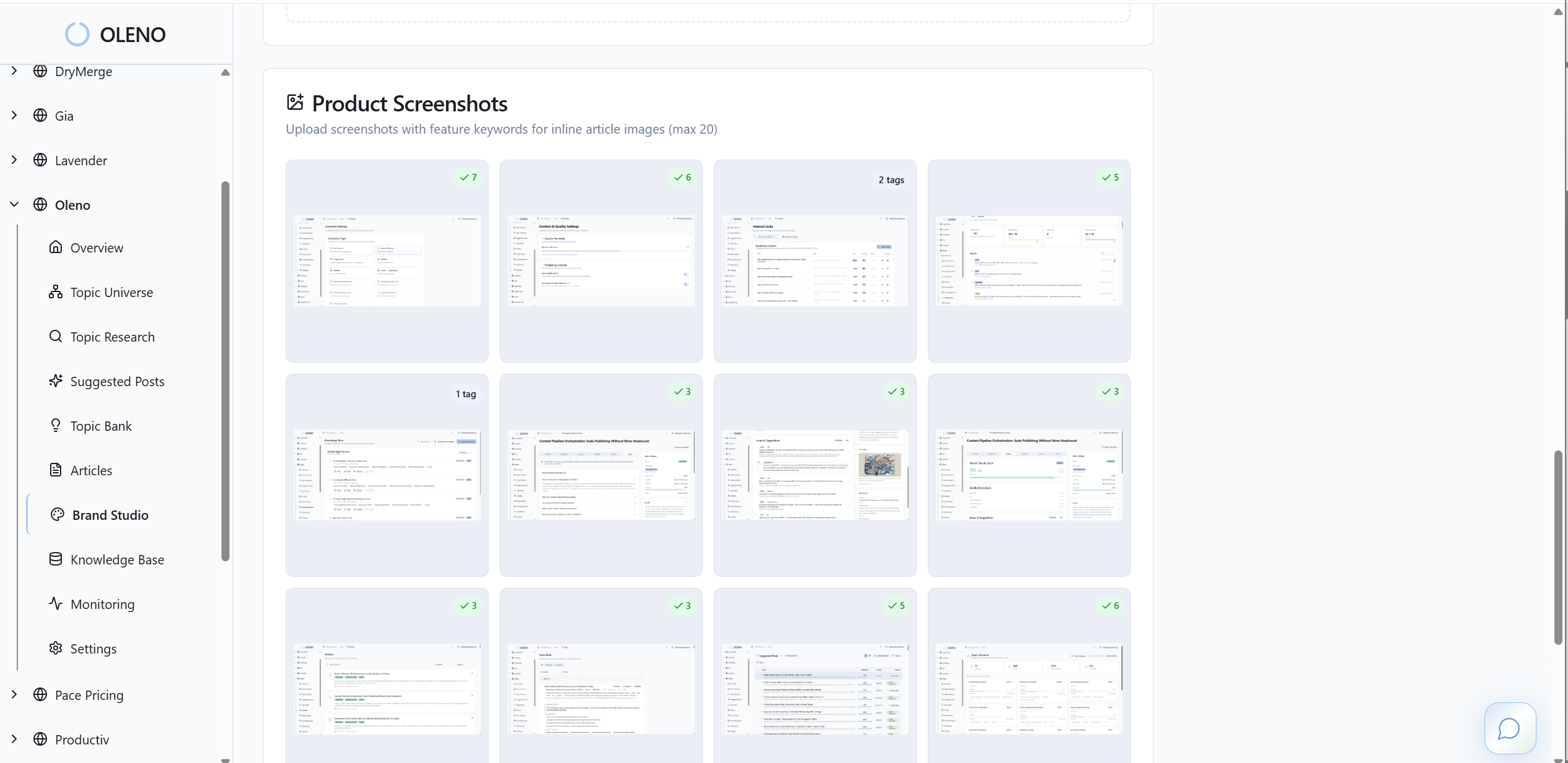
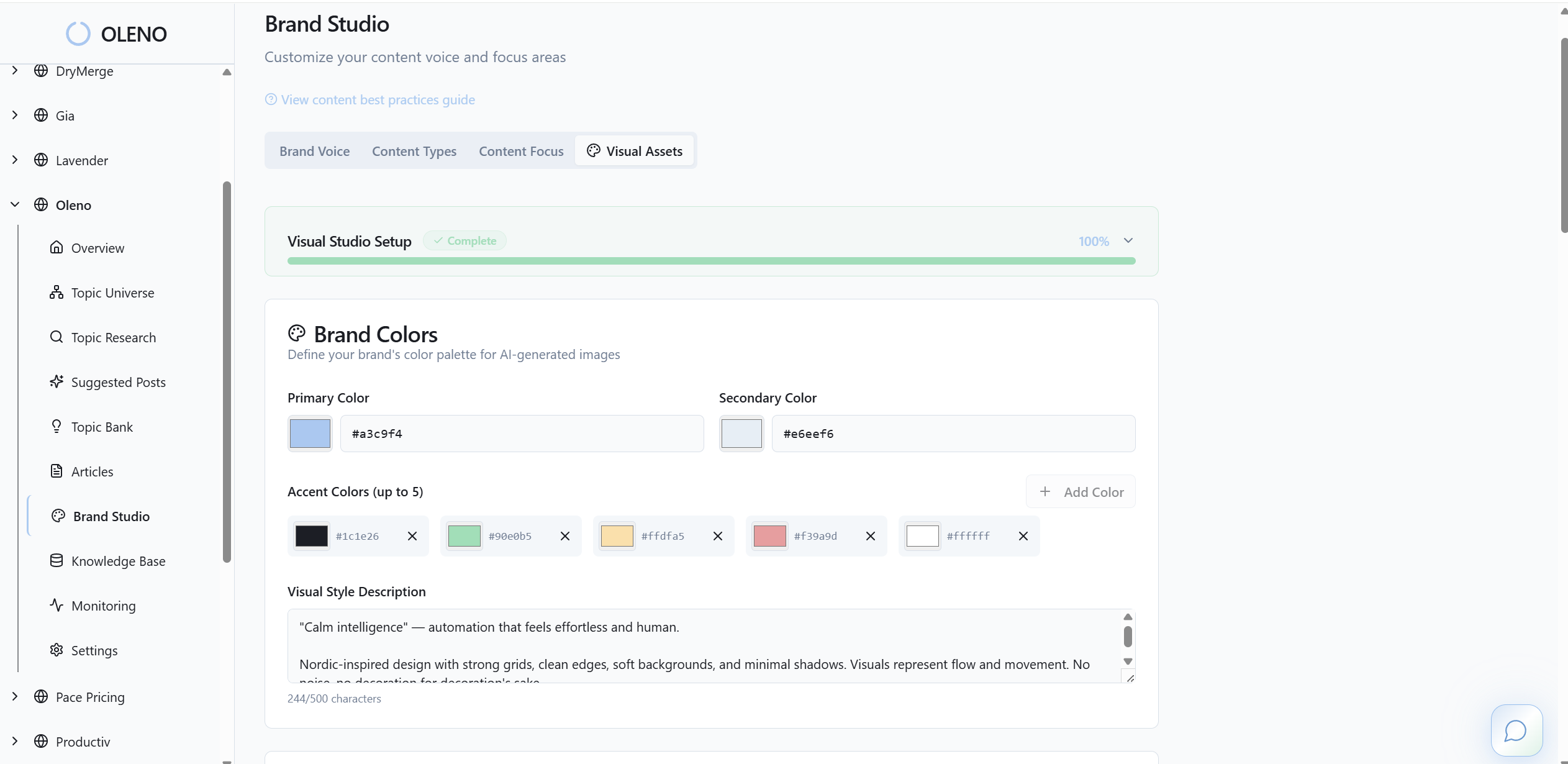
After QA, Oleno generates brand‑consistent hero images, attaches optional inline visuals, and publishes directly to your CMS with idempotent safeguards. No copy‑paste. No formatting headaches. No “who’s pushing this live?” Dailies go out on cadence. For grounding beyond your walls, a clear explainer like the Fundamentals of Telemetry Pipelines report is useful context for your team’s mental model.
Here’s the operational shift. You define the rules; Oleno executes them. It replaces manual editorial planning, prompt‑based drafting, review loops, and publishing handoffs. It doesn’t replace strategy or judgment. It gives your team back the hours currently lost to coordination, so you can focus on the product stories only you can tell.
If you’re ready to connect product truth to content that ships itself, let Oleno handle the system. Try Oleno for Free.
Conclusion
Here’s the throughline. Your product already tells you what to write—through the errors, retries, and quiet stalls that happen before anyone searches. When you turn those signals into a simple, weekly pipeline, drafts get faster, articles get sharper, and users find the exact next step. That’s the job. Oleno exists to make it the default, not the exception.
About Daniel Hebert
I'm the founder of Oleno, SalesMVP Lab, and yourLumira. Been working in B2B SaaS in both sales and marketing leadership for 13+ years. I specialize in building revenue engines from the ground up. Over the years, I've codified writing frameworks, which are now powering Oleno.
Frequently Asked Questions