Sectional Visual Playbook: Boost Engagement 30% with Inline Images

Most teams treat visuals like decoration. Sprinkle a stock photo here, add a vague chart there, call it “engaging.” Then they wonder why the page looks pretty but doesn’t move a single metric. I’ve been there. The last-mile scramble, the awkward crops, the missing alt text. The truth is simple: if an image doesn’t clarify something, it’s adding noise.
When we started pairing each H2 with a specific image type and placement rule, engagement lifted. Not everywhere. Not instantly. But consistently enough to matter. And the rework? It dropped fast because decisions moved from “taste” to “rules.” That’s the entire point of a sectional visual playbook, structure over vibes.
Key Takeaways:
- Treat images like copy: they must clarify, compare, or prove something
- Map each H2 type to a specific image type and placement rule
- Lock specs (ratio, resolution, filenames, alt text) to reduce rework
- Measure scroll depth, dwell time, and downstream CTA clicks near visuals
- Enforce the rules with QA so publishing doesn’t slip at 3pm
- Use captions to explain what changed, not repeat the title
Ready to skip theory and see structure in action? Try Generating 3 Free Test Articles Now.
Images Should Carry Meaning, Not Just Color The Page
Images should earn their spot by making the section’s point faster than words alone. Functional visuals lift comprehension and often correlate with higher engagement and click-through. For example, a labeled diagram beside a “How it works” H2 helps readers decide to keep reading, without scrolling for proof.

The metrics that actually improve with functional visuals
When visuals do a job, clarify, compare, or prove, you see it in the numbers that matter. Scroll depth holds longer around visuals that answer the H2. Dwell time climbs because readers aren’t decoding paragraphs. And CTA clicks often rise when a nearby image resolves confusion. One caveat: this assumes the image is visible within a single viewport for that section.
I like to watch the moment right after an explanatory image. Do readers bounce? Or do they move to the next subsection and then hit your CTA? Correlation isn’t causation, but you’ll notice a pattern when visuals earn their keep. There’s also public research suggesting visuals can lift engagement in social contexts; see the Baylor study on image use and interactions for signal, not certainty: Using Images Increase Social Media Engagement.
Why most teams misplace visuals in snippet-ready articles
Snippet-ready sections live or die by what’s on screen with the H2. If the image that proves the claim is two screens below, you’ve broken the promise. The opener says “here’s the answer,” but the proof hides elsewhere, severing the connection. Placement is not an afterthought; it’s the retrieval mechanic.
Make it deterministic: place the visual within the first 50–120 words of key H2s. Keep captions short and descriptive. Mirror the H2 phrase in filenames and alt text so machines map relevance too. This is less art direction, more wayfinding. And it works because you remove guesswork.
What is a sectional visual playbook and why does it matter?
A sectional visual playbook assigns an image type, placement rule, and metadata template to each H2 pattern. No guessing. A “What is X” H2 gets a labeled diagram. A “Results” H2 gets a chart with a source. Ratios, resolution, filenames, alt text, and caption format are locked.
The benefit isn’t just speed. It’s consistency that readers feel, cleaner sections, less cognitive load, and a dramatic reduction in rework. I’ve watched teams argue taste for weeks. A playbook ends the debate. It’s a simple rule set that scales.
The Root Cause Of Underperforming Visuals In Articles
Underperforming visuals come from judging aesthetics instead of retrieval. Section-first writing needs image rules tied to the H2’s promise: can a skimmer answer the H2 without reading every word? If not, the image is noise. One example: pretty abstract heroes that never explain the mechanism.

What traditional design reviews miss for snippet-first H2s
Design reviews often champion beauty and brand. Fair. But snippet-first sections aren’t art galleries. They’re answers. The question is ruthless: does this visual help a skimmer get the point now? If not, it’s decorative overhead that may even push the proof below the fold.
Set acceptance criteria that match retrieval: on-screen with the H2, caption explains what changed, filename includes the H2 noun phrase. It sounds strict because it is. Research on visual framing and cognition backs the idea that structure shapes meaning; if the structure obfuscates, comprehension suffers. See IJOC’s research on visual framing and cognition for deeper context.
The hidden complexity behind free-form placement
Free-form placement feels flexible until mobile breaks it. Lazy loading hides a chart when the claim needs it. Captions float miles from the image. And the “we’ll place it wherever it looks good” rule varies by author, editor, and template, so it fails constantly.
Pick one placement rule per section type. For example: after the first sentence for claims, before the first list for “how-tos,” and adjacent to the data statement for proofs. Keep it the same across articles so QA is a checklist, not a debate. Consistency makes regressions obvious when templates change.
How do you map image types to section intent?
Keep a simple matrix. Narrative claim H2? Explanatory diagram. Objection H2? Comparison chart. Proof H2? Data chart with the source. Product H2? Annotated screenshot showing the action. Decision H2? Flow diagram or checklist. Deterministic, not aspirational.
You can even include one reference example per type, just enough to show “this, not that.” Guidance from communications teams often emphasizes clarity over flair. For a practical lens on message clarity with visuals, see UF’s Wc444 guidance on visuals and clarity.
The Hidden Costs Of Inconsistent Visuals
Inconsistent visuals pile up costs you don’t see until you audit the calendar. Time goes to re-exporting, cropping, renaming, alt text fixes, and spacing repairs. Momentum dies. For example, twenty posts a month with 30 minutes of image fixes each is ten hours of churn, before revisions.
The rework tax you pay without specs
Let’s pretend your team ships 20 posts a month. Each burns 30 extra minutes because images have the wrong ratio or missing alt text. That’s 10 hours of frustrating rework. Add another few hours fixing filenames and captions during review. Nobody budgets for it. Everyone feels it.
Worse, that rework often slips publishing windows, compounding delays into next week’s queue. And leaders see the backlog grow without understanding why. The fix isn’t a hero designer. It’s simple, enforced specs.
The engagement drag from mismatched aspect ratios
A 16:9 chart squished into a square kills legibility. Labels shrink. The “proof” becomes wallpaper. Readers keep scrolling. The message never lands. Multiply that by every chart in your library and you’ve got a quiet but steady engagement drag.
Set fixed ratios per image type, 16:9 for charts, 4:3 for diagrams, 1:1 for social variants, 9:16 for stories if you need them. Pre-size canvases and export presets so nobody guesses in the CMS. Accessibility and brand teams have said versions of this for years; see UBC’s social media best practices for accessible consistency fundamentals.
What happens when filenames and alt text vary?
Crawlers encounter five patterns for the same idea. Machines don’t connect related sections. Your images are less discoverable than they could be. And internally, you can’t find assets quickly. People re-make what already exists.
Lock templates: filename as section-keyword-image-type-ordinal.png. Alt text as a short verb-first phrase under 120 characters. Captions explain what to notice, not restate the title. Small rule, big ripple.
Burning hours on asset fixes? You don’t need more hands. You need a system. Try Using an Autonomous Content Engine for Always-On Publishing.
When Visuals Get In The Way Instead Of Helping
Visuals go sideways when they delay or dilute the point. The 3pm publish scramble, the abstract hero that buries the mechanism, the decorative chart that doesn’t match the claim, all common, all avoidable. One example: a product post with no on-screen screenshot until two scrolls down.
The 3pm publish scramble you recognize instantly
You’re ready to publish, then the hero crops awkwardly on mobile, the chart looks muddy, and alt text is missing. Someone pings design. Someone else “quick fixes” the CMS and breaks spacing. The post slips a day. You’ve lived this. It’s not a talent problem. It’s a system problem.
I’ve watched teams try to brute-force their way out of this with more hands. Doesn’t stick. The right move is a shared playbook plus enforcement. Then the 3pm scramble turns into a 3pm publish.
When a hero image buries the point
Abstract heroes can be on-brand and still harmful. If the first inline image is decorative, readers never see the core mechanism. They bounce. The fix is simple: make the first inline image a labeled diagram or annotated screenshot that proves the claim within one scroll.
It feels small. But across a library, it compounds into clearer pages and steadier engagement. And when you reuse those images in newsletters, the same principle applies, build for action, not decoration. For ideas on making visuals actionable, see Building Interactive Visuals for Newsletter Engagement.
Who feels the pain across the team?
Writers hunt assets. Designers context switch to re-export. Editors triage accessibility. Leaders worry about brand drift. Readers feel confused. Nobody wins. The fix isn’t throwing bodies at the problem.
It’s a playbook the entire team follows so decisions are predictable. And a gate that enforces it so you don’t rely on heroics. That combination reduces stress and increases quality without turning your calendar upside down.
The Section-By-Section Visual Playbook You Can Ship
A practical playbook maps H2 intent to image type, locks placement rules, and bakes in specs for ratios, resolution, filenames, and captions. This creates predictable, skimmable sections that convert curiosity into clicks. A simple example: “Results” H2s always get a chart with the source in the caption.
Map image types to each H2’s job
Create a one-page matrix that pairs your common H2 patterns to image types. “What is X” gets a labeled diagram. “How X works” gets a sequence schematic. “Results” gets a chart with a source noted in the caption. “How to” gets an annotated screenshot demonstrating the exact action.
Two notes from experience. First, include do and do-not examples for each type, one slide per type is plenty. Second, pick one “default” per H2 so people don’t debate. You’ll prevent 80% of the back-and-forth before it starts.
Template specs for aspect ratio, resolution, filenames, and captions
Lock per-type specs so nobody guesses at 2pm. Ratios: 16:9 charts, 4:3 diagrams, 1:1 social variants, 9:16 stories if needed. Resolution: 1600px width baseline with 2x retina exports. Filenames: slug-h2-keyword-image-type-01.png. Alt text: verb first, then object (“Compare API rate limits across plans chart”).
Captions do the job your image can’t, explain the takeaway: “Enterprise plan doubles burst capacity vs Pro.” Keep captions short and specific. If you add one “interjection,” make it this: captions should explain what changed, not repeat the H2.
How Oleno Operationalizes Visuals Without Manual Churn
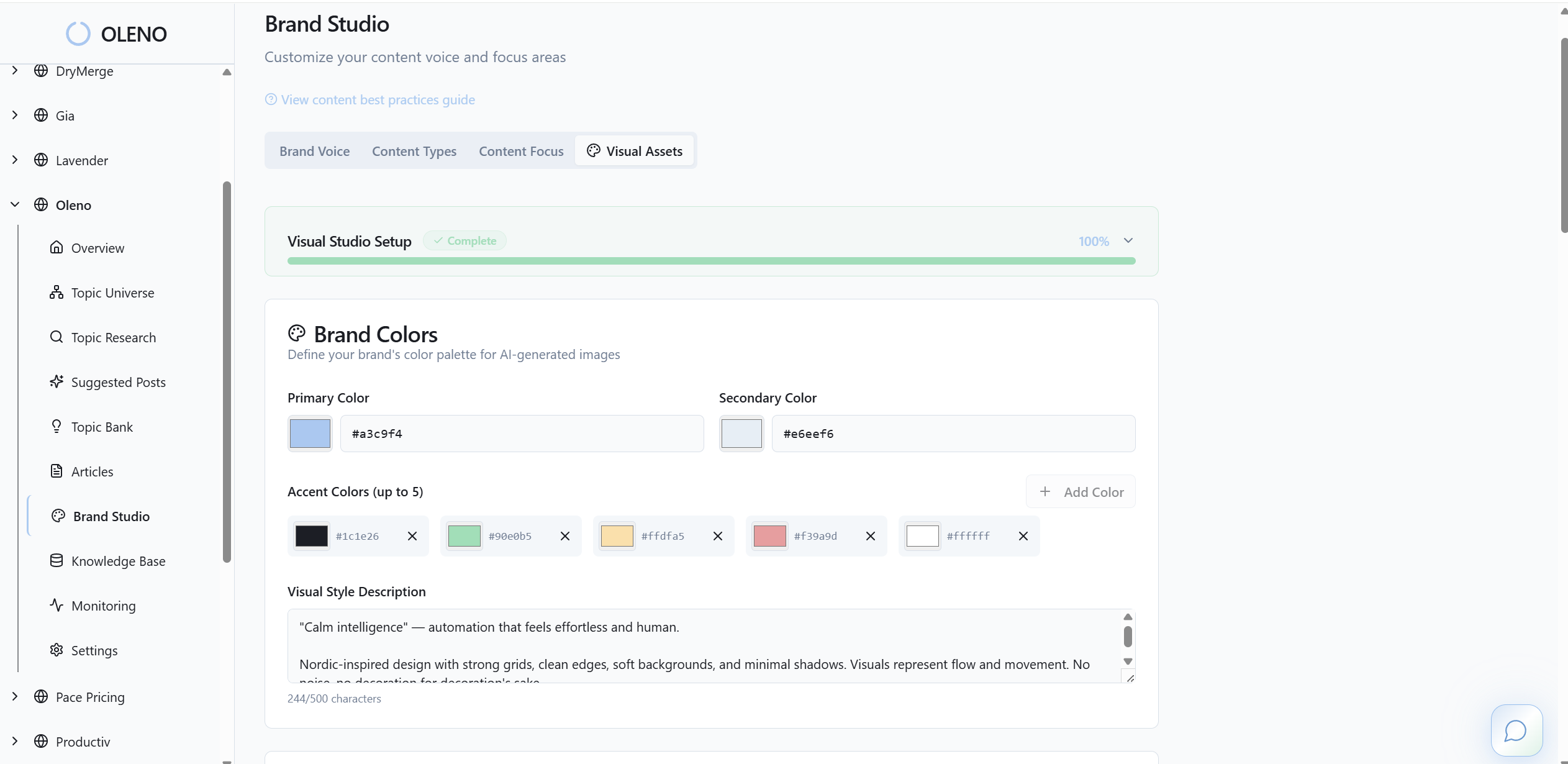
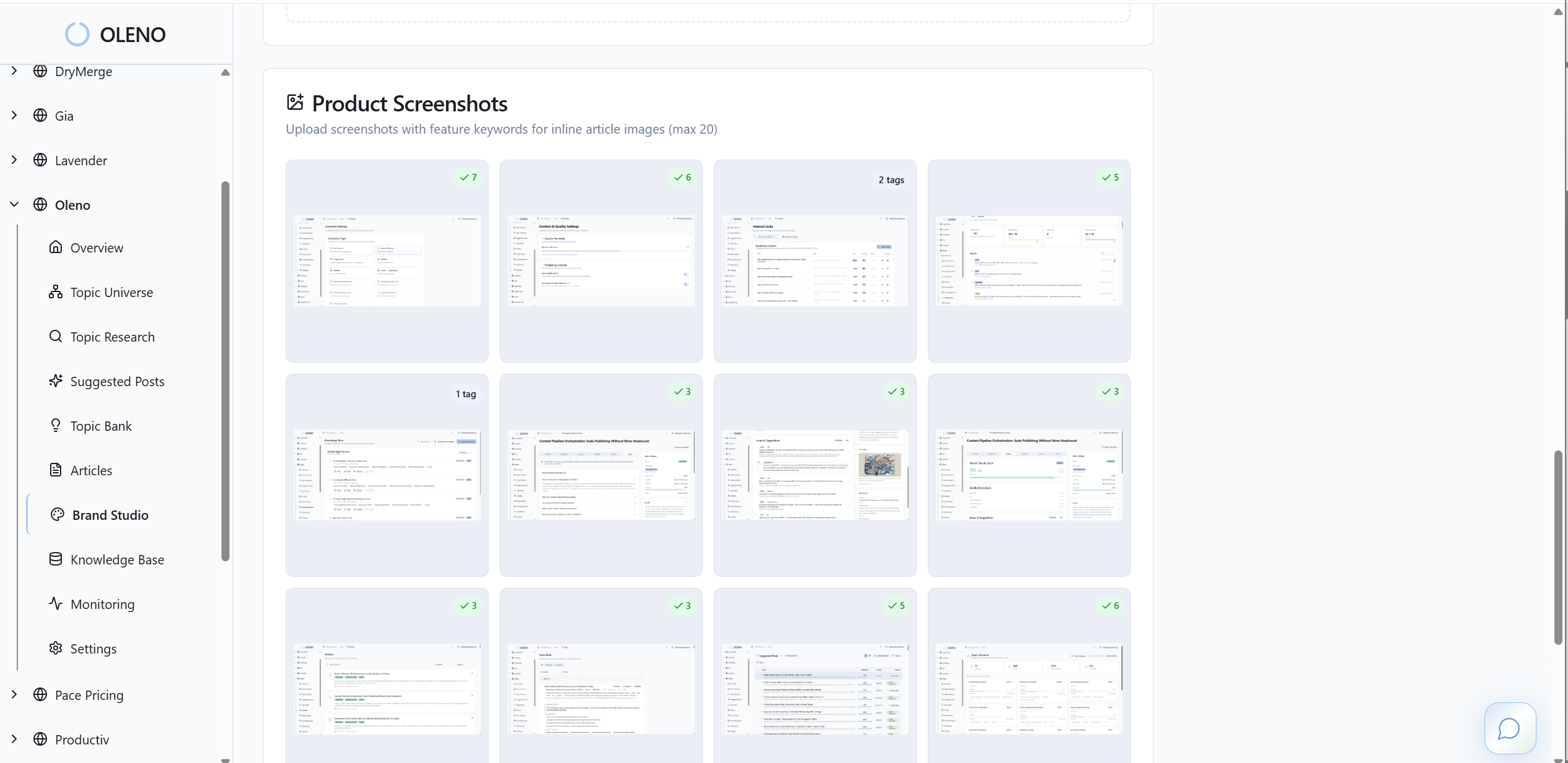
Oleno treats visuals as part of the article, not an afterthought. Once your rules are configured, visuals are generated to match your brand, placed deterministically, and checked by a QA gate before publish. For example, filenames and alt text follow your templates automatically, reducing last-mile fixes.
Deterministic placement and template enforcement
Here’s how it works in practice. Oleno generates hero and inline visuals aligned to your brand, then applies SEO-safe filenames and alt text from your templates. It follows your section placement rules, so visuals appear where readers expect them, and enforces ratios and captions, which preserves snippet-ready structure without hand-editing.
Before anything ships, Oleno’s QA gate checks structure, voice, and SEO placement. Visual-specific rules can require alt text, caption presence, correct ratio, and filename patterns. If a check fails, the draft is revised and evaluated again. Nothing publishes until the standard is met. When content clears QA, Oleno publishes directly to your CMS with idempotent uploads and responsive attributes, width and height set, lazy loading applied, so there are no duplicate media files or copy-paste errors to clean up later.
If your team is tired of rework and drift, this is where a system helps. Oleno reduces coordination by embedding your visual playbook into the pipeline, topic to brief to draft to QA to publish, so the 3pm scramble becomes a non-event. Want to see the end-to-end flow? Try Oleno For Free.
Conclusion
Visuals shouldn’t be wall art. They should do a job, clarify, compare, or prove, right next to the H2 that promises the answer. When you lock image types to section intent, standardize placement, and bake in specs for ratios, filenames, alt text, and captions, two things happen: engagement steadies and rework shrinks. Whether you operationalize this with a disciplined team or let Oleno enforce it automatically, the result is the same, clearer sections, fewer headaches, and content that actually moves.
About Daniel Hebert
I'm the founder of Oleno, SalesMVP Lab, and yourLumira. Been working in B2B SaaS in both sales and marketing leadership for 13+ years. I specialize in building revenue engines from the ground up. Over the years, I've codified writing frameworks, which are now powering Oleno.
Frequently Asked Questions