SEO-Friendly Visuals: Boost Organic Reach with Image-First Sections

Most teams treat images like garnish. You write the draft, toss a stock photo in at the end, rename it later (maybe), and call it done. Then you wonder why your snippet rates are flat and social cards look… off. You don’t have a creative problem. You have a structure problem.
I learned this the hard way. Back when we scaled content with tiny teams, we could ship words fast. Visuals slowed us down or got bolted on. It read fine, but it didn’t travel. Once we flipped the order—write a snippet-ready opener, pair it with a purpose-built visual, and let the visual lead—we started seeing cleaner distribution. Not hype. Just fewer points of friction.
Key Takeaways:
- Lead sections with visuals that reinforce the snippet-ready answer, not the vibe
- Use semantic pairing: H2 root phrase mirrored across filename, alt text, and caption
- Treat images as retrieval assets with concrete depictions, not abstractions
- Eliminate manual image busywork with consistent templates and metadata rules
- Prioritize aspect ratios and resolutions for the channels you actually use
- Automate on-brand visuals and clean metadata to avoid format drift at publish
Ready to short-circuit the bolt-on workflow? Try it in practice and see how an engine handles the heavy lifting: Try Generating 3 Free Test Articles Now.
Why Visuals Must Lead the Section, Not Follow the Draft
Leading with visuals turns images into part of your argument, not decoration. A snippet-ready opener paired with a contextual image clarifies intent for machines and humans. For example, an H2 about “rate limit algorithms” should open with a definition and show a token bucket diagram, not a gradient blob.

The Attitude That Kills Distribution
If you think images are “for later,” you’ll keep shipping generic visuals, vague alt text, and filenames that don’t say anything. Search and social engines read those signals literally. They weigh your surrounding text, captions, filenames, and alt text to infer meaning. When those elements don’t match your section claim, you create noise they have to ignore.
I’ve seen this play out in content audits. The copy was strong, yet images were named image_23-final.png and captioned “Team collaboration.” That mismatch muddies the story and undercuts snippet eligibility. It also makes social cards look random. You’re doing the hard part—writing clearly—then hiding your clarity in the metadata.
Flip the mindset. Visuals are structure. Open with the answer, then insert a visual that depicts that answer. Use descriptive filenames and specific alt text that mirrors your H2’s entity. Google’s guidance is explicit about filenames and alt text helping machines understand context. See the detailed recommendations in Google’s Images best practices.
What Is An Image-First Section And Why Does It Matter?
An image-first section is a predictable pattern: H2, a 40–60 word direct answer, then a visual that reinforces the claim. The opener makes your case in plain language. The image shows it. When you repeat that pattern across articles, readers scan faster and machines get cleaner signals.
It matters because consistency compounds. If every section starts with a self-contained answer, AI assistants can cite it cleanly and search engines can match it to relevant queries. The visual reduces ambiguity. It turns your statement into a scene, a diagram, or a UI state. That’s not aesthetics—it’s retrieval.
Here’s the nuance. You don’t need a bespoke illustration every time. A cropped product screenshot that highlights the exact state being described often does more than a conceptual graphic. Utility beats abstraction.
Why Bolt-On Images Hurt Credibility
Random stock erodes trust. It signals you didn’t invest in the details. When an H2 is about a “template,” and your image is a swooshy gradient, readers feel the disconnect. Machines do too, because the semantics don’t line up. The result is weaker snippet eligibility and lower social click-through.
Credibility lives in alignment. Title and opener make a claim; the image and caption prove it. When those elements agree, readers attribute more diligence to your product. Not always fair, but it’s the reality of the quick skim.
The Real Job of Visuals Is Distribution and Retrieval
Visuals signal meaning to search engines and shape behavior on social platforms. Alt text, filenames, captions, and surrounding copy all feed machine understanding. When the image depicts the section’s answer directly, you reduce ambiguity and increase eligibility for snippets and rich previews.

What Do Visuals Signal To Search And Social?
Search engines evaluate context: the text around the image, the filename, alt text, and caption. Social networks assemble cards using image crops, titles, and descriptions. If your visual matches the section’s entity—“image-first section template” or “token bucket rate limit”—you make their job easier. Clear inputs often earn clearer outputs.
This isn’t theory. Teams that align metadata to meaning typically see steadier impressions and cleaner snippet wins, because signals don’t conflict. The kicker is social. Wrong aspect ratios or muddy crops tank your preview card, even if the writing is great. More precision here creates compounding gains. For a practical overview, the guidance summarized in Image SEO best practices is useful.
Semantic Pairing With Snippet-Ready H2s
A snippet-ready opener is three sentences: direct answer, one context point, one concrete example. Place an image that depicts that example. Then mirror the entity (not just the keyword) in filename, alt text, and caption. Specific alt beats stuffed alt. “Token bucket diagram highlighting burst allowance” is better than “rate limiting image.”
You’re building a small semantic net around the section’s claim. The more the net matches what the H2 promises, the less work machines do to interpret it. Humans benefit too. They see the answer and its proof side by side.
One more note. Keep captions additive. If the opener states the what, use the caption for the why or how. Redundancy wastes space and doesn’t strengthen the signal.
The Retrieval Lens, Not The Art Lens
If you can’t name the image precisely without reading the article, it’s probably decorative. Retrieval wants concrete depictions—flows, fields, dashboards, template checklists. These are easy to describe, easy to caption, and easy to match to queries.
Abstract art can look nice. It rarely helps distribution. A diagram that labels the three steps your section explains will likely outperform a conceptual swirl. When in doubt, ask: what would a searcher expect to see here? Then show that.
The Hidden Costs of Bolt-On Images
Bolt-on images create hidden costs in time, distribution, and cleanup. Manual downloads, resizing, and renaming burn hours. Misaligned visuals suppress click-through and shares. Vague alt text and filenames create metadata debt that slows every refresh.
Engineering Hours Lost To Manual Image Work
Let’s pretend you spend 20 minutes per post downloading, resizing, renaming, and placing images. At 50 posts a month, that’s 1,000 minutes—over 16 hours—of mechanical work. Refreshes double it. That’s two to three workdays not spent improving narrative or shipping the next piece.
I’ve seen teams invent elaborate folders and naming conventions to contain the chaos. It helps a little. But humans aren’t consistent at 50 posts a month. You end up with version drift and late-cycle fixes. Those add friction right where you need momentum.
The truth is unglamorous: the only way to reclaim that time is to remove the manual steps or make them deterministic. Templates, rules, and automation do more than “speed things up.” They stop rework from being created.
Where Do You Lose CTR And Shares?
Misaligned visuals get scrolled past. Weak alt, generic captions, and wrong aspect ratios mean preview cards underperform. A square crop where a 1.91:1 is preferred gets truncated in ways you don’t control. The cost isn’t just clicks—it’s impressions you never see because the platform gives your card less real estate.
And when the image feels off-topic, readers hesitate. That’s a credibility micro-drop you pay for repeatedly. Each mismatch reduces the chance someone shares or stays. Over a month, these tiny losses add up to real distribution gaps you don’t catch in a dashboard.
It’s fixable. Treat aspect ratios and crops as first-class decisions. Align the visual to the claim. Then confirm your metadata reinforces the same idea across channels.
Filename And Alt Text Debt Adds Up
image_123.png teaches nothing to a machine. Multiply that by hundreds of posts and you create invisible debt. Someone has to rename, rewrite alt text, and re-caption later. That’s a QA sinkhole. And it usually happens under deadline pressure during a refresh.
Keep filenames short, descriptive, and hyphenated. Alt text should describe the scene and its purpose, not jam keywords. Captions should clarify utility in one line. Case studies like those aggregated in AIOSEO’s SEO case studies often show incremental gains from basics done right. It’s not fancy—just consistent.
Still worried about getting too robotic? Good. Write clean, not stiff. “template-fields-example.png” is clear. “final-v7-new-new.png” is not.
Still dealing with this manually across 20+ posts a week? It might be time to change the system, not the checklist. See how a structured pipeline removes most of the busywork: Try Using An Autonomous Content Engine For Always-On Publishing.
When Your Content Looks Generic, Trust Slips
Readers judge your credibility in minutes—sometimes seconds. Off-brand imagery, mismatched screenshots, and abstract heroes create dissonance that bleeds trust. Tight alignment between copy and visuals signals diligence across your product too.
The 3-Minute Scroll That Decides Your Credibility
People skim. They stop only when the page feels intentional. Off-brand images or visuals that don’t match your headline push them back to the feed. You might have the right words, but if your hero doesn’t express the promise, you lose the moment.
I’ve been on teams where we shipped beautiful prose with placeholder images. Traffic was fine. Conversion wasn’t. Once we replaced generic visuals with brand-consistent assets that actually illustrated the claim, engagement steadied. Not a miracle. Just fewer reasons to bounce. For more depth on why originality matters in imagery, see the discussion on unique, SEO-friendly images.
There’s a line here. You don’t need artistic perfection. You need relevance and brand consistency. Get those two right and most of the credibility wins show up.
You Feel The Rework, Your Readers Feel The Drift
Internally, drift looks like Slack threads and late-cycle edits. Externally, it reads as “they don’t have it together.” When your hero promises a template but shows a gradient, readers have to reconcile the mismatch. Many won’t.
Close the loop at creation, not at QA. Lead with the visual that proves the claim. Make the caption add the why. Prevent the drift instead of chasing it.
Design Image-First Sections That Rank And Get Shared
Image-first sections follow a repeatable pattern that serves readers and machines. Open with a snippet-ready paragraph, place a visual that depicts the answer, then reinforce with a short paragraph or checklist. Do it consistently across posts to train expectations and improve distribution.
Design The Image-First Section Template
Start with a direct answer: three sentences, 40–60 words. Then place an image that shows the answer, not the aesthetic. Follow with a short paragraph that adds context or a mini-checklist that flags the key steps. Keep the visual above the fold for high-intent sections.
The point isn’t to be rigid—it’s to be predictable where it helps. When every section stands alone, search and AI systems can cite cleanly. Readers also build muscle memory: H2 gives the what, image shows it, body gives the how. That reduces cognitive load across the whole article.
If you publish at scale, this repeatable structure is the only way to avoid the “every post looks different” problem. Consistency isn’t boring when it clarifies.
Pair Visuals With Snippet-Ready H2 Openings
Write the opener first. If the paragraph ends with a concrete example, choose (or generate) an image that depicts that exact example. Align the filename, alt text, and caption to the example’s entity—“topic-universe-coverage-status.png,” not “blog-image-2.png.”
This small semantic mesh improves retrieval. It also protects against last-minute visual swaps that drift from the claim. When each element mirrors the same idea, you get compounding clarity over time.
I like to write the caption as a “because” statement. The opener says what it is. The image shows it. The caption says why it matters in one line.
Metadata That Drives Search And Social
Filenames should be lowercase, hyphenated, and short—three to six words that reflect the claim. Alt text should describe the scene and action in 8–16 words. Captions should add utility, not repeat the H2. If the image is product UI, include the feature name and the outcome it enables.
Channel needs matter. Publish multiple aspect ratios when possible, especially 16:9 for the blog and 1.91:1 or 1:1 for social. Use AVIF or WebP with JPEG fallback and srcset where your CMS supports it. For a current rundown of channel-specific nuances, this 2025 image optimization guide is a solid reference.
Small details add up here. Clean metadata reduces QA cycles, and consistent formats keep your social cards looking right.
How Oleno Ships Image-First Sections With Visual Studio
Oleno treats visuals as first-class output. Visual Studio generates on-brand images, matches product screenshots to the right sections, and ships clean metadata and schema through CMS connectors. You get consistent, distribution-ready sections without manual handoffs.
Generate On-Brand Heroes And Inline Visuals Automatically
Visual Studio uses your Brand Asset Library—colors, logos, style references, and tagged screenshots—to generate a hero and two to three inline visuals per article. That means no stock tangents and no generic AI art that undercuts credibility. The images look like your brand because they’re built from your assets.
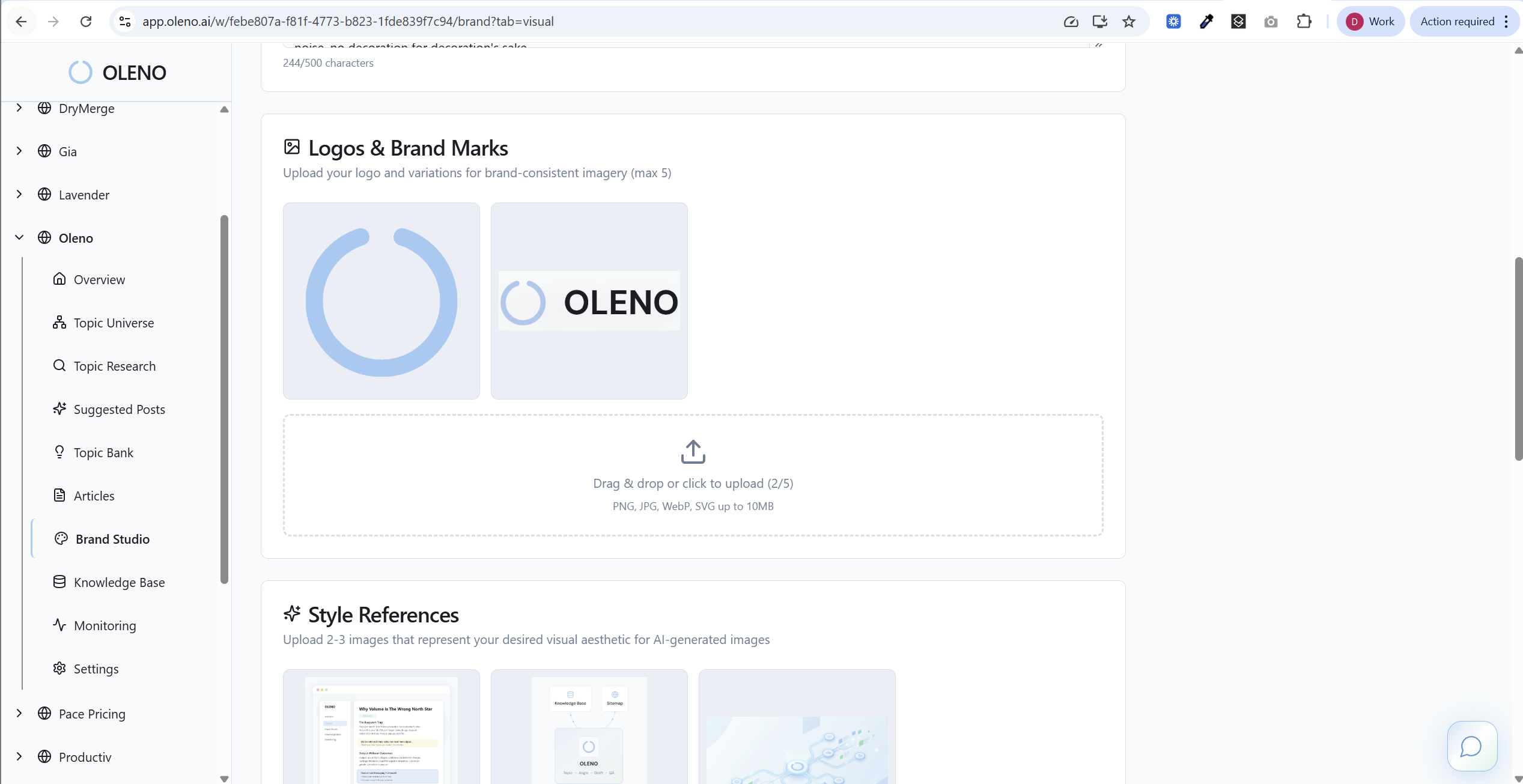
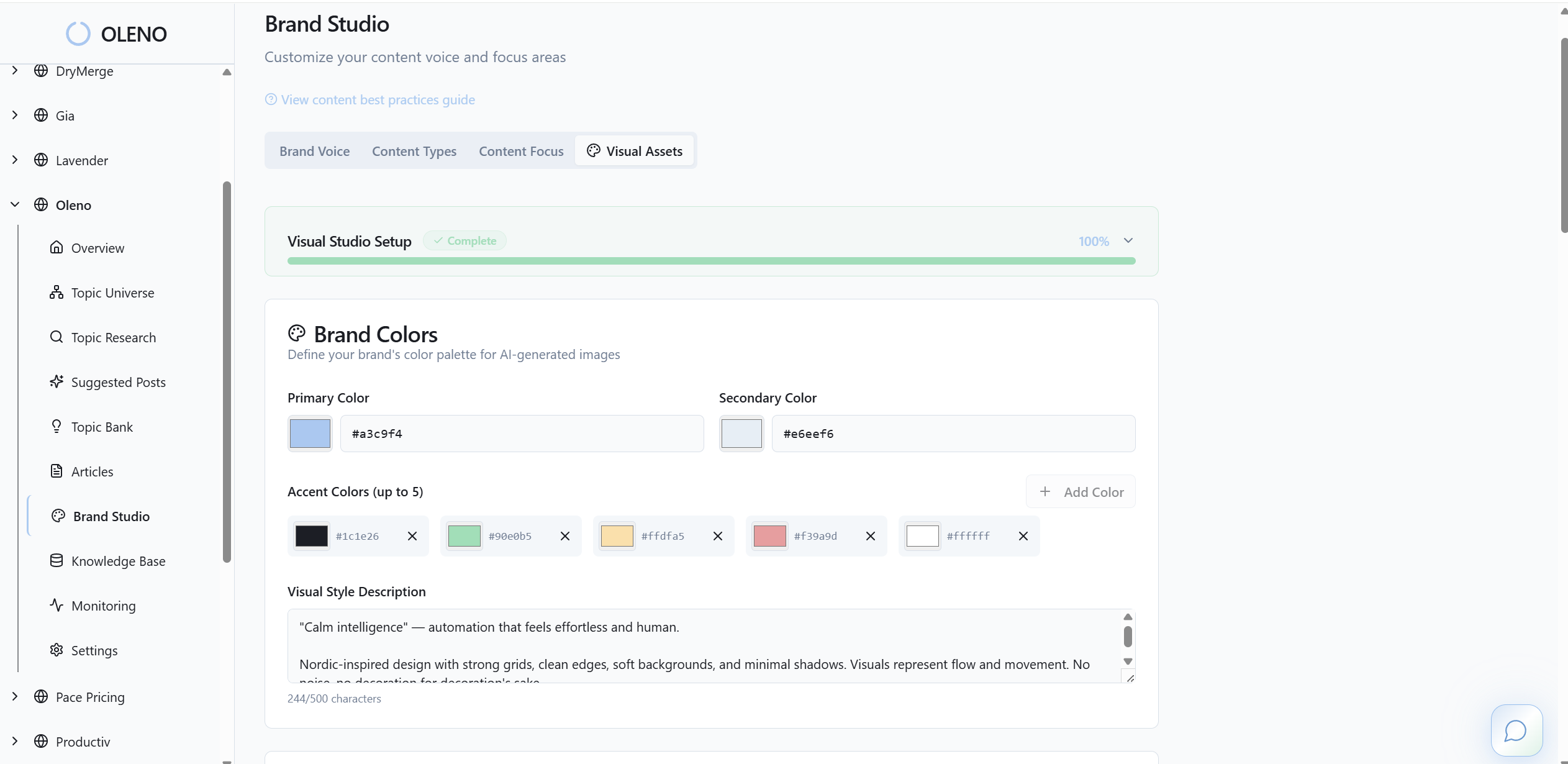
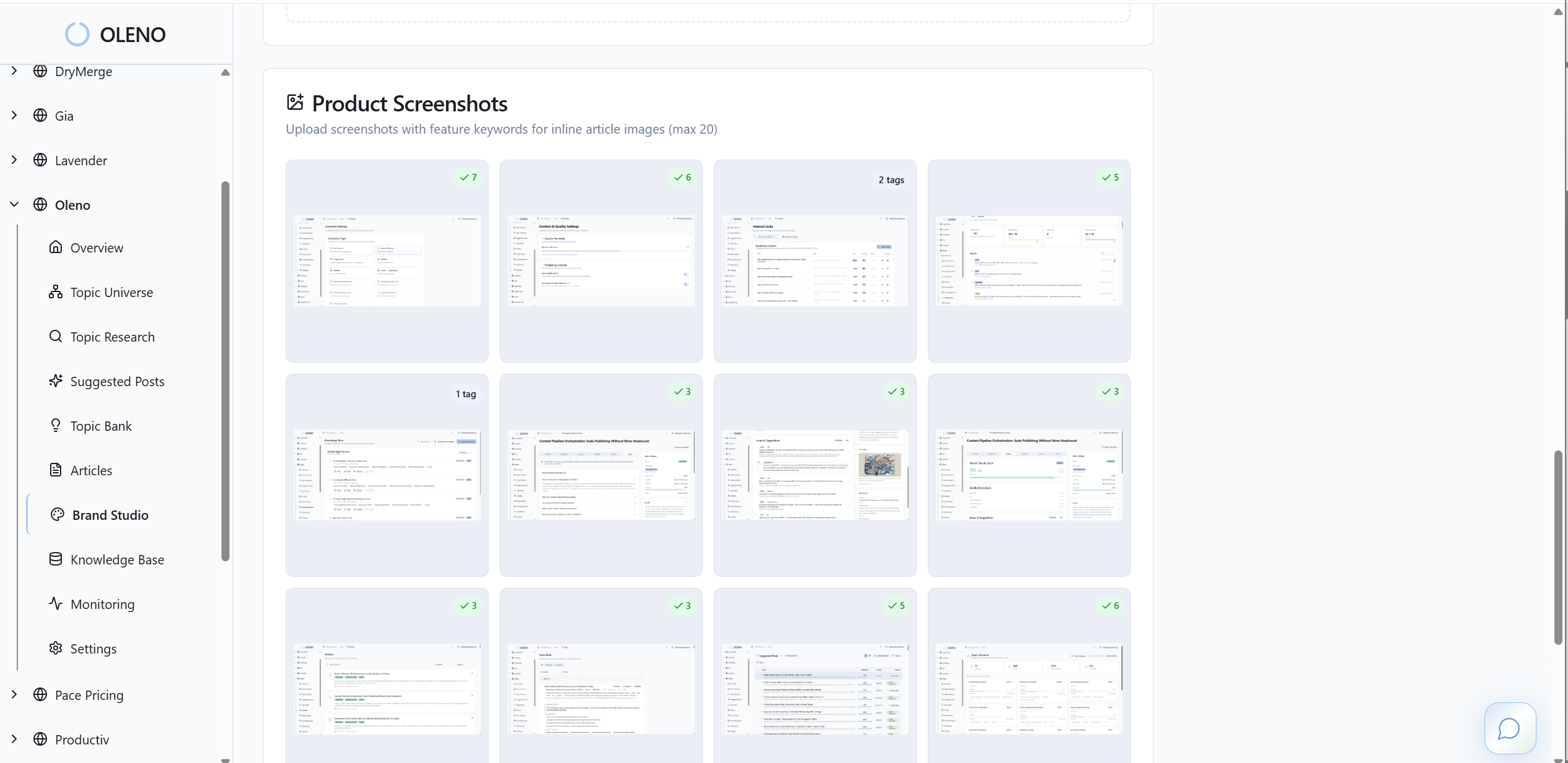
This is where speed and trust meet. You don’t wait on a designer for every post, and you don’t compromise the look. Oleno keeps the structure consistent and lets your visuals reinforce the narrative you’re shipping.
Across dozens of posts, that consistency compounds into recognizable, on-brand content that doesn’t need cleanup.
Oleno doesn’t stop at visuals. It also ensures they get used where they matter most. Screenshots are matched to the most relevant sections using semantic similarity, and solution-heavy areas are prioritized so your product appears right where readers decide. That placement reduces cognitive load and supports the claim without extra words.
Oleno also ships the invisible details that boost distribution. Alt text and SEO-friendly filenames are generated automatically. Multiple aspect ratios and resolutions are produced for different placements, and schema (Article, FAQ, BreadcrumbList) is attached so images and copy publish together cleanly. WordPress, Webflow, and HubSpot connectors map fields and preserve order, while QA checks visuals, links, and metadata before anything goes live. The messy “we’ll fix it post-publish” cycle gets replaced by a deterministic pipeline that prevents drift.
Want to see the Visual Studio workflow, not just read about it? Try Oleno For Free.
Conclusion
If your visuals come last, distribution suffers quietly. Put them first—right after the snippet-ready opener—and make them prove the claim. You’ll see fewer rewrites, cleaner social cards, and steadier snippet eligibility. And if you’d rather not build that system by hand, Oleno’s Visual Studio and publishing pipeline make image-first sections the default, not the exception.
About Daniel Hebert
I'm the founder of Oleno, SalesMVP Lab, and yourLumira. Been working in B2B SaaS in both sales and marketing leadership for 13+ years. I specialize in building revenue engines from the ground up. Over the years, I've codified writing frameworks, which are now powering Oleno.
Frequently Asked Questions