Snippet-Ready Article Structure: 7-Step Template for Featured Snippets

Most teams think snippets are about domain authority and backlinks. They matter, sure. But the paragraph that gets quoted is the one that answers cleanly, fast, and in the exact format crawlers prefer. I learned that the hard way. Years ago, we’d ship great thought leadership and still get leapfrogged by a competitor who led with a 50-word answer and a tidy example. They didn’t write better; they wrote for extraction.
Here’s the thing. Section-level clarity beats page-level polish. If your H2 opens with a tight, three-sentence paragraph that states the answer, gives one line of context, then a quick example, you’ll show up more often in featured snippets and AI citations. Humans like it too. It reads like you actually respect their time.
Key Takeaways:
- Optimize each H2 as a question-and-answer unit, not the whole page
- Open with a three-sentence, 40 to 60 word paragraph: answer, context, example
- Map H2s to real queries from SERPs and People Also Ask
- Size paragraphs and bullets to snippet norms, then expand below the fold
- Bake schema, internal links, and QA into the draft process, not the end
- Use a deterministic checklist to eliminate frustrating rework and late fixes
Why Your Content Is Ignored When Sections Are Not Quote-Ready
A section gets quoted when its opener is built for extraction: answer first, context second, example third in under 60 words. Crawlers lift clean, bounded paragraphs more reliably than rambling intros. Think: “What is X? Direct answer. One clarifying detail. For example, Y does Z with A.”

The metrics that actually determine snippet eligibility
Snippet eligibility skews toward structure, not swagger. Google tends to lift 40 to 60 word paragraphs or concise lists when the section’s first paragraph cleanly answers the implied question. If your opener is 90 words, or buries the answer under throat-clearing, you’re asking machines to guess. They usually pick someone else.
When we switched to openers sized for extraction, time-on-page didn’t drop. It went up. People want the answer, then they want proof and depth. The structure isn’t a gimmick; it’s how you de-risk ambiguity. If you want a playbook, study formats like the ones outlined in this guide on featured snippet templates. You’ll start to see the patterns immediately.
What is a snippet-ready H2 opener and why does it matter?
A snippet-ready opener is three sentences: direct answer, one context line, and a short example, all under 60 words. This matches how featured snippets and AI assistants extract content. For instance: “Internal linking helps crawlers understand page relationships. It clarifies topical clusters. For example, link your ‘Sales Forecasting’ hub to ‘Pipeline Accuracy Methods’ with exact-match anchors.”
Teams love adding flair above the fold. I get it. But that flourish is often what costs you the quote. Keep the opener tight; move your story one paragraph down. You’ll protect both visibility and voice. That’s the trade most teams miss.
Ready to pressure-test this approach on your own content? Try Generating 3 Free Test Articles Now.
The Real Unit Of Optimization Is The H2 Question, Not The Page
You win snippets when each H2 maps to one question and your opener answers it directly. Keywords and links help you rank overall, but extraction happens at the paragraph level. Define the question first, then shape the opener and supporting bullets to match intent.

Why keywords and backlinks are not enough
Keywords and backlinks can put your page on the field. They don’t decide which paragraph gets lifted from the pile. If the H2 doesn’t mirror the question users actually ask, your opener won’t be a direct answer. Machines prefer certainty. So write to a specific question, not a vague theme.
Here’s a simple test we use: if you read the H2 aloud, does it sound like a question a user would ask into a mic? If yes, your opener can be a crisp answer. If not, you’ll drift into setup and adjectives. Guidance on structuring for search and AI makes this clear in analyses like how to structure content for SGE. The takeaway: aim small, miss small.
How do you map search intent to the exact H2 question?
Start with SERP scans and People Also Ask boxes. Pull the top five questions that appear for your primary query, then pick one per H2. Rephrase each to sound conversational, like real speech, not keyword soup. Use the chosen question as the H2 or as a mirror close enough to match.
Then write the opener to answer that exact wording. If the intent wants a list (steps, features, examples), follow the opener with 4 to 8 bullets under 20 words each. Some teams use structured formats to consistently win in both AI and search, as frameworks like content formats built for snippets and LLMs explain. The method is teachable. It’s also repeatable.
The Hidden Costs Of Loose Structure In Production
Loose structure creates predictable rework: oversized openers, ad hoc schema, and last-minute internal link fixes. Those thirty-minute “quick edits” add up across a calendar. You spend more time fixing near-misses than writing new, differentiated content. It’s avoidable with a standard pattern.
Editorial hours lost to fixes that a template would prevent
Let’s pretend you publish 20 posts a month. Each needs 30 minutes of cleanup to trim bloated openers, add JSON-LD, and repair anchors. That’s 10 hours of frustrating rework. With two editors, you’re at 20 hours. At $70/hour fully loaded, that’s $1,400 monthly on preventable chores. Not quality. Chores.
The bigger cost is velocity drag. People get cautious because they expect late-breaking edits. So drafts sit. Approvals lag. Your calendar slips a week without a single strategy discussion. A simple, enforceable structure removes variance. If you want a quick gut-check on what Google is rewarding right now, skim pieces like winning featured snippets with your blog in 2025. You’ll see the same “answer-first” rhythm.
The performance leak when answers run long or vague
Paragraph snippets cluster around ~40 to 50 words. When your opener drifts to 80 words or takes two sentences to say what could be said in one, extraction rates drop. You might still rank, but you’ll lose the quote, the part that drives outsized CTR and AI visibility.
We’ve tested this pattern across dozens of drafts. Short, then depth. Lead with the answer, expand with examples, visuals, and nuance below. You’ll also avoid the “explain the context first” trap that sounds thoughtful but reads meandering. Think tight up top, generous below. Both matter.
Still bleeding time on cleanup instead of coverage? Try Using An Autonomous Content Engine For Always-On Publishing.
The Frustration Of Being Nearly There But Never Quoted
You can be right and still lose the box. The other team led with a tighter paragraph and a concrete example. They didn’t outrank you by miles. They out-structured you by inches. That’s the sting, being almost there, repeatedly.
When your best post loses the snippet to a tighter paragraph
I’ve been on that losing side. We had stronger product expertise and richer visuals, but our opener ran long. Their 52-word answer with a crisp example got the quote. We sat one position below, watching their CTR climb. Not because they knew more. Because they sized and sequenced better.
This is where discipline beats genius. The fix isn’t prose. It’s governance. Write the opener to the question. Keep it under 60 words. Add one example. Then earn the rest of the scroll. Teams focused on SERP and LLM clarity, see frameworks like create for SERP and LLMs, tend to internalize this muscle memory quickly.
What happens when schema and links get added at the end
Rushing schema and links at the end invites misses: invalid JSON-LD, orphan sections, anchors that don’t match titles. Publishing stalls, or worse, ships half-baked. And now your PM is worried about rollbacks while your editor is patching in production. No one enjoys that dance.
Bake it in. Place schema fields in your template. Define anchor conventions up front. Put opener sizing in your draft checklist, not your post-publish audit. Machines reward consistency. Your team will, too.
A 7-Step Template To Make H2s Snippet-Ready Every Time
A reliable snippet process follows seven repeatable steps from intent mapping to QA. Each step reduces ambiguity and editorial thrash. Do them in order and you’ll spend energy on ideas, not fixes. Skip one, and you’ll feel the wobble later.
Step 1: Map search intent to a snippet target
Start by choosing the exact question each H2 answers. Pull SERP questions, People Also Ask, and related queries for the primary topic. Pick one question per H2, no hedging. Then note the expected snippet format: paragraph, list, table. This sets your structure before a single sentence is written.
I’ll push on this because it matters: capture the chosen question verbatim in your brief. Don’t “kind of” answer it. Answer it. If you need to cover multiple angles, give them their own H2s. One section, one job.
Step 2: Align H1 and metadata with direct-answer phrasing
Write the H1 as a plain-English promise that mirrors the primary query. Use a meta title that repeats the promise with the same vocabulary users and SERPs expect. Draft a meta description that summarizes the direct answer in 150 to 160 characters. Keep it skimmable, not cute.
Why? Alignment reduces ambiguity. Crawlers don’t wonder what this page is trying to do. Users don’t either. When metadata echoes the question-and-answer pattern on-page, extraction gets simpler and CTR usually improves.
Step 3: Write the 3-sentence H2 opener, 40 to 60 words, plus 5 examples
Use the pattern: one-sentence answer, one line of context, one short example. Target 45 to 55 words. Example: “Content velocity increases when each H2 answers one intent. This reduces ambiguity for crawlers and readers. For example, a ‘What Is Lead Scoring?’ section should open with a definition, then note model types, then give a quick numeric example.”
Then, seed the article with five ready-to-pull examples across intents: definition, how-to steps, comparison, troubleshooting, and a short list. These become snippet-friendly blocks on their own. Edit them like standalone quotes.
Step 4: Enforce paragraph sizing and sentence-level rules
Cap the opener at 60 words and three sentences. Keep sentences under ~22 words. Use active voice and avoid layered clauses. If you’re targeting a list snippet, follow the opener with 4 to 8 bullets under 20 words each. After the list, add a one-sentence summary to catch paragraph snippets on alternates.
No one loves word-count policing. But accuracy here prevents hand-wavy “we’ll fix it later” time sinks. Constraints create clarity. And clarity gets quoted.
Step 5: Place FAQ and JSON-LD near the target sections
Add 2 to 4 FAQs that reflect real follow-ups you see in SERPs or support tickets. Embed Article and FAQ JSON-LD with deterministic fields, headline, date, author, description. Place schema in your CMS fields or near the related content in templates. Validate before publish so rich results don’t fail quietly.
When schema is a template task, not a launch scramble, the failure rate drops. Your team stops treating it as optional. It’s not optional.
Step 6: Add internal links and anchor text templates
Support each H2 with one internal link that clarifies context and cluster relationships. Use exact-match anchors when appropriate to mirror the target page’s title. Place links at natural sentence boundaries in the body, not stacked at the end. Avoid vague anchors like “here.” Machines appreciate precision. Readers do, too.
Document a short anchor style guide. It prevents “almost right” anchors that split relevance across variants. Small rule. Big consistency gain.
Step 7: Run a CMS QA and publishing checklist
Before you hit publish, verify opener length, list item counts, schema validity, internal link resolution, and alt text. Confirm no duplicated H1s or missing meta. Then do a quick manual scan for tense drift, passive voice in openers, and any stray jargon. Ship proud, not hopeful.
The best part? This checklist gets faster every week. Teams think checklists slow them down. In practice, they prevent the slowdowns.
How Oleno Implements The 7-Step Snippet Template In Your Stack
Oleno bakes this pattern into the pipeline: snippet-ready openers, deterministic links, validated schema, an 80+ point QA, and one-click publishing. You write the truth; the system handles structure and placement. Output looks like your brand, not a generic AI.
Snippet-ready paragraphs with enforced sizing
Oleno opens every H2 with a 40 to 60 word, three-sentence answer that follows the answer, context, example pattern. QA verifies sentence count, word count, and voice against your brand constraints. This removes the post-draft trimming that burns cycles and nudges every section toward snippet eligibility without heavy editorial lift.
We’ve seen teams regain hours per week because “tighten the opener” becomes a constraint, not a last-minute comment. Less friction, more publishing.
JSON-LD generation and placement that passes validation
Oleno generates Article, FAQ, and BreadcrumbList JSON-LD automatically, then passes it through CMS connectors with mapped fields. Because schema is deterministic, you reduce the risk of invalid markup or missing attributes during publish. Your editors stop worrying about rich result failures that derail launch windows.
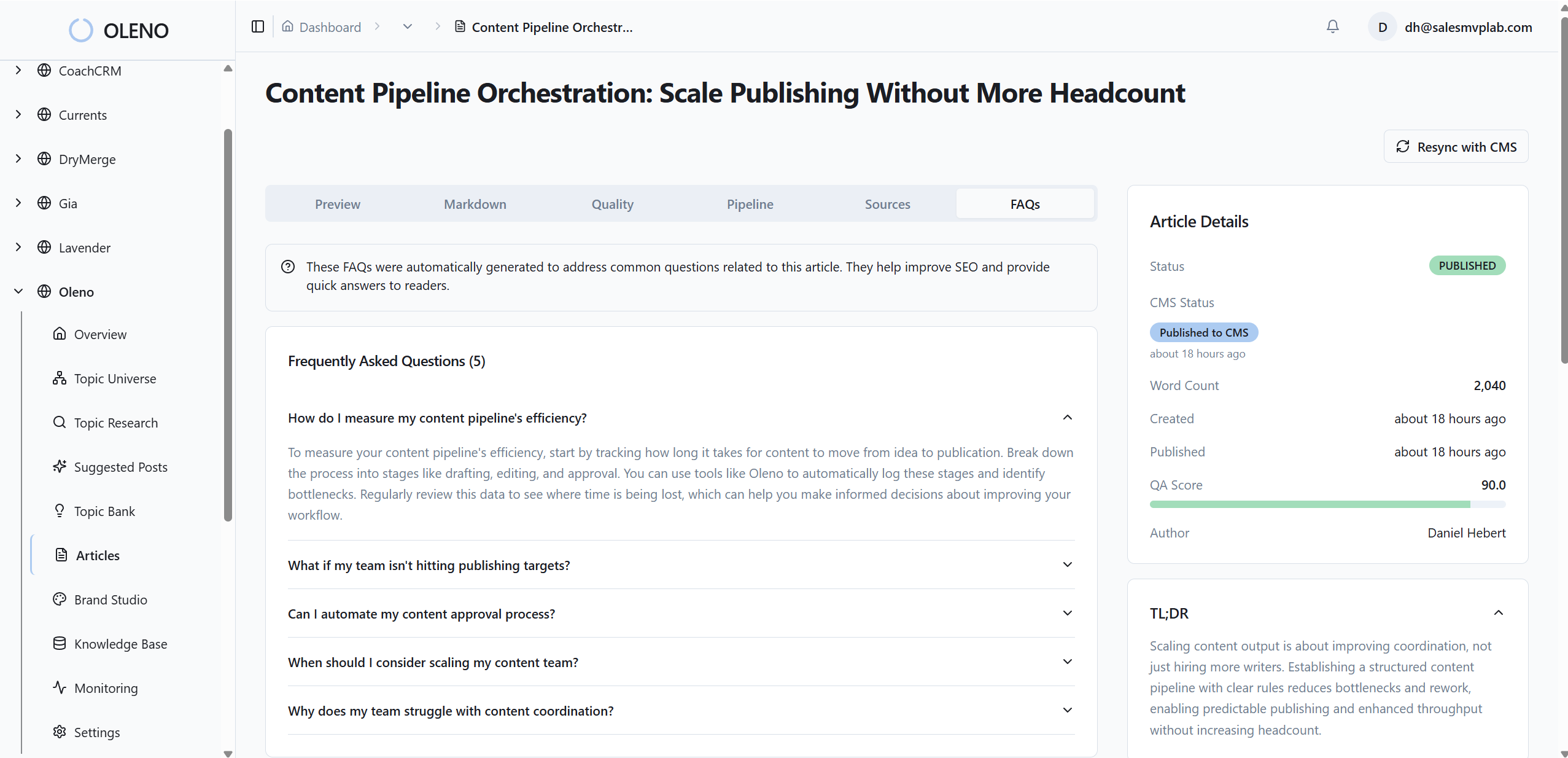
The effect isn’t flashy. It’s steady. Publishing becomes boring in the best possible way.
Deterministic internal linking that uses verified URLs only
Oleno injects internal links after draft generation using only verified URLs from your sitemap. Anchor text matches page titles exactly, and links are placed at natural sentence boundaries. No fabricated URLs. No broken anchors. This supports each H2’s context and improves how sections are interpreted by search and AI systems.
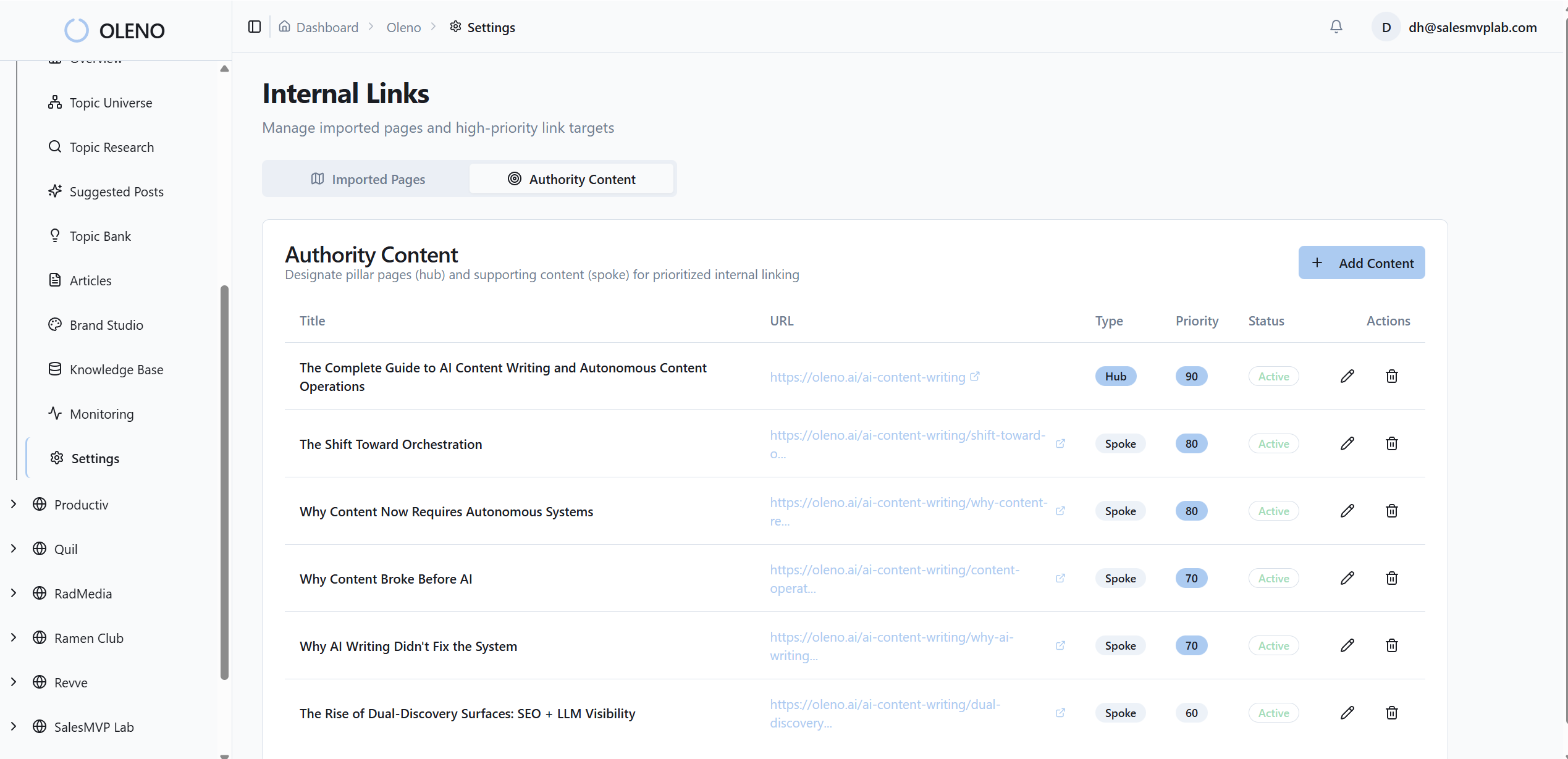
You don’t need to memorize link targets. The system handles it with code, not hope.
80 plus point quality gate and one-click publishing
Every draft passes through Oleno’s 80+ automated checks across structure, information gain, snippet readiness, brand alignment, visuals, and filenames. Once QA passes, Oleno converts to CMS-ready HTML and publishes via WordPress, Webflow, or HubSpot connectors, draft or live. Oleno’s goal isn’t speed for its own sake; it’s consistent, on-brand output with fewer late-night fixes.

If you want to see the pipeline end-to-end, Try Oleno For Free.
Conclusion
You don’t need bigger opinions to win snippets. You need tighter sections. One H2, one question, one clean 40 to 60 word answer. Then the nuance, visuals, and depth that earn trust. When you standardize that pattern, and automate the schema, links, and QA, the rework fades and authority compounds. You’ll still write. You’ll just stop fixing the same problems twice.
About Daniel Hebert
I'm the founder of Oleno, SalesMVP Lab, and yourLumira. Been working in B2B SaaS in both sales and marketing leadership for 13+ years. I specialize in building revenue engines from the ground up. Over the years, I've codified writing frameworks, which are now powering Oleno.
Frequently Asked Questions