Snippet-Ready Structure: 7 Section Templates to Win Featured Snippets

You don’t win featured snippets by being clever. You win by making it dead simple for machines to quote you. That starts with how you open every section. Not flowery transitions. Not “In this section we’ll explore.” Direct answer. Clean scope. Tiny example. Then you expand.
I learned this the hard way. At small teams, I could keep structure tight. As teams grew, drafts drifted. Editors spent Fridays rebuilding intros and stripping fluff. When we started treating every H2 like a mini landing page with a 3‑sentence opener, the rework slowed. Not perfect. Noticeably better.
Key Takeaways:
- Open every H2 with a 3‑sentence, 40–60 word direct answer
- Structure, not keywords, is the main driver of snippet eligibility
- Count the cost: missed snippets mean lost CTR and recurring rework
- Format sections to stand alone cleanly for AI and search extractors
- Use a small set of templates to standardize quality at scale
- Systematize this with enforced rules, not manual reminders
Ready to skip the theory and see structured sections in action? Try Generating 3 Free Test Articles Now.
Stop Treating H2s As Transitions, Make Each One A Direct Answer
Most teams bury the answer under setup; snippet-ready sections flip that. Lead each H2 with a 3‑sentence opener: answer, context, example—kept to 40–60 words. This makes your section extractable as a featured snippet or AI citation. Example: “How rate limiting works: it caps requests per client to protect availability.”

Why direct answers beat setup paragraphs
Direct answers reduce ambiguity for both readers and machines. When your first sentence resolves the query, extractors don’t have to guess which lines matter. The next two sentences set scope and provide a concrete example, which makes the chunk quotable without dragging in extra context from elsewhere on the page.
I’ve watched editors try to rescue buried answers with bold text and anchors. Doesn’t fix it. The openers were still meandering, so nothing clean was extractable. Tight openers consistently outperform clever intros because tools can lift them verbatim. Humans appreciate it too. No one complains about clarity.
If you want an external reference for structured openers, the patterns align with practical guidance like Featured Snippet Templates. Templates don’t write for you; they force the right shape at the top of each section so the rest of the content can breathe.
What is a snippet-ready section and why does it matter?
A snippet-ready section is a self-contained block that answers a single question cleanly. It opens with a direct, scoped, 3‑sentence paragraph and uses simple markup. The benefit is eligibility: search engines and LLMs quote chunks, not pages. Treat each H2 like a mini page that can be cited in isolation.
Think of your H2s as “units of meaning.” Each should resolve one intent without relying on surrounding paragraphs. That means clean sentences, minimal clauses, and one idea per line. If you’ve ever seen a competitor’s thin page outrank your masterpiece, it’s usually because their sections are easier to lift, not smarter.
Teams love adding “thesis” paragraphs at the top of a section. That’s where eligibility goes to die. Use the opener to answer. Then build. If you want a broader library of structured writing patterns to adapt, resources like 20 Ready-To-Use Marketing Templates can help you keep formats consistent across authors.
The Hidden Root Cause Of Missed Snippets Is Section Structure, Not Keywords
Missed snippets usually come from messy sections, not weak keywords. Extractors need clarity: a direct opener, one idea per sentence, and clean markup. Put the answer first, then expand with a short list or mini table. Keep scope narrow so the section stands alone when quoted elsewhere.

Where conventional formatting breaks eligibility
Three patterns get in the way: intro fluff, buried answers, and multi-topic paragraphs. When your opener warms up the topic instead of answering it, you’ve already lost eligibility. When you cram several ideas into one paragraph, you force machines to choose randomly. That’s how you end up quoted out of context.
I’ve also seen teams interleave multiple subtopics under one H2. It reads like stream-of-consciousness. Machines don’t parse intent that generously. Split it. One H2, one job. And when you need complexity, use a short list after the opener instead of compound sentences. Lists are machine-friendly when they’re tight and consistent.
If you want a planning nudge, borrowing from structured research patterns helps. Outlines that force single-purpose sections (see Structuring Research: Outline Templates) make it harder to drift. The trick isn’t more keywords. It’s cleaner, more extractable structure.
How do you make every H2 citeable in isolation?
Write your H2 like a question or a plain-language claim. Apply the 3‑sentence opener. Then add 3–5 bullets or a micro-table to deepen context. Close with a single-sentence takeaway that restates the answer. The goal isn’t drama. It’s a chunk that can be lifted without losing meaning.
You don’t need to do this manually every time. Build the pattern into your playbook so openers become muscle memory. We did this as a simple checklist in the brief: opener length, sentence roles, and whether the example is literal enough. Editors stop debating taste and start checking structure.
You’ll notice something else: writers go faster. Constraints remove decision fatigue. Once the opener is locked, the rest of the section almost writes itself. Also, formatting decisions—like when to use a list vs. a table—get standardized. That predictability is exactly what extractors reward.
The Real Cost Of Non‑Answer Sections Adds Up Fast
Non-answer sections quietly erode performance and inflate editing time. Each missed snippet is a missed CTR lift you could have captured with cleaner structure. Each buried answer creates rework—splitting paragraphs, rewriting intros, fixing markup. At scale, that becomes a weekly tax you pay to make pages usable.
Let’s pretend you publish 20 articles a month
Let’s pretend half your H2s are transitional fluff. That might mean 10–20 lost snippet opportunities per article. If a single snippet lifts CTR by 2–5 percent, the compound loss across 20 pieces starts to sting. You’ll get some of that back with incremental fixes, but the editing hours steal it right back.
Numbers are directional here, but the pattern holds. The moment you tighten openers, you stop leaving easy wins on the table. And you reduce the time needed to teach machines what you meant. For teams that love research rigor, structuring up front (see How to Create a Structured Research Outline) aligns the writing to the outcome you want: extractable chunks.
We used this approach when I was the only marketer on a lean team. I could ship 3–4 high‑quality posts per week because the structure was fixed. As headcount grew, drafts drifted, quality slipped, and edits ballooned. When we reinstated snippet-first rules, we didn’t suddenly dominate, but the rework bill dropped.
When edits turn into a weekly headache
Here’s the cycle you might recognize. A post goes live. It underperforms. Someone notices the openers bury the answer. You rewrite intros. You split paragraphs. You fix a couple list formats. Then you chase one-off schema issues. Multiply that by every article. It feels small. It isn’t.
At larger teams I’ve seen editors spend Fridays “snippeting” pages—ripping out lead-ins and reformatting lists to salvage eligibility. That’s expensive and demoralizing. It also creates inconsistency across the site because not every editor fixes things the same way. Structure-first drafting avoids most of this, and it doesn’t require heroics.
If you’re building a research-heavy piece, templates help you resist scope creep. Even simple planning frameworks like Research Plan Templates can keep sections single-purpose. Less drift in the brief equals fewer late-stage rescues in the CMS.
You Can Feel The Pain When A Great Article Gets Outranked By A Tighter Chunk
You wrote the better article. More depth, stronger examples. Still, you lose the box to a simpler page with a cleaner opener. That hurts. The fix isn’t more words. It’s answering first, scoping cleanly, and formatting lists so the section can be quoted without a phone call to your writer.
What happens when your best post loses the box to a simpler page
It looks unfair at first. Then you inspect their section shape. Three sentences. Direct answer. Narrow scope. Short list. They didn’t “win” because the content was smarter. They won because the section was cleaner to extract. Machines can’t reward nuance they can’t cleanly copy.
We’ve all tried “adding context” above the answer to warm up the reader. That warmth keeps you out of position zero. Put the context after the answer. If you’re explaining pros and cons, use a tiny table. If you’re outlining steps, keep them uniform. Your openers shouldn’t need translations.
Want a quick way to gut-check your structure against the field? Competitive templates help you spot what their top sections have in common (see Top Competitive Analysis Templates). You don’t copy their points. You copy the shape.
Who on your team bears the brunt of this
Writers feel the whiplash of late edits. Editors become the cleanup crew. PMMs worry about losing demand on navigational queries. Leadership sees traffic wobble without a smoking gun. It’s not a talent problem. It’s a system problem. Snippet-ready structure gives everyone relief.
I’ve been on both sides—writing and selling. At one company, the content team crushed traffic but struggled to tie posts back to the product because structure drifted. It wasn’t about chasing different keywords. It was about making every section stand on its own and point back to the solution where it made sense.
A system won’t fix everything. Markets move. Algorithms change. But when you standardize how sections open and how they’re formatted, you get fewer surprises and fewer “why did we lose this box?” moments. That steadiness is worth a lot.
Still dealing with this manually and feeling the rework pile up? Try Using an Autonomous Content Engine for Always-On Publishing.
The 7 Section Templates That Win Featured Snippets Consistently
Seven simple templates cover most of what you publish: definition, problem-to-solution, step lists, case examples, how‑to mini guides, comparisons, and checklists. Each starts with a 3‑sentence opener, then uses lists or tables to expand. Consistency beats creativity here. Save your originality for the examples.
Definition and problem-to-solution openers
Definition openers answer “What is X?” in sentence one, add scope or contrast, then give a real-world example. Problem-to-solution openers name the pain, quantify a typical impact, then offer the fix. Both formats serve extractors a clean chunk they can lift without your surrounding narrative.
Use definition openers for concept pages and glossaries. Use problem-to-solution when you’re moving a reader from pain to action in a single section. Keep sentences tight, nouns concrete, and examples literal. If you need to add variations or edge cases, do it after you’ve delivered the answer.
A quick way to systematize this across a team is to keep a lightweight library of examples. Interjection. Not a style guide no one reads—just side-by-sides of “before” and “after” openers. For more structured examples, see pattern roundups like Featured Snippet Templates.
- Use definition when readers seek clarity
- Use problem-to-solution when readers seek change
- Keep examples product-adjacent, not product-heavy
Step lists and case examples that trigger list snippets
Step list primers open with outcome, why it matters, and when it applies. Then you present 5–8 steps, each an imperative verb plus one clause. Case examples open with a scenario, a constraint, and the deciding action. Both formats are list-friendly and often trigger list snippets.
These formats shine when readers are skimming. They also reduce writer friction because the structure is obvious: opener, list, one-line validation. For case examples, anonymize details and keep the results directional. “Lifted CTR by 3–5 percent” communicates value without overpromising.
When your topic calls for a process, resist the urge to nest sub-bullets. It adds noise and hurts extractability. Keep steps flat and uniform so machines can count them. If a step needs nuance, add a sentence under it, not a tree of caveats.
- Write steps: Verb + result clause
- Keep lists to 5–8 items
- End with one validation tip
How-to mini guides that set expectations
How-to mini guides open with “To do X, do Y, then Z.” Second sentence flags pitfalls. Third sentence sets time or tooling expectations. Then you can add a numbered list of 4–6 actions. This format is perfect for narrow tasks you want to own with a clean, confident answer.
Set expectations early. If the task takes an hour, say it. If you need a specific tool, name it. That transparency reduces bounce and increases trust. And if you plan to add structured data later, this format maps cleanly to HowTo schema without heavy refactoring.
Avoid overloading the list with optional branches. If there are forks in the road, create separate subsections or pages. Mini guides should feel like a straight path with a clear finish line. Keep the opener tight so the list can do the heavy lifting.
- Cap steps at six
- Call out pre-reqs in the opener
- Add a “when to stop” line
Comparison explainers and checklists for fast decisions
Comparison explainers start with the decision rule, state the key differentiator, and give a quick example. Then a 3‑column micro-table (“When to use / Strength / Tradeoff”) helps readers choose. Checklists validate readiness: what to check, scope of the check, quick example, then 6–10 short items.
Use comparisons when confusion stalls decisions. Use checklists when the goal is to validate quality before moving on. Both reward brevity and consistency. And both are friendly to extractors that want to pull a small table or a short list into a box.
Keep checklist items to 6–10 words and lead with verbs. For comparisons, limit table rows to three to five. If you need more depth, link (internally) to deeper pages. The section itself should answer decisively and quickly.
- Comparisons: limit to 3–5 rows
- Checklists: 6–10 items max
- Close with a remediation rule
How Oleno Makes Every H2 Snippet-Ready By Default
Systems beat reminders. Oleno enforces snippet-ready structure at the drafting stage and validates it at QA. The pipeline opens each H2 with a 3‑sentence, 40–60 word paragraph. Schema and internal links are injected deterministically. Visuals reinforce answers with aligned alt text. Less drift. Less rework. More eligible sections.
Snippet‑ready paragraph automation
Oleno opens every H2 with the 3‑sentence pattern: direct answer, supporting context, practical example. This isn’t a suggestion; it’s encoded in how drafts are generated and scored. The benefit is predictable clarity. Teams don’t rely on memory or taste to keep sections extractable. The system does.
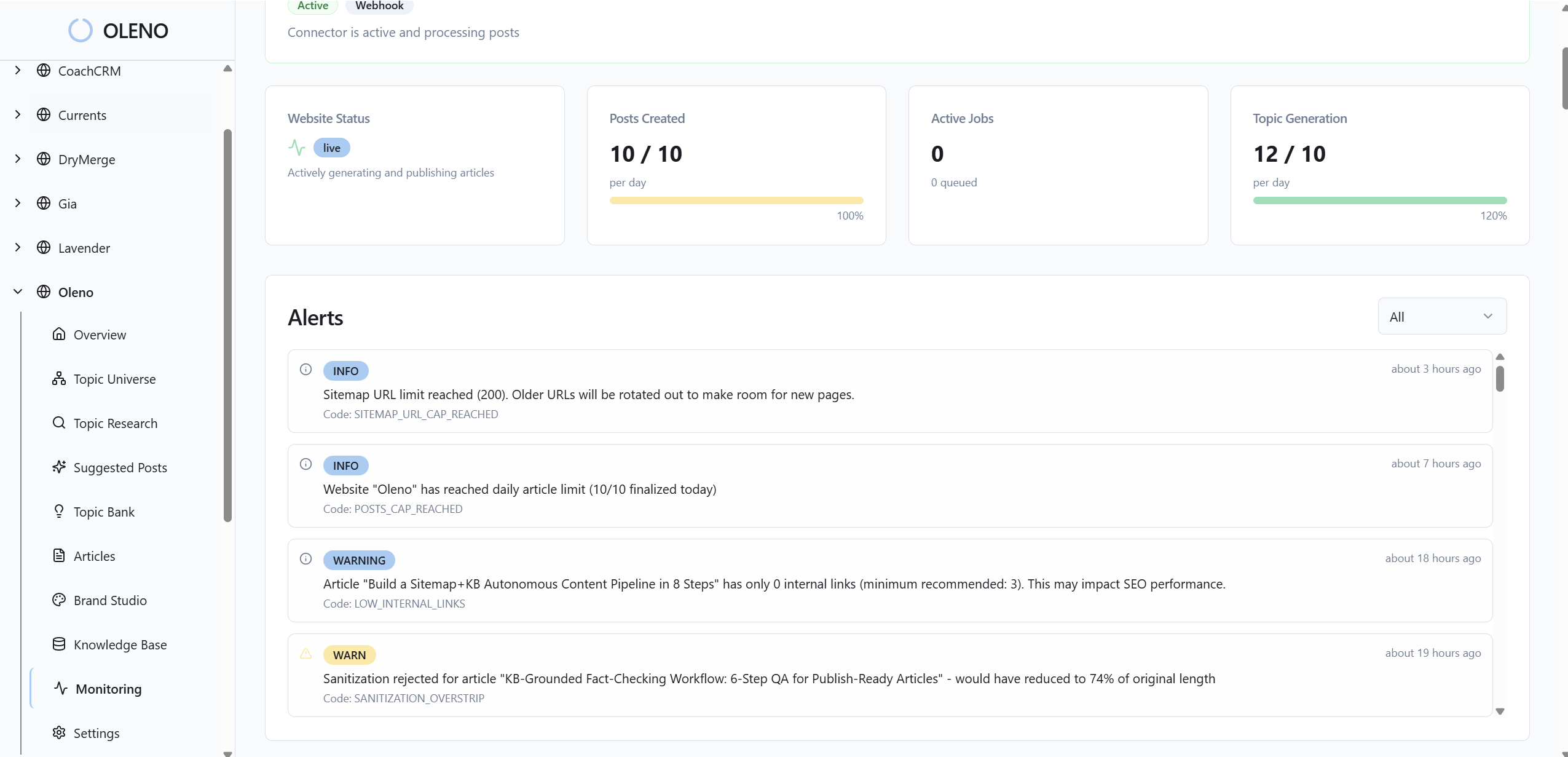
You’ll notice the impact in editing time. Instead of rewriting intros, editors refine examples or expand detail where it matters. Oleno’s QA gate checks opener length and role, so weak openers don’t slip through. That pushes consistency across authors, topics, and publishing cadence without extra meetings.
If you’ve got legacy content, you can uplift it by applying the same pattern before republishing. It won’t fix every rank issue, but it removes a common blocker: buried answers. Over time, this compounds into a library of sections that machines can cite without help.
Schema, FAQs, internal links, and QA without manual work
Oleno generates valid JSON‑LD for Article (and FAQs when intent fits), then passes it through CMS connectors. You get consistent rich‑result eligibility without hand‑coding fields. For FAQ‑friendly topics, appending 3–5 concise questions near the end strengthens clarity without derailing the narrative.
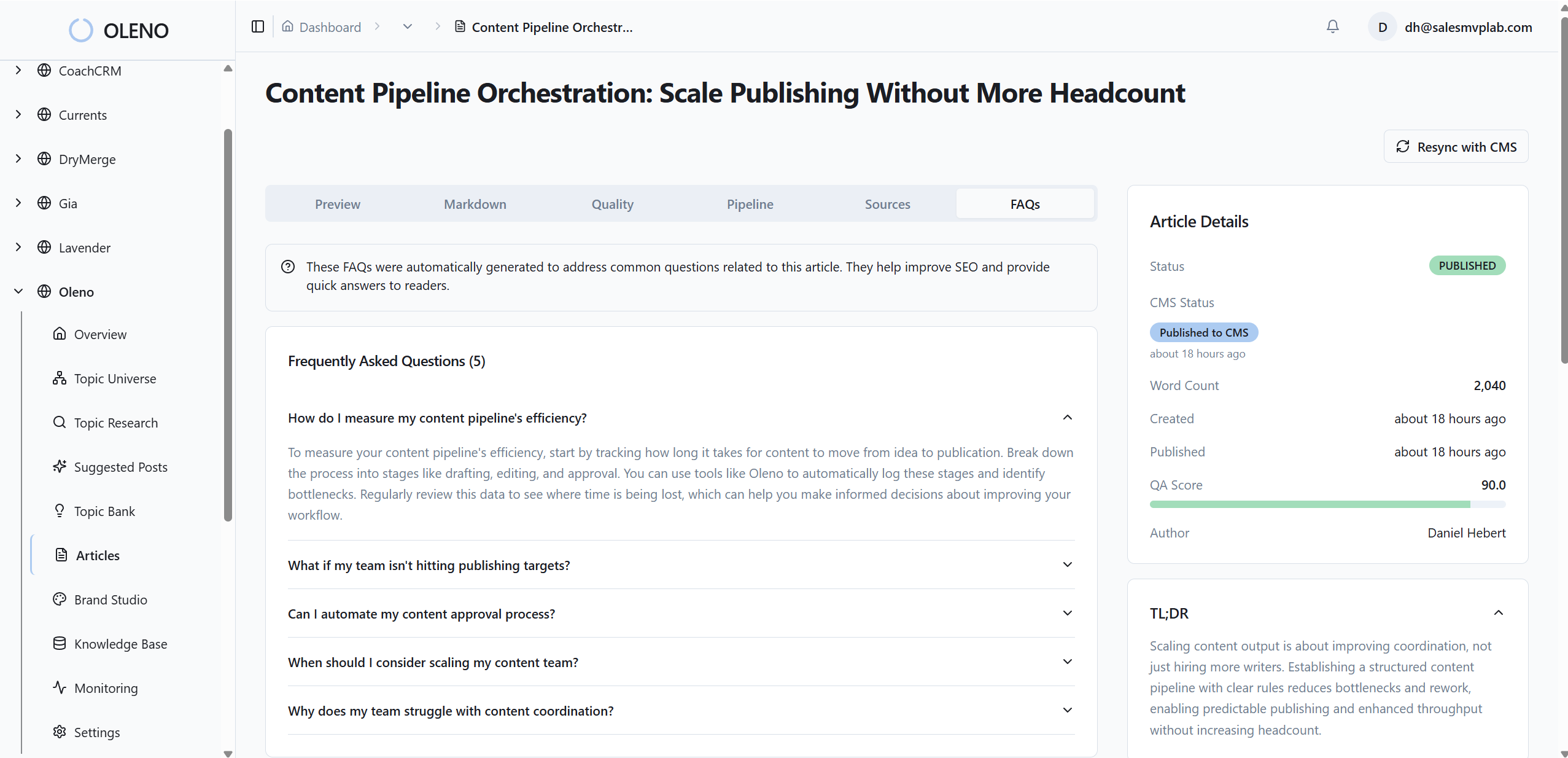
Deterministic internal links are injected from your verified sitemap, with anchors matching page titles and placements at natural sentence boundaries. No fabricated URLs. No broken links. Oleno’s 80+ point QA checks snippet readiness, structure, and markup so issues get resolved before anything ships.
If you want a reference on planning research content that pairs well with structured schema, templates like Study Management Templates and Guidance map nicely to section-level clarity. Oleno doesn’t import those templates; it simply produces output that aligns cleanly when you need it.
Still stitching schema and links together by hand? Let Oleno handle the mechanics while your team focuses on narrative. Try Oleno for Free.
Visual Studio alt text and placement that reinforces answers
Visuals aren’t decoration here. Oleno’s Visual Studio generates brand‑consistent hero and inline images, then places them where they reinforce the section’s core answer. Alt text and filenames are derived programmatically from the opener, which nudges topical alignment without manual cleanup.
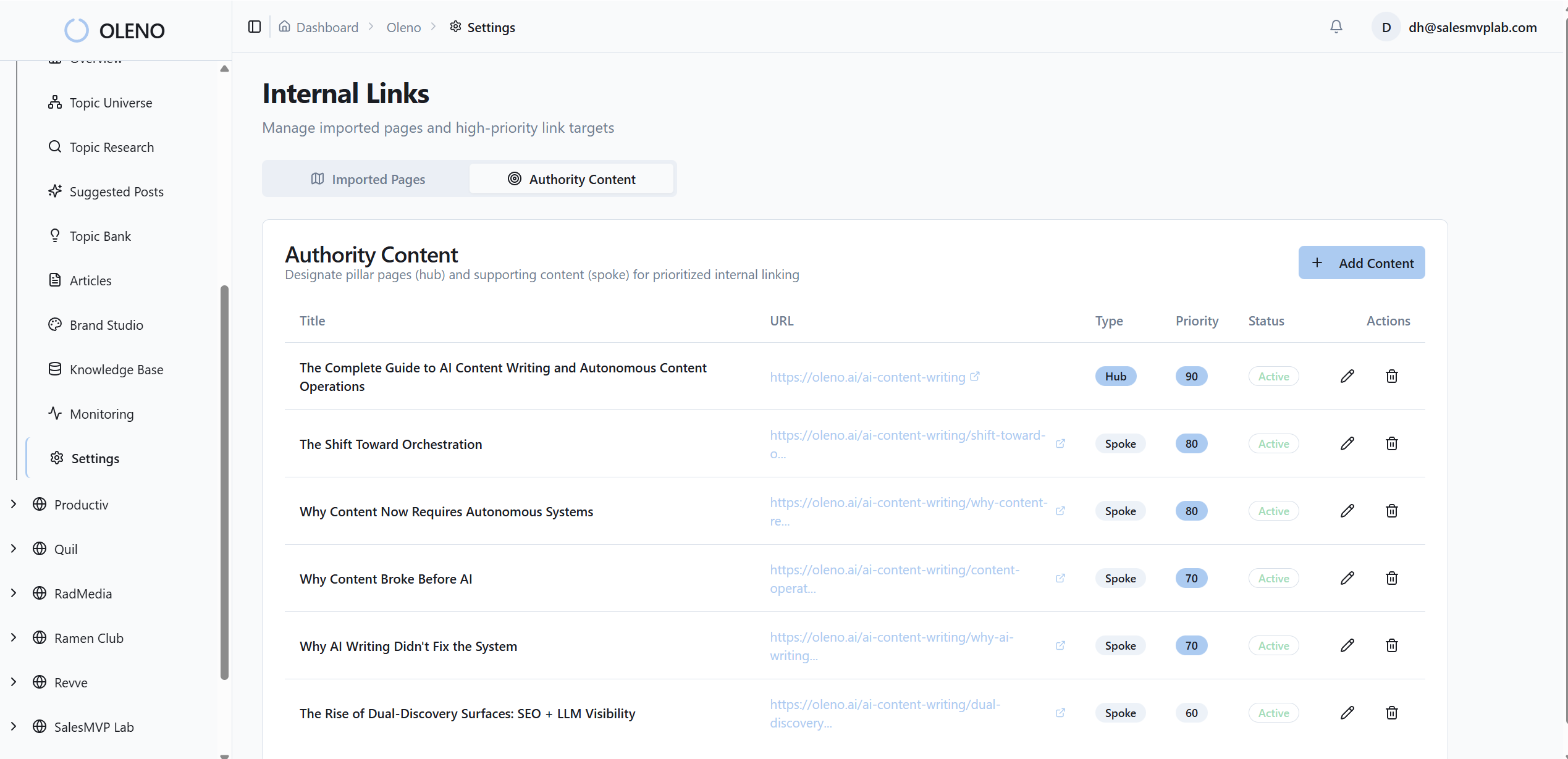
This matters most in solution sections, where product screenshots should appear right beside the claims they support. Oleno matches screenshots to relevant sections using semantic similarity, so the right image lands in the right place more often. Designers stop scrambling. Editors stop hunting for assets.
You still have creative control—Visual Studio isn’t a design agency—but it removes the busywork that slows teams down. The point isn’t to make every page look the same. It’s to make every page look like your brand while supporting extractable, citeable answers.
Conclusion
You don’t fix snippet losses with more adjectives. You fix them with cleaner sections: answer first, scope tight, example literal. Then you scale it with a system that enforces the pattern, checks the markup, and places visuals where they matter. That’s how you reduce frustrating rework and give your best ideas a fair shot at the box.
About Daniel Hebert
I'm the founder of Oleno, SalesMVP Lab, and yourLumira. Been working in B2B SaaS in both sales and marketing leadership for 13+ years. I specialize in building revenue engines from the ground up. Over the years, I've codified writing frameworks, which are now powering Oleno.
Frequently Asked Questions