Turn NPS & Support Logs into Content: 6‑Step Churn Reduction Pipeline

Most teams sit on a gold mine of customer signals—NPS, CSAT, support logs, reviews. And then? A meeting. A dashboard. A nod. Nothing ships. I’ve been on both sides: at Proposify, sales watched great content pull leads while customers still churned for the same three reasons we heard in support every week. At PostBeyond, I could write fast and with authority, but as the team grew, context scattered and quality dipped.
Here’s the uncomfortable truth. Listening doesn’t reduce churn. Shipping does. Not more content—more targeted content tied to activation, adoption, and renewal moments. When we ran Steamfeed, scale came from structure—depth plus breadth, published reliably. The same logic applies to retention content. You don’t need more opinions. You need a pipeline.
Key Takeaways:
- Treat feedback as inventory for a pipeline, not insights for a slide
- Map signals to activation, adoption, and renewal to prioritize what ships
- Quantify backlog cost (repeat tickets, lost activation) to create urgency
- Stand up a 6-step “signals to content” pipeline with owners and SLAs
- Enforce quality and voice with QA gates so fixes reduce support load
- Publish quickly, measure impact, and iterate—like product, not posts
Ready to shortcut the theory and see outputs? Try a quick run and assess the fit. Try Generating 3 Free Test Articles Now.
Feedback Without A Pipeline Does Not Cut Churn
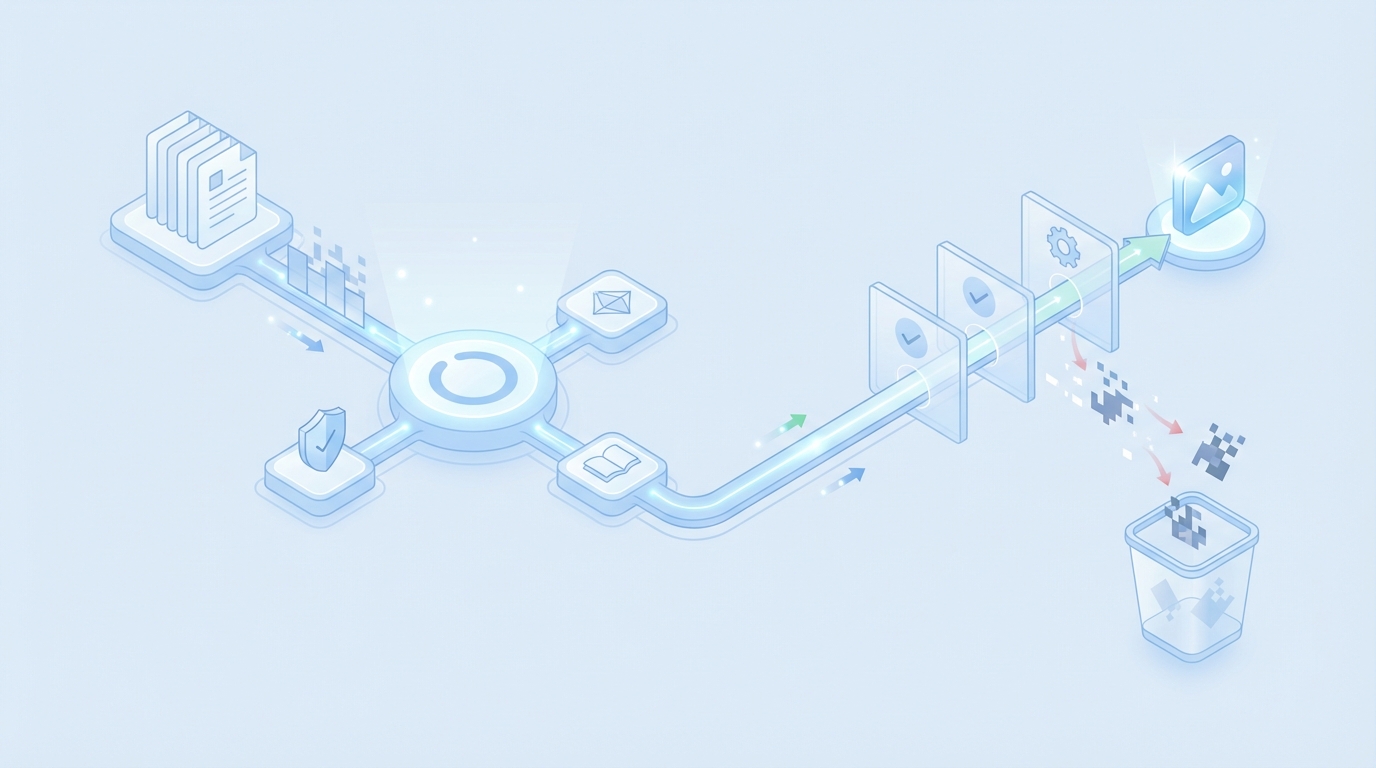
A feedback pile doesn’t reduce churn because signals rarely convert into briefs, templates, and launches. The missing piece is an operational chain: capture, tag, brief, template, test, measure. When this chain exists, detractor themes turn into specific assets fast—for example, a troubleshooting page plus microcopy that eliminates a repeat setup ticket.
The Metrics Flooding Your Inbox Are Not The Assets Customers Need
Dashboards collect sentiment; customers need answers. You don’t fix a 12-minute password loop by staring at NPS comments. You fix it by turning the complaint into a brief, picking the right template, and shipping a doc plus an in-product hint. We learned this the hard way—great content doesn’t matter if it never addresses the breakpoints your users hit on day three.
What usually goes wrong is simple. Feedback stays categorized by tool (NPS, CSAT, email) instead of decision moment (activation, adoption, renewal). Teams argue severity without a rubric, so everything feels “important.” The fix is procedural: define owners, create a weekly triage slot, and codify what jumps the queue. Even a lean team can move fast if the pipe is real.
What Is The Difference Between Listening And Shipping?
Listening is a loop without an output. Shipping is the loop with a finish line. Add structure that forces motion: capture → tag → brief → template → test → measure. If any link is missing, the signal dies. If every link is present, you get fewer repeats in the queue and fewer “sorry, still working on it” replies to active users.
A quick sanity check helps: could you show, in one click, the brief, the owner, the status, and the acceptance criteria for last week’s top detractor theme? If the answer is no, you’re collecting, not reducing churn. Even NPS skeptics agree that sentiment without action doesn’t help—see this perspective on NPS’s limits for context.
Translate Raw Signals Into Jobs Your Content Can Win
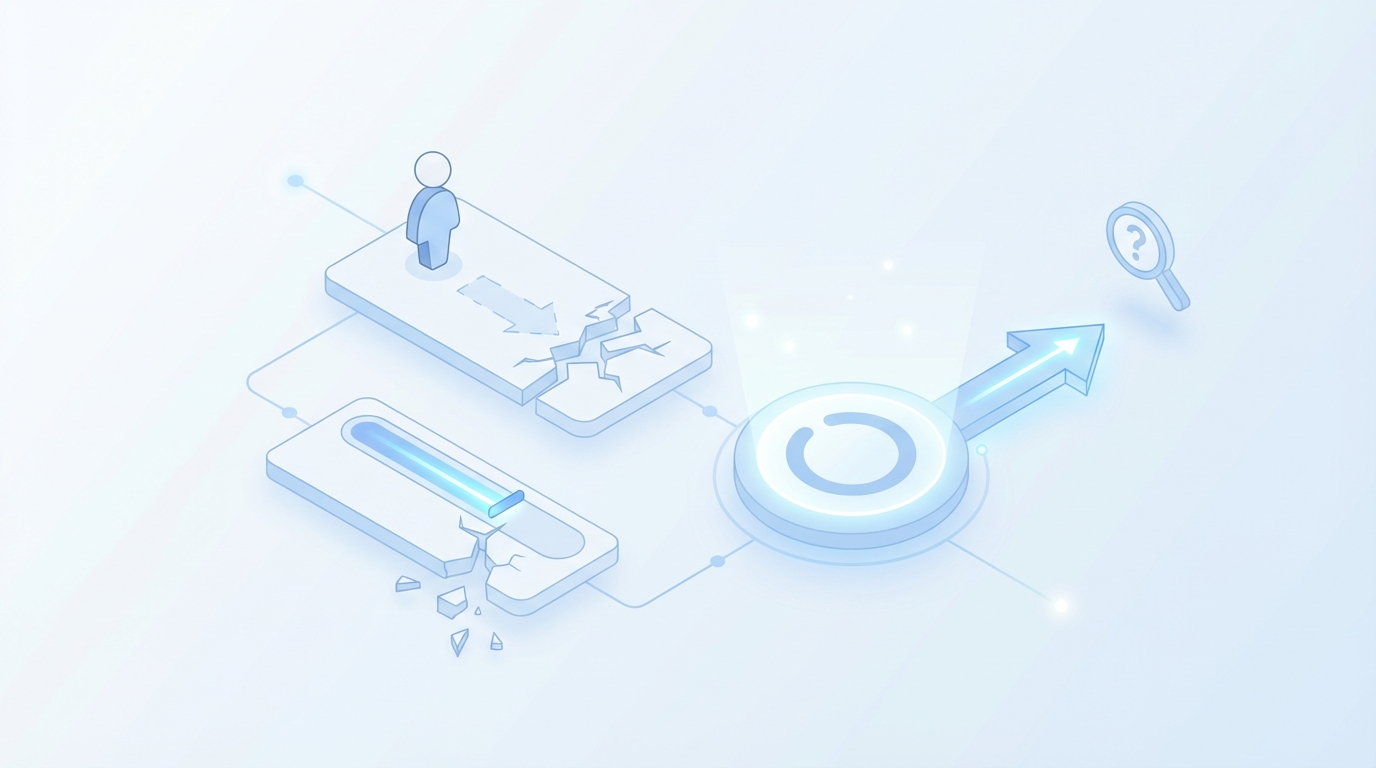
You turn raw feedback into wins by sorting signals by decision moment, not tool. Activation blockers require onboarding and microcopy; adoption confusion needs troubleshooting and FAQs; renewal friction calls for value reinforcement. This lens creates clarity, reveals urgency, and maps directly to content templates a small team can ship fast.
Inventory Your Signals By Decision Moment, Not By Tool
Start with everything: NPS, CSAT, support logs, product telemetry, reviews. Then re-sort by where the user is in their journey. Activation themes sound like “stuck on step 3” or “permission denied.” Adoption issues read as “how do I?” or “unexpected result.” Renewal friction shows up as “we didn’t see value” or “hard to report wins.”
When you reframe inputs around decision moments, output choices get obvious. Activation problems point to quickstart checklists, a single-purpose doc, and in-product guidance. Adoption issues push you toward short, focused how-tos. Renewal friction calls for value stories, proof, and success patterns for lookalike cohorts. For extra signal strength, pair this with telemetry trends—some teams use approaches like predicting churn from behavior patterns to spotlight where content will matter most.
Where Do NPS And Tickets Plug Into The Flywheel?
Think flywheel, not files. Map feedback to Acquire, Educate, Convert, Retain & Expand, and Reinforce. Activation belongs to onboarding content and microcopy. Adoption lives in docs and FAQs. Renewal lives in value reinforcement and customer proof. When each signal has a flywheel home, you stop arguing themes and start queuing assets.
This is where “jobs” matter. The job isn’t “write a blog post.” The job is “reduce repeat ticket X by 40% in 30 days” or “lift day-7 activation for Cohort A by 6 points.” In practice, we’ve seen format bias kill results—teams default to posts because they’re familiar. Resist that. Choose the asset that wins the decision moment.
The Compounding Cost Of Untreated Feedback
Untreated feedback compounds cost in support hours, lost activation, and eroded trust. Repeat tickets stack up. Silent churn hides real risk. Docs drift from product and create more confusion. Quantifying these costs turns “we should” into “we must,” and lets you prioritize a short list that’s worth shipping this sprint.
Engineering And Support Hours Lost To Repeat Issues
Let’s pretend one onboarding gap drives 40 tickets per month at 12 minutes each. That’s eight hours of support, every month, for a single theme. Add a product manager pulled into the thread twice a week. That’s avoidable. A one-page troubleshooting doc, two screenshots, and a tooltip could zero-out a third of those contacts.
Multiply across five common themes and you’re looking at a part-time headcount sunk into repeat conversations. That’s frustrating rework for everyone. I’ve watched teams spend more time debating “what should we write” than it would take to ship a fix. Predictive approaches add weight here—teams that model early churn risk with behavior patterns (example: how predictive analytics reduce churn) see where content can offload the queue.
How Much Revenue Risk Sits In Onboarding Confusion?
Early confusion becomes silent churn. Users don’t always raise a hand—they just stop. Tie detractor themes to activation rates by cohort. If one setup path underperforms, publish a dedicated checklist and a three-email nudge. The metrics to watch are simple: day-7 activation and 30-day logo survival for that segment.
When you treat feedback like a backlog, you can run experiments that pay off fast: A/B a doc link in-product, test revised microcopy for the failing step, and watch repeat ticket volume for that theme week over week. It’s not perfect attribution, but it’s directionally clear—and it’s enough to prioritize next week’s work.
Still routing signals manually and hoping for the best? There’s a steadier way to keep work moving without adding people. Try Using An Autonomous Content Engine For Always-On Publishing.
When Users Struggle, Trust Slips Fast
Trust slips when users hit friction and don’t see quick, visible help. The fix isn’t a manifesto; it’s a fast, specific asset that resolves the exact moment of struggle. Acknowledge the issue, ship the guidance, and make it easy to find. Visible progress beats a perfect plan.
The 3-Minute Setup That Makes People Quit
Every product has a step that breaks people. A permissions nuance. A field label that sounds smart internally and confusing externally. Find the exact moment from tickets and session notes. Design a single page that shows the fix, a known-good example, and what “done right” looks like. Then test variants. Keep the best.
When that fix exists, support can link to it instantly and users can self-serve. The side effect is cultural—shipping one helpful page per week builds momentum. You don’t need a 20-page guide; you need the page that solves the thing people trip over. Momentum beats big plans that never launch. You know this. Now operationalize it.
Ship A Repeatable Signals To Content Pipeline, 6 Steps
A six-step pipeline moves feedback to published assets reliably: inventory, cluster, prioritize, brief, experiment, and operationalize. Each step reduces ambiguity and speeds shipping. You’ll stop debating hypotheticals and start measuring specific lifts in activation, repeat ticket reduction, and renewal health.
Step 1: Inventory And Ingest Your Feedback Signals
Pull the last 90 days of NPS, CSAT, support logs, telemetry events, and review snippets. Normalize timestamps, user segments, and product areas. Store in a single sheet or table with message, tag, cohort, and funnel moment. You’re building raw material for content, not a data lake, so keep the schema light and useful.
Two tips. First, keep a “source quotes” field so a writer can borrow the exact user phrasing—this keeps your tone grounded. Second, align your product areas with how your docs are organized. Otherwise your themes won’t map cleanly to places in the docs where help actually lives.
Step 2: Extract Themes With Lightweight Clustering And Tagging
Start simple: keyword grouping, component tags, sentiment buckets. If you have embeddings handy, great—use them to catch synonyms across products or platforms. Tag each theme by intent, severity, and visibility. Write one-line “theme cards” with examples so a writer or PM can understand it at a glance.
The goal isn’t a research paper. It’s clarity you can hand to an owner who will ship an asset within days, not weeks. If a theme can’t produce a one-sentence brief and a clear asset type, it’s not ready yet. Tighten the tag, add a quote, and make the ask specific.
Step 3: Prioritize Themes By Funnel Impact And Risk Cohorts
Score by frequency, severity, and cohort risk. A high-severity activation issue beats a medium renewal annoyance. Keep a top-five list. Everything else waits. This keeps focus and creates a measurable bet for the next sprint. Your team won’t wonder what to do; they’ll know the next five assets to ship.
Keep the scoring simple enough to run weekly in 20 minutes. And codify a rule: detractor clusters from strategic accounts jump the queue. You don’t need perfect math to make better decisions. You need a consistent way to decide quickly without relitigating the same arguments.
Step 4: Select The Right Content Templates And Write The Brief
Pick templates that match the job: onboarding fix, troubleshooting microcopy, FAQ, or a focused drip sequence. Write a one-page brief with target cohort, before-and-after behavior, acceptance criteria, and source quotes. Link to product truth and voice rules so the draft doesn’t drift into generic advice.
Here’s the thing. The template choice is most of the win. Use the smallest asset that solves the pain. Overwriting is a common failure pattern—big posts feel productive, but a two-paragraph doc with one screenshot often beats them for activation.
Step 5: Launch Controlled Experiments Against Target Cohorts
Ship the asset to a defined audience. In-product copy for new signups. A doc update with a prominent UI link. Or a three-email nudge to the affected cohort. Use A/B and a small holdout. Track activation lift, repeat ticket reduction, and session completion rates. Tie measurements to the theme ID so you can compare over time.
If your team runs SEO or lifecycle tests already, reuse that muscle and keep tests lightweight. The question isn’t “Is this statistically perfect?” It’s “Did we reduce the pain enough to move to the next theme?” Progress, then polish.
Step 6: Operationalize With Owners, SLAs, And A Feedback-To-Brief Loop
Assign an owner for activation content and another for adoption. Set a weekly triage and two-week shipping cadence. Add QA gates so voice, accuracy, and structure are checked before publish. Close the loop by tagging new tickets to themes after launch. If volume drops, keep. If not, iterate or retire.
Treat this like product work. A small SLA here—“activation themes get an asset within seven days”—will save you from expensive rework later. And you can borrow measurement ideas from lifecycle content practices in sales and CS content programs that focus on reduction of repeat questions and time-to-value.
How Oleno Operationalizes This Pipeline Without Extra Headcount
Oleno turns those six steps into a repeatable system by enforcing rules upfront and removing manual coordination. Governance and knowledge grounding keep drafts safe. QA gates block low-quality assets. Direct publishing keeps cadence steady. You focus on the decisions; Oleno handles the mechanics that slow teams down.
Governance And Knowledge Grounding Turn Signals Into Safe Drafts
You load approved product truth, help docs, and voice rules once. Oleno uses that as guardrails so assets created from support themes stay accurate, on-brand, and within allowed claims. Instead of arguing phrasing on every draft, the system applies your rules consistently. That’s less back-and-forth and fewer worried edits before something ships.
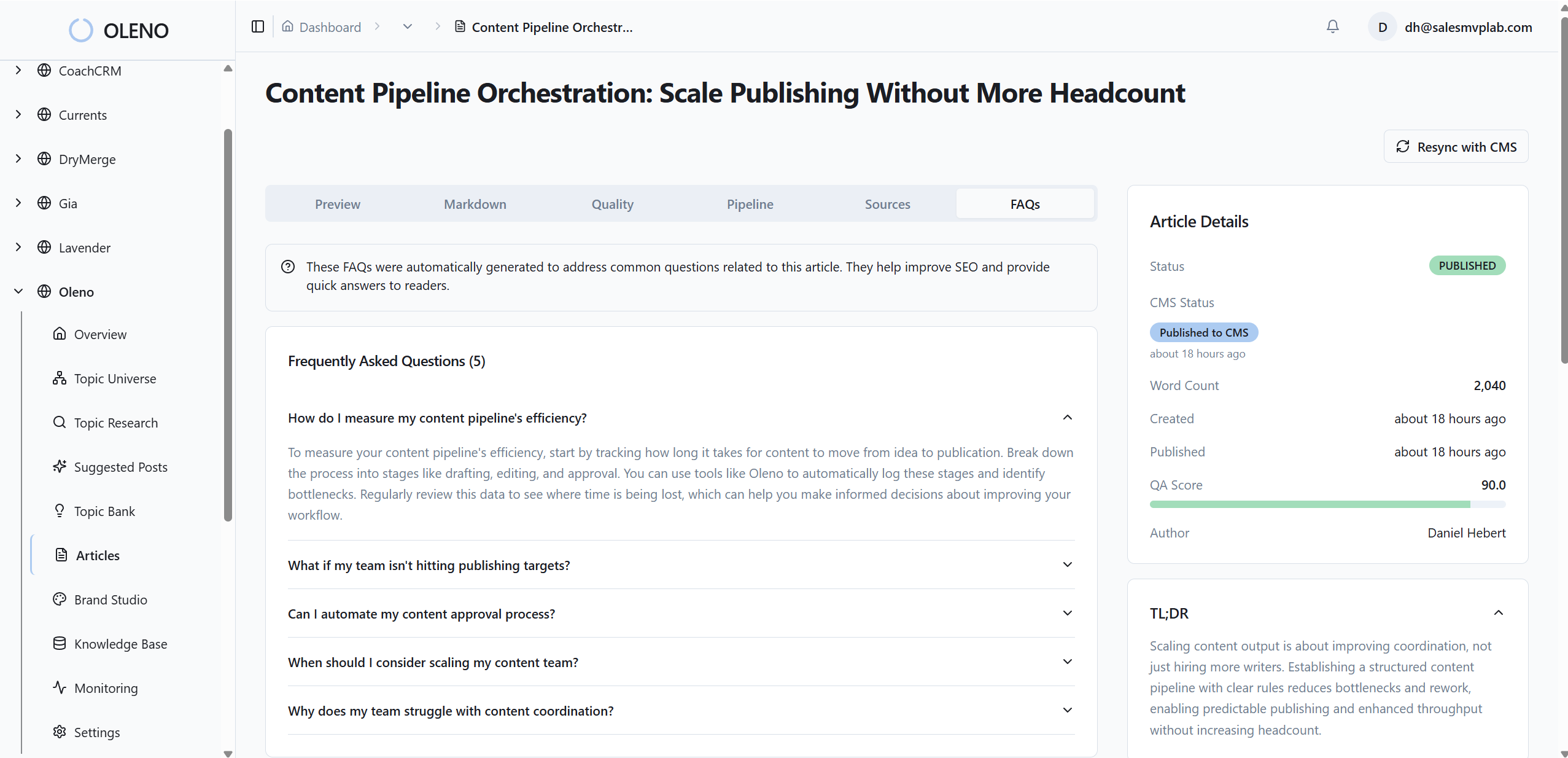
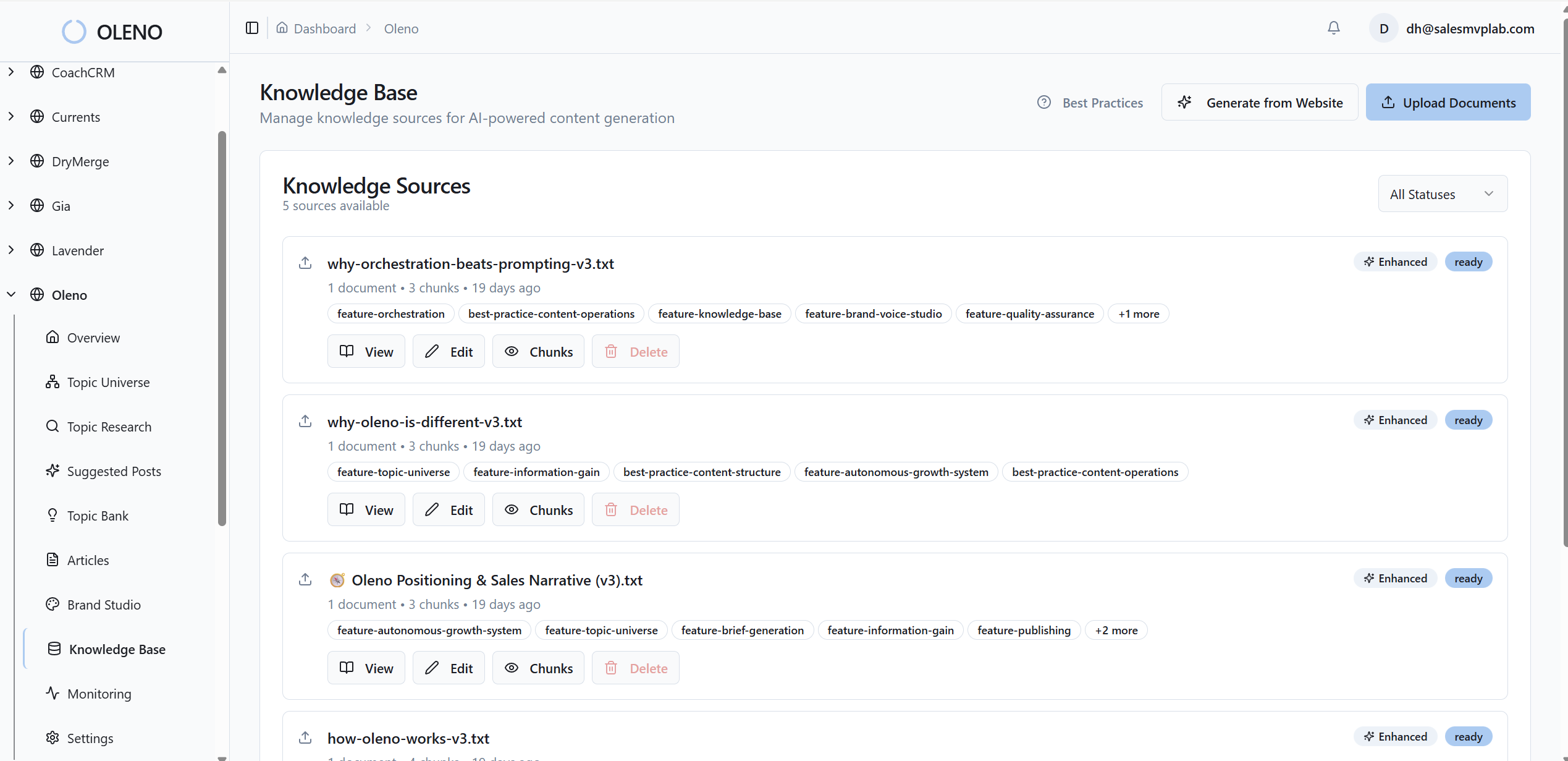
This matters when you’re moving quickly on detractor themes. You can brief with confidence because the draft will respect your positioning and product boundaries by default. In practice, it means the first version is usable, not a rewrite from scratch. Oleno brings the structure; your team brings the judgment.
QA Gates And Publishing Keep Quality High And Cadence Real
Nothing goes live unless it passes voice, structure, and factual checks. Oleno’s QA gate catches drift, filler, and unclear steps before publish, so your onboarding fix, FAQ, or microcopy update meets the bar every time. Then, publish directly to your CMS—draft or live—without duplicate pages or metadata mistakes getting in the way.
Because QA and publishing are built into the flow, you protect the cadence that reduces repeat tickets and early churn. Pair that with your A/B tools and lifecycle dashboards, and you’ll see which assets correlate with lower ticket volume and better day-7 activation. It’s the callback to earlier pain: less rework, fewer repeats, steadier retention.
Here’s the practical difference you’ll feel: fewer meetings to chase status, fewer last-minute edits to fix tone, and fewer “we’ll get to it next sprint” moments. Oleno keeps the pipeline moving so your small team can run the play every week.
If you’re ready to turn feedback into a weekly cadence of useful, on-brand assets, it’s easy to try. Try Oleno For Free.
Conclusion
Churn rarely drops because teams “care more.” It drops when you turn feedback into a pipeline that ships small, targeted fixes every week—and you protect that flow with rules, templates, QA, and steady publishing. You don’t need more meetings or a bigger team. You need a system that keeps moving when priorities shift. Do the unglamorous work: pick the moment, ship the asset, measure the lift, repeat. That’s how retention compounds.
About Daniel Hebert
I'm the founder of Oleno, SalesMVP Lab, and yourLumira. Been working in B2B SaaS in both sales and marketing leadership for 13+ years. I specialize in building revenue engines from the ground up. Over the years, I've codified writing frameworks, which are now powering Oleno.
Frequently Asked Questions